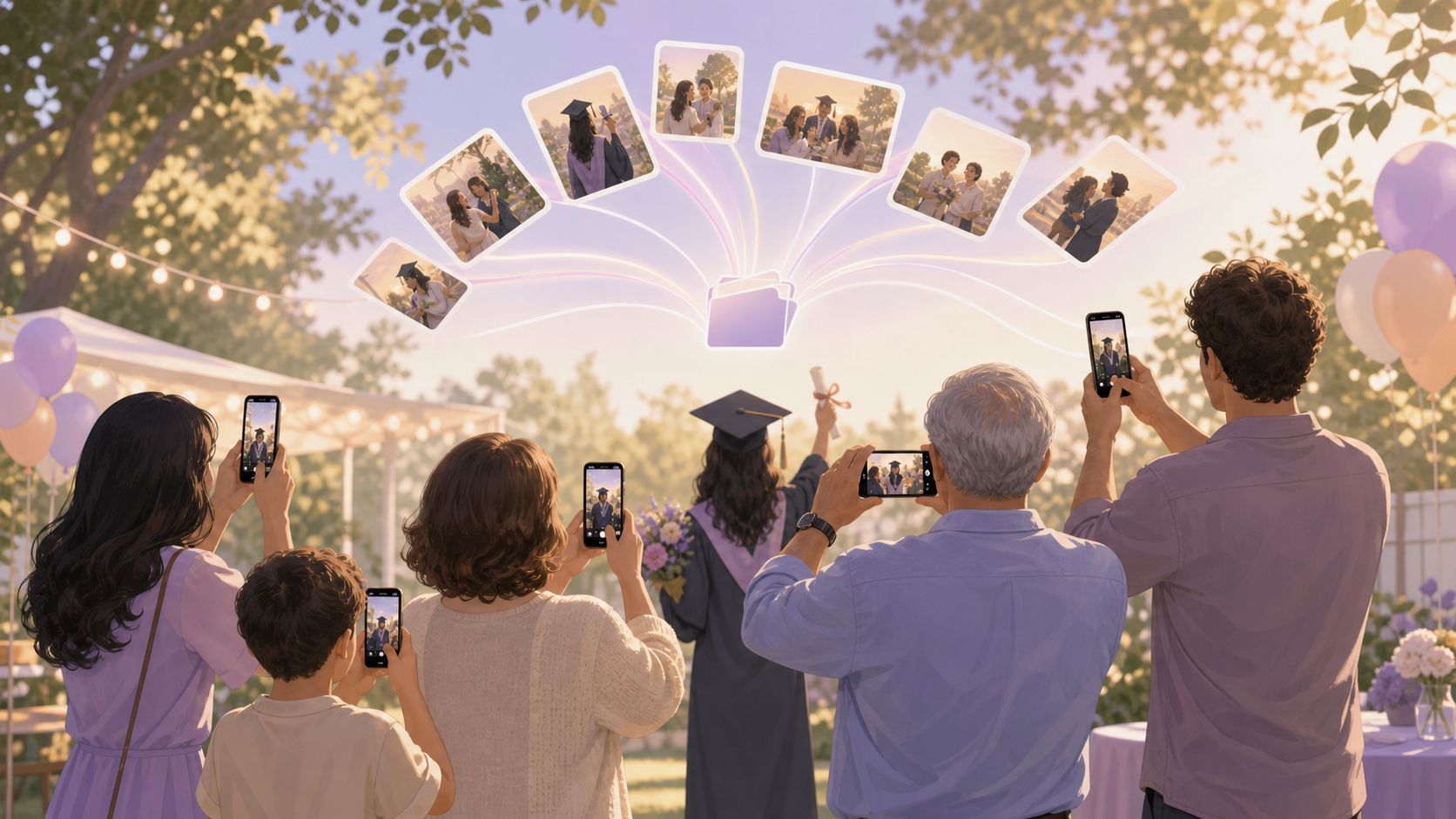
You spent months planning the graduation party — the venue, the cake, the guest list — and the last thing you want is to spend the next two weeks chasing photos from twelve different people who all promise to send them 'soon.' Graduation parties pull together family members who rarely see each other and friends scattered across different cities, all capturing the same irreplaceable moment on completely different devices. You want one complete album: every angle of the day, browsable by grandma in Florida without downloading anything, and actually private instead of living in a Facebook group you're not sure is locked down.
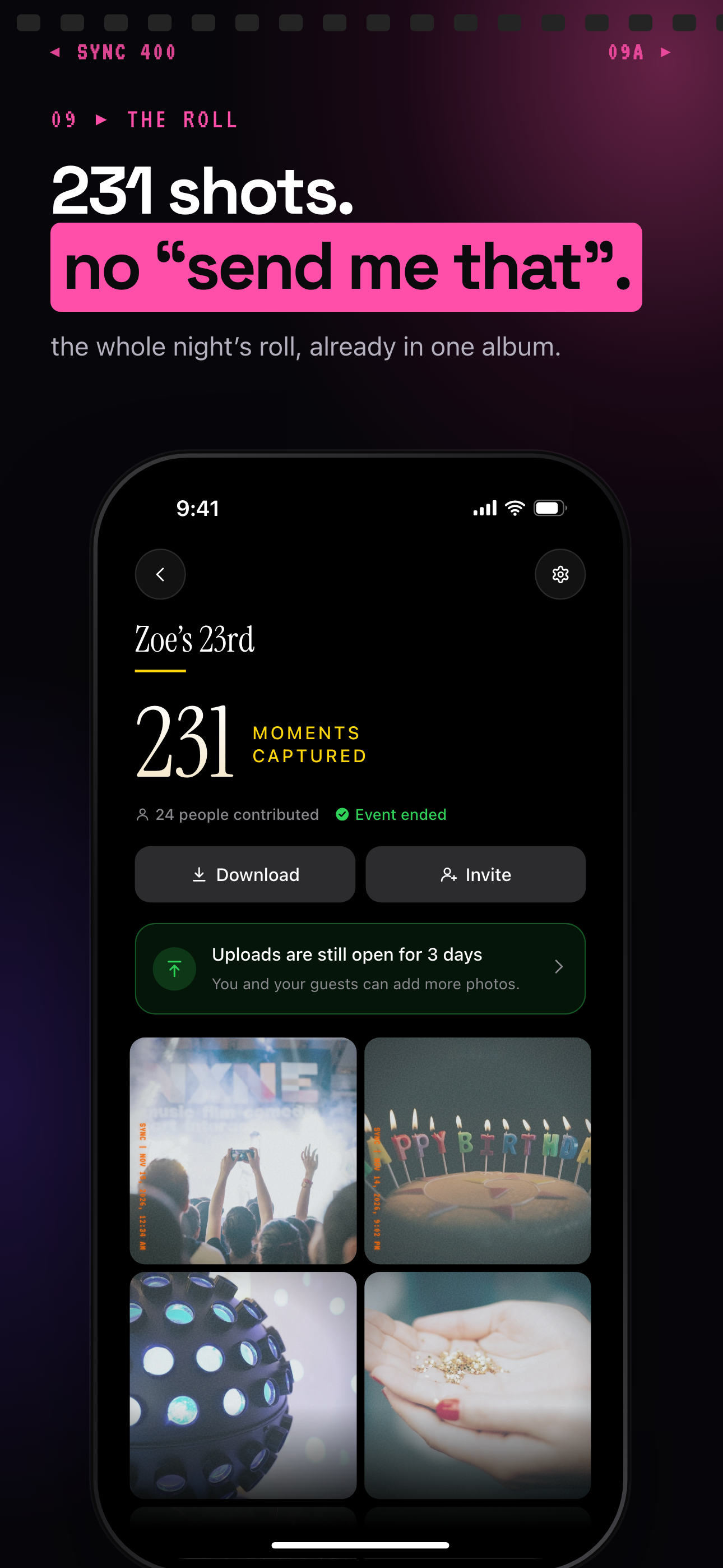
After the party, every guest's photos are already in one album.
What is hard right now
- Half the photos are stuck on Uncle Dave's Android and he still hasn't figured out how to AirDrop — two weeks later, they're probably gone.
- The group chat is a disaster: videos won't play, photos come in compressed, and nobody can tell which blurry shot is actually graduation and which is someone's backyard from last summer.
- Grandma and the out-of-town relatives who couldn't make it have no way to see photos without someone manually emailing them — or getting dragged into yet another social media platform they don't use.
Scenarios
The ceremony scramble: 20 phones, one moment
Your graduate walks across the stage and everyone lunges for their phone at the same time. Dad has the best camera angle from the left side. Your best friend caught the reaction shot from the crowd. Your nephew's shaky video is the only one that got the name announcement over the loudspeaker.
Normally you'd spend a week texting everyone individually, hoping they actually come through before they auto-delete to free up storage. With sync.camera, you share one link before the ceremony. Everyone drops their photos in as they take them — no switching apps, no manual upload step — and by the time you're seated at the restaurant for dinner, the album is already full.
Those photos matter. That walk across the stage happens once. sync.camera makes sure the complete version of it lives somewhere you can find it.
The party aftermath: making sure nothing disappears
The backyard party winds down, everyone hugs goodbye, and you realize your cousin who took the best candid shots of your graduate just boarded a flight home. Her phone will auto-clear space in a week. The 'I'll send them when I get home' text never comes — not because she doesn't mean it, but because life moves fast once you're back in your own routine.
Because the sync.camera album was live during the party, her photos are already in. They landed in the shared album the moment she took them, not when she remembered to upload. No follow-up texts required, no waiting, no loss.
You close out the night knowing the album is complete — not half-assembled, waiting on seven people who are now in seven different time zones.
Sharing with relatives who couldn't be there
Grandma lives three states away and missed the ceremony. She's on Android, doesn't have iCloud, and the last time someone sent her a Google Photos link she called you four times asking where the photos went.
You send her the sync.camera album link. She opens it in her browser, sees every photo in full resolution, and can even add the one old photo she dug out of her own collection — the one of your graduate at age five wearing a tiny graduation cap. No app to download. No account to create. No phone call where you walk her through a password reset.
For the relatives who were there and the ones who weren't, it's the same link, the same album, the same complete record of the day.
Features that make this work
Cross-platform shared album
Graduation parties mix Android, iPhone, and every camera in between. A shared album that works the same way regardless of device means the grad's best friend on Android and the grandparents on iPhone are all contributing to the same complete collection — no one gets left out because of what phone they own.
No-account guest access
Older relatives and one-time attendees shouldn't need to create an account just to see graduation photos. Share a single link and anyone on your guest list can view and contribute photos without signing up for anything — which means you actually get the photos from everyone who was there, not just the tech-comfortable ones.
Auto-sync from camera roll
During a graduation ceremony you're not going to stop and manually upload every shot. Auto-sync means the photos your guests take throughout the day land in the shared album automatically, so by the time the party ends the album is already complete — not half-empty waiting on people to remember to upload.
Privacy controls
Graduation photos include children, family moments, and your home address if the party is at your house. You control exactly who can view and contribute to the album — it's not public, it's not on a social network, and you're not hoping a Facebook privacy setting is configured correctly.