After every event, photos scatter across a dozen phones. Someone got the perfect candid. Someone else caught the moment everyone will want. But those shots stay buried in private camera rolls — and most of them never get shared.
Auto sync fixes that in one step. The moment anyone in your event takes or uploads a photo, it lands in the shared album for everyone to see. No nudging. No group chat threads. No manual uploads. Just one album that builds itself in real time — while the moment is still happening. See everything sync.camera can do on the features page.
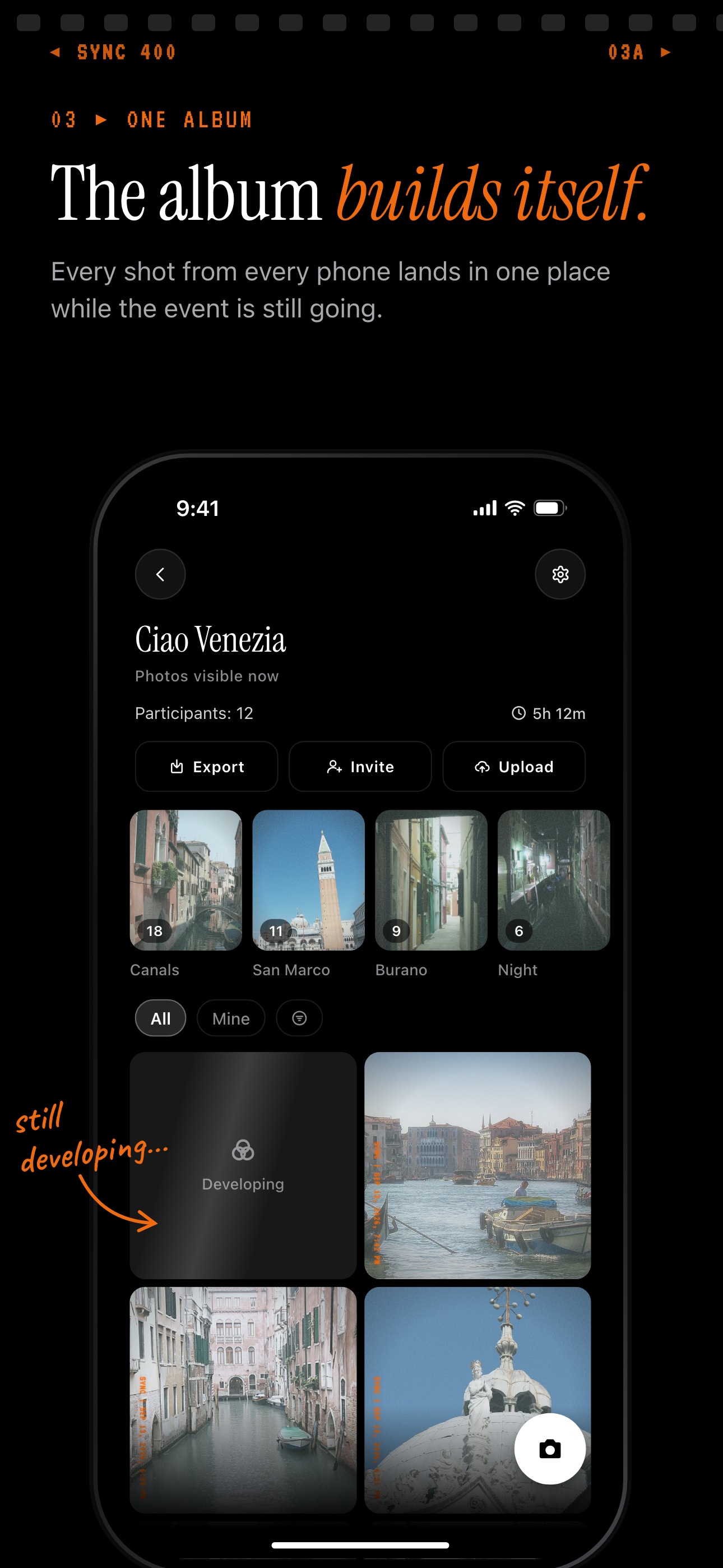
Every guest photo lands in one shared album while the event is still going.
How Auto Sync Works
Create an event in sync.camera and set the schedule — only photos taken during that window are included, so the album stays focused on your event and nothing else sneaks in.
Share the event QR code with guests. They join instantly by scanning it — no account required, no app download needed. Anyone with the QR code can start contributing right away.
The moment anyone in the event takes or uploads a photo, it appears in the shared album for everyone. There is no manual step, no approval queue, and no batch delay. The album grows in real time as the event unfolds.
You stay in control throughout. The gallery reveal setting lets you decide when guests can see the full album — as photos arrive during the event, only after it ends, or after a custom delay you set.

Set Up in Under a Minute
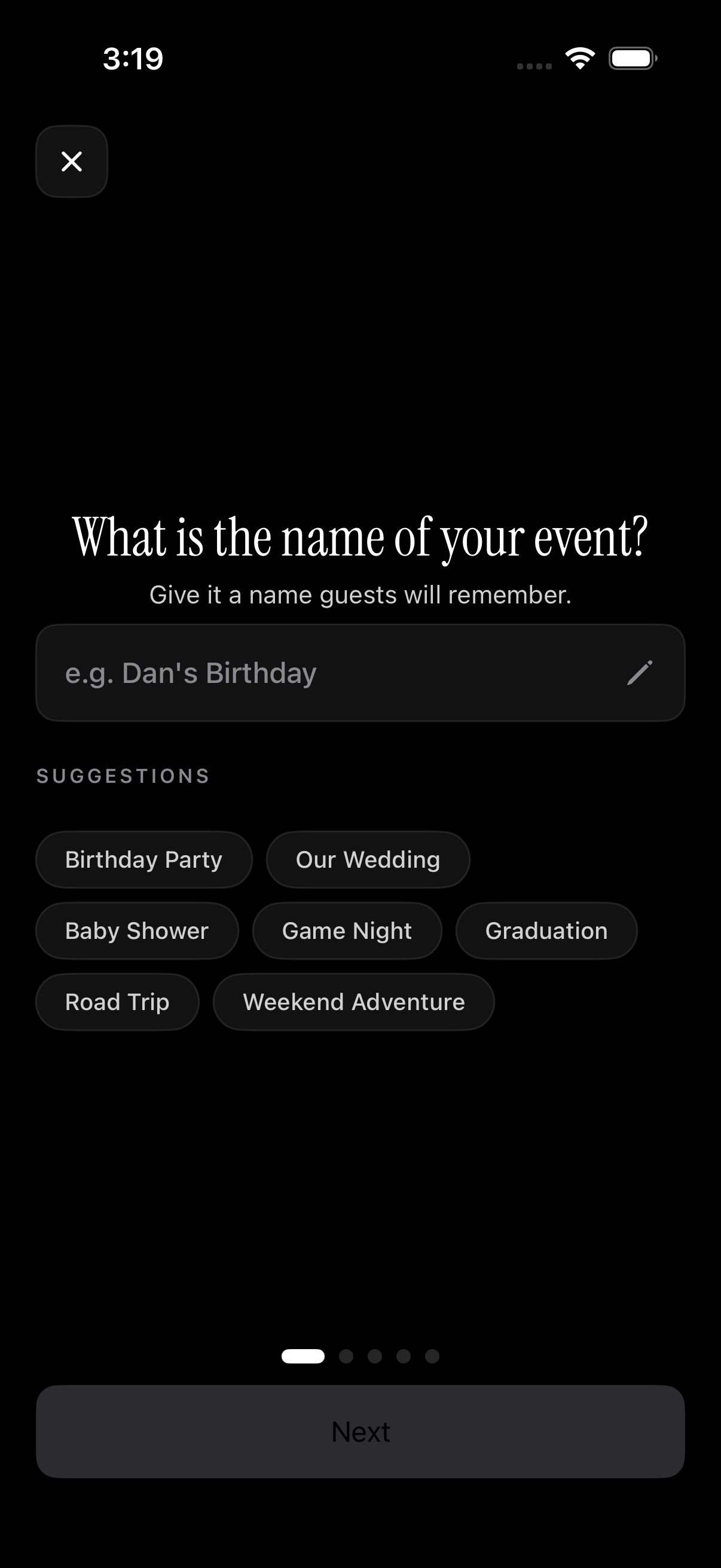
Open sync.camera and tap 'Create event'. Name the event and choose the start and end dates for the sync window — photos taken outside that window won't appear in the album, which keeps things clean and on-topic.
Share the QR code with your guests before or during the event. Auto sync starts the moment the first guest joins. There is nothing else to configure and no technical setup required.
Once the event is live, guests can start contributing immediately. Each photo they take or upload goes straight into the shared album. You can monitor contributions as they arrive and download the full album at any time. Check the pricing page to see which plan fits your event size.
Who it is for
Wedding couples
Every guest's phone becomes a contributor — the couple wakes up to a full album of candid shots from every angle, without chasing anyone for their photos.
Families at reunions
Grandparents who couldn't make the trip see new photos appearing in real time as the birthday party unfolds — no app account needed on their end. See how families use sync.camera to stay connected across distance.
Travel groups
Each person shoots what they see — sunrise, street food, the group selfie — and the whole trip builds itself into one shared album everyone can download.
New parents
Both parents and grandparents contribute to a single baby album that auto-syncs every new shot, keeping the whole family in the moment without sharing passwords or storage.
Features
Auto sync
Photos reach the shared event album the moment they're taken or uploaded — no manual sharing step.
QR-code guest access
Guests join by scanning a QR code. No account, no password, no friction.
Scheduled sync windows
Only photos taken during the event's time window are included, keeping the album clean and on-topic.
Gallery reveal control
Choose to show photos as they arrive, only after the event ends, or after a custom delay — you decide when guests see the full album.
Privacy-first by design
No ads, no data mining. Photos stay inside the event. Only invited guests can see them.
Filter by photographer
Browse contributions from a specific guest or the full group — useful when you want to find your own shots fast.
Frequently asked questions
Do guests need a sync.camera account to use auto sync?
No account is required. Guests join the event by scanning the QR code and can start uploading photos immediately — no sign-up, no password, no app download. This is intentional. Removing that friction means more people actually contribute, and you end up with a much fuller album.
How fast do photos appear after they're taken?
Photos sync to the shared album as soon as they're uploaded. There is no batch processing, no queue, and no manual trigger. How quickly a photo appears depends on the guest's internet connection, but the moment the upload completes it's live in the album for everyone to see.
Is auto sync available on the free plan?
Yes — events with up to 7 guests are free and include auto sync with no time limit on the trial. If you need a larger guest list or unlimited photo uploads, those are available on a paid plan. You can compare options on the pricing page.
Can I control when guests see the photos?
Yes. The gallery reveal setting gives you three options: show photos as they arrive during the event, reveal the full album only after the event ends, or set a custom time delay before the album becomes visible. This is especially useful for weddings or surprise parties where the album reveal is part of the experience.
What happens to the album after the event ends?
The shared album stays accessible to all participants after the event window closes. Photos are not automatically deleted. Everyone who was part of the event can still view and download the full album at any time — there is no automatic expiry on the content unless you choose to remove it yourself.