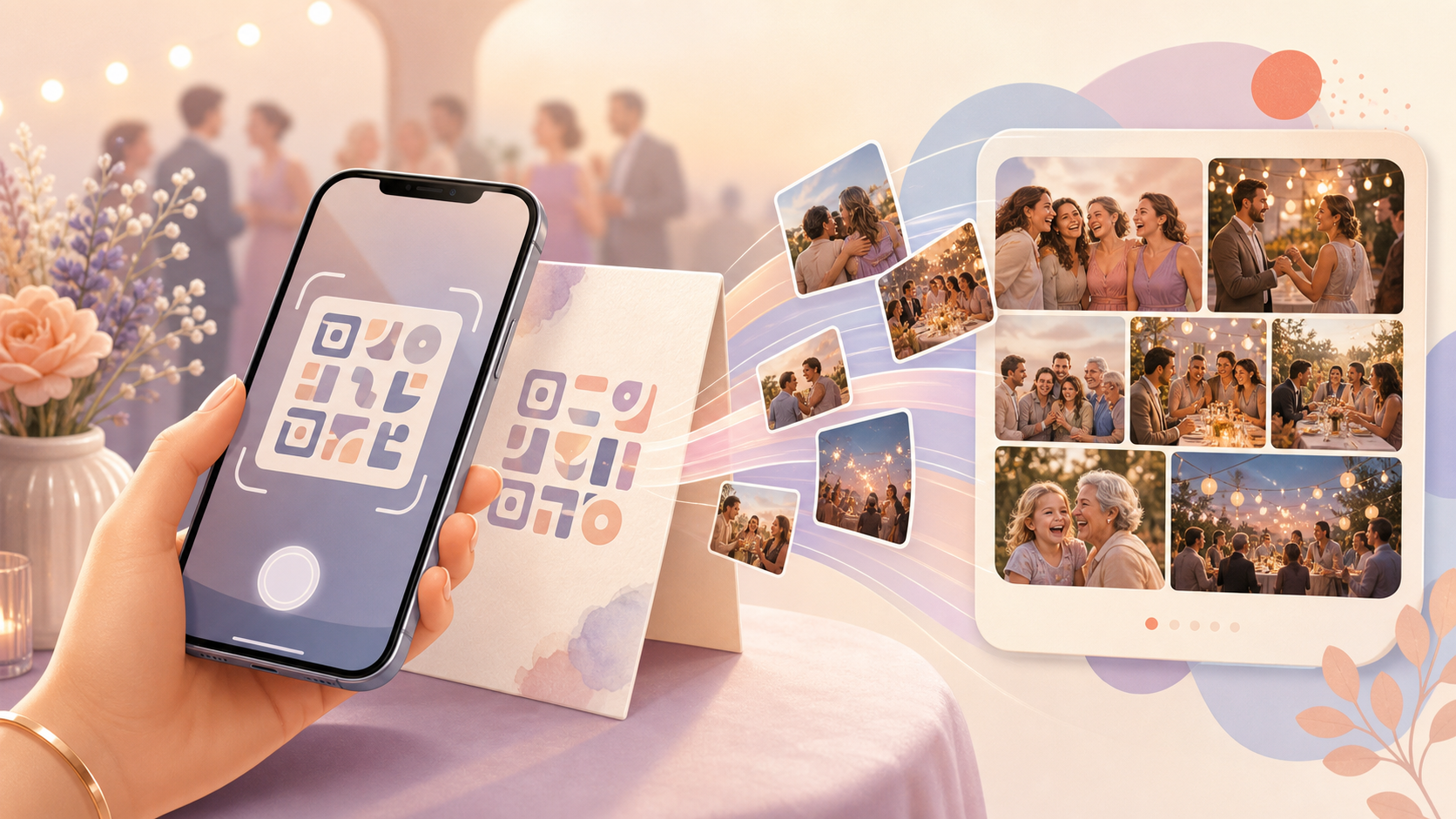
Hunting for a wedding hashtag. Typing a six-digit invite code with cake frosting on your fingers. Waiting for a host to notice a text and add you to an album by hand — every one of these is friction that keeps a guest out of the moment instead of in it. sync.camera's QR code scanner cuts all of that down to a single action: point a phone camera at the event's QR and you're in.
There's no account to create and no signup form standing between the scan and the shared album. A guest who scans the code can start viewing photos and adding their own right away, and the host never has to chase down phone numbers or approve people one at a time. The QR works because the host set it up once, when the event was created — not something bolted on for each guest as they arrive.
The host shares one QR for the whole event
Before any guest scans in, the host sets up the event and decides who can join through the QR. That guest cap gets chosen right in the event-creation flow — up to 7 guests on a free event, with no cap at all once the event is upgraded to paid. Once that's set, the host gets one QR code for the entire event: printed on a welcome sign at the door, added to a paper invite, or sent digitally ahead of time. It replaces the usual scramble of a hashtag guests have to remember or an invite code that has to be typed correctly. Nobody has to send a separate invite link to each guest one at a time — the same QR does the job for however many people the host is expecting.

A guest scans the QR and is in
On the guest's side, joining is just pointing a phone camera at the code — no code to type in and no link to search for. As soon as the scan resolves, that guest is joined to the event's shared album; there's no waiting for the host to approve them or add them manually. Because no sync.camera account has to be created first, a guest can go from scanning to being part of the album in the time it takes to unlock their phone — which matters most in the two minutes between walking in the door and finding a seat.

What a scanned-in guest lands in
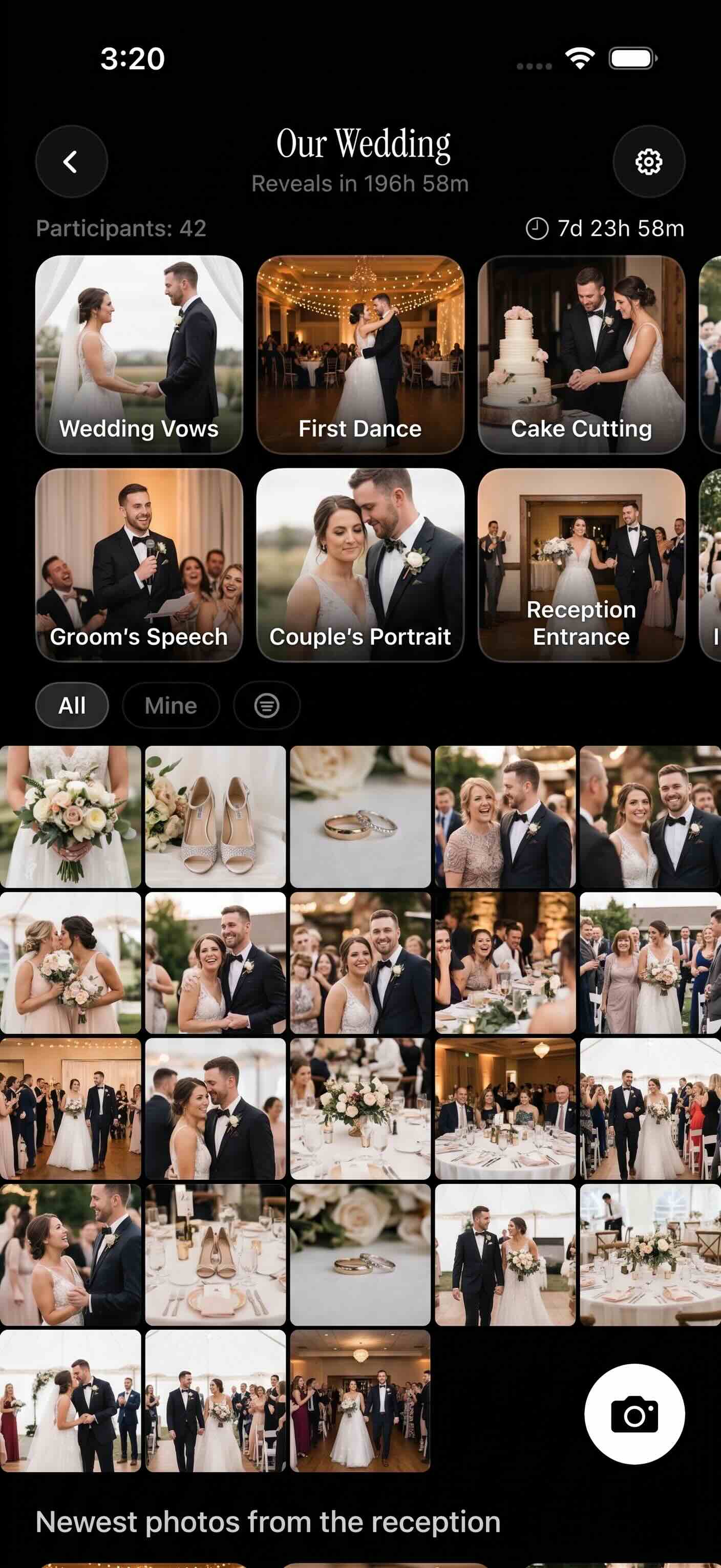
Once a guest is joined, what they actually see depends on the host's reveal setting. Some hosts open the shared gallery up in real time so photos appear as everyone takes them; others hold the reveal until the event ends, or set a delay so the album unlocks together at a specific moment, like right before the cake. The QR only handles getting a guest in — the reveal timing is a separate choice the host makes when setting up the event. Once the gallery is visible to them, a guest can add their own photos into the same album everyone else is contributing to. A wedding is a good example: guests scan the day-of QR at the ceremony, and depending on the couple's reveal choice, watch the gallery fill with everyone's photos from the same day.
Who it is for
Wedding guests
Guests scan the QR on the welcome table at check-in and land straight in the wedding's shared album instead of hunting for a hashtag or download link.
Birthday party hosts
A parent prints the event QR on the invite so out-of-town grandparents can scan in and see the shared album before the cake is even cut — one QR keeps the whole family in the same album, near and far.
Corporate event organizers
Staff post the QR at registration so attendees scan in once and watch the day's conference photos land in one shared gallery.
Reunion attendees
Cousins pass around a single QR to join one reunion album instead of trading numbers to text photos to each other afterward.
Features
Instant scan-to-join
One QR scan brings a guest straight into the event's [shared photo album](https://sync.camera/features/qr-code-photo-sharing) — no typing a code or hunting for a link.
Host-set guest cap
Hosts choose how many guests can join through the QR when creating the event — up to 7 free, unlimited on paid events.
No guest account required
Guests who scan in can view and add photos without creating a sync.camera account.
Unlimited uploads on paid events
Paid events remove the guest cap, so everyone who scans in can upload without a limit.
Frequently asked questions
Do guests need a sync.camera account to join through the QR?
No. Scanning the event's QR is enough to join — a guest can start viewing and adding photos to the shared album without ever creating a sync.camera account. That's the point of the QR: it removes the signup step at the moment a guest actually wants to be looking at photos, not filling out a form.
How many guests can join through one event's QR code?
The host sets the guest cap when creating the event. Free events support up to 7 guests joining through the QR, and that cap is lifted entirely on paid events, so any number of guests can scan in and take part.
Can guests see photos right after they scan in?
That depends on the host's gallery reveal choice. The QR handles getting a guest into the event, but the host separately decides whether the gallery opens during the event, only after it ends, or after a set delay — so what a guest sees the moment they scan in varies by event.
Is scanning into an event free?
Yes, within the free tier's guest cap. Free events support QR join for up to 7 guests, and upgrading an event to paid lifts that cap, allowing unlimited guests to scan in and upload without a limit.