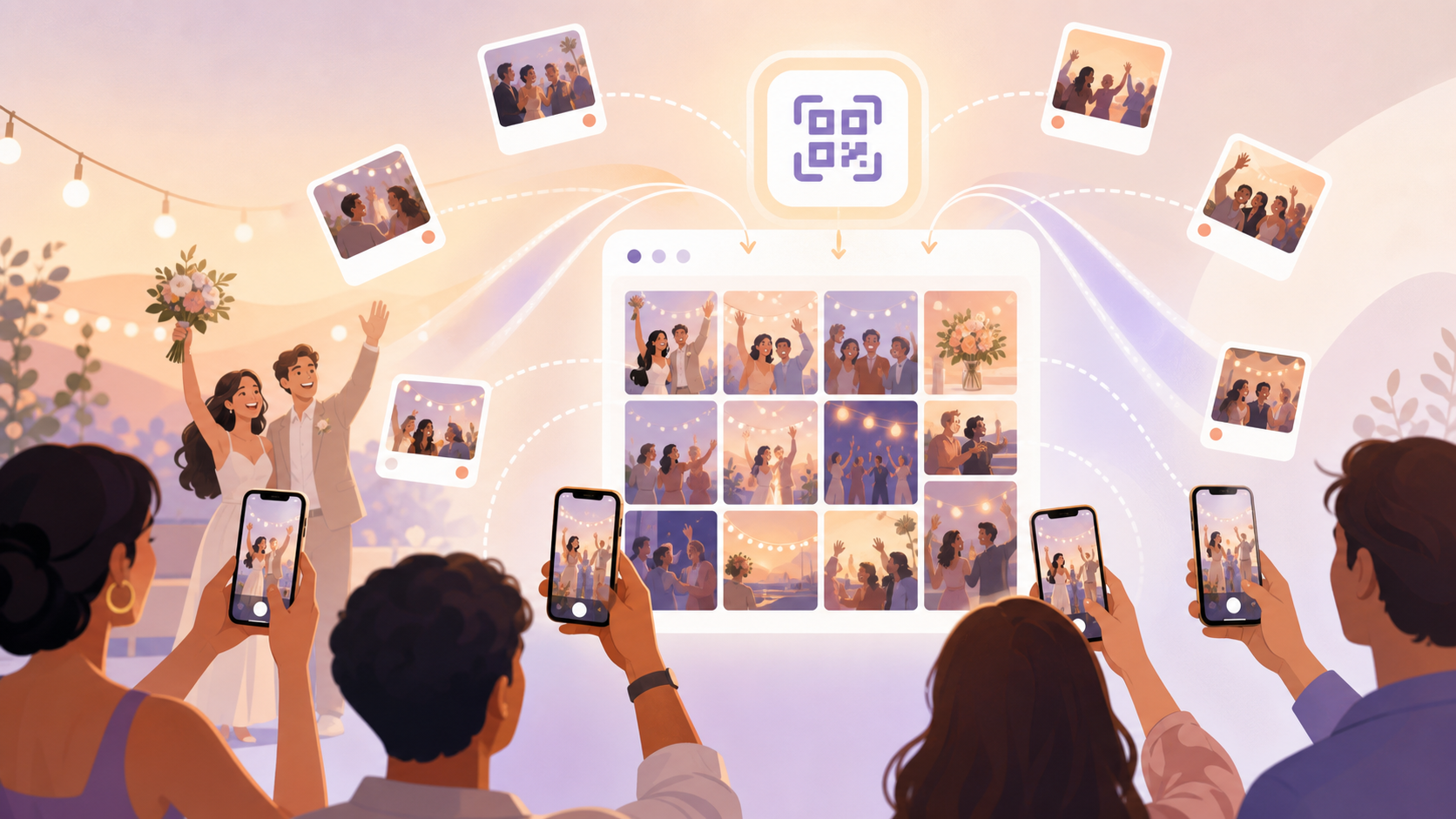
Every event ends the same way: the photos are scattered across six different phones, and the group chat thread that was supposed to collect them all quietly dies after three people share their best shots. Weeks later you still haven't seen the candid your friend caught at the dinner table, because nobody ever got around to airdropping it. The photos exist — they're just stuck.
Real-time shared camera kills that problem at the source. Instead of collecting photos after the event, sync.camera creates a single live gallery before the first shot is even taken. Every guest who scans one QR code is immediately part of the session. Every photo they take within the event window lands in the shared album the moment it's captured — no transfers, no follow-up messages, no missing shots. By the time you leave the venue, the whole event is already in one place.
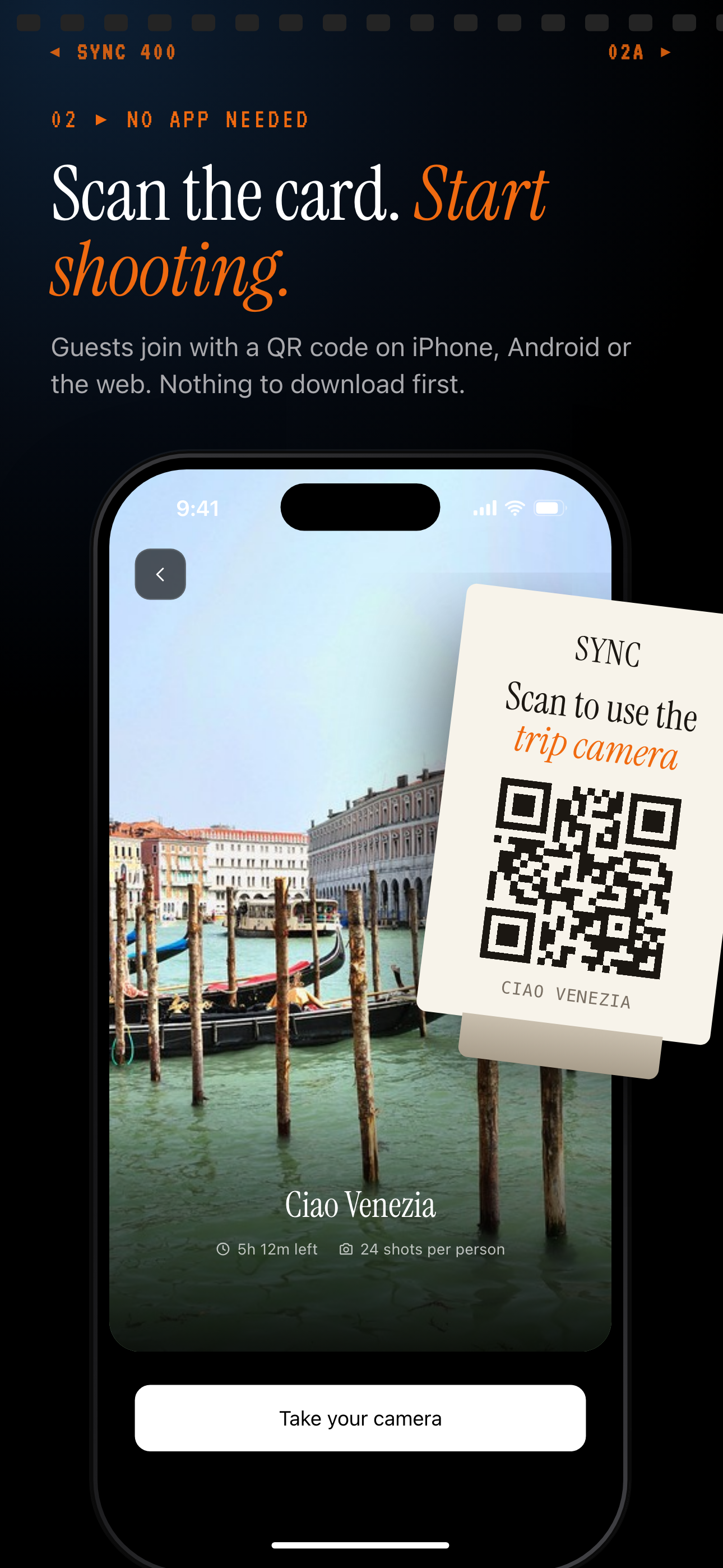
Every guest who scans the event QR joins the shared camera session.
How real-time shared camera works
The host starts by creating an event inside the sync.camera app. They set the date range — a start and an end — which defines the window during which uploads are accepted. Any photo taken outside that window is automatically excluded, so the album stays focused on the actual event rather than filling up with unrelated shots taken days before or after. The host also chooses how many guests can join (up to 7 free) and selects a gallery reveal option: photos visible immediately during the event, visible only once the event ends, or visible after a custom delay following the end time.
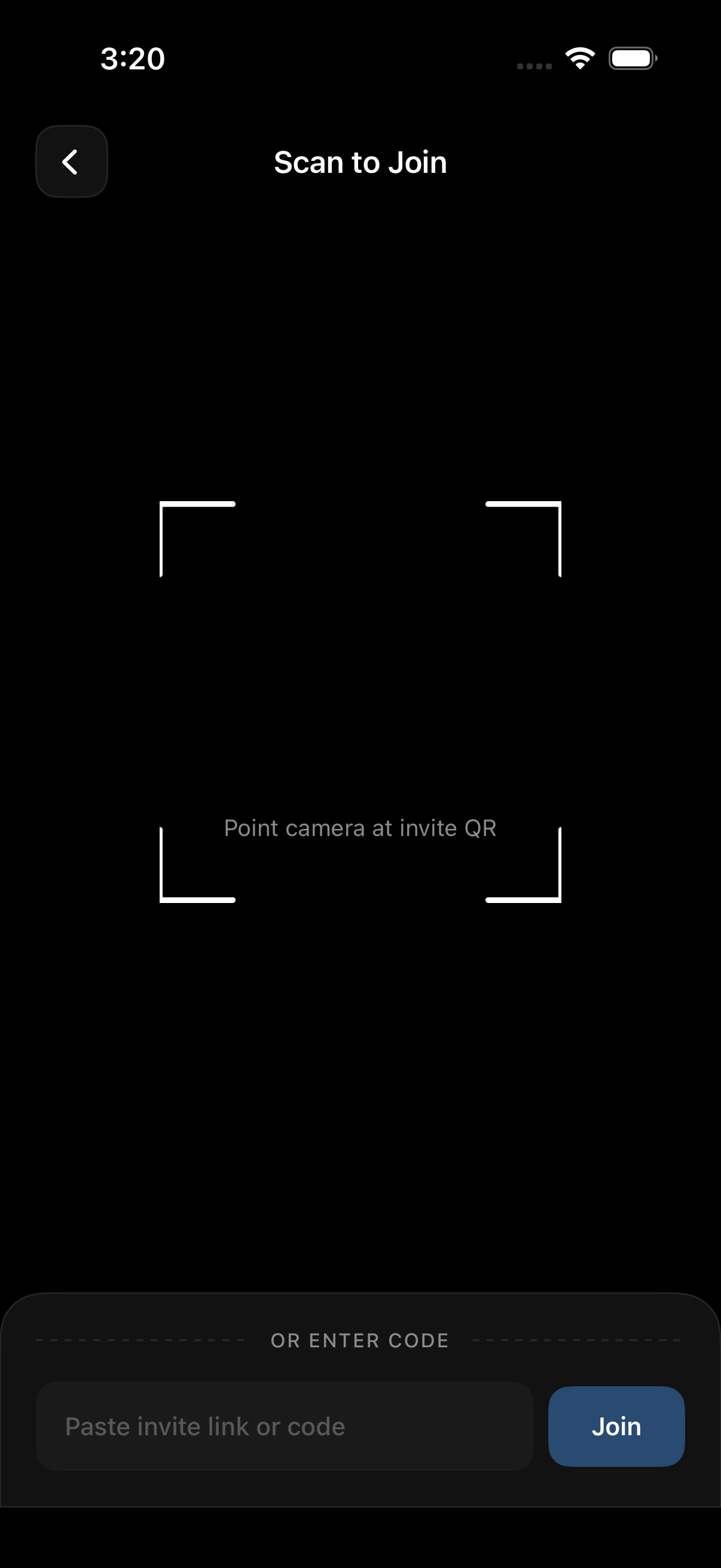
Once the event is created, sync.camera generates a QR code. The host displays it — printed at the venue, shown on a phone screen, or included in an invitation — and guests scan it with their camera. That's it. No account creation, no app store visit, no password. Scanning the QR code is the entire join flow, and guests are instantly added to the shared camera session.
Real-time uploads and the finished gallery
From that point on, every photo taken by every participant within the event window uploads to the shared gallery in real time. At a wedding reception, the candid taken at table seven appears in the gallery before the couple has even walked to table eight. At a birthday party, grandparents watching on their phone see the cake-cutting photo arrive the moment it's snapped. Nobody has to do anything after the fact — the collection happens automatically, continuously, for the entire duration of the event.
After the event ends, the gallery is complete. Hosts and guests can browse by contributor using the filter-by-photographer view to find the best shots from each person, or scroll the full timeline to relive the event as it unfolded. The album is already whole — no follow-up required.
Who it is for
Wedding couples
The couple places one event QR code at each reception table. A guest at the far end of the room captures the first dance from an angle the photographer missed — and by the time the song ends, that photo is already in the shared gallery for the couple to see. Every candid from every table, collected automatically before the reception is over.
Families with young children
A parent creates a birthday-party event so the grandparents three states away can open the shared gallery on their phone and watch photos arrive live. The moment the candles are lit and the cake is cut, that shot appears in their feed in real time — they're there for the moment even when they can't be in the room.
Friend travel groups
Six friends on a weekend trip each shoot with their own phone throughout the two days. Every photo — the sunrise hike, the group dinner, the accidental-masterpiece shot someone got at the market — surfaces automatically in one shared album. Nobody has to AirDrop a single file or remember to text their best shots to the group afterward.
Corporate event organizers
A company all-hands organizer posts the event QR at the venue entrance on a printed sign. Throughout the day, team photos, booth snapshots, and speaker moments collect in a single gallery in real time. By the time the closing remarks finish, the comms team already has every photo they need — no waiting on contributors to send their files.
Features
QR-code guest join
Guests scan one QR to enter the shared camera session — no account, no app store friction.
Live photo feed
Photos appear in the shared gallery the moment they are taken, so everyone sees the event unfold in real time.
Event date window
Only photos taken between the event start and end dates are included, keeping the album focused and clutter-free.
Gallery reveal controls
Choose whether guests see photos during the event, only after it ends, or after a custom delay — great for surprise reveals.
Free tier for small groups
Events with up to 7 guests are completely free; upgrade for larger groups or unlimited photo uploads.
Filter by photographer
Browse the gallery filtered to a single contributor's shots to find the best photos from each guest.
Frequently asked questions
Do guests need a sync.camera account to join?
No account or app download is required for guests. They join simply by scanning the event QR code with their phone's camera — the entire join flow is a single scan. Only the host needs a sync.camera account to create and manage the event.
How many people can share the camera at once?
Up to 7 guests can join a shared camera event on the free plan, with no time limit on how long the event runs. Paid events unlock larger guest counts for bigger gatherings, and also remove the per-guest photo upload cap so contributors can share as many shots as they like.
When can guests see the photos that are taken?
The host chooses from three gallery reveal options when creating the event. Photos can be visible to all participants immediately as they are taken during the event, visible only after the host ends the event, or visible after a custom delay that the host sets following the event end — useful for surprise reveals or post-event slideshow moments.
What happens to photos taken outside the event date window?
The event schedule restricts uploads to photos taken between the event creation date and the selected end date. Photos taken before the event starts or after it ends are automatically excluded from the shared gallery, so the album stays focused on the actual event without stray shots cluttering the collection.
Is there a free plan?
Yes — events with up to 7 guests are completely free with no time limit. You can run a free event for an afternoon birthday party or a week-long trip without any cost. Paid plans are available when you need to host larger groups or when guests need unlimited photo upload capacity.