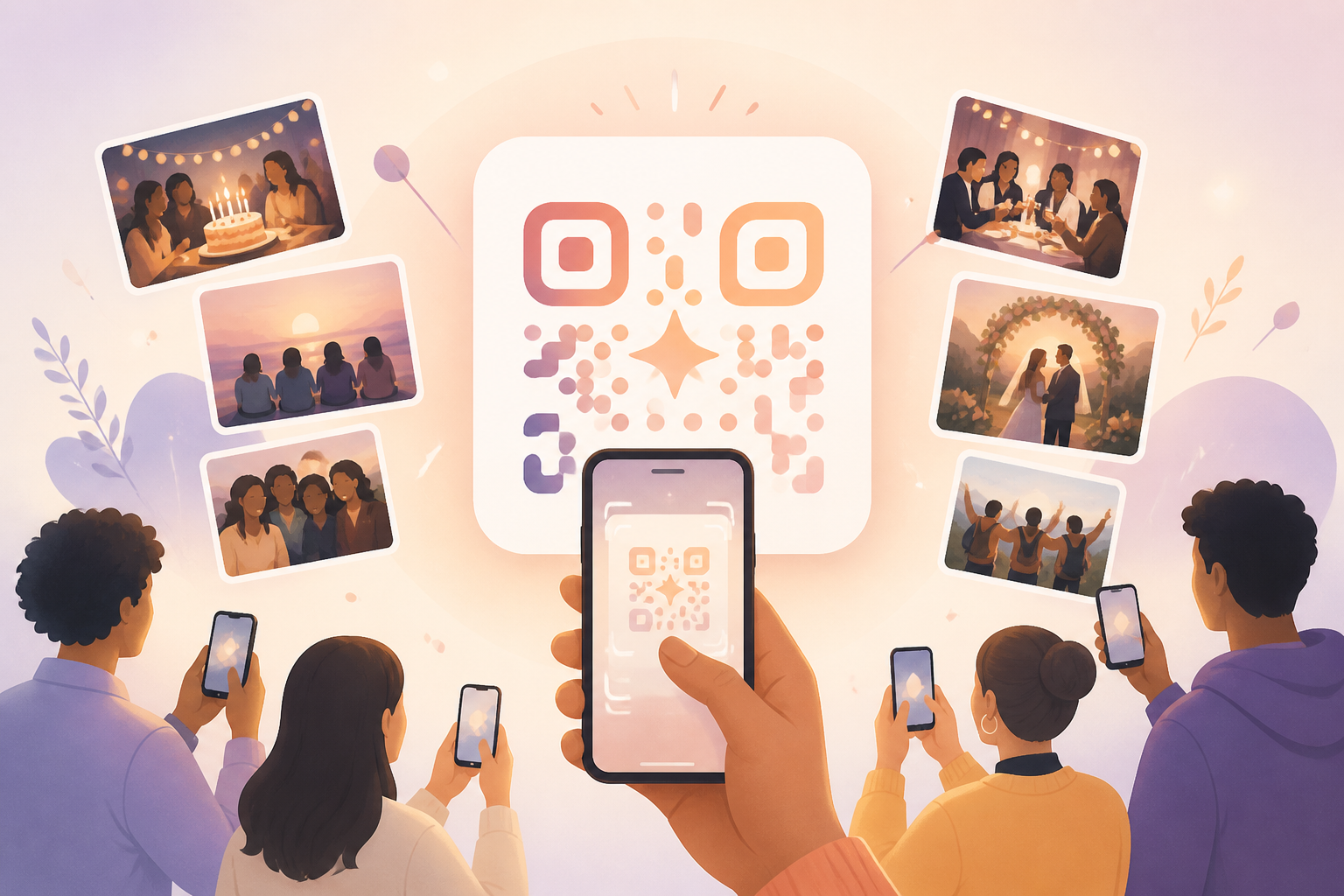
Getting guests into the right event should not mean typing links, searching for an album, or explaining the same invite steps over and over. With sync.camera, the QR code is tied to the event itself, so guests can scan one invite and join the shared photo experience.
This is different from a general free QR code generator. A generic QR code points people to a link. A sync.camera event QR code helps invited guests get into the event where photos can be shared around that specific gathering.
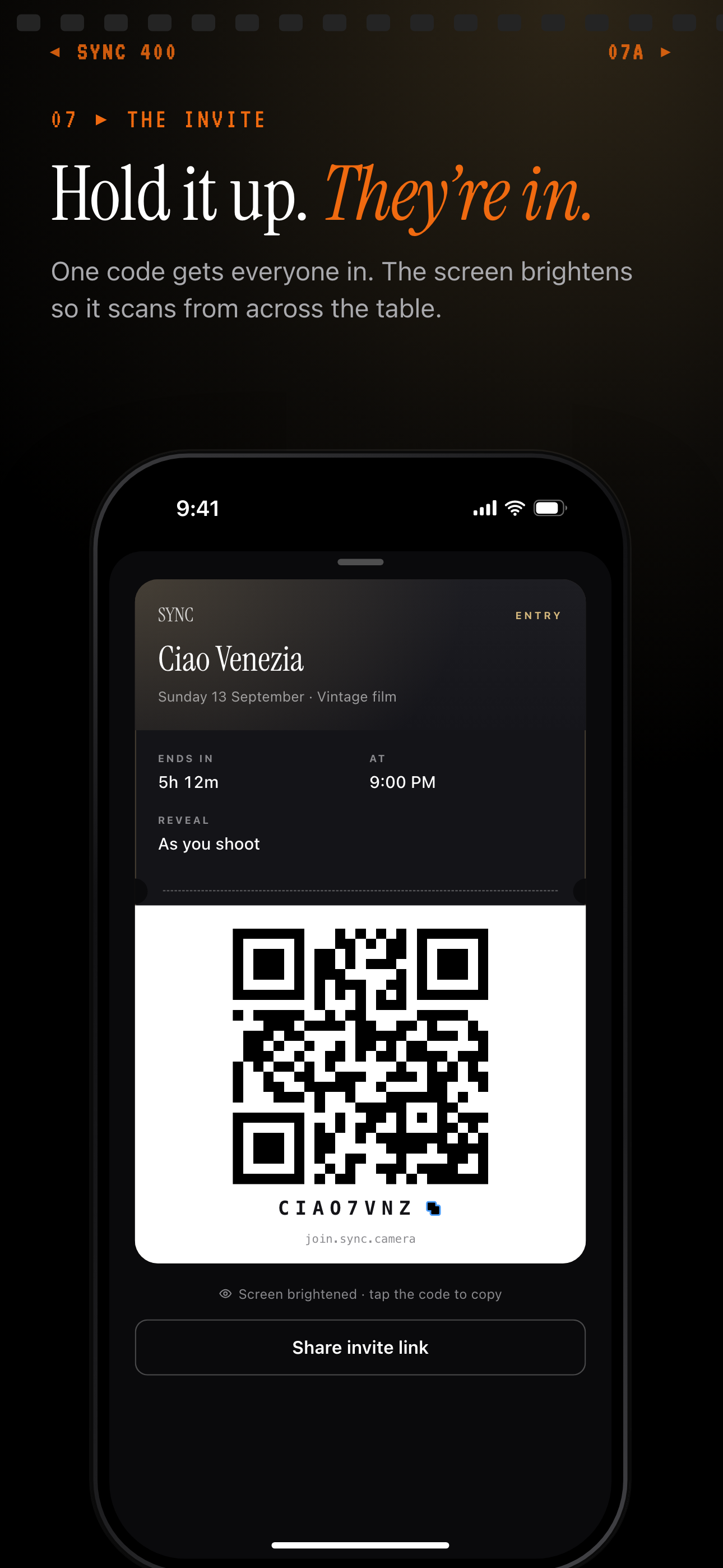
One event QR code or invite code gets every guest into the same event.
How a Free Event QR Code Works
Start by creating an event in sync.camera. The event is the shared place guests are joining, so the QR code is not just a loose shortcut to any web page.
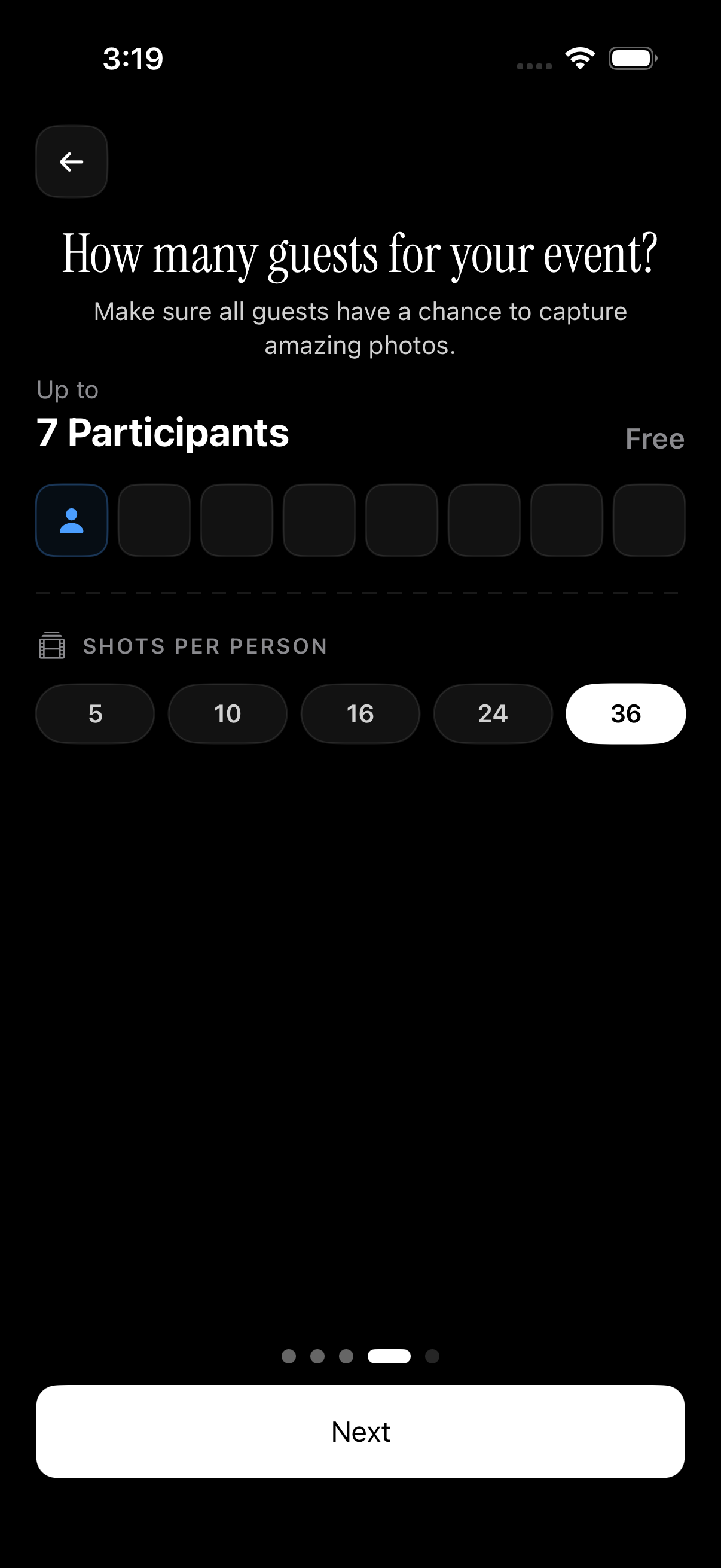
Next, choose the number of guests for the event. Based on the current brief, free events support up to seven guests, so the host can set the expected guest count within that free limit.
Then show or share the event QR code. Guests scan it to join the corresponding sync.camera event instead of asking for a manual invite link or trying to find the right shared album later.
Use the QR code where people are already gathered: at a reception table, in a group chat before a trip, or anywhere guests need a quick path into the same event.

Choose the Right Guest Limit
Before sharing the QR code, set the guest count for the event. This keeps the invite aligned with the size of the gathering you are creating in sync.camera.
For smaller events, the free guest capacity can cover up to seven guests according to the current feature brief. That makes the QR invite useful for intimate birthdays, wedding moments with a smaller group, and travel groups that need one shared event.
If the event may include more people, confirm the current limits before publishing pricing or plan language. This page should only describe the verified free guest capacity and avoid making broader pricing claims.
Who it is for
Wedding hosts
Show the event QR at the reception so invited guests can scan it and join the same shared photo event.
Birthday organizers
Share one QR invite with relatives and friends instead of explaining how to find the event.
Travel group organizers
Give each traveler the same QR so the group can join one sync.camera event for the trip.
Features
Scannable event invite
Guests can scan the event QR code to join the corresponding sync.camera event.
Event-specific sharing
The QR code points guests toward the shared event experience, not a generic destination.
Free guest capacity
A free event can be configured for up to seven guests.
Frequently asked questions
Is it free to make a QR code for a sync.camera event?
The current feature brief states that sync.camera supports free events with up to seven guests. This should not be read as a claim that every plan, event size, or use case is free.
What does the sync.camera QR code do?
The QR code helps guests join a sync.camera event. It is meant for event photo sharing or a shared camera experience, not as a general-purpose QR code generator for arbitrary links.
How do I share the event QR code?
The host can show or share the event QR code so guests can scan it and join. This page should avoid naming specific download formats or sharing channels unless those details are verified.
Why use sync.camera instead of a generic QR code generator?
A generic QR code can send people to a link, but it does not define the event experience by itself. A sync.camera QR invite is tied to the event guests are joining, which is the job this feature is built around.