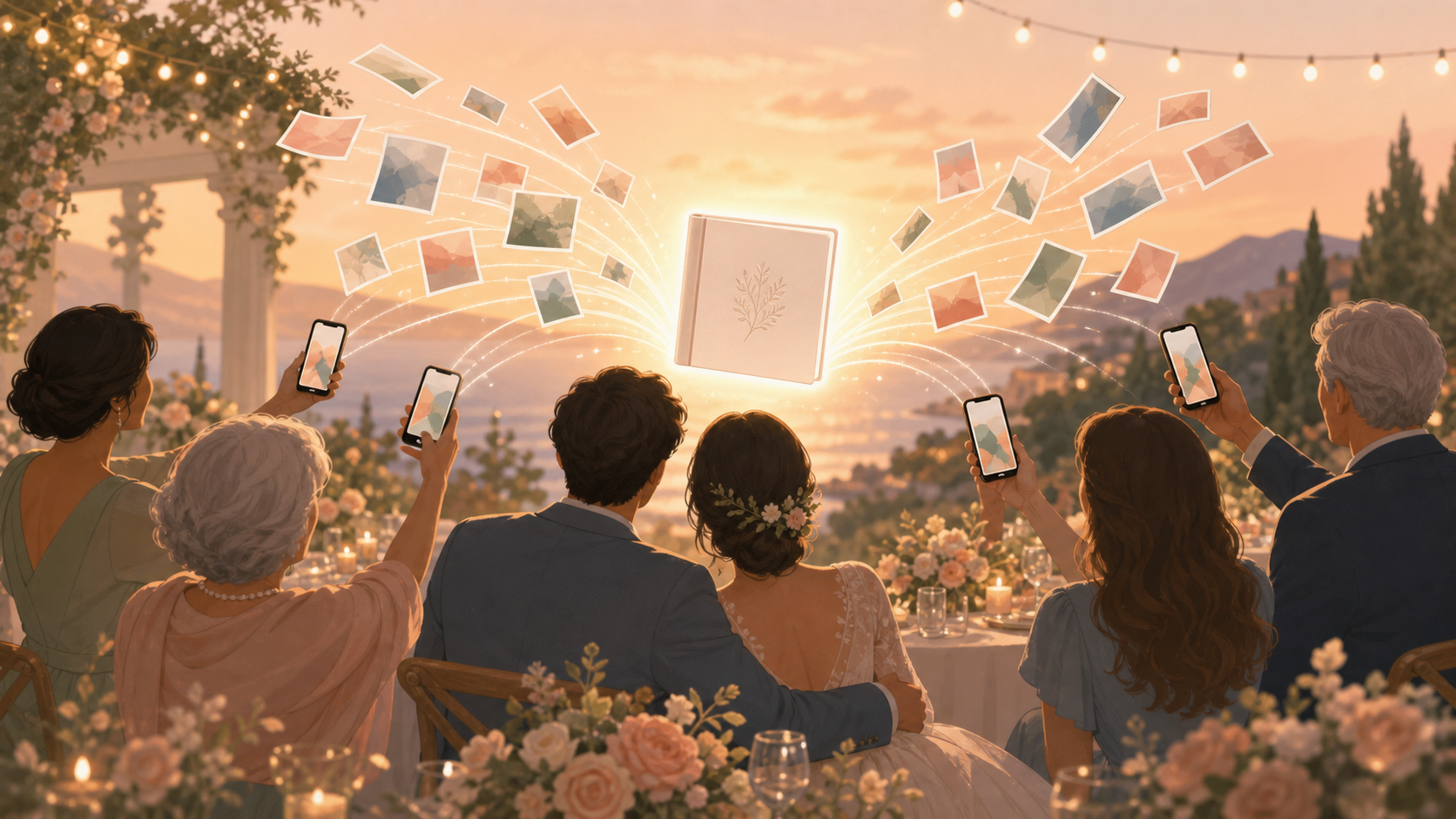
You and your partner want the polished portraits from your photographer and the candid moments only your guests will catch. sync.camera gives your wedding one private place for guest photos, so relatives and friends can contribute throughout the day without creating accounts or figuring out a complicated upload flow.
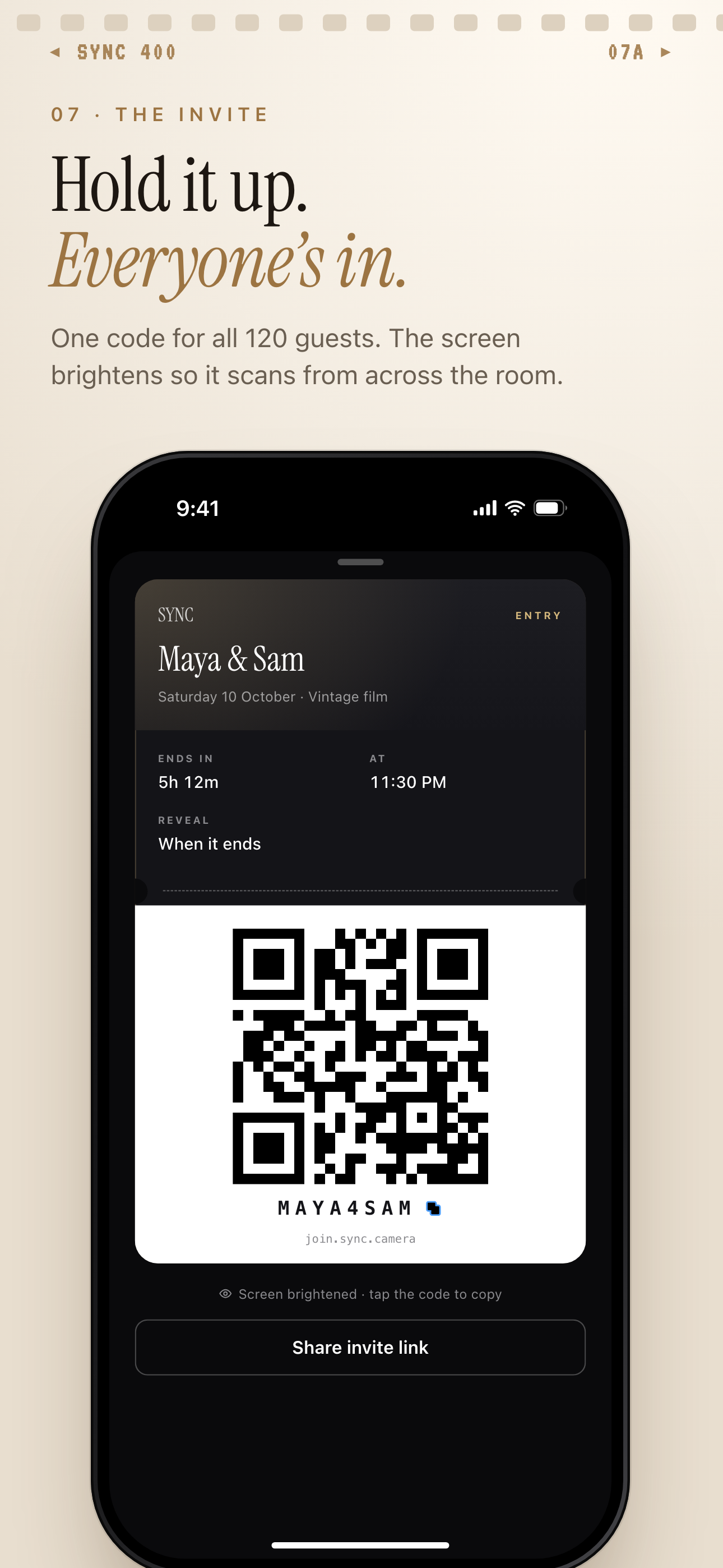
Guests join by scanning the QR code, entering the invite code or opening the shared link.
What is hard right now
- Our guests will take hundreds of photos, but we do not want to chase them through group chats after the wedding.
- Some relatives use iPhone and others use Android; everyone needs a simple way to join.
- We want candid photos private to our wedding, not scattered across public social feeds.
Scenarios
Getting ready in two different places
You and your partner may spend the morning in different rooms, homes, or hotel suites. Each side catches details the other person cannot see: the dress being buttoned, cufflinks going on, a parent tearing up, friends laughing before the ceremony.
Create separate Wedding Moments for each side of the morning. Share the right QR code with each group so the photos stay organized inside the same wedding event, ready for you to discover later.
The ceremony and cocktail hour
During the ceremony, you are focused on your vows. During cocktail hour, you are greeting relatives, hugging friends, and moving from conversation to conversation. Meanwhile, guests are capturing arrivals, table details, candid reunions, and quiet reactions you may miss.
With sync.camera, those photos flow into your shared event album instead of disappearing into separate phones. You can choose whether guests see the album during the celebration, when the event ends, or after an added delay.
The reception and after-party
The reception is when guest photos really start to multiply. Put the wedding QR code on menus, table cards, bar signs, or near the guest book so people can join when they are already taking pictures.
Guests can open the link from a modern phone browser on iPhone or Android, with no account required. Dance-floor shots, speeches, cake-cutting photos, and late-night after-party moments all land in the same private wedding album.
The morning after the wedding
The day after your wedding, you should not have to message every cousin, college friend, and family group chat asking for photos. Open one organized gallery and revisit the candid pieces of the celebration while they are still fresh.
You can select favorite full-resolution originals and export them to your camera roll. Your photographer still delivers the professional story of the day; sync.camera helps you keep the guest-captured moments around it.
Features that make this work
QR code and browser joining
Grandparents, cousins, and friends can open your wedding invite link from a modern phone browser without creating an account.
Wedding Moments
Organize getting ready, the ceremony, the reception, and the after-party as separate stages, each with its own QR code and reveal timing.
Flexible photo reveals
Choose whether guests can see photos during the wedding, when it ends, or after an additional delay, so the album matches the mood of your day.
Private event album
Keep your wedding photos visible to participants in that specific event instead of sending candid moments into public social feeds.