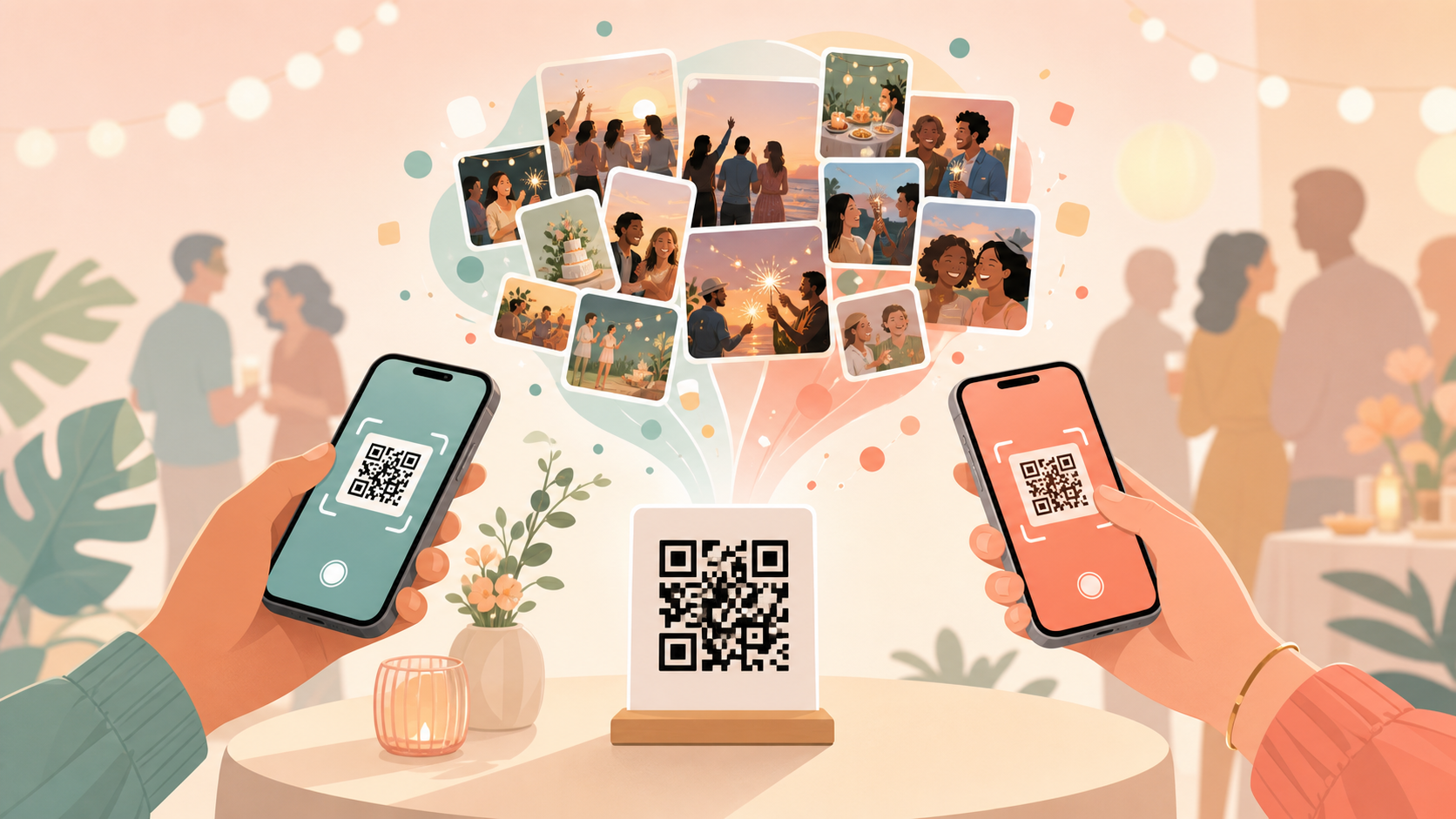
After most events, the photos that actually captured the day end up scattered everywhere except one place. Guests snap candids on their own phones, drop a handful into a group chat if they remember to, and the rest sit untouched in a camera roll nobody else ever sees. Weeks later, hosts are left stitching together a memory of their own event from a dozen different texts and Instagram stories — and half the best shots never surface at all.
QR Code Pics fixes that by giving every event one door in: a single QR code guests scan with their phone camera to join the event's shared gallery and start uploading. There's no invite link to track down and no separate app to hunt for. And because sync.camera keeps guest galleries private and ad-free, with no guest account required to join, it stays a private space for your event's photos, not another feed competing for attention — see how that stacks up against a physical guest book or scrapbook app.
How guests join with a QR code
It starts when the host creates the event in sync.camera and gets back one unique QR code for it — no per-guest codes to generate, just a single code that represents the whole event. That code can go anywhere: printed on table cards, dropped into the invite, or posted on a sign at the entrance.
Guests don't need to download anything special or dig up a link buried in a group chat — they just open their phone's camera, point it at the code, and they're in the event's shared gallery. No invite links to send around, no separate accounts to set up first.
Once inside, guests upload their own shots directly into that one shared gallery. Every candid, every group photo, every table's dessert flat-lay lands in the same place instead of staying trapped on a single phone until someone remembers to share it.

How hosts control who joins and what gets uploaded
When creating an event, hosts set how many guests can join. Free events include room for up to 7 guests to join and upload — plenty for a smaller gathering. Larger weddings, milestone birthdays, or work events can move to one of sync.camera's paid tiers, which raise that ceiling in steps all the way up to an unlimited-guest option, so a full guest list is never turned away at the door.
Every event also has a scheduled time window the host sets when it's created, and that window — not when a photo was actually taken — is what governs uploads. While the event is open, guests can upload freely; once the window closes, the event locks and no further uploads go through. That keeps the final gallery a clean record of the event itself, without someone dropping in unrelated photos from a different weekend after the fact.
Hosts also decide when everyone actually gets to see the shared gallery, choosing one of three reveal options: live, so photos appear as guests upload throughout the event; after the event ends, so nothing is visible until it's over; or after a set delay the host chooses, which is popular for weddings that want the big reveal to land a few days later. Read more about how gallery reveal timing works.

Who it is for
Wedding couples
Print the QR code on table cards so every guest's candid shots land in one shared wedding gallery instead of scattered across everyone's camera roll — no chasing down photos after the reception.
Birthday hosts
Put the QR code on the invite so up to 7 guests can join free and drop their party photos into a single shared album — no group chat required.
Corporate event planners
Move to a paid plan to raise the guest limit so an all-hands or conference crowd can all upload without anyone getting locked out once the free tier's 7-guest room fills up.
Features
QR join
Guests scan one code to join the event — no invite links to send or track down.
Guest limits
Up to 7 guests join free; paid events raise the limit through graduated tiers, all the way up to unlimited guests.
Upload window
Uploads only go through while the event's scheduled window is open — once it closes, the gallery locks and nothing more gets added.
Gallery reveal timing
Show the gallery live during the event, after it ends, or after a set delay.
Privacy-first, no ads
No guest account required to join, and no ads on your memories — just a private shared gallery for your event.
Frequently asked questions
How many guests can join for free?
Free events allow up to 7 guests to join and upload photos into the shared gallery, which comfortably covers a smaller gathering. If you need more room, paid events raise that limit through graduated tiers, all the way up to an unlimited-guest option — so a bigger wedding, conference, or all-hands isn't capped out at 7 phones.
Can guests upload photos taken before or after the event?
What matters is the event's scheduled upload window, not when a photo was actually taken. Uploads only go through while that window is open; once the host's event closes, the gallery locks and no further uploads are accepted, so you don't end up with unrelated shots from some other weekend mixed into the collection.
When do guests get to see the shared gallery?
Hosts pick one of three reveal options when setting up the event: visible live as guests upload throughout, hidden until the event ends, or opened after a set delay the host chooses. That last option is popular for weddings that want the gallery to unlock as a surprise a few days after the reception.