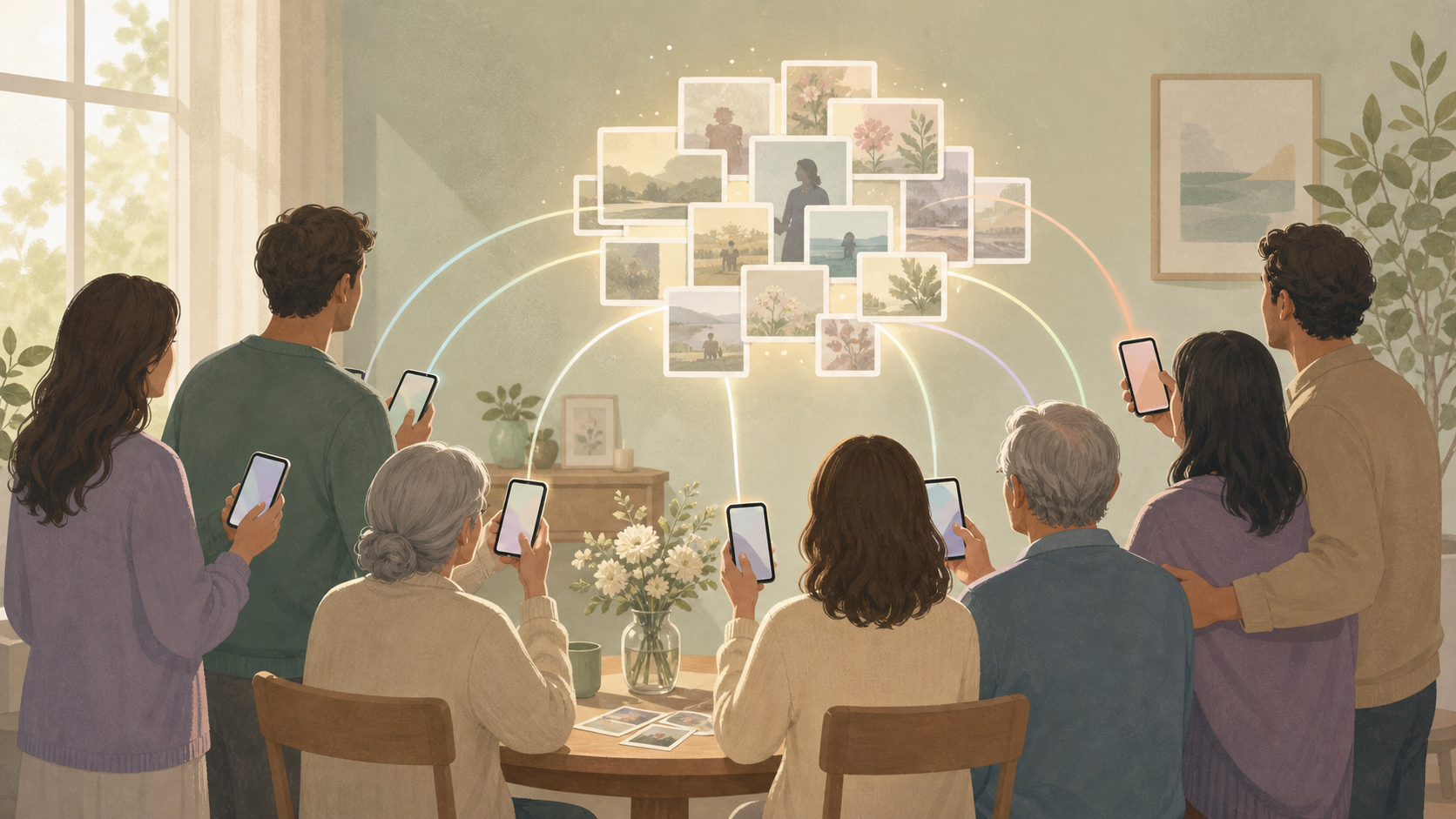
You're planning a memorial, funeral, or celebration of life — and in between the hundred things you're holding, you're also thinking about the photos. Dozens of family members will be there: some flying in from across the country, some elderly and not entirely comfortable with their phones, some on Android while the rest of the family is on iPhone. Everyone will take photos. And based on how these things usually go, almost none of those photos will make it to the rest of the family. You want one place where every photo lives — privately, respectfully, and in a way that everyone can actually use.
What is hard right now
- Photos from the service end up on thirty different phones and no one ever sends them. Six months later, you realize entire moments are gone — the candid of your dad with all his grandkids, the one no one thought to ask for in the moment.
- You don't want grief photos on Instagram or a public Facebook album where coworkers and distant acquaintances can see them. These are private family moments, and they deserve to stay that way.
- Your uncle is on Android. The group iMessage thread doesn't include him. AirDrop doesn't work across a crowded room. And somehow this always becomes a problem after the fact.
- Your grandmother won't download another app just to see photos from her daughter's memorial. The barrier to participate has to be zero, or she simply won't be in the album at all.
- Without a plan, someone ends up designated as 'the photo person' — stressed about logistics through the entire service instead of being present for the people they love.
Scenarios
During the service: no one should miss a moment collecting photos
During the service, the last thing your family needs is a logistics chain. The officiant prints a single QR code on the order-of-service card — your family can also share it in a text or email to guests beforehand. A cousin on Android, a great-aunt on an old iPhone, the family friend with a DSLR: each of them scans the code with their phone camera, no app download required, and every photo they take or upload goes straight into the family's private SYNC album.
No one has to coordinate. No one has to chase people down afterward. The album builds itself while everyone is present for what matters.
The family is free to be a family, not a photo management team.
After the service: collecting photos that would otherwise disappear
Three weeks after the memorial, your brother texts: 'Did anyone get a photo of Dad with all his grandkids?' Normally that kicks off a week of unanswered group chats, missed texts, and photos that never quite make it to the right person.
Because the SYNC album is still open, he can share the link with a cousin who wasn't on the original list — she uploads the photo from her camera roll, and it's in the family album in seconds. No app, no new account, no friction.
The album doesn't close after the service. Family members can keep contributing for as long as it matters, because some photos surface weeks later and some memories take time to find.
Out-of-town family who couldn't attend
Your aunt couldn't travel for health reasons. She's been waiting to see photos since the service, and a text message thread or an email chain isn't the right way to share something this meaningful.
Because the SYNC album is private and shareable by link — not tied to a social platform she'd need an account on — you send her the link once and she sees every photo the moment they're uploaded, from her tablet at home. She sees the grandchildren. She sees the flowers. She sees the photo of her sister that someone captured from across the room.
She's part of it, even from a distance.
Building a lasting tribute beyond the day
A memorial isn't one day — it's the birthday that comes six months later, the anniversary, the moment a grandchild asks to see what their grandfather looked like. SYNC keeps the album open so family members can keep adding photos over time: old scanned prints, pictures from the year before the illness, drawings the grandkids made in the weeks after.
One place that holds the memory, not scattered across iCloud, Google Photos, and someone's backup drive that no one else can access. When the family wants to return to it — and they will — it's there.
Features that make this work
Guest camera (no download required)
Your elderly relatives, out-of-town guests, and Android users can scan a QR code and contribute photos without installing anything. The single biggest barrier for memorial families — 'Grandma won't download another app' — is gone.
Private shared album
The album is accessible only to the people you share the link with — no public feed, no social platform, no risk of grief photos appearing somewhere your family didn't intend. You control who sees it.
Cross-platform (iOS + Android)
Memorial families span every device type. SYNC works identically whether your guest is on a decade-old Android or the latest iPhone — everyone ends up in the same album, without anyone being left out.
Post-event uploads
Family members remember photos weeks later, find old prints to scan, or locate pictures from a relative's camera roll long after the service. SYNC keeps the album open so nothing is permanently lost to someone's camera roll.