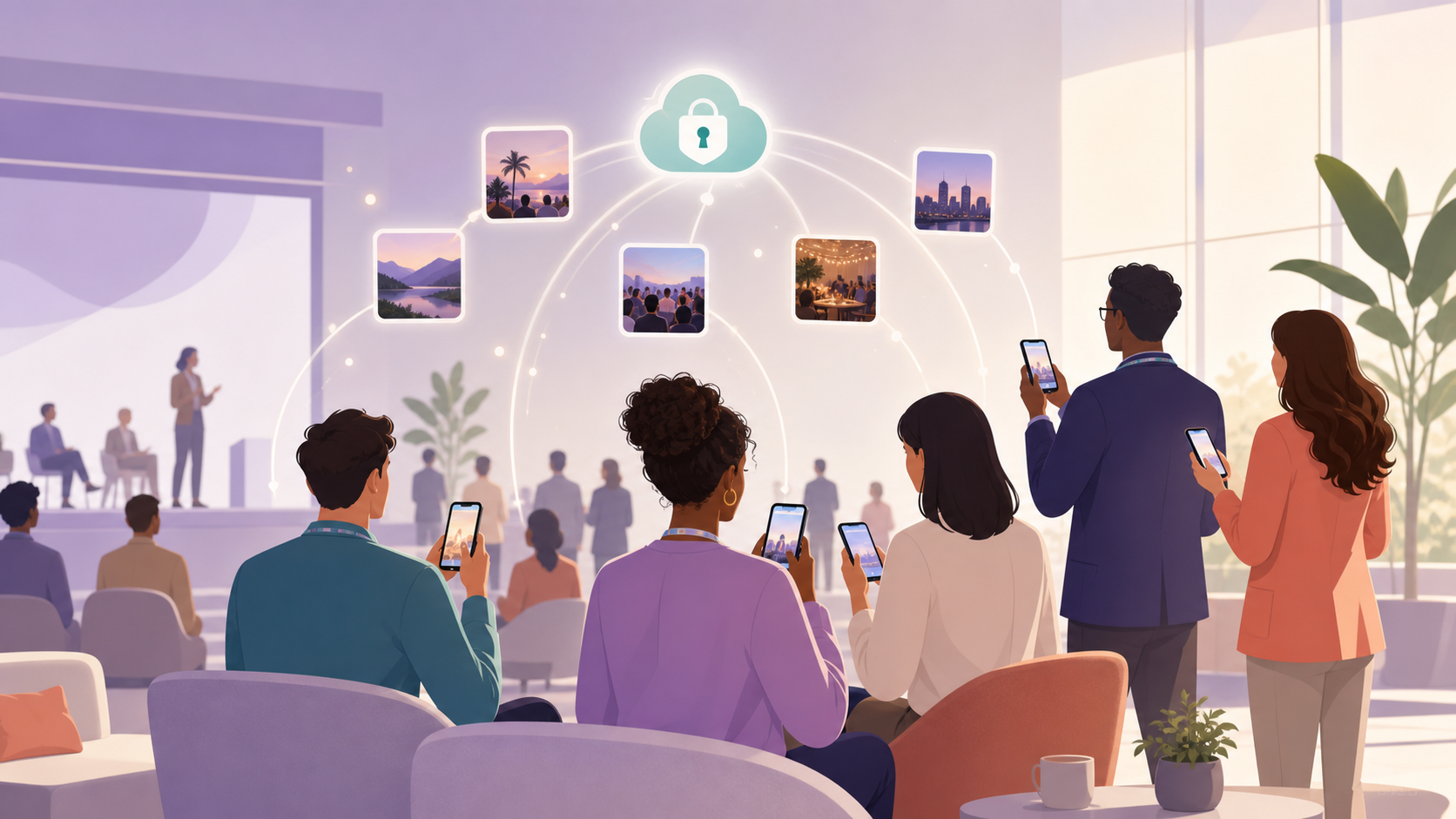
You're the person who makes the event actually happen — the event coordinator, the internal comms manager, or the EA who ends up holding the camera at every all-hands. You've pulled off the logistics, the catering, the AV. But then the event ends and you're still working: chasing photos across six Slack threads, three WhatsApp groups, and a dozen personal camera rolls. You want one album where the candid shots, the tenure award moment, and the after-party laughs all land automatically — and you need to know that nothing in that album ends up somewhere your legal team would flag.
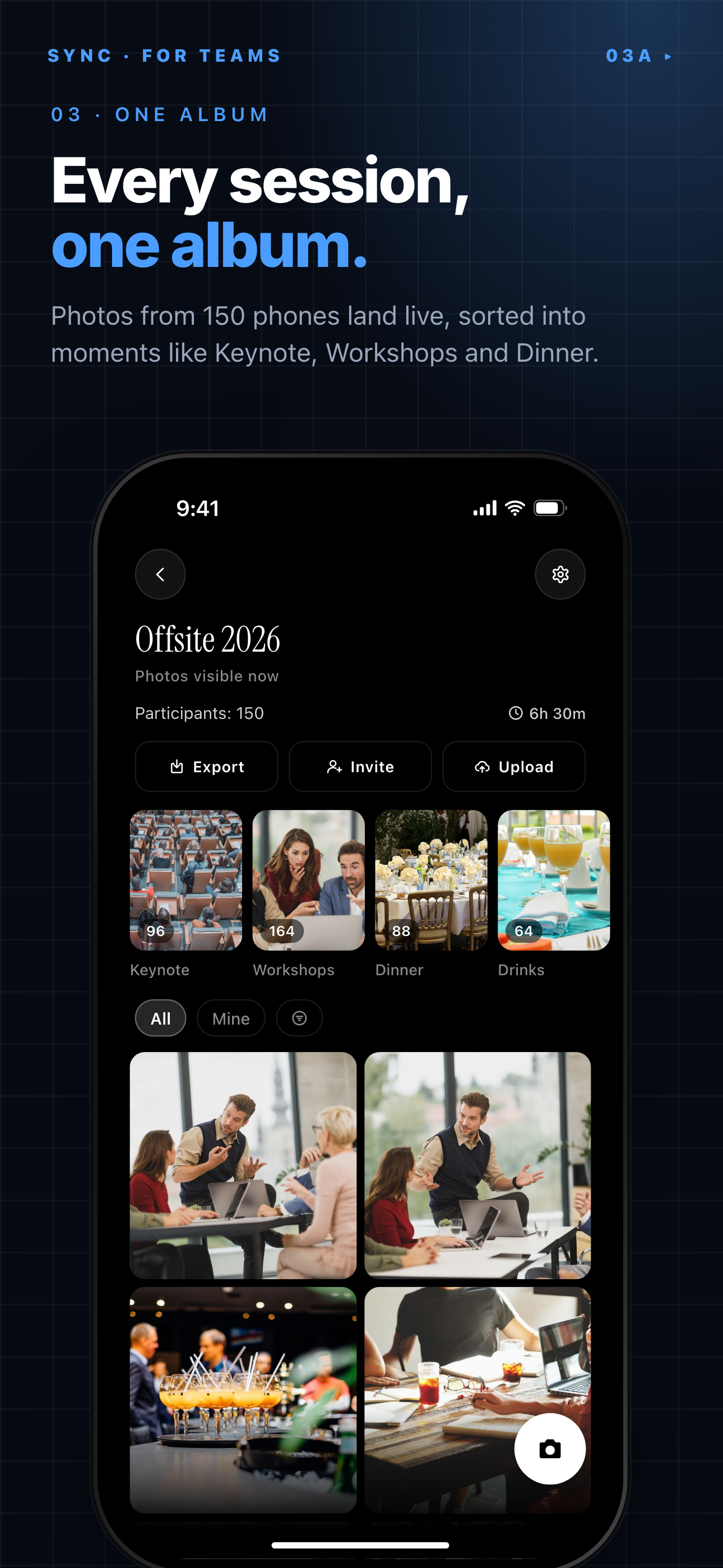
Attendee photos land in one shared album, grouped into moments like Keynote and Dinner.
What is hard right now
- Half the best photos are stuck on people's personal phones and never get shared — by the time you send a follow-up email asking for them, the moment has passed.
- Every time you try to collect photos via a group chat or shared Drive folder, you end up chasing attendees who are on different platforms, have storage-full phones, or just never bother.
- Sending a public Google Photos link feels wrong — you don't know who else is viewing it, and one attendee's accidental share of a confidential slide deck ends your day badly.
Scenarios
The all-hands wrap-up
The company all-hands just ended. The CEO made a big announcement, someone got their 10-year tenure award, and the after-party had moments worth keeping. Leadership wants a recap reel in the internal newsletter by tomorrow morning.
Without a system, you're DMing 40 people tonight asking them to AirDrop you their shots. Most will forget. The ones who remember will send low-resolution screenshots. You'll publish a newsletter with three blurry photos and a gap where the award moment should be.
With sync.camera, you put a QR code on the closing slide. Attendees scan it, their photos from the event sync automatically from their camera roll, and by the time the room clears you already have 200 photos waiting in one album. You pick the best 20, hand them to the newsletter team, and leave on time.
Multi-day offsite with mixed devices
Your 3-day leadership offsite has 30 executives — some on iPhone, some on Android, two who brought a dedicated camera. The hotel Wi-Fi is unreliable. You need every dinner, whiteboard session, and team hike photo in one place, and you cannot ask a VP to download yet another app just to contribute a few shots.
sync.camera works from any browser, so there's nothing to install. Attendees join the album by scanning a QR code or clicking a link. Uploads queue and retry automatically when the connection drops, so the spotty conference-center Wi-Fi doesn't cost you the whiteboard photos from day two.
The person who brought a dedicated camera can upload their RAW files directly through the same web interface. Everything ends up in one album, regardless of device, platform, or signal strength.
Post-event content and employer branding
Your marketing team wants authentic employee photos for LinkedIn posts and the careers page. The problem: you can't post someone's face without a clear consent trail, and your current process — a separate photo-release form sent weeks after the event — gets ignored by half the people who attended.
At your next event, you set up the sync.camera album so only HR can export full-resolution files. Attendees can see what's in the album and flag their own photos if they'd prefer them removed. The consent interaction happens in the same place the photos live, not in a separate email thread nobody reads.
When your marketing team needs assets for the next campaign, the photos are already there, already clean, and the consent record is attached. No chasing, no separate workflow, no last-minute legal question.
Features that make this work
QR code album entry
Put one QR code on your closing slide or event badge and every attendee can join the shared album in seconds — no app download, no account creation, no IT approval needed before the event. The barrier to participation is as low as it gets.
Auto-sync from camera roll
Attendees don't have to remember to upload anything. Once they join the album, photos they take during the event sync automatically in the background — so you get candid shots even from the people who forgot they were supposed to contribute.
Privacy-controlled sharing
Set the album so only invited participants can view or download photos. No public links, no exposure to anyone outside the event — critical when your attendees include executives, customers, or moments involving confidential product reveals.
Cross-platform support
Your attendees are on iPhone, Android, and everything in between. sync.camera works from any browser so you're never asking half the room to switch platforms or install a second app just to participate.