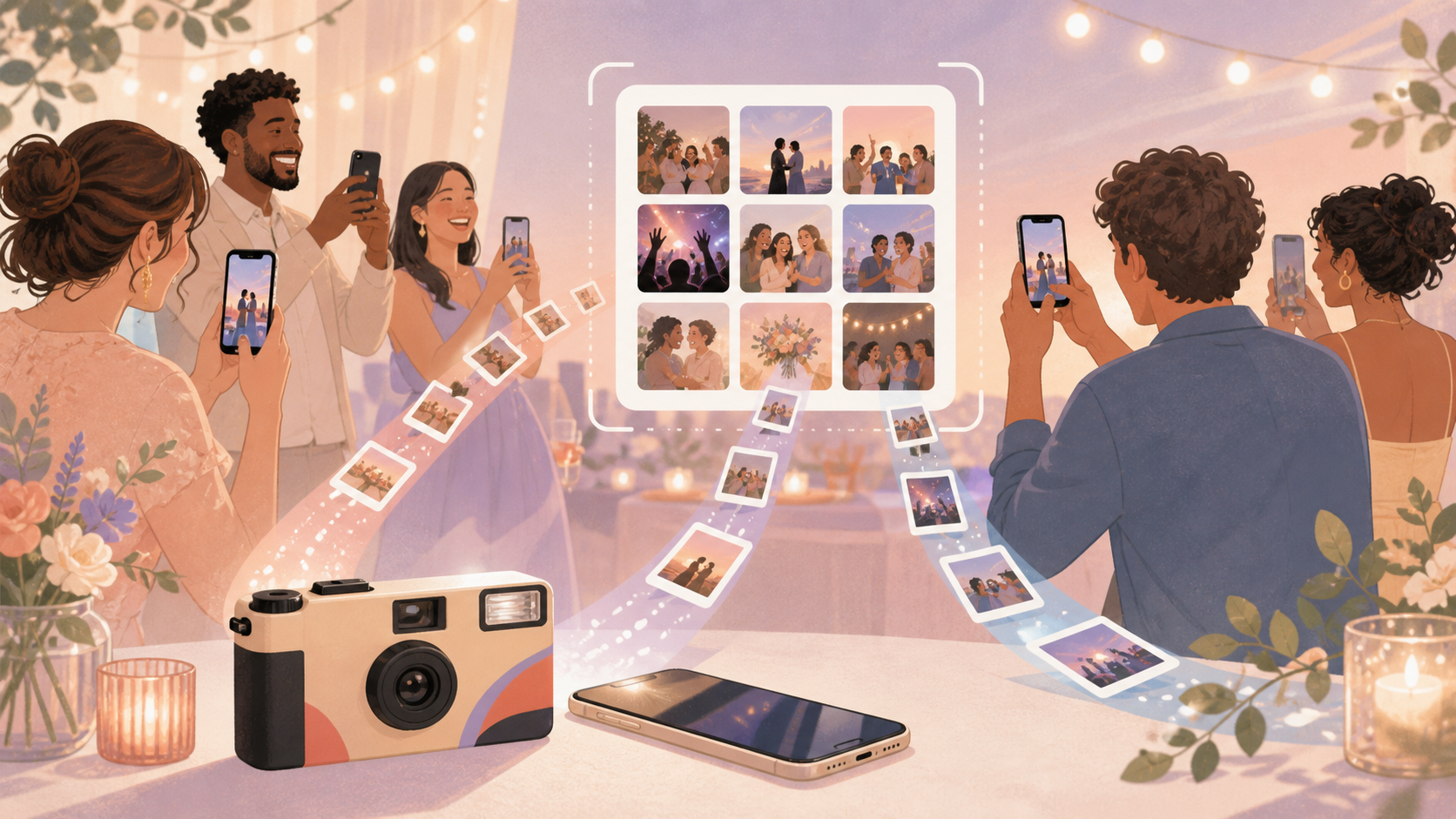
Disposable cameras create a familiar problem after the event: photos are trapped on physical film, spread across tables, and separate from the phone photos guests already took. If you are asking whether sync.camera can get photos from a physical disposable camera onto your phone, that is not the documented feature.
sync.camera is a phone-based alternative. Instead of developing or scanning film, hosts create one event, share a QR code, and let guests contribute photos from their phones into a shared event gallery. Hosts can also choose when the gallery is revealed, which keeps some of the delayed-surprise feeling people like about disposable cameras.
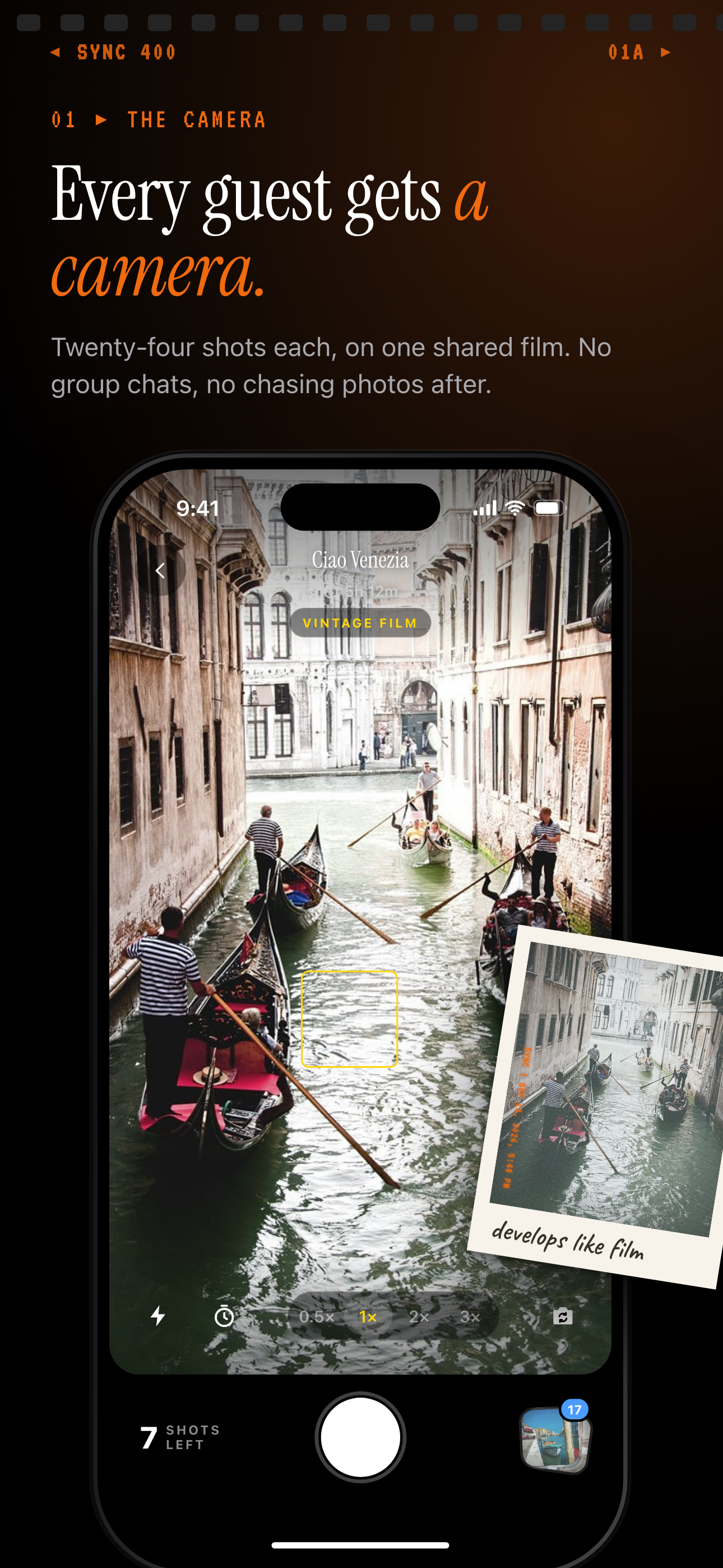
Each guest shoots on their own phone and every photo goes into the shared event album.
How phone-based disposable camera photo sharing works
The host starts by creating a sync.camera event for the wedding, birthday, trip, or gathering.
Then the host shares the event QR code. Guests scan the QR code to join the event, so everyone is contributing to the same place instead of sending photos through scattered text threads.
After joining, guests upload photos into the shared event gallery from their phones. The result is one event album built from many guests' perspectives.
This works as a disposable camera alternative because it keeps the guest-photo collection simple without relying on physical cameras, film developing, or later scanning.

How gallery reveal controls work
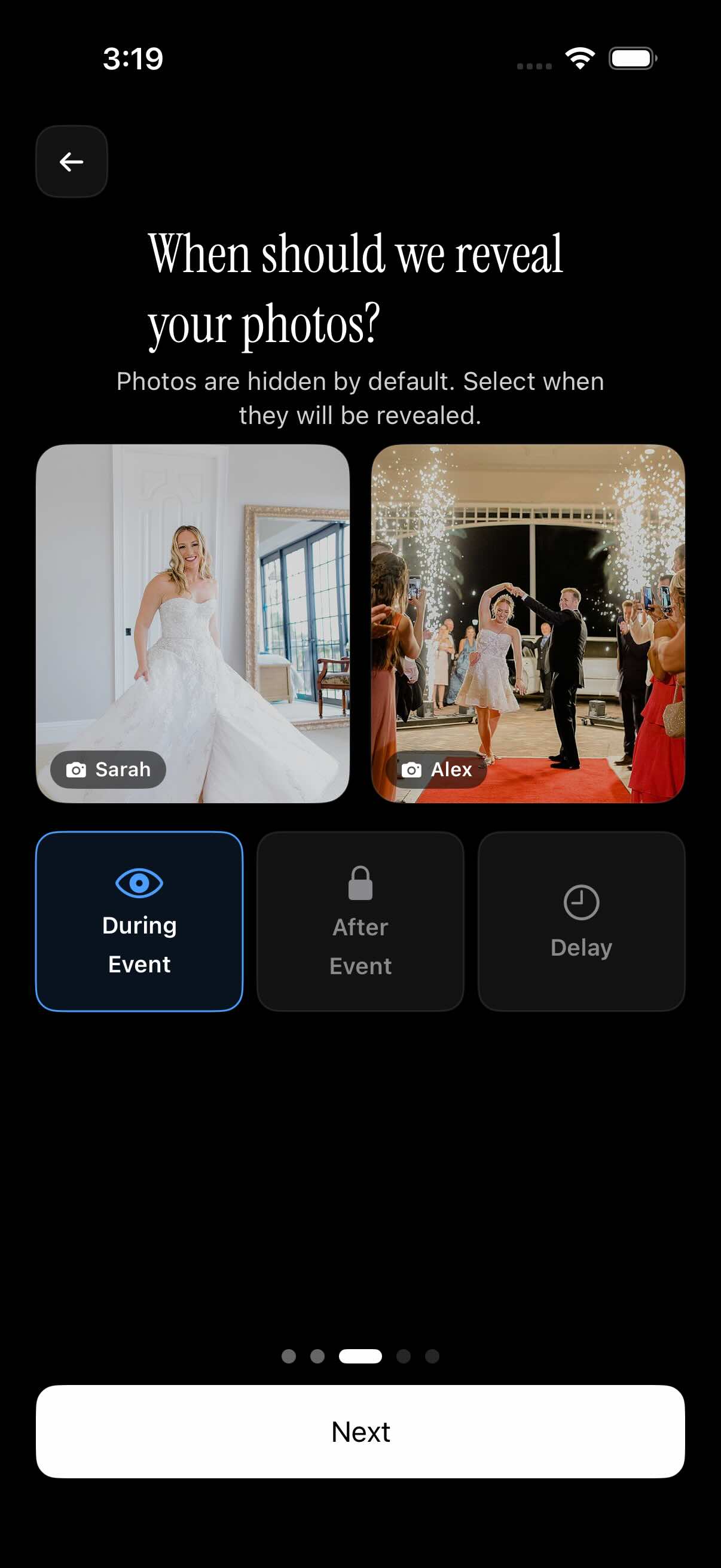
Disposable cameras are popular partly because people do not see every photo right away. sync.camera supports that kind of reveal with gallery timing controls.
Hosts can choose whether event photos appear during the event, after the event, or after a selected delay. That gives the host control over when the shared gallery becomes visible.
For a live party, showing photos during the event can keep the gallery active. For weddings or trips, revealing photos later can make the collection feel more intentional and surprising.
The key difference is that the photos are still contributed from phones into one shared event gallery, without claiming to develop, scan, or transfer physical disposable-camera film.
Who it is for
Wedding hosts
Collect guest photos in one gallery without placing disposable cameras on every table.
Birthday planners
Let friends scan a QR code and add party photos from their phones.
Travel groups
Create one shared trip gallery where everyone can contribute their favorite shots.
Features
QR guest invite
Hosts can invite guests by sharing an event QR code.
Shared event gallery
Guest photos are collected into one event gallery.
Gallery reveal timing
Hosts can choose whether photos appear during the event, after the event, or after a delay.
Photographer filter
Gallery viewers can filter photos by photographer.
Frequently asked questions
Can sync.camera get photos from a physical disposable camera onto my phone?
No film developing or disposable-camera scanning feature is documented for sync.camera. sync.camera is best described here as a phone-based alternative for collecting event photos from guests into one shared gallery.
Do guests need to install anything to join?
The verified joining flow is QR-based: guests can scan an event QR code and join the event. This page should not promise that no app install or account is required unless that requirement is separately confirmed.
Can I hide photos until after the event?
Yes. Hosts can choose gallery reveal timing so photos appear during the event, after the event, or after a selected delay. That can recreate some of the delayed reveal people associate with disposable cameras.
Is there a free option?
Yes. The verified catalog detail is that events with up to 7 guests are free. Paid events can be relevant for larger gatherings and support unlimited photo uploads.