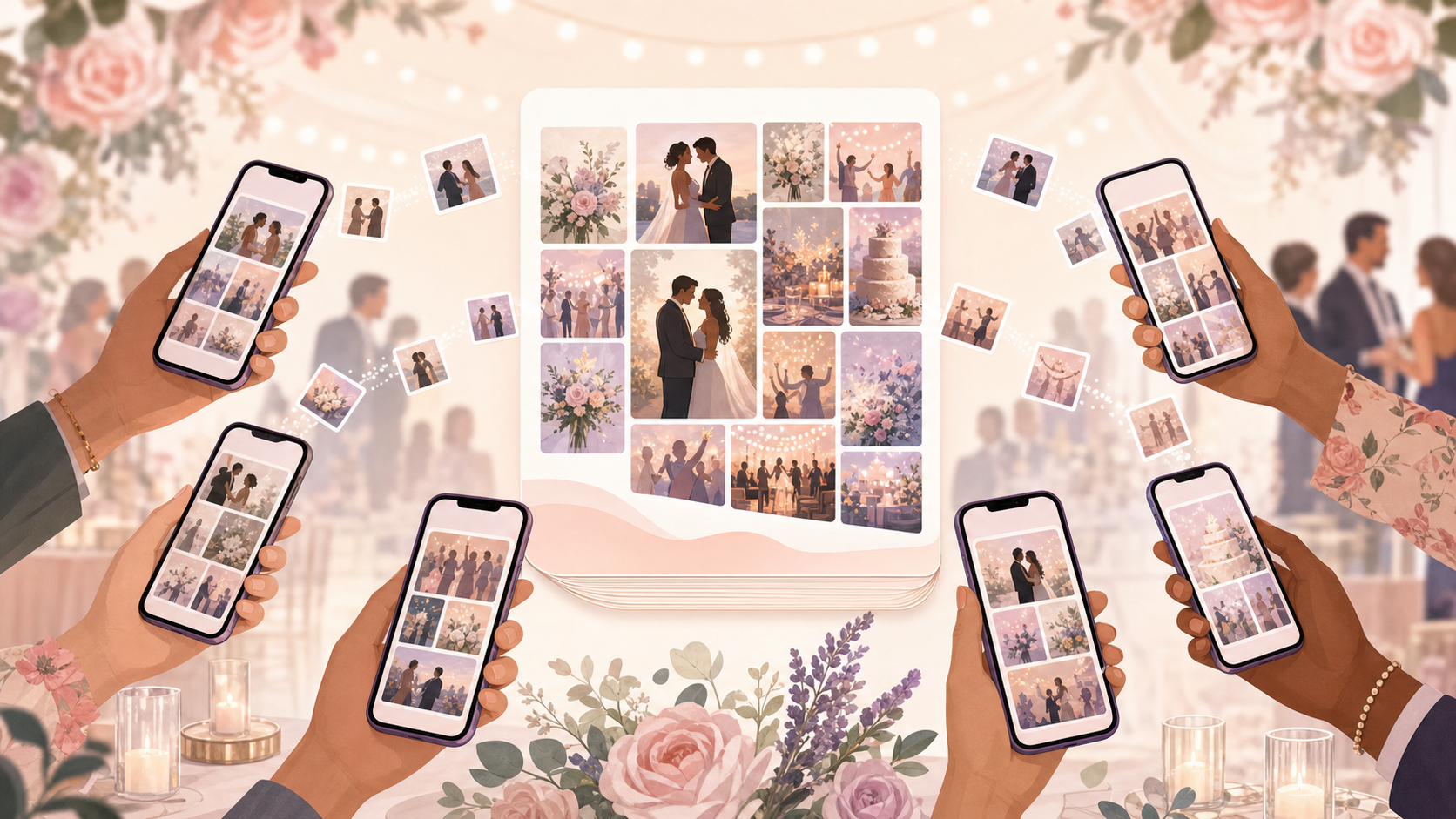
Most couples spend the first week after their wedding doing the same thing: texting guests, begging for photos, waiting on AirDrop transfers that never finish, and combing through group chats where someone buried three great candids under a sea of reaction emojis. By the time the last USB drive arrives, the wedding feels like a month ago. Half the shots from the dance floor never surface at all.
Sync.camera's digital wedding guestbook ends that chase before it starts. You create a wedding event, share one QR code, and every guest who scans it can upload directly from their camera roll into your shared gallery — no account, no app install, no follow-up required. The morning after your wedding, instead of a to-do list, you wake up to 300 candid shots sorted by photographer, ready to browse.
How the digital wedding guestbook works
Setting up your event and QR code
You start by creating a wedding event inside the Sync app and setting a date window — a start date and end date that defines your wedding day. Only photos taken within that window are accepted into the album, which means your Aunt's vacation shots from two weeks earlier and anyone's accidental Thursday selfies stay out automatically. The album is wedding-day-only without any manual filtering on your end.
The moment you create the event, Sync generates a QR code. Print it on table cards at each reception table, display it on a screen near the entrance, or text it to guests ahead of time as part of your event details. Guests scan it with their phone camera — that's the entire join flow. No app download prompt, no account creation screen, no friction between them and contributing photos (guests joining free-tier events of up to 7 people don't need an account at all).
Uploads and gallery visibility
Once guests are in, they upload directly from their camera roll. Photos from every phone feed into one shared gallery, attributed to each contributor so you can filter by person or by the professional photographer if your shooter uploads their edited selects to the same event. Browse the whole album or zero in on a single contributor's perspective in seconds.
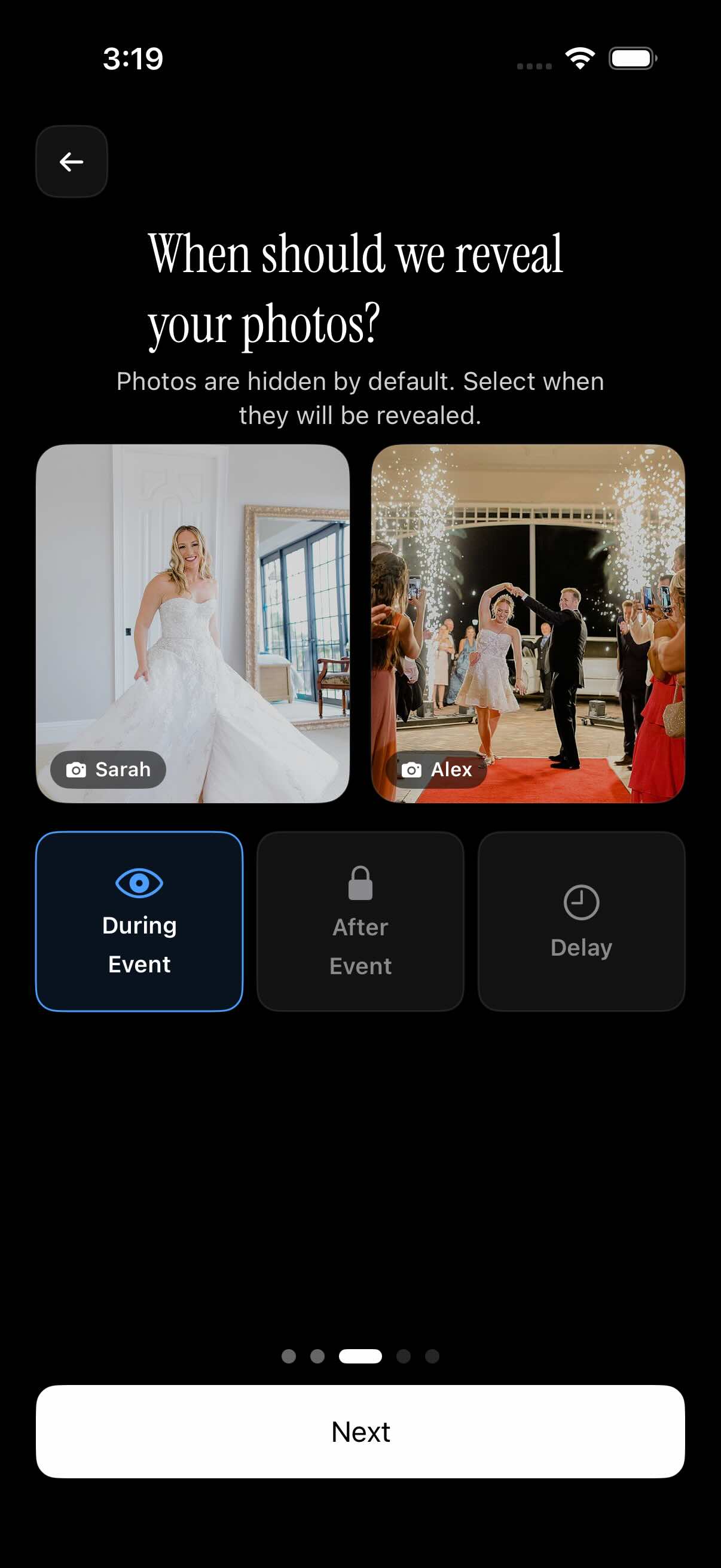
You decide when the gallery becomes visible. Choose during the event so guests can watch the album fill up in real time on the dance floor. Choose after the event ends if you want to review before anything goes live. Or set a custom delay — reveal the full album as a surprise one week after the honeymoon, when the two of you are back and ready to relive it together.

Gallery reveal — show photos on your terms
The gallery reveal setting is one of the most asked-about parts of planning a shared wedding album, and Sync gives you three distinct options rather than a single locked mode.
Set reveal to during event and guests see each other's shots in real time as they're uploaded. Someone on the dance floor can pull up the album and watch the ceremony shots trickle in from the other end of the venue. It turns the gallery into a live moment.
Set reveal to after event and the album stays private until your event's end date passes. You get to browse everything before it's visible to guests — a natural pause for any couple who wants to curate or simply catch their breath before sharing.
Set a custom delay and you control the exact reveal date. Schedule the album to open one week after the wedding, or time it as a surprise for guests the day you return from the honeymoon. The photos are collected and waiting; you choose when the curtain goes up.
Who it is for
The couple
Instead of waiting weeks for guests to share Google Drive links, the couple wakes up the morning after with a gallery of 300+ candid shots — ceremony tears, dance floor chaos, the late-night photo booth — all in one place, sorted by photographer. No chasing, no missing shots.
Families spread across the country
Grandparents who flew in from overseas and cousins who couldn't make it in person can both access the same gallery through one shareable link. Nothing gets lost in group chats or buried in emailed attachments — one link, every photo, accessible to the whole family.
Wedding photographers
The professional shooter uploads their edited selects to the same event. Guests can filter by photographer to find the official shots right alongside the candid phone photos — one album, clear attribution, no separate delivery portal needed.
Couples planning a digital-first wedding
No printed photo books, no USB drives mailed to relatives, no DVD that won't play in five years. Everything lives in one shareable link the couple can send to friends and family for years after the day — and it's there when they want to revisit it on their first anniversary.
Features
QR-code guest join
One scannable code on your table cards is all guests need — no app download required to contribute photos.
Date-windowed uploads
Only photos taken within the event's date range are accepted, keeping the album clean and wedding-day-only.
Gallery reveal control
Hide all photos until after the event, reveal them immediately, or set a custom delay for a post-wedding surprise.
Filter by photographer
Browse the gallery by individual guest or the professional photographer — find your shot in seconds even with hundreds of uploads.
Up to 7 guests free
Small weddings and intimate ceremonies are covered at no cost. Upgrade to a paid event for unlimited guests and unlimited photo uploads.
Unlimited uploads on paid events
No cap on photo count — every guest can upload their full camera roll from the day without hitting a wall.
Frequently asked questions
Do wedding guests need to download an app or create an account?
Guests join simply by scanning the QR code with their phone camera — there's no app download prompt and no account creation required for guests joining free-tier events (up to 7 guests). The host creates the wedding event in the Sync app, but everyone invited to contribute photos goes through a frictionless scan-and-upload flow. For larger paid events, the same frictionless join experience applies with no guest cap.
How do I make sure only wedding-day photos end up in the album?
When you create the event, you set a date window with a start date and end date. Sync only accepts uploads for photos taken within that window — so your guests' older camera-roll shots, vacation pictures from the week before, and anything timestamped outside the wedding day are automatically excluded. You get a clean, day-of album without having to manually remove anything.
Can I hide photos from guests until after the wedding?
Yes — Sync gives you three gallery reveal options. 'During event' lets guests see photos in real time as they're uploaded. 'After event' keeps everything private until your event's end date passes, giving you a window to review before the album opens. 'Custom delay' lets you pick a specific reveal date, so you can surprise guests and family with the full album on a date of your choosing — popular with couples who want a post-honeymoon reveal.
How many guests can join for free?
Up to 7 guests can join and contribute photos on a free event — which covers intimate ceremonies and elopements without any cost. For larger weddings, upgrading to a paid event removes the guest cap entirely and also unlocks unlimited photo uploads from all attendees, so no one hits a wall mid-reception.
What happens to the photos after the wedding — do they disappear?
The gallery persists after the event end date passes. The couple retains access to the full album and can share the gallery link with family and friends at any time after the day — whether that's the morning after, a year later on your anniversary, or anytime you want to revisit it. Photos don't disappear when the event closes.