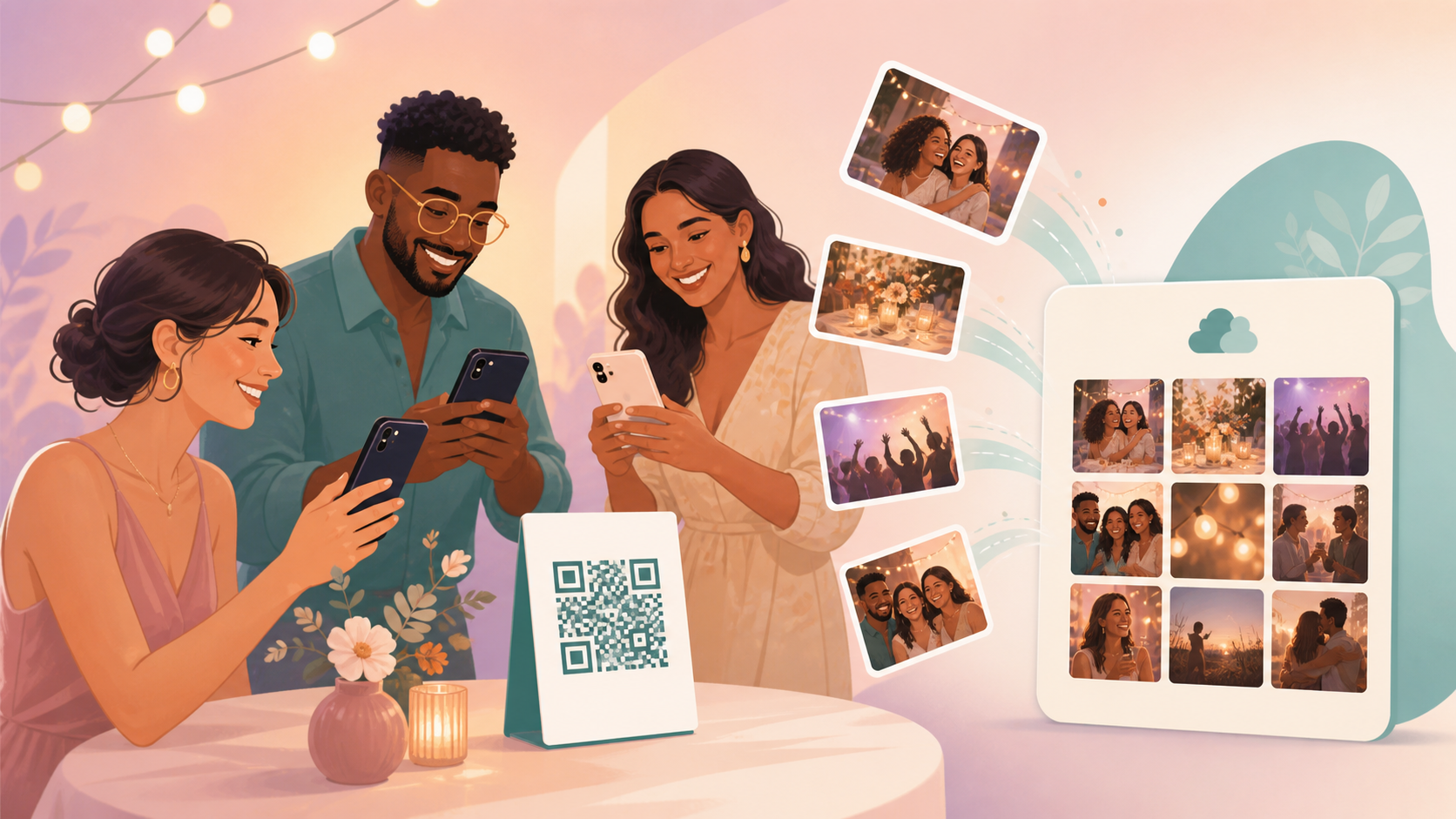
Disposable cameras are fun for about five minutes — then someone forgets to drop off the roll, a phone gets left in a jacket pocket, and half the party's photos end up scattered across a dozen camera rolls that never make it to a group chat. If you've hosted a birthday, a wedding, or a reunion, you already know the follow-up: texting six people for their photos, waiting on a memory card that never surfaces, or watching the best candid shots vanish for good.
Sync fixes that with one event QR code. Guests scan it, join the event with no account required, and every photo they take drops into a single shared gallery. You decide whether that gallery is visible live, unlocks after the event ends, or opens after a short delay — so you get either instant sharing or the classic wait-and-see disposable-camera reveal. Learn more on the sync.camera homepage or see the event QR code details.
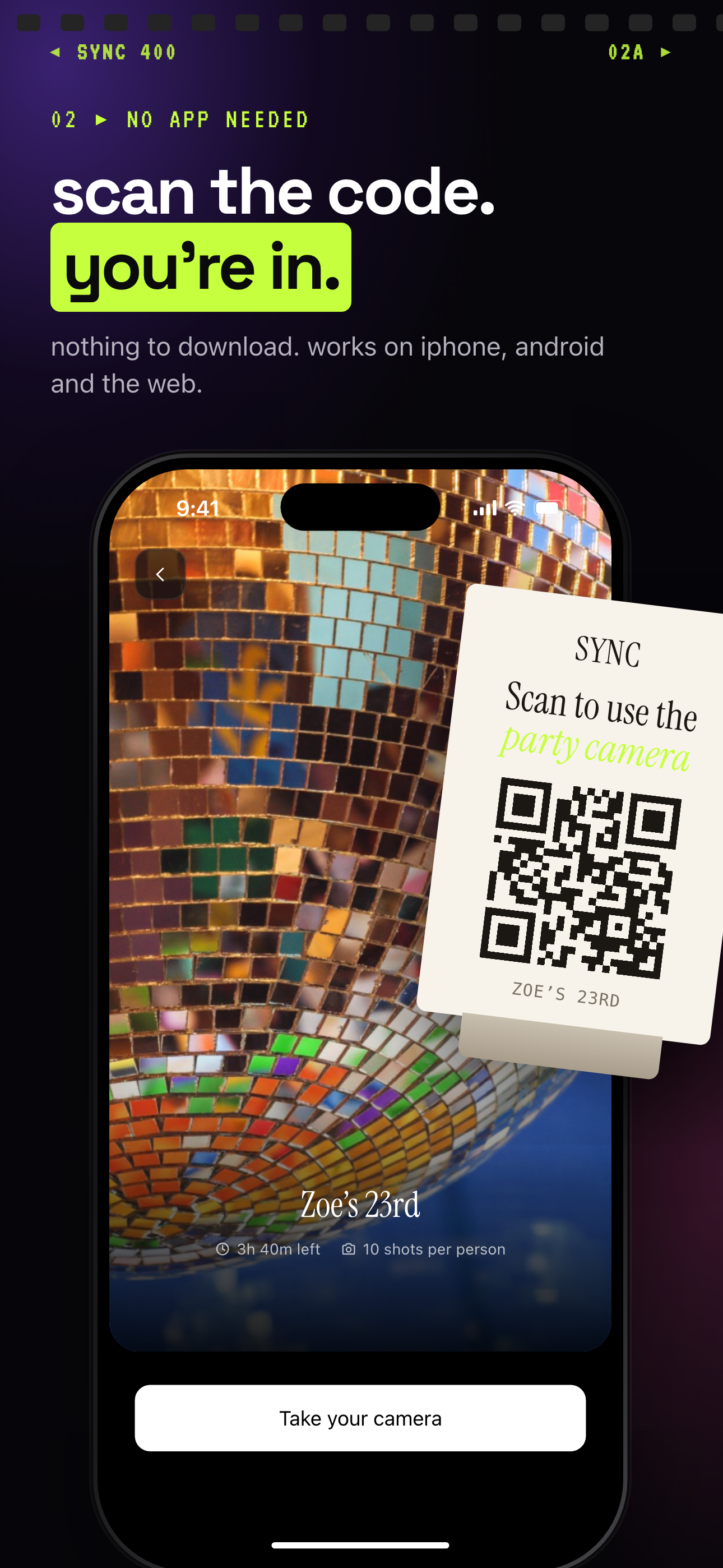
Guests scan one event QR code and join with no account.
How a free disposable camera app works
Setting up starts with the host. Inside sync.camera, name the event and pick a start and end time. Event timing controls the window during which uploads are accepted, so the gallery fills with photos from that day only — not random shots from someone's camera roll weeks later.
Once the event is live, share the event QR code. Print it on a table card, post it in a group chat, or display it on a screen at check-in. Guests scan it with their phone camera and join instantly, with no separate account needed on their end.
From there, every guest who joins can add photos straight to the one shared event gallery. Instead of a dozen scattered camera rolls, everything funnels into a single album the host controls. Whether that gallery becomes visible right away or stays hidden depends on the reveal setting the host chooses, covered next.
For a closer look at the scanning and joining flow specifically, see the event QR code page.

How photo reveal timing works
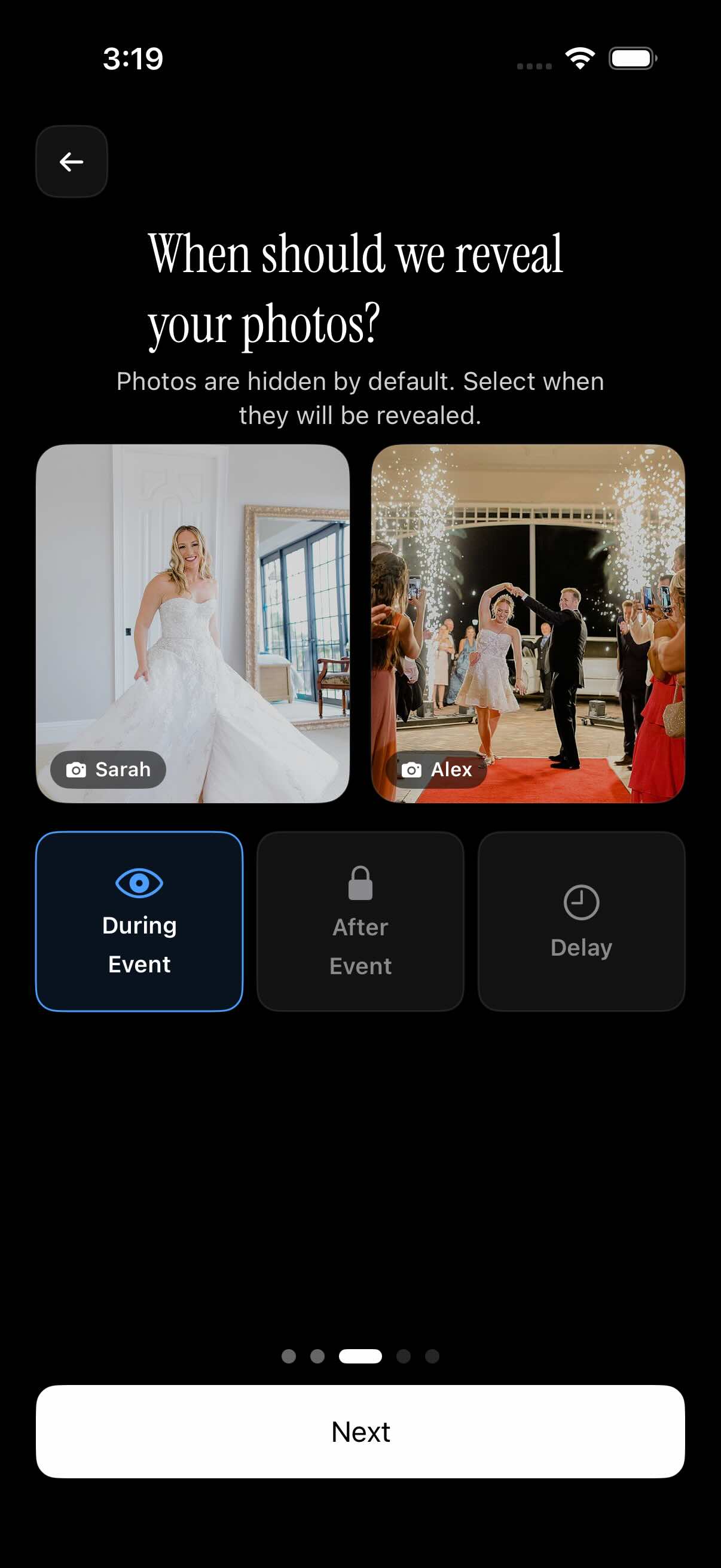
Reveal timing is what makes this feel like a disposable camera instead of a live photo stream — or the opposite, if you'd rather everyone see shots as they happen. Sync gives hosts three reveal modes to choose from when setting up the event.
Live reveal shows photos to every guest as soon as they're uploaded, which works well for events where people want to watch the shared album build in real time, like a reunion or a casual meetup. After-event reveal keeps the gallery locked until the event's end time passes, recreating the wait-and-see feeling of dropping off a roll of film. Delayed reveal adds a buffer of extra hours after the event ends before the gallery opens, giving the host a chance to review photos first.
Each event gallery stays private to that event, so guests only ever see photos from the event they joined, not a public feed. Full details on choosing a reveal mode live on the photo reveal feature page.
Who it is for
Birthday hosts
Friends scan one QR code at the party and add photos to a single shared album instead of texting them to the host one by one afterward.
Wedding guests
Guests capture candid reception moments on their own phones while the couple keeps every shot in one event gallery instead of chasing photos down after the honeymoon.
Families
Relatives at a reunion contribute photos as the day unfolds, so no one has to be the one person emailing thirty cousins for their camera roll afterward.
Small meetups
Organizers hand out the event QR code at check-in, collect photos all day, and reveal the full gallery once the event wraps.
Features
QR event joining
Hosts share one event QR code, and guests scan it to join and start adding photos, with no account required.
Shared event gallery
Every photo guests take collects into one shared album instead of scattering across separate camera rolls and group chats.
Reveal controls
Choose whether the gallery appears live during the event, unlocks after it ends, or opens after a set delay.
Event timing
Set a start and end time for the event so accepted uploads line up with the actual event window.
Free event option
Sync is free to start. Upgrading is a one-time purchase for a single event rather than a subscription, and Sync doesn't publish hard guest or photo caps for the free tier.
Frequently asked questions
Is Sync a free disposable camera app?
Yes — Sync is free to start, so you can create an event, share the QR code, and begin collecting guest photos without paying up front. If an event needs more room, upgrading is a one-time purchase for that specific event rather than a recurring subscription. Check current pricing on sync.camera before your event if you're expecting a large guest count.
How do guests join the event camera?
The host shares an event QR code — printed on a table card, posted in a group chat, or shown on a screen at check-in. Guests scan it with their phone's camera to join the event instantly, with no account required, and can start adding photos to the shared gallery right away.
Can photos stay hidden until after the event?
Yes. Hosts choose a reveal mode when setting up the event: live, so photos appear as guests upload them; after the event, so the gallery unlocks once the event's end time passes; or after a set delay, which adds extra hours beyond the end time before anyone can see the gallery.
What kinds of events is this best for?
It works well for birthdays, weddings, reunions, parties, and small meetups — basically any event where a lot of guests are taking photos on their own phones and you want one gallery instead of a dozen scattered camera rolls. The QR code and reveal timing scale from an intimate dinner to a few hundred guests.