Event photos have a problem: they scatter. At a wedding, a birthday, or a company offsite, every guest is capturing moments — but those photos vanish into dozens of separate camera rolls and are never seen together until someone manually shares an album days or weeks later, if ever. The party is over, the energy is gone, and the best candids live forever on phones that never sync.
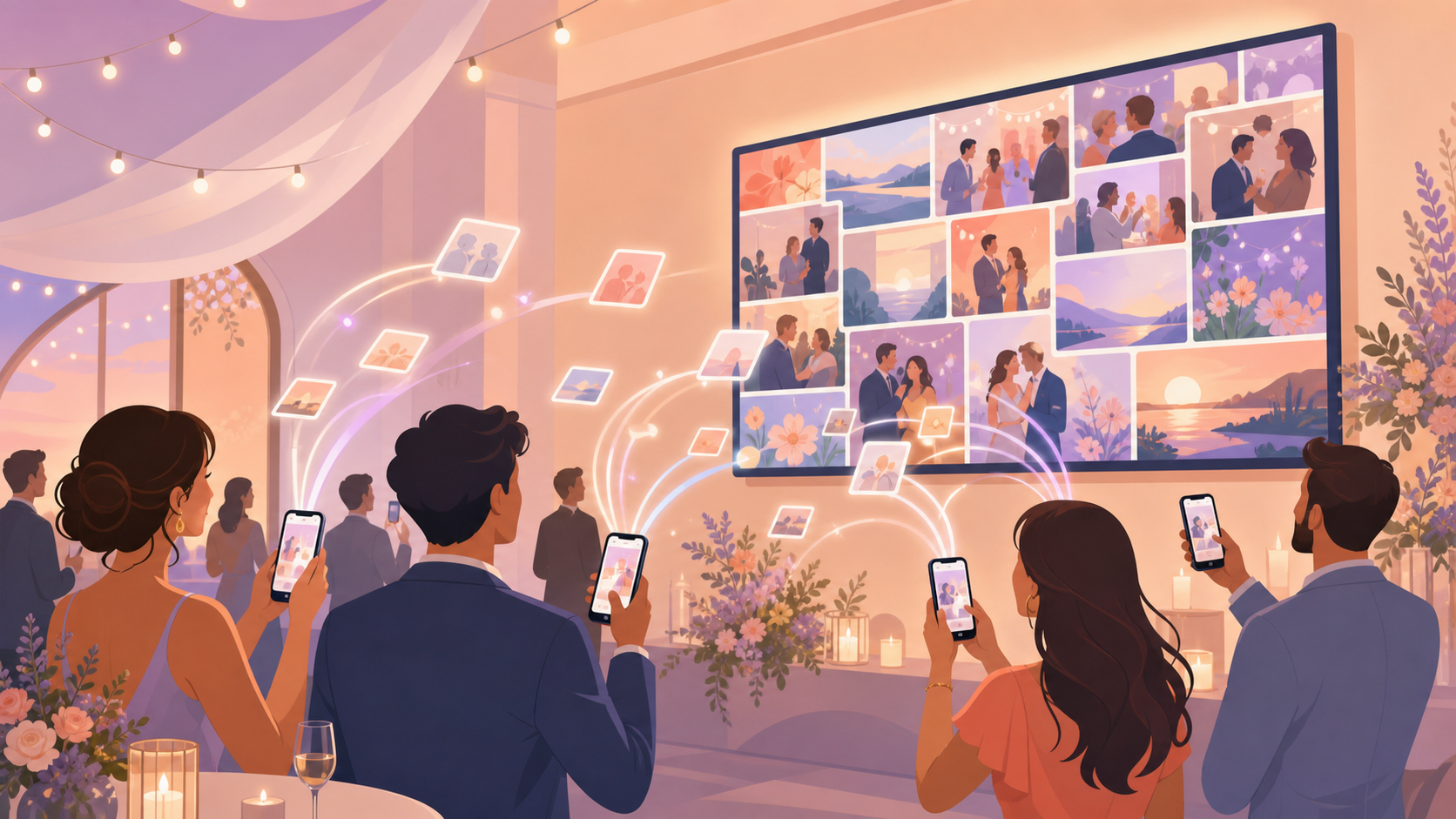
SYNC's Live Photo Wall solves that at the moment it matters most — while the event is still happening. As soon as a guest uploads a shot from their phone, it flows onto the big screen for the whole room to enjoy. No waiting, no chasing people for photos after the fact, no missed moments. The wall becomes a living, real-time scrapbook of everything unfolding around it, turning a passive crowd into a room full of active, connected participants.
How the Live Photo Wall works
The host creates an event in SYNC and receives a unique QR code. Share it — print it on a table card, display it on a sign, or text it to the group — and guests scan it with their phone camera to join. No SYNC account, no app download, and no extra steps required. They are contributing to the live photo slideshow within seconds of arriving.
On the venue side, the host opens the Photo Wall URL in any modern browser on any screen with an internet connection — a smart TV, a laptop plugged into a projector, or a tablet propped on a stand. There is no software to install, no hardware to rent, and no AV crew needed. One URL, full-screen slideshow, running immediately.
As guests snap photos and tap upload, each image flows onto the wall in real time. The display refreshes automatically — guests watch their own shots appear within moments of pressing the shutter, which sparks a feedback loop that keeps energy and participation high throughout the event.
Hosts stay in control the entire time. Gallery reveal rules set at event creation determine exactly when photos become visible: during the event, after it ends, or after a custom delay — so a surprise proposal or a cake reveal is never accidentally spoiled by an early upload.

Who it is for
Wedding couples
The couple opens the Photo Wall on the ballroom projector before cocktail hour begins. As guests snap candids at the welcome drinks and on the dance floor throughout the night, each photo streams onto the screen in real time — so the whole room watches the same celebration unfold together, moment by moment.
Corporate event planners
A conference organizer puts the Photo Wall on the lobby display between sessions. Attendees photograph keynote highlights and breakout moments and watch their shots appear on screen within seconds of uploading — keeping engagement and energy high even during the transitions.
Birthday party hosts
A host opens the wall on the living-room TV before the first guest arrives. By the end of the night the screen has become a living scrapbook of every laugh, group hug, and surprise moment from the party — a highlight reel that wrote itself in real time.
Features
Real-time display
Photos appear on the venue screen the moment a guest uploads — no manual refresh, no delay.
Any screen, any browser
The Photo Wall runs at a simple URL; open it on a smart TV, laptop, or projector — no app or hardware purchase required.
QR-code guest access
Guests join with a single QR scan from their phone camera; no SYNC account needed to contribute photos to the wall.
Gallery reveal control
Hosts choose whether photos are visible during the event, after it ends, or after a custom delay — so nothing spoils a surprise moment early.
Frequently asked questions
Do guests need to install the SYNC app to contribute to the Live Photo Wall?
No app download is required. Guests join by scanning the event QR code with their phone camera and upload directly from the mobile web browser — no SYNC account needed. The SYNC iOS or Android app unlocks extra features like burst upload, but it is never required for a guest to appear on the wall.
What screen or device do I use to display the Photo Wall at the venue?
Any device with a modern browser and an internet connection works: a smart TV, a laptop connected to a projector, or a tablet on a stand. The host navigates to the wall URL and the slideshow runs full-screen automatically — no additional software, plug-ins, or hardware purchases are required.
Is the Live Photo Wall available on the free plan?
Yes. Events with up to 7 guests are completely free on SYNC, and the Live Photo Wall is included at no cost for those events. Larger gatherings or events that need unlimited uploads require a paid event pass; full pricing details are on the plans page.
Can I control which photos show up on the wall?
Hosts set gallery reveal rules when creating the event — photos can be made visible during the event, only after it ends, or after a chosen time delay. Any photos uploaded outside the reveal window are queued automatically and released when the window opens, so you always control what the room sees and when.