Event links are easy to miss. Guests scroll past them in group chats, type URLs incorrectly, or ask the host how to join while the event is already underway.
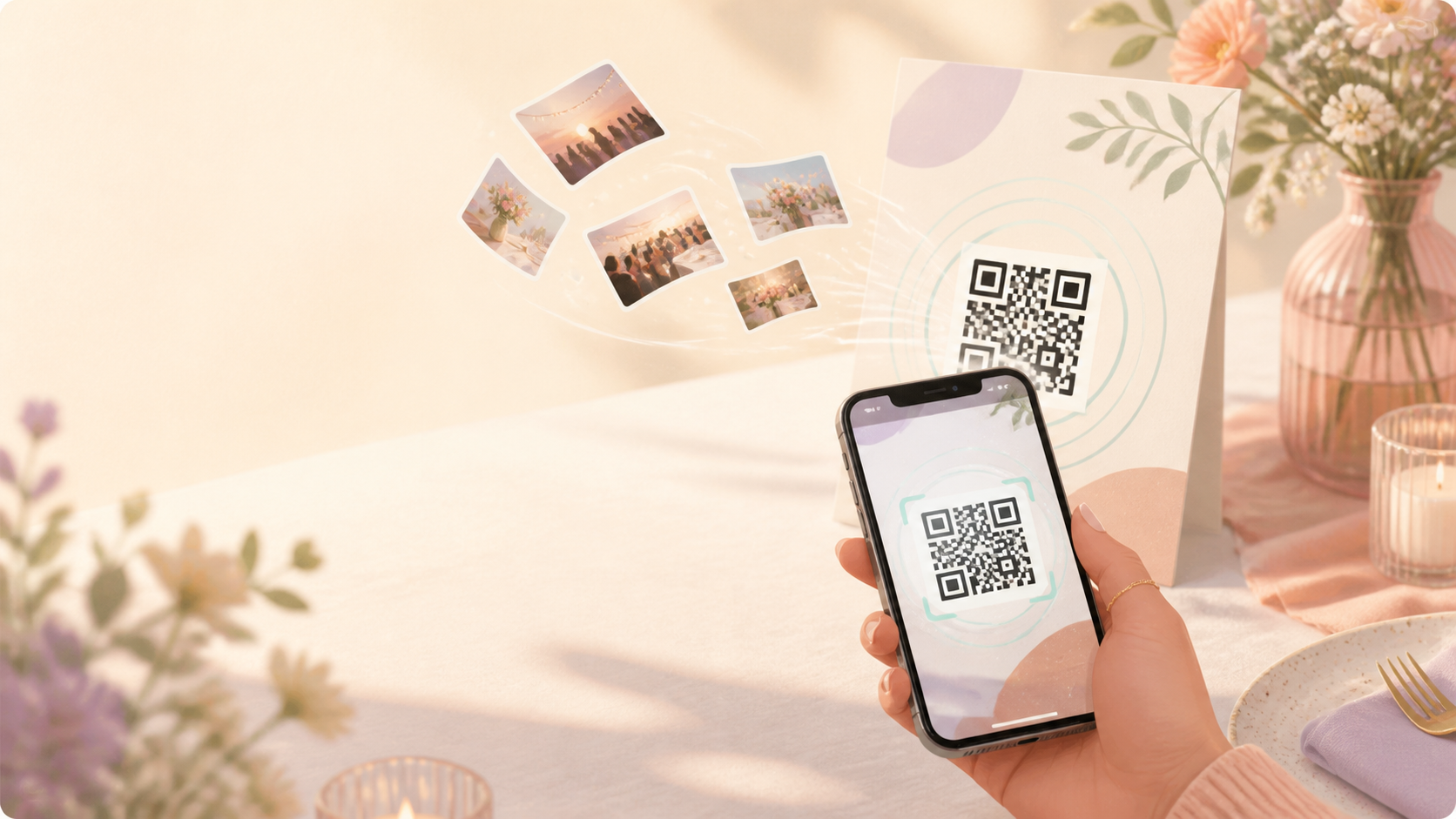
A picture of a QR code gives guests a faster path into the right sync.camera event. The host shares the event QR code, and guests scan it instead of manually entering a link.

Guests point their camera at the event QR to join instead of typing a link.
How a picture of a QR code works
The host starts by creating an event in sync.camera. That event has a QR code guests can use to reach the correct event space.
Next, the host shares the event QR code where guests can see it. The QR code can be shared visually, so guests do not have to rely on a typed URL or search through a message thread.
When a guest scans the picture of a QR code, they can join the event connected to that code. This keeps the joining step simple: scan the event QR code, open the event, and avoid manual link entry.
For related setup context, see the event QR code feature at /features/event-qr-code.

Who it is for
Wedding hosts
Share one event QR code at the celebration so guests can join the shared photo space without asking for a link.
Families
Add the QR code to a birthday invite or show it on a screen so relatives can join the right event quickly.
Party organizers
Let guests scan once when they arrive instead of sending the same link again in a group chat.
Features
QR-based event joining
Hosts can invite guests by sharing an event QR code.
Guest scan flow
Guests can scan the event QR code to join the event.
Frequently asked questions
What happens when guests scan the picture of a QR code?
Guests scan the event QR code and use it to join the matching sync.camera event. The verified flow is limited to event joining, so this page should not add claims about accounts, uploads, or app requirements unless those details are confirmed.
Can hosts share the QR code in person?
The available screenshot supports the idea that the QR code can be shared visually. Examples such as venue signs, screens, or printed invites are practical possibilities to verify before publishing as specific product guidance.
Do guests need a sync.camera account?
That product detail should be confirmed before the final page states a yes or no answer. Until there is verified documentation, the copy should only say that guests can scan the event QR code to join the event.