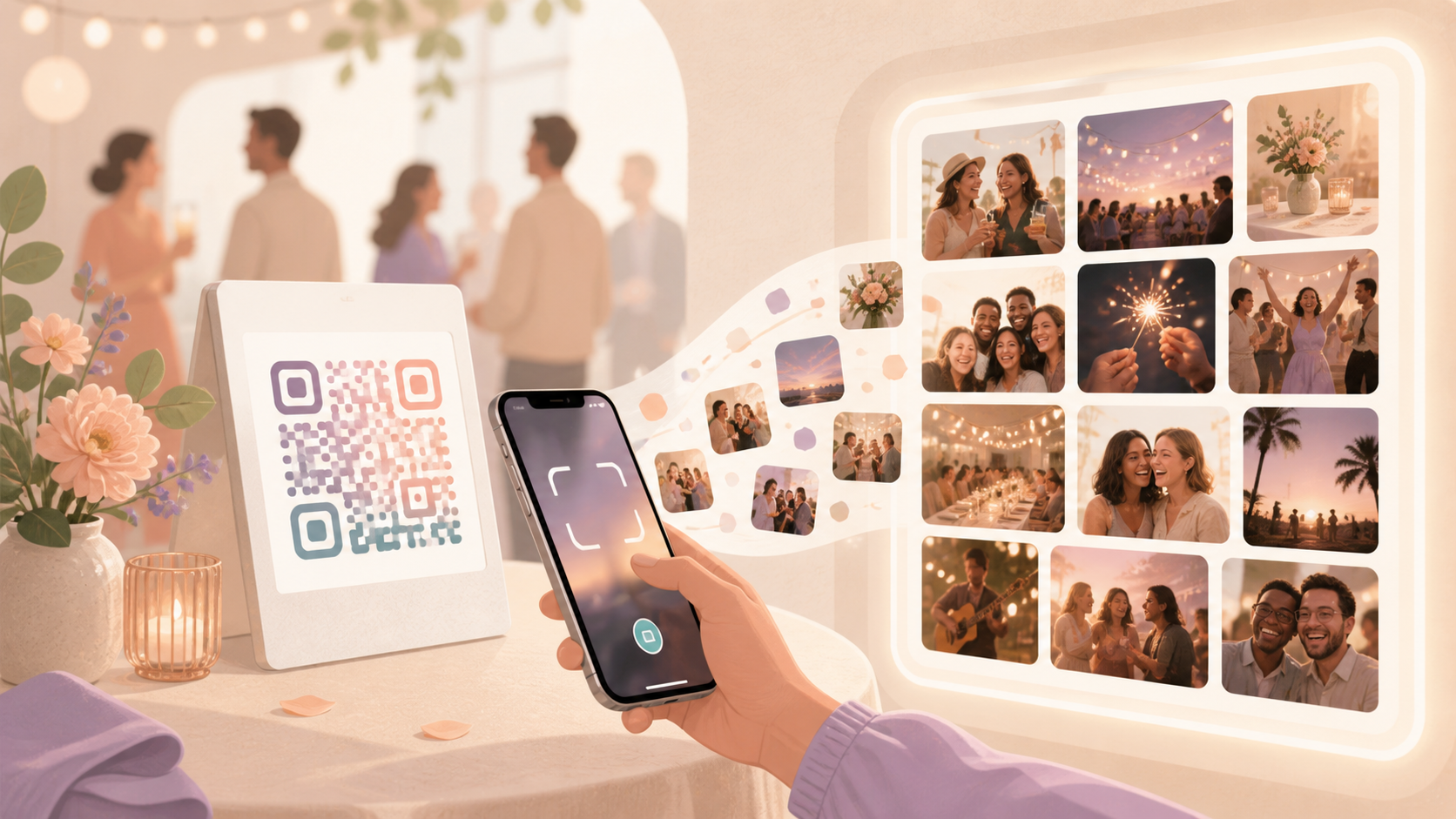
Guests take some of the best event photos, but collecting those photos afterward can turn into a long thread of reminders, missed uploads, and scattered camera rolls. A polaroid QR code gives people a simple scan-to-join path while the event is still happening.
With sync.camera, the verified flow is straightforward: hosts can share an event QR code, guests can scan it to join the event, and event photos can be collected into a shared gallery. It fits naturally alongside an event QR code, a shared event gallery, or a wedding photo collection plan for /for/weddings.
How the polaroid qr code flow works
Start by creating a sync.camera event for the wedding, party, reunion, or gathering you want people to contribute to. The event gives the host a single place for shared photo collection instead of relying on separate messages after everyone goes home.
Next, share the event QR code with guests. The polaroid QR code idea works well on or near printed event materials, signage, welcome tables, or any place guests will naturally notice a scan prompt, while the actual verified sync.camera capability is QR-based event joining.
When guests scan the QR code, they can join the event. That join flow is the important part: it connects the guest to the shared event so their photos can be added to the same collection instead of staying isolated on individual phones.
After guests have joined, the event photos can live together in a shared event gallery. The host spends less time chasing individual uploads later, and guests have a clearer path to contribute the moments they captured.

Who it is for
Wedding hosts
Display the event QR code near the guest book, bar, or reception entrance so guests can join the shared event and contribute candid photos from the day.
Party organizers
Place the QR code near the entrance so friends can scan as they arrive and add photos to the same event instead of sending them later in separate chats.
Families
Share one QR code at a birthday, holiday gathering, or reunion so relatives can join the event and help build one shared photo collection.
Features
Event QR sharing
Hosts can invite guests by sharing a QR code for the event.
Guest join flow
Guests can scan the event QR code and join the event.
Shared event gallery
Photos from the event can live together in a shared event gallery.
Frequently asked questions
What is a polaroid QR code?
A polaroid QR code is a QR code used on or near printed event materials so guests can scan and join a shared photo collection. For sync.camera, the verified capability is QR-based event joining, not printing polaroids or creating custom polaroid templates.
Can guests join by scanning a QR code?
Yes. Available sync.camera screenshots support that guests can scan an event QR code and join the event. The page should focus on that join flow without adding unverified claims about account requirements, app requirements, or privacy settings.
Who is this best for?
This is best for weddings, parties, reunions, birthdays, and other events where many people are taking photos at the same time. The main benefit is reducing the manual work of collecting guest photos after the event.