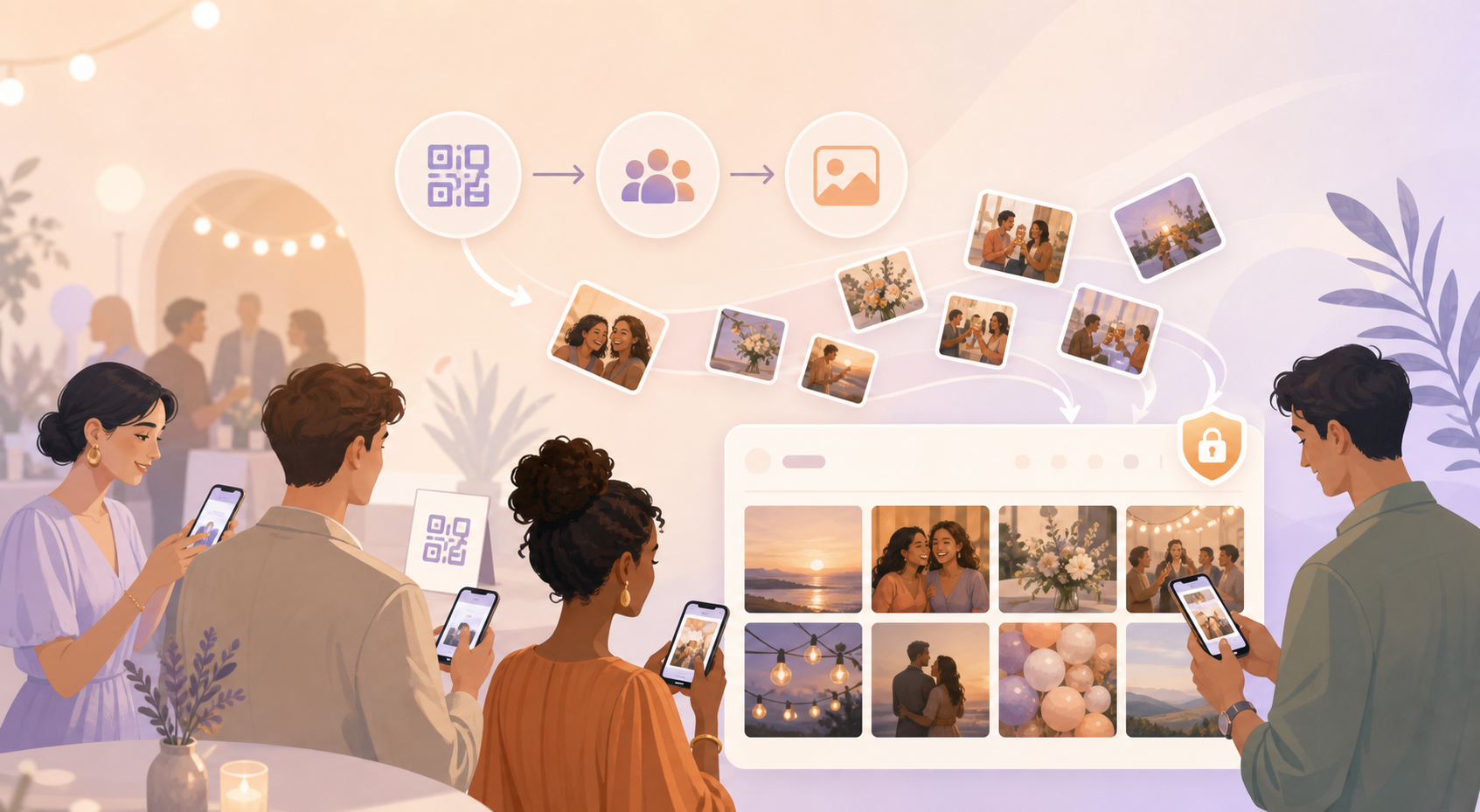
Event photos usually end up scattered across camera rolls, text threads, and group chats. The host remembers the big moments, but the best guest photos can be hard to collect after everyone leaves.
Private event albums give guests one clear place to contribute. Share the event QR, let guests join, and keep the photos from the day together in one event gallery.
How private event albums works
The host creates an event album in sync.camera and sets up the event details. The event schedule helps define which photos are allowed for upload, so the album is tied to the actual gathering.
When guests arrive, the host shares the event QR. Guests scan the QR to join the event and know exactly where their photos should go.
As guests contribute, photos are gathered into the shared event gallery. Instead of asking people to send photos later, the album gives everyone a single destination for the event memories.
The gallery can also be filtered by photographer, which helps hosts look through contributions from specific guests.

Control when the gallery is revealed
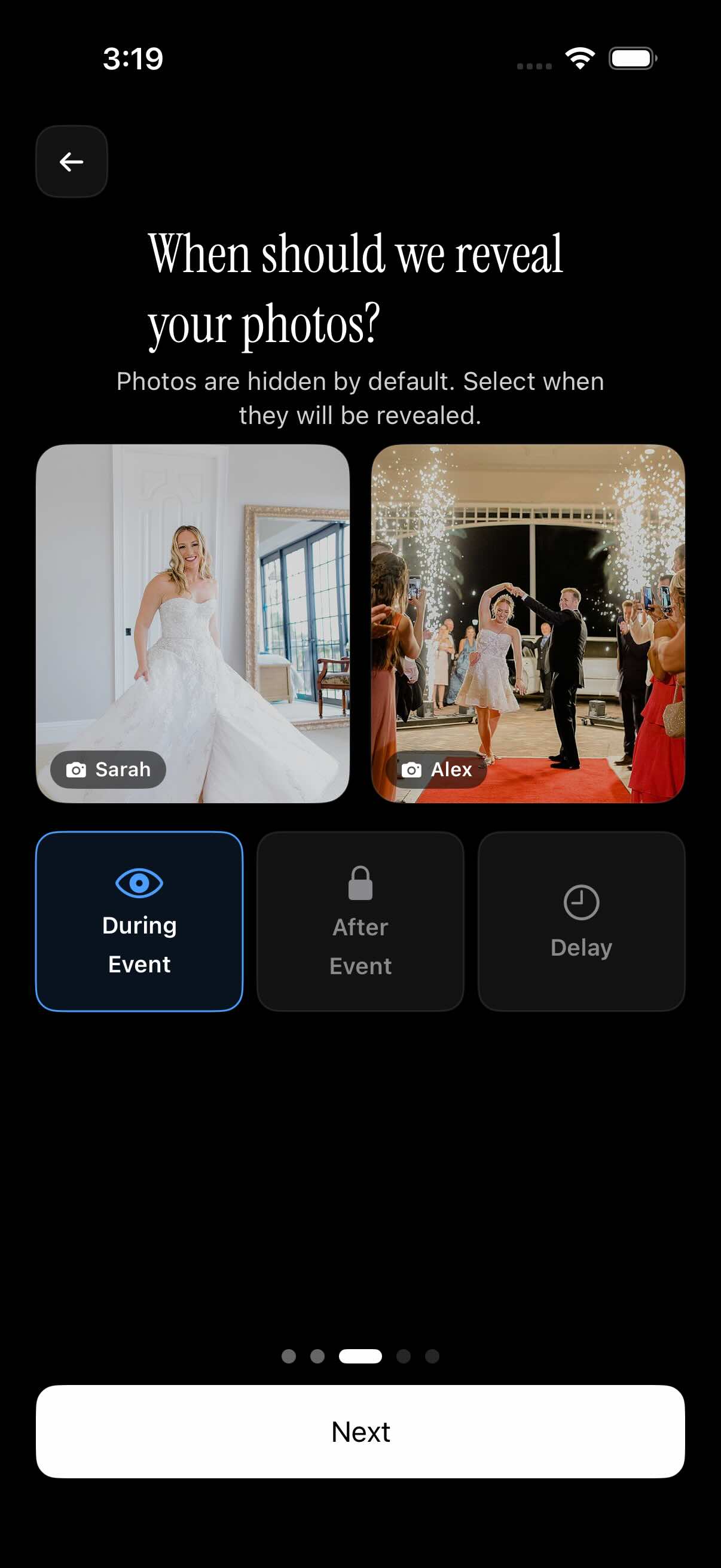
Private event albums include gallery reveal options for hosts who do not want every photo visible right away. The verified setup shows choices to reveal the gallery during the event, after the event, or after a selected delay after the event.
That timing control is useful when the album is part of the event experience. A wedding host may want guests to keep adding photos during the reception, while a surprise party host may prefer the gallery to appear later.
This is a reveal setting for the event gallery, not a broader claim about access controls or moderation. It helps the host decide when the shared gallery becomes visible based on the event timeline.
Who it is for
Wedding hosts
Guests scan a QR at the venue and add candid photos to one event gallery.
Families
Relatives collect birthday, reunion, or anniversary photos without chasing separate message threads.
Friend groups
Everyone contributes photos from a weekend trip or party into the same album.
Event organizers
A small gathering can use a QR invite so attendees know exactly where to add photos.
Features
Event QR joining
Hosts can share an event QR so guests can join the event.
Event gallery
Guest photos are gathered into a shared event gallery.
Gallery reveal options
Hosts can choose whether the gallery is visible during the event, after the event, or after a delay.
Event schedule window
The event schedule helps define which photos are allowed for upload.
Filter by photographer
The gallery can be filtered by photographer.
Guest count setup
Hosts can select how many guests can join; up to 7 guests are shown as free in the available screenshot.
Frequently asked questions
Do guests join with a QR code?
Yes. The available screenshots show the host sharing an event QR, which guests can scan to join the event and contribute photos to the album.
Can hosts hide photos until the event ends?
Hosts can choose when the gallery is revealed. The verified options shown are during the event, after the event, or after a selected delay after the event.
Is there a free tier for private event albums?
Available screenshots show up to 7 guests as free events. That is the verified detail here, so broader pricing, plan limits, or long-term free tier terms should be checked in the app before publishing stronger claims.
Can guests upload unlimited photos?
Available screenshots mention paid events where guests can upload unlimited photos. This should not be treated as a claim about every event type or every plan.