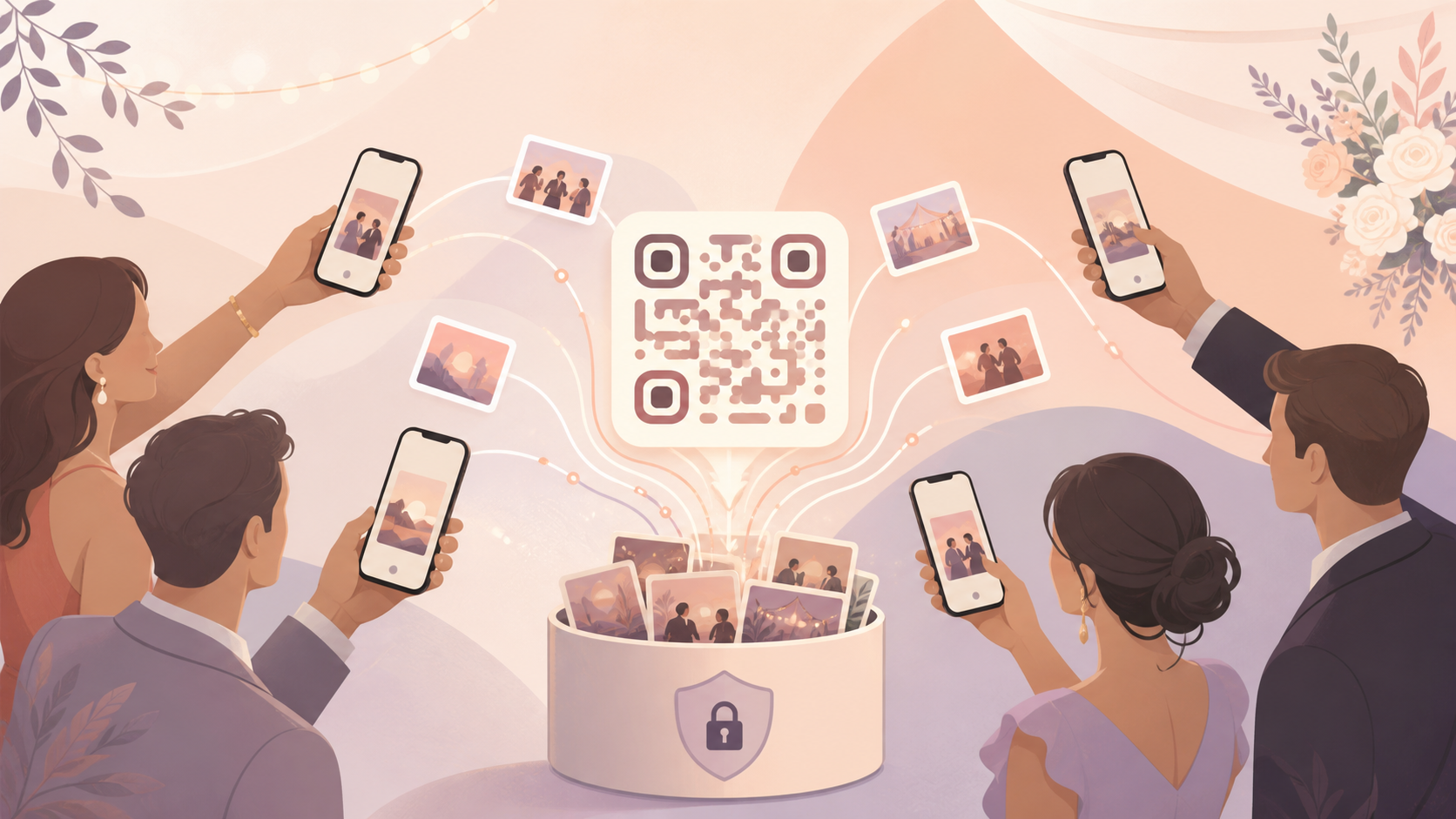
After a wedding, birthday, or reunion, the best photos of the night don't end up in one place — they're scattered across a dozen guests' camera rolls, dropped into three different group chats, and half of them never reach the host at all. By the time anyone tries to collect everything into a shared folder, most guests have moved on and the photos are gone for good.
Private events on sync.camera fix that before it starts. The host sets a start and end date for the event, shares a single QR code instead of a stack of individual invites, and every guest who scans it joins the same synced album. Only photos taken during the event's actual dates make it in, so the gallery fills with real moments from the day instead of unrelated shots pulled from someone's camera roll.
How private events works: create, share, join
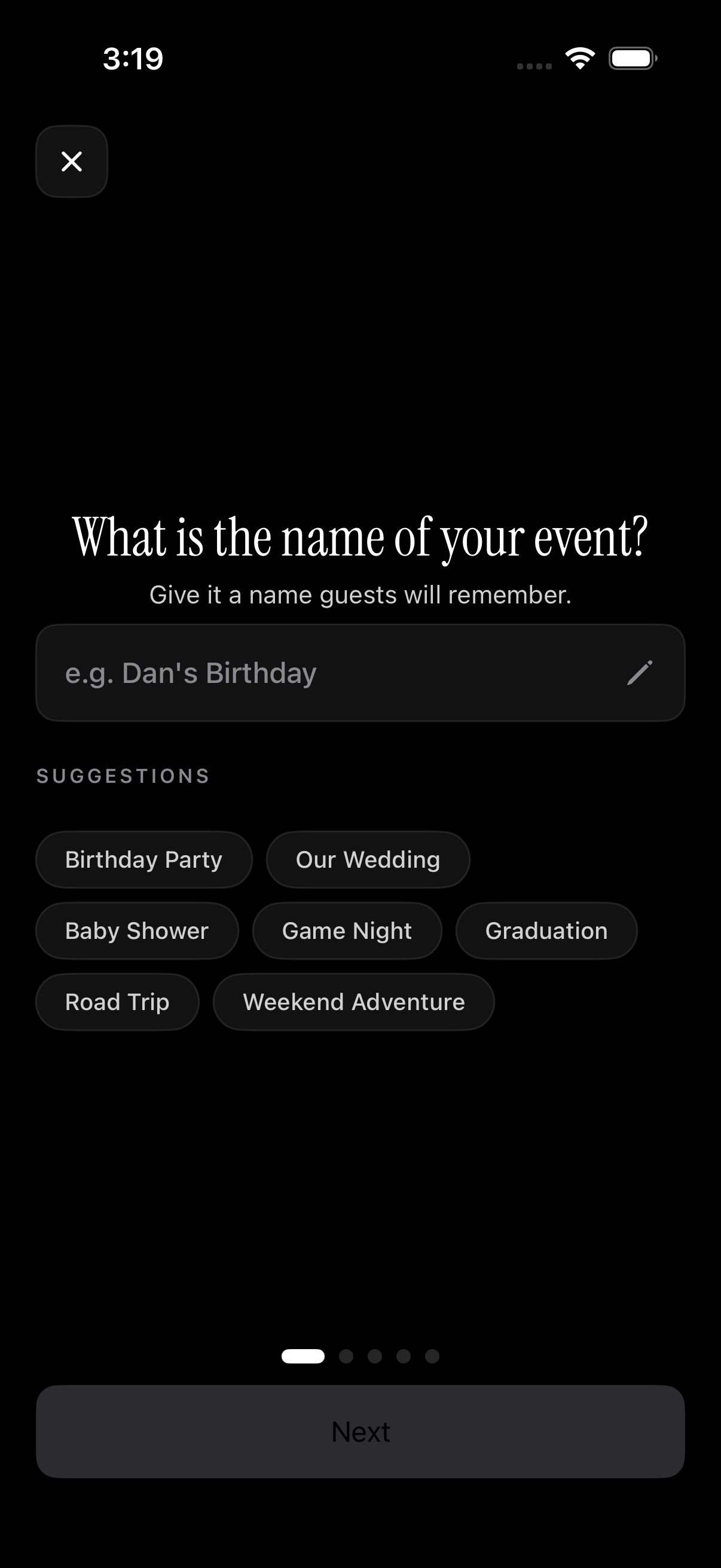
Setting up a private event starts on the schedule screen, where the host picks a start date and end date. That window is the gate for the whole event: it decides which photos are allowed into the shared album later, so a wedding reception running from 4pm to 11pm only pulls in photos taken in that stretch — not shots from the rehearsal dinner the night before or brunch the next morning.
Once the dates are set, the host shares a single QR code with guests instead of managing an invite list or collecting contact details one at a time. Guests scan the code to join the private event directly.
From there, guests can start adding their own photos straight into the shared gallery. Every phone that scanned in during the event window feeds the same album, so instead of piecing together photos from a dozen separate camera rolls after the fact, the host ends up with one synced collection guests already contributed to.
Controlling who joins and when the gallery unlocks
Free private events support up to 7 guests, which covers most small gatherings without any setup beyond sharing the QR code. For anything bigger — a wedding reception, a milestone birthday, a full family reunion — paid events remove the guest cap entirely and also lift the limit on how many photos can be uploaded, so the album doesn't run out of room before the night does. Details are on the pricing page.
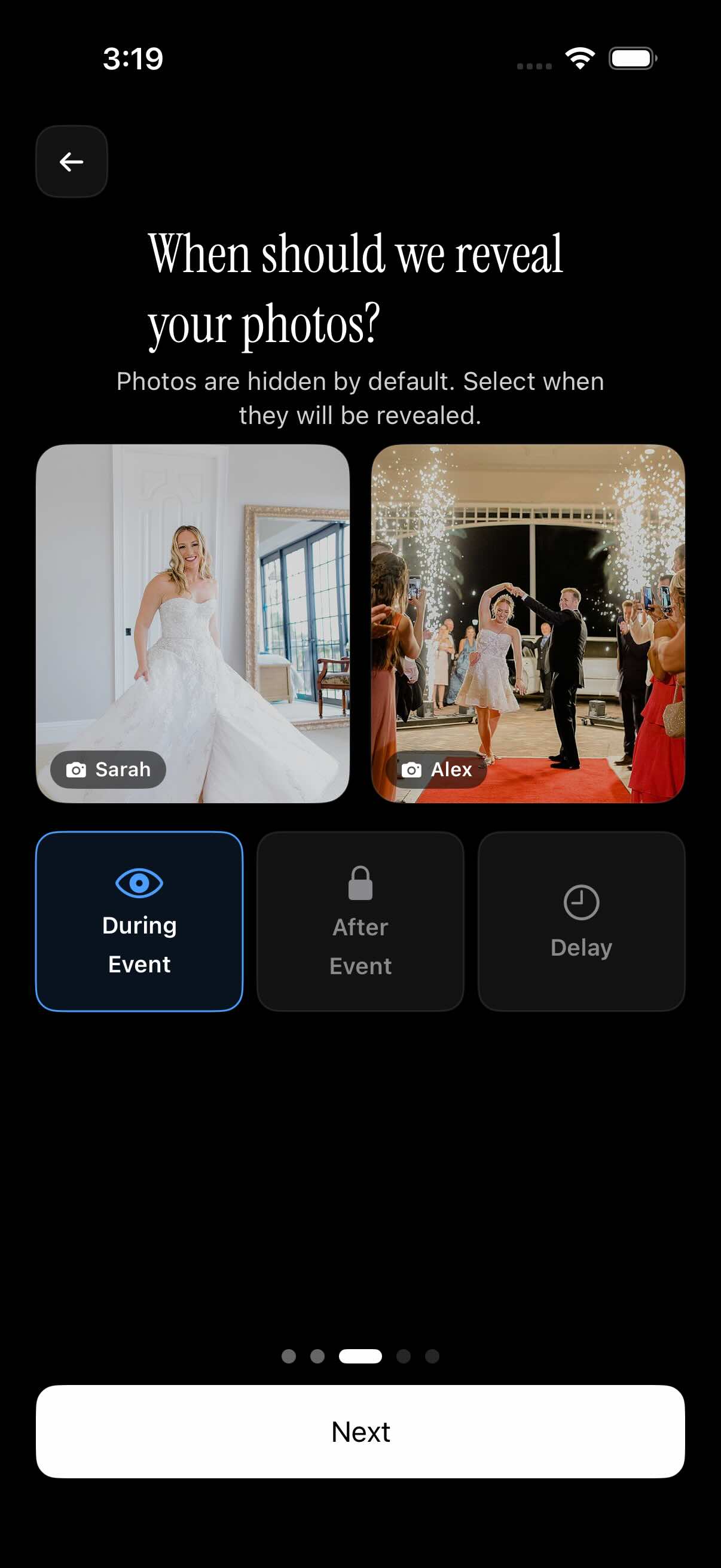
Hosts also control when the gallery becomes visible, choosing one of three reveal options when the event is set up: visible right away during the event, hidden until the event ends, or hidden for a chosen delay past the end date. That last option is what makes it possible to run a surprise party without someone's photos leaking the surprise, since guests can keep adding pictures throughout the event without anyone else seeing the album until the host is ready.
Who it is for
Wedding couples
Guests scan one QR code at the reception and every phone's photos land in the same wedding album, with a photographer filter that separates the hired photographer's shots from guest snapshots so the couple can browse each set on its own.
Small birthday parties
A host invites up to seven guests for free and shares the QR code at the door. Only photos taken during the party's scheduled window land in the album, so there's no risk of old camera-roll photos sneaking in alongside the actual party pictures.
Surprise party hosts
The gallery stays hidden until the host picks the reveal moment — during the event, right after it ends, or after a set delay — so guests can photograph the whole night without any photo spoiling the surprise before the host is ready to share it.
Features
QR join
One QR code lets guests join a private event and start adding photos — no manual invite list to build.
Scheduled photo window
Only photos taken between the event's start and end date, set on the schedule screen, are accepted into the album.
Guest cap with paid upgrade
Free events include up to 7 guests; paid events remove the cap and allow unlimited photo uploads.
Gallery reveal control
Choose whether the album is visible during the event, only after it ends, or after a set delay past the end.
Filter by photographer
Sort the shared gallery by who took each photo — handy for separating a hired photographer's shots from guest snapshots.
Frequently asked questions
How do guests join a private event?
The host shares a single QR code for the event instead of sending individual invites or collecting contact info. Guests scan that code and are added to the private event, where they can immediately start adding photos to the shared album.
How many guests can join for free?
Free private events support up to 7 guests, which covers most small gatherings. For larger events, paid events remove that guest limit entirely and also lift the cap on how many photos can be uploaded — see the pricing page for details.
Can I stop the gallery from being visible right away?
Yes. When setting up the event, hosts choose one of three reveal options: visible during the event as photos come in, hidden until the event officially ends, or hidden for a set delay past the end date. That makes it possible to keep photos under wraps until a surprise party or big reveal moment has passed.
What happens to photos taken before or after the event?
They're kept out of the shared album. Only photos captured between the start and end date set on the schedule screen during event creation are allowed in, so photos from before the event starts or after it wraps up don't end up mixed into the event's gallery.