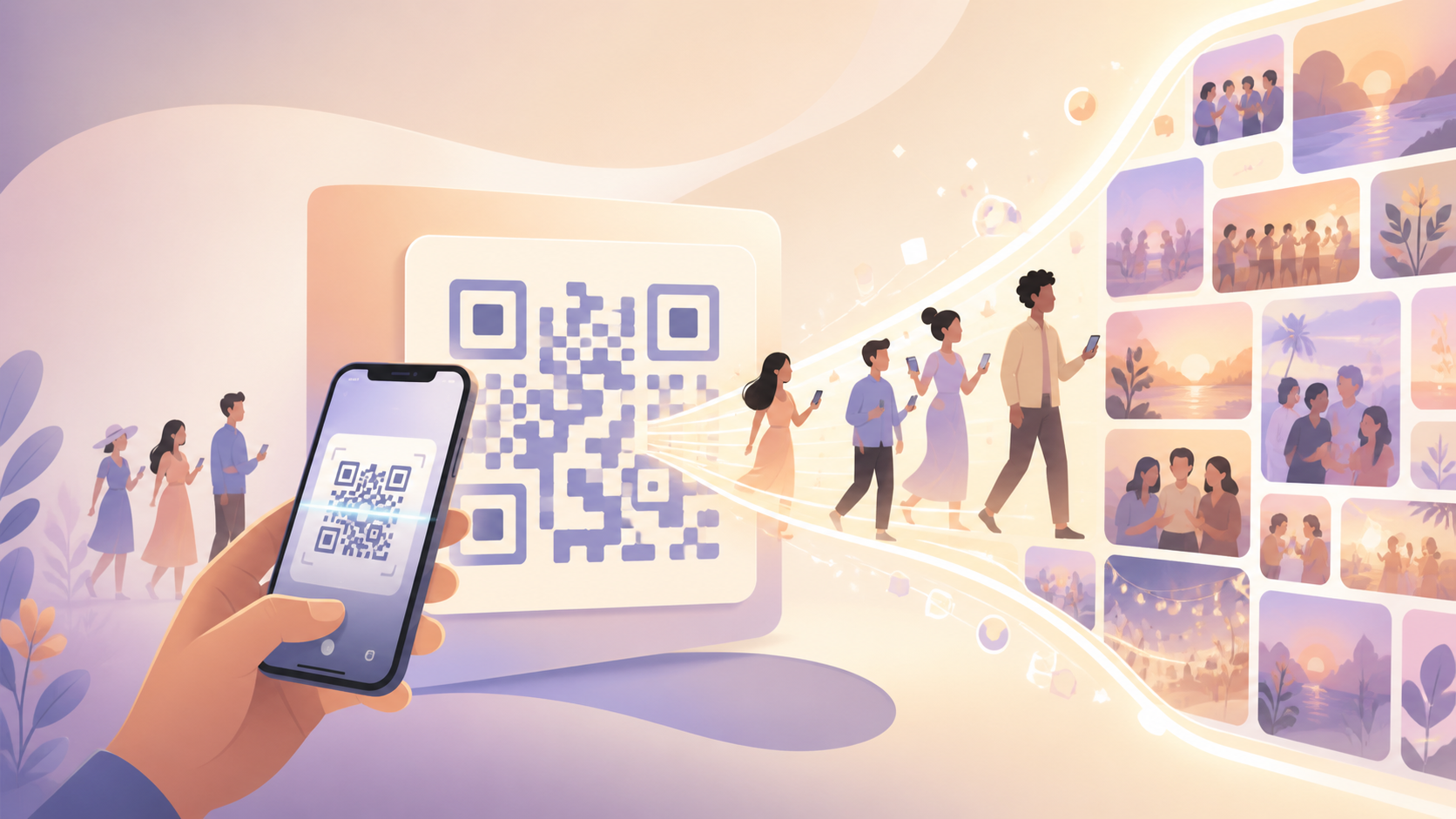
Nothing kills momentum at an event faster than a guest squinting at a six-character invite code, mistyping it twice, then giving up and asking someone else to just text them the photos later. Add an app-store detour on top of that — find the right app, wait for the download, invent a username — and you've lost half your guest list before a single photo ever gets shared.
QR Code Invites remove every one of those steps. A host generates one scannable code for the event, and guests get in by pointing their phone's own camera at it — no typed codes, no app-store search, no username to invent on the spot. Print it on a table card, display it at check-in, or send it as an image, and guests scan straight into the shared event gallery, ready to view and add their own photos.
How QR code invites work: the host side
Setting up a QR code invite starts on the host's side, and it takes about as long as creating the event itself. Once you create an event in sync.camera, the app generates a unique QR code tied specifically to that event — it isn't a generic sign-up link, and it isn't recycled from any event you've hosted before.
From there, how you share the code is entirely up to the event. Display it on a screen at the entrance, print it on invitations or table cards, or drop it into a group chat as an image — the code works the same way no matter how guests encounter it. Because the code is generated per event, there's no risk of guests from a different gathering ending up in the wrong gallery.

How QR code invites work: the guest side
For guests, joining is as simple as taking a photo. They open their phone's own camera app, point it at the code, and tap the link that pops up — no separate scanner app to download, and no invite code to type in by hand.
The scan takes them directly into the event's shared gallery, skipping the search for a download link or the guesswork of finding the right app in an app store. From there, guests can start browsing what's already been shared and add their own photos right away, so the gallery fills up while the event is still happening rather than days later.

Who it is for
Wedding couples
The QR code goes on the ceremony program or table cards, and guests scan it from their seats to land in the shared wedding gallery before the reception even starts.
Grandparents and less tech-savvy relatives
Instead of typing a link or searching for an app, a grandparent scans the QR code printed on a birthday invite and is dropped straight into the event — no account setup standing in the way.
Conference and meetup organizers
Attendees scan a QR code posted at check-in and immediately have a shared place to drop event photos, with no signup form standing between them and the gallery.
Trip organizers
One friend prints the QR code into the group's shared itinerary so everyone who joins the trip later can still scan in and add their photos to the same album.
Features
Scan-to-join
Guests join with their phone's own camera — no separate app-store search or account form to get through first.
One QR per event
Each event gets its own code, so sharing it never mixes guests or photos from a different event.
Built-in guest cap
Hosts set how many guests can join through the code — up to 7 guests free, more on paid events.
Scales to paid events
Larger gatherings can invite guests the same scan-and-join way, with unlimited photo uploads on paid events.
Frequently asked questions
Do guests need a sync.camera account to join via QR code?
No separate account is required — scanning the QR code takes guests straight into the event's shared gallery. There's no invite code to type and no app-store detour before they see photos; guests can start viewing and uploading right away.
Does the QR code expire, or can guests join any time during the event?
The QR code is generated for a single event and stays valid for that event's full scheduled window, so guests can scan in at any point during the event rather than racing a separate countdown. It isn't a one-time-use link — anyone with the code can join throughout the event.
How many guests can join through one QR code?
On the free tier, a QR code supports up to 7 guests scanning into the event. Paid events raise that guest cap, so larger gatherings like weddings or conferences can invite more people through the same single code — the host sets the exact guest count when creating the event.
Can I reuse the same QR code for a different event?
No — each event you create in sync.camera gets its own unique QR code. If you're hosting a new event, you'll need to generate a fresh code for it rather than reusing one from a previous event.