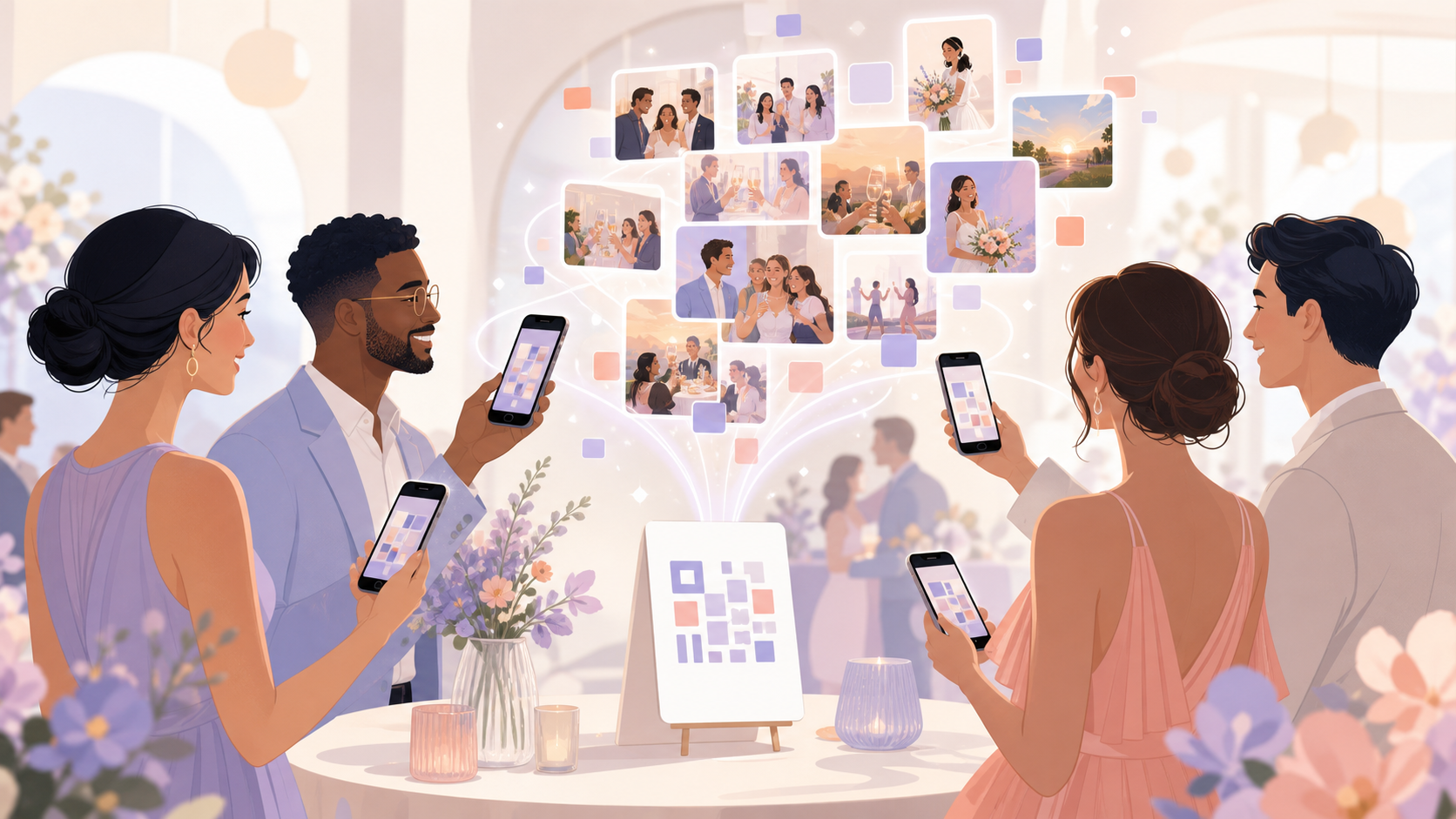
Every event ends the same way: a dozen people, a dozen phones, and a week of chasing down photos scattered across AirDrop threads, WhatsApp chats, and three different Google Drive folders no one can find. The best shots from the reception — the candid laugh, the first dance, the group photo someone actually framed correctly — are trapped on someone else's camera roll. Collecting them is a part-time job nobody signed up for.
One QR code, no app required
Sync.camera eliminates that scramble with a single QR code. Before your event begins, you generate a unique code tied to your event gallery. Print it on table cards, display it on a screen, or drop it in your group chat — guests scan it once and start contributing immediately. No app download, no account creation, no file transfers after the fact. When the event ends, every photo is already in one place, organized and ready to share.
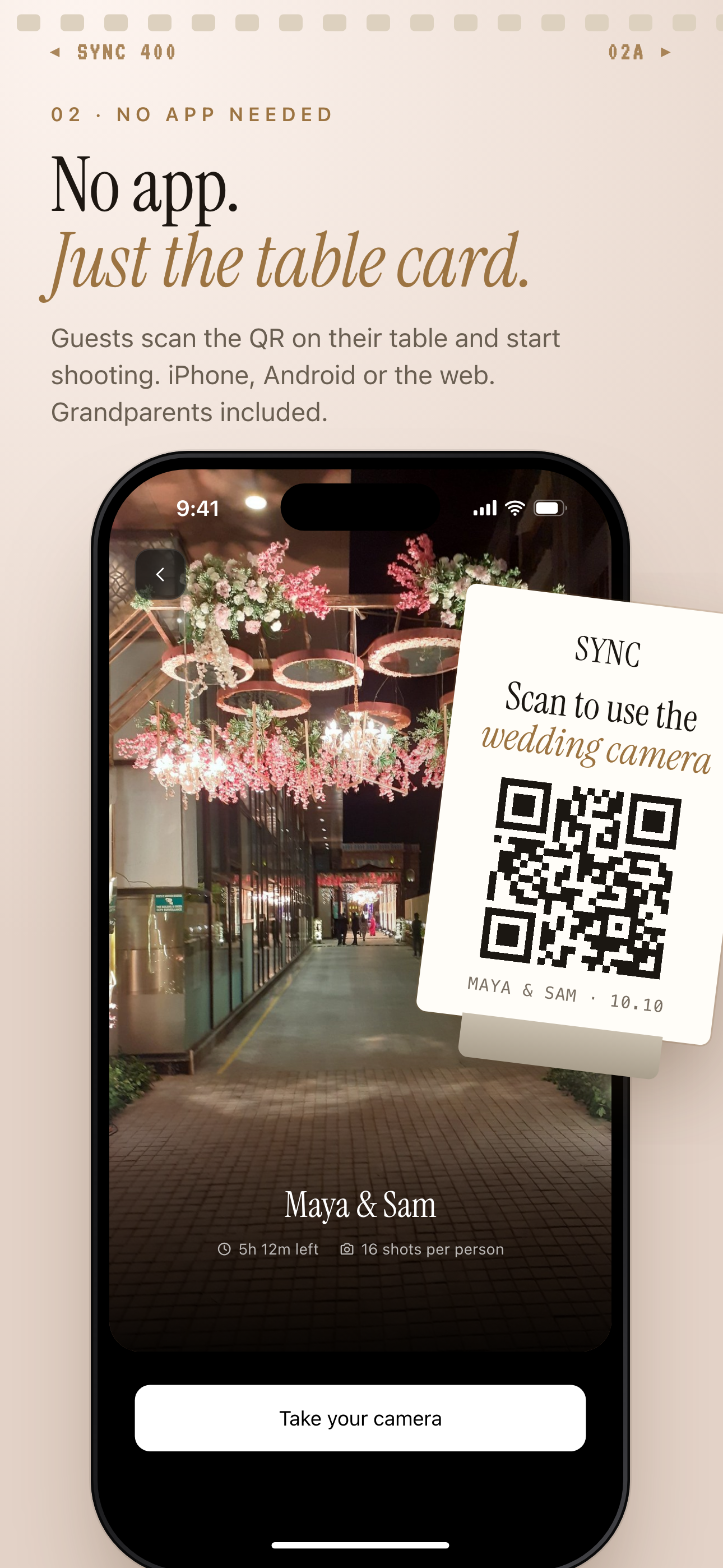
Print the event QR on table cards and guests scan it to start contributing.
How QR code photo sharing works
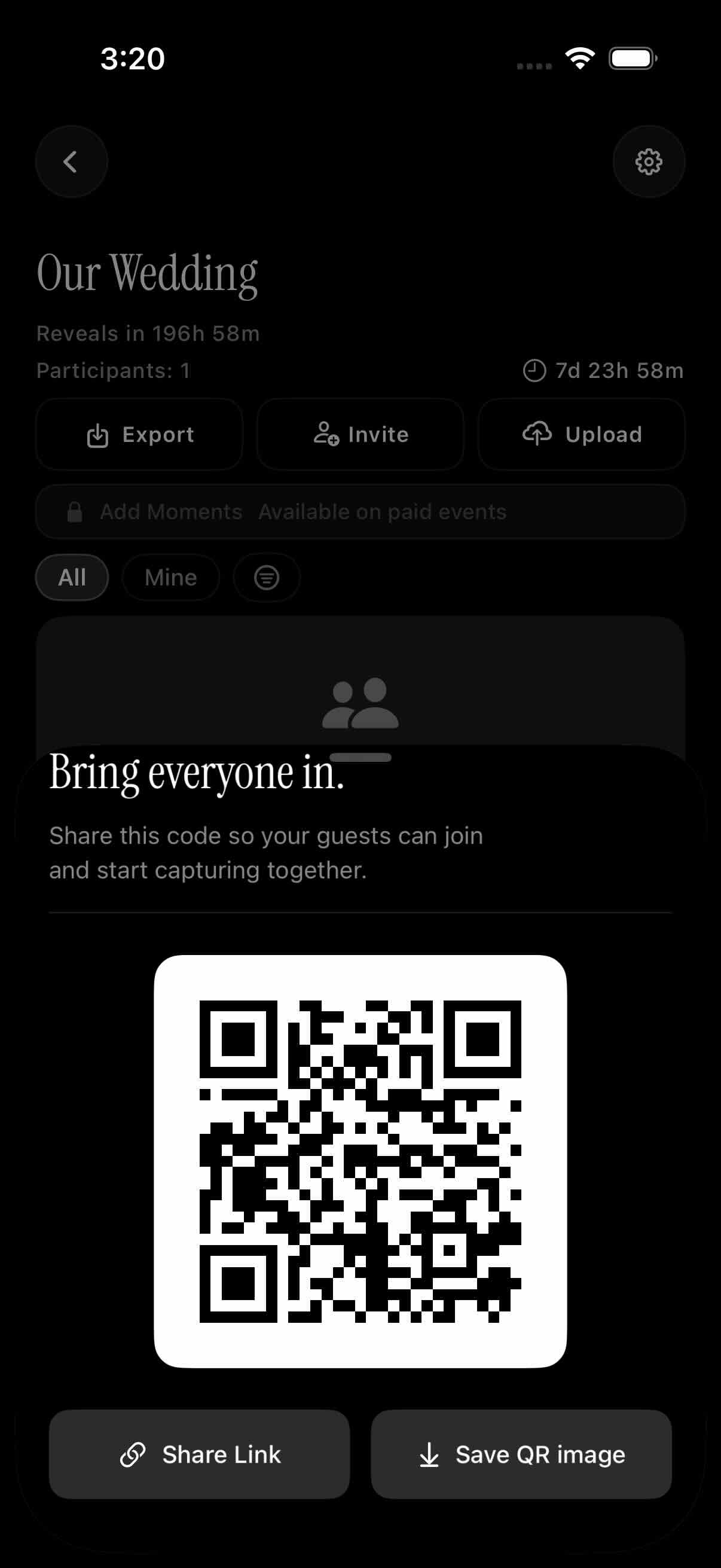
Creating an event takes under a minute. Open the sync.camera app, set your event name and scheduled window — the date and time range during which photos are eligible for upload — and your unique QR code is generated instantly. You can share it digitally right from the app or download it to print for physical display at your venue.
When guests arrive, they scan the QR code with their phone's built-in camera. There is no app to install and no account required to join and start uploading. The scan opens a lightweight browser experience where guests can contribute photos directly from their camera roll or capture new ones on the spot. The process is frictionless enough that grandparents can do it without help.
Gallery visibility and the reveal
Every photo any guest uploads flows into the same shared event gallery, visible to the host in real time. The host controls when guests can see the full gallery — you can reveal photos during the event as they come in, unlock the gallery immediately after the event ends, or set a custom delay so the reveal feels intentional and celebratory.
Once the event's scheduled window closes, the gallery is locked and complete. No stray uploads from two weeks later, no clutter from unrelated photos — just a focused, organized record of your event exactly as it happened.
Who it is for
Wedding couples
The bride and groom print the event QR code on table cards at each reception table. Every guest's candid shots — the tearful speech, the dance floor chaos, the quiet moments the photographer missed — land in one gallery automatically. No chasing people for AirDrops or hunting down Google Drive links weeks after the honeymoon.
Birthday party hosts
A parent displays the QR code on a poster at their child's birthday party so relatives, friends, and the hired photographer all upload to the same album. Grandparents who have never used a cloud storage app scan once and contribute without needing a tutorial.
Corporate event organizers
A company posts the QR code on the main conference screen so attendees capture and share moments from keynotes, workshops, and team dinners into one branded gallery. The post-event recap is ready before the last session ends — no emailing attendees asking for their photos.
Friend groups on trips
One person creates the trip event and drops the QR code in the group chat before departure. Everyone contributes photos from their own perspective throughout the trip, and the full shared album is waiting when they get home — no one needs to be on the same carrier, cloud service, or platform.
Features
Instant QR invite
A unique QR code is generated per event — hosts share it digitally or print it, and guests join with a single scan from any phone camera.
Guest upload without an account
Guests can scan and upload photos without creating a sync.camera account, removing friction for casual contributors at any type of gathering.
Free tier for small gatherings
Up to 7 guests can join and upload for free, so small events like family dinners or birthday parties cost nothing to organize.
Gallery reveal controls
Hosts choose when photos become visible — during the event, immediately after, or on a custom delay — so the reveal feels intentional rather than accidental.
Event scheduling window
Only photos uploaded within the event's scheduled time window are added to the gallery, keeping it focused and free of unrelated uploads.
Frequently asked questions
Do guests need a sync.camera account to use the QR code?
No — guests can scan the QR code and upload photos without creating an account. The experience opens in a mobile browser, so there is nothing to install and no sign-up required to contribute. If a guest does create a sync.camera account, they unlock additional features like saving their uploaded galleries across multiple events and managing their own photo history.
How many guests can join an event via QR code?
Up to 7 guests can join and upload photos on the free tier, making it ideal for smaller gatherings like family dinners, birthday parties, or intimate celebrations. For larger events — weddings, corporate conferences, or big milestone parties — a paid event plan allows unlimited guest uploads so no one gets locked out of contributing.
Can I control when guests see the uploaded photos?
Yes. Sync.camera gives hosts three gallery reveal options, all set at event creation: photos can be visible to guests as they are uploaded during the event, unlocked automatically when the event ends, or held until a custom time you specify after the event. This means you can orchestrate a shared reveal moment rather than having guests stumble onto photos before you're ready.
Is the QR code secure — can strangers join my event?
Only people who have your specific QR code link can join the event gallery — there is no public directory or discoverable event listing. The gallery stays private as long as you share the QR code only with your intended guests. For events in semi-public spaces, the safest approach is to share the code digitally in a private group chat rather than displaying it in a location accessible to passersby.
Can I reuse the same QR code for multiple events?
No — each event gets its own unique QR code that is tied specifically to that event's scheduled time window and gallery. This ensures uploads from one event never mix with another and that each gallery remains a clean, focused record of a single occasion. When you create a new event, a new QR code is generated automatically.