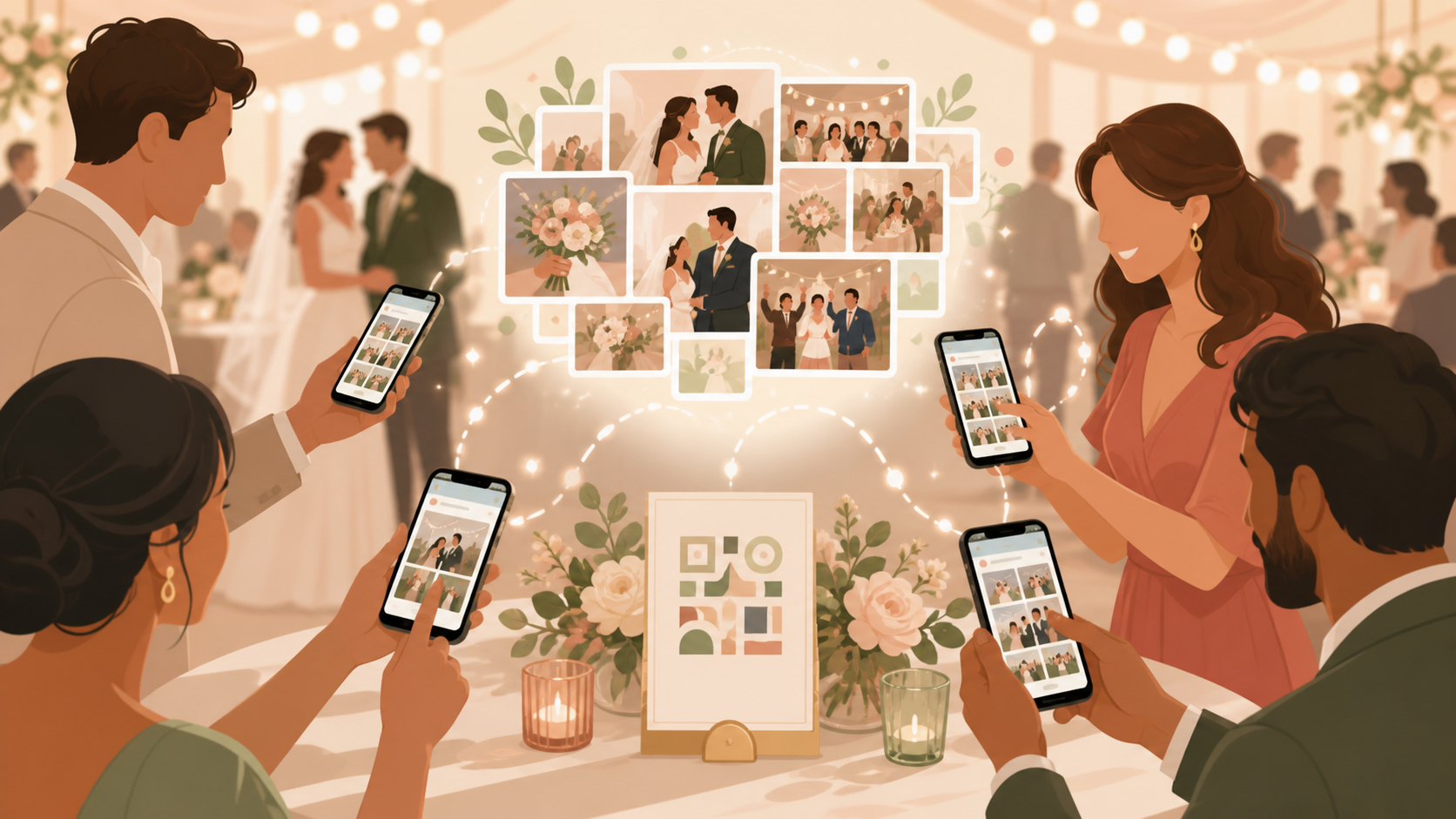
Wedding guest photos usually end up everywhere except one useful place. A few are in texts, some are buried in DMs, and the rest stay on phones until someone remembers to send them.
sync.camera gives your wedding one event QR code. Guests scan it, join the wedding event, and contribute photos to a shared gallery built around the day.
How QR code sharing works
Create a wedding event in sync.camera, then share the event QR code wherever guests will see it. Couples and planners can place it on welcome signs, table cards, printed programs, or a message before the ceremony.
When guests scan the QR code, they join the wedding event and can contribute photos to the shared gallery. The flow keeps the invite simple: one code for the event instead of separate photo requests after the reception.
Because the QR code points guests into the event, the gallery starts with the right group of people and the right wedding context. That makes it easier to collect ceremony, cocktail hour, reception, and dance floor photos without chasing individual camera rolls later.

How the wedding gallery stays organized
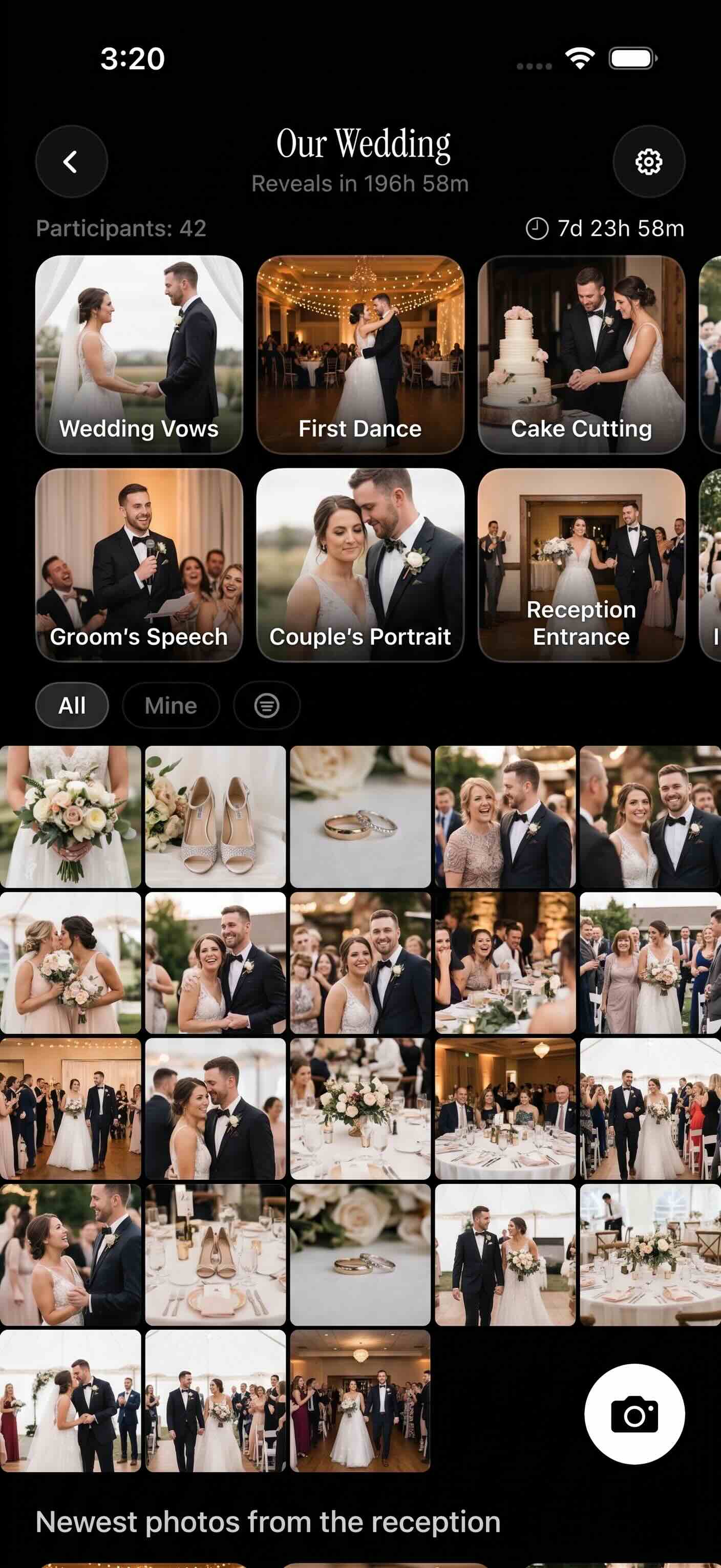
Guest photos land in one wedding event gallery instead of spreading across texts, DMs, shared folders, and private camera rolls. The host can use event schedule settings so uploads are tied to photos taken between the event creation date and the selected event end date.
The gallery reveal can match the mood of the wedding. Show photos during the event, wait until the event ends, or reveal them after a selected delay.
That gives couples a practical way to keep guest photos private to the event while still making the reveal feel intentional. Guests contribute during the celebration, and the couple gets one place to revisit the day from everyone’s perspective.
Who it is for
Wedding couples
Collect reception candids, table photos, and dance floor moments in one event gallery without asking guests to text images later.
Wedding planners
Place one QR code on signs, table cards, or the welcome desk so guests can join the photo event quickly.
Families
Help relatives across tables and generations contribute photos without relying on one family group chat.
Features
Event QR sharing
Hosts can invite wedding guests by sharing a QR code for the event.
Shared event gallery
Guest photos can be collected in one wedding event gallery.
Gallery reveal options
Choose whether photos appear during the event, after the event, or after a selected delay.
Free event limits
The free tier supports unlimited events with up to ten guests and ten photos per guest.
SyncPass upgrades
SyncPass unlocks larger guest counts, more photos per guest, longer events, and custom event covers.
Filter by photographer
View event photos by the person who took them.
Why use sync.camera instead of a shared folder or group chat?
Google Drive, iCloud Shared Albums, WedUploader, and group chats can all help collect wedding photos. sync.camera is built around the live event flow: create one wedding event, share one QR code, collect guest photos into one event gallery, and choose when that gallery is revealed.
Frequently asked questions
How do guests join the wedding photo event?
The host shares the wedding event QR code with guests. Guests scan the code to join the event and contribute photos to the shared wedding gallery.
Can photos stay hidden until after the wedding?
Yes. The gallery reveal can be set for during the event, after the event, or after a selected delay, so the host can choose when guests see the photos.
Is there a free option?
Yes. The free tier supports unlimited events with up to ten guests and ten photos per guest. SyncPass is available when an event needs larger guest counts, more photos per guest, longer events, or custom event covers.
Can the host control which photos are uploaded?
Event schedule settings allow uploads for photos taken between the event creation date and the selected event end date. This helps keep the gallery focused on the wedding event window.