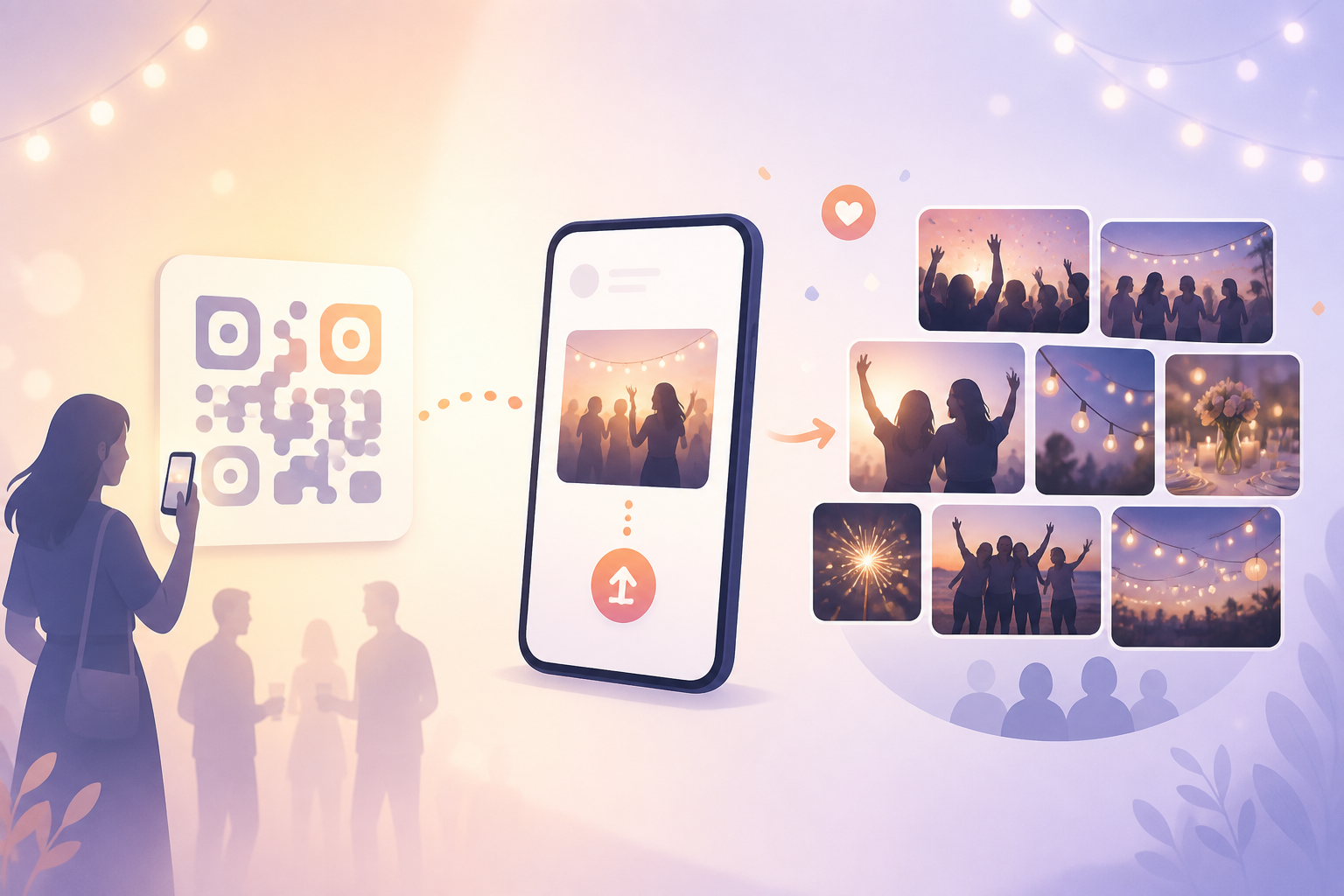
Collecting event photos is often messy. Guests take candid pictures across dozens of phones, while hosts spend days chasing links and searching through long group-chat threads.
With a QR code to upload photos, everyone can contribute to the same sync.camera event gallery. Display or share the event QR code, let guests scan it to join, and collect their photos in one place.
How QR codes to upload photos work
Start by creating an event in sync.camera. The event gives you a shared destination for the photos contributed by you and your guests.
Next, share the event QR code where guests can easily scan it. At a wedding or party, for example, you might present it at the venue so attendees can join the event while they are there.
Guests scan the QR code, join the event, and contribute their photos to its gallery. Instead of asking everyone to send separate links afterward, you collect their pictures through one event.
You can choose when the gallery is revealed: during the event, after the event, or after a selected delay. When reviewing the results, you can also use filter by photographer to focus on photos contributed by a particular person.

Who it is for
Wedding hosts
Place the event QR code at the wedding venue so guests can scan it and add their candid photos to one shared gallery. Explore sync.camera for weddings.
Families
At a birthday or reunion, relatives scan the QR code and contribute their pictures without building a long group-chat thread. See more ideas for families.
Party organizers
Share one event QR code with attendees, collect photos from the people who joined, and reveal the gallery during the party, afterward, or after a selected delay.
Features
QR event invites
Invite guests by sharing a QR code for your sync.camera event.
Guest photo uploads
Guests who join the event can contribute photos to the shared event gallery.
Gallery reveal timing
Choose to reveal photos during the event, after the event, or after a selected delay. Learn about gallery reveal options.
Filter by photographer
Filter an event gallery by photographer when you want to see who contributed particular photos.
Frequently asked questions
How do guests upload photos with a QR code?
The host creates a sync.camera event and shares its QR code with guests. Guests scan the code to join the event, then contribute their photos to the shared event gallery.
Can hosts control when photos are shown?
Hosts can choose to show the gallery during the event, after the event, or after a selected delay. This lets the host match the reveal timing to the way the event is being run.
Is there a free tier for QR photo uploads?
The available sync.camera product screenshot references free events for up to 7 guests. For larger events or other pricing details, check the current options when creating your event.