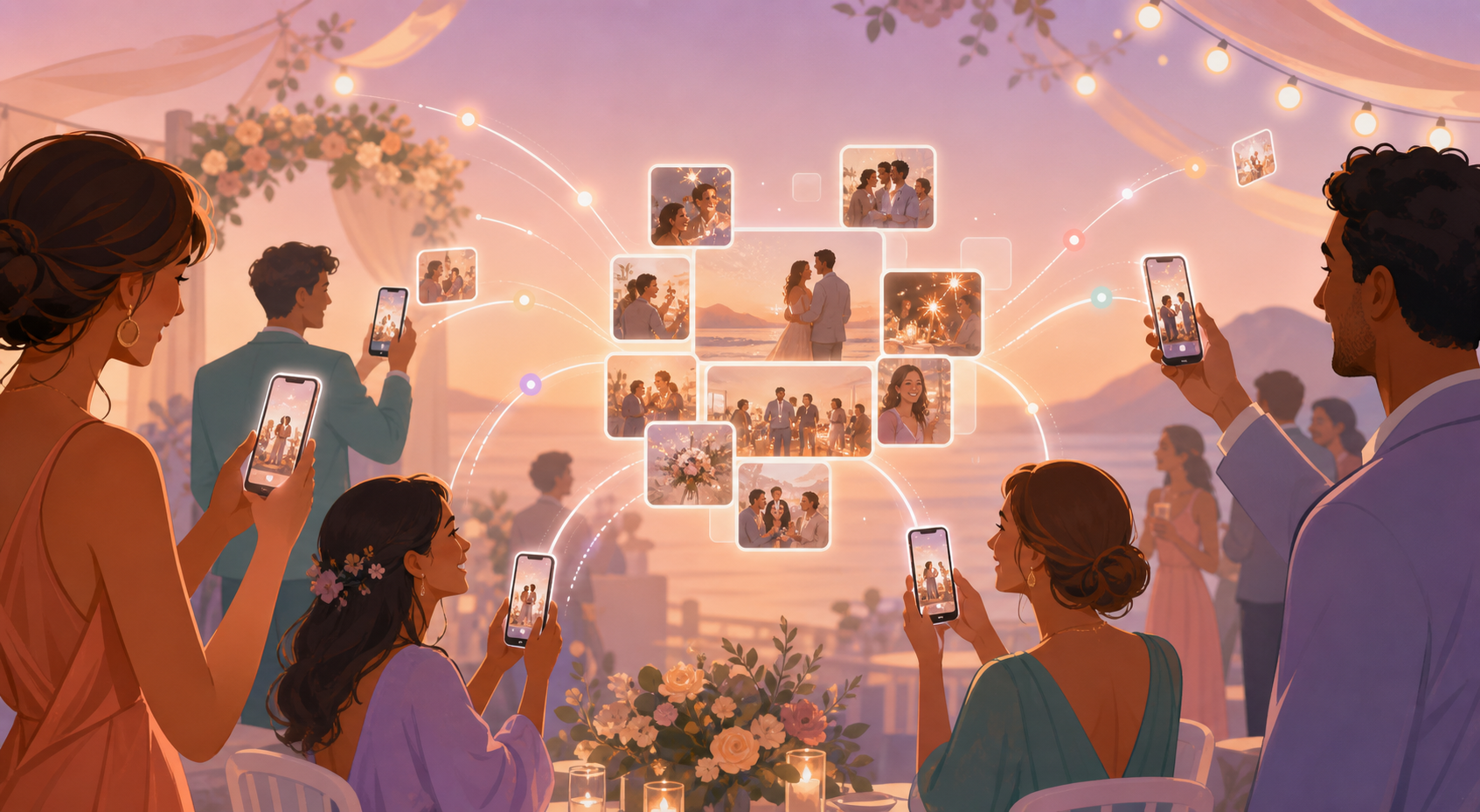
Nobody wants to wait until the toasts are over, the candles are blown out, or the last guest has gone home to finally see what everyone else was capturing all day. When a shared album only reveals itself after the fact, the people who couldn't be there in person — and even the people who were — miss the feeling of watching the event come together in the moment.
Real-Time Sync closes that gap. When a host sets the shared gallery to reveal photos during the event, every photo a guest uploads appears in the album right away, so the group experiences the day together instead of scrolling through it afterward. It's a setting, not a separate app or add-on: turn it on when you create the event, and uploads start showing up live.
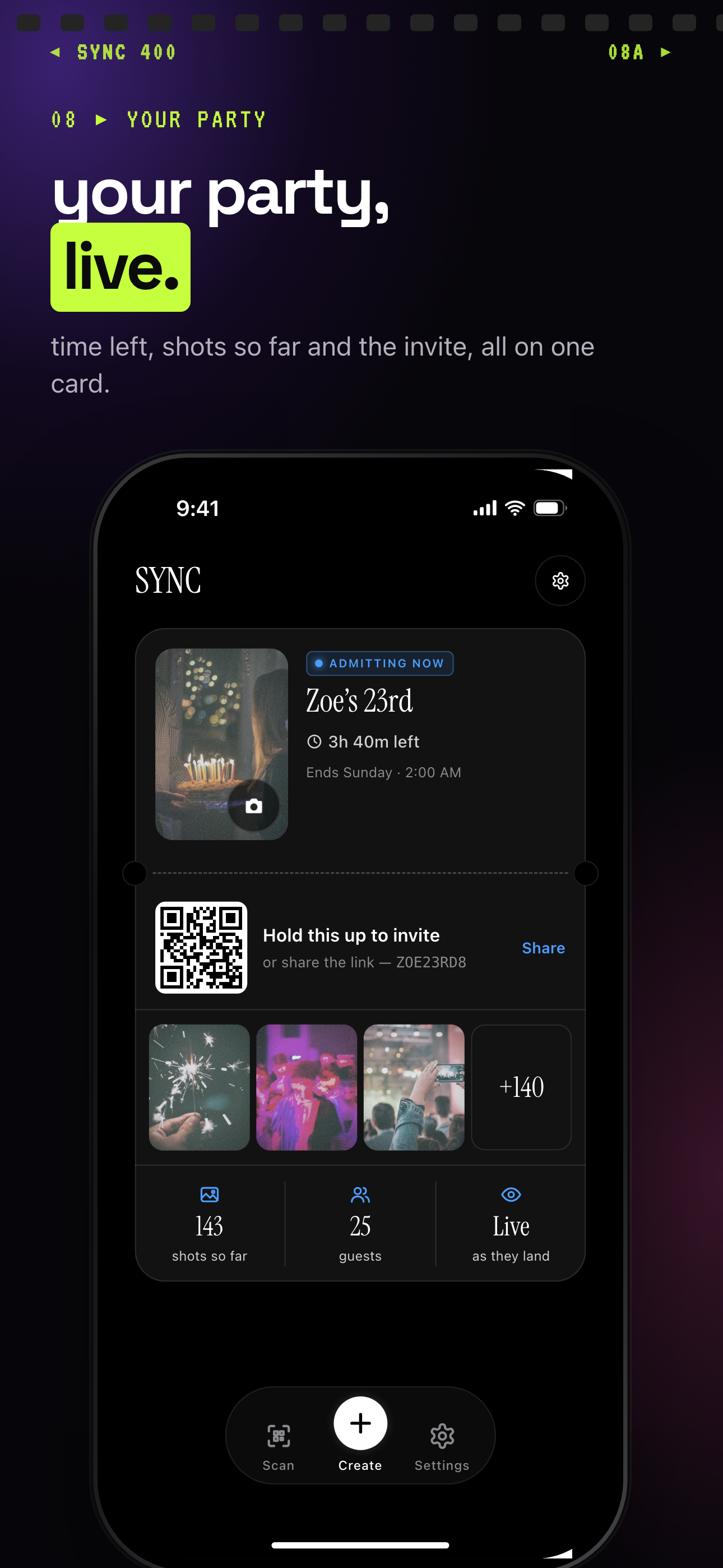
With photos set to show during the event, uploads appear as they land.
Joining and uploading takes seconds
Getting guests into the shared album starts with a QR code. When a host creates the event, sync.camera generates a QR code that can be printed, displayed at the venue, or shared digitally ahead of time. There's no separate app to search for and no account-creation form standing between a guest and their first upload.
Guests simply scan the code with their phone's camera, which drops them straight into the event's shared album. From there, they upload photos directly — no lengthy sign-up flow slowing things down. Every upload is checked against the event's allowed date range, so only photos actually taken during the event window make it into the shared gallery, keeping the album focused on the day itself.

How real-time-sync works
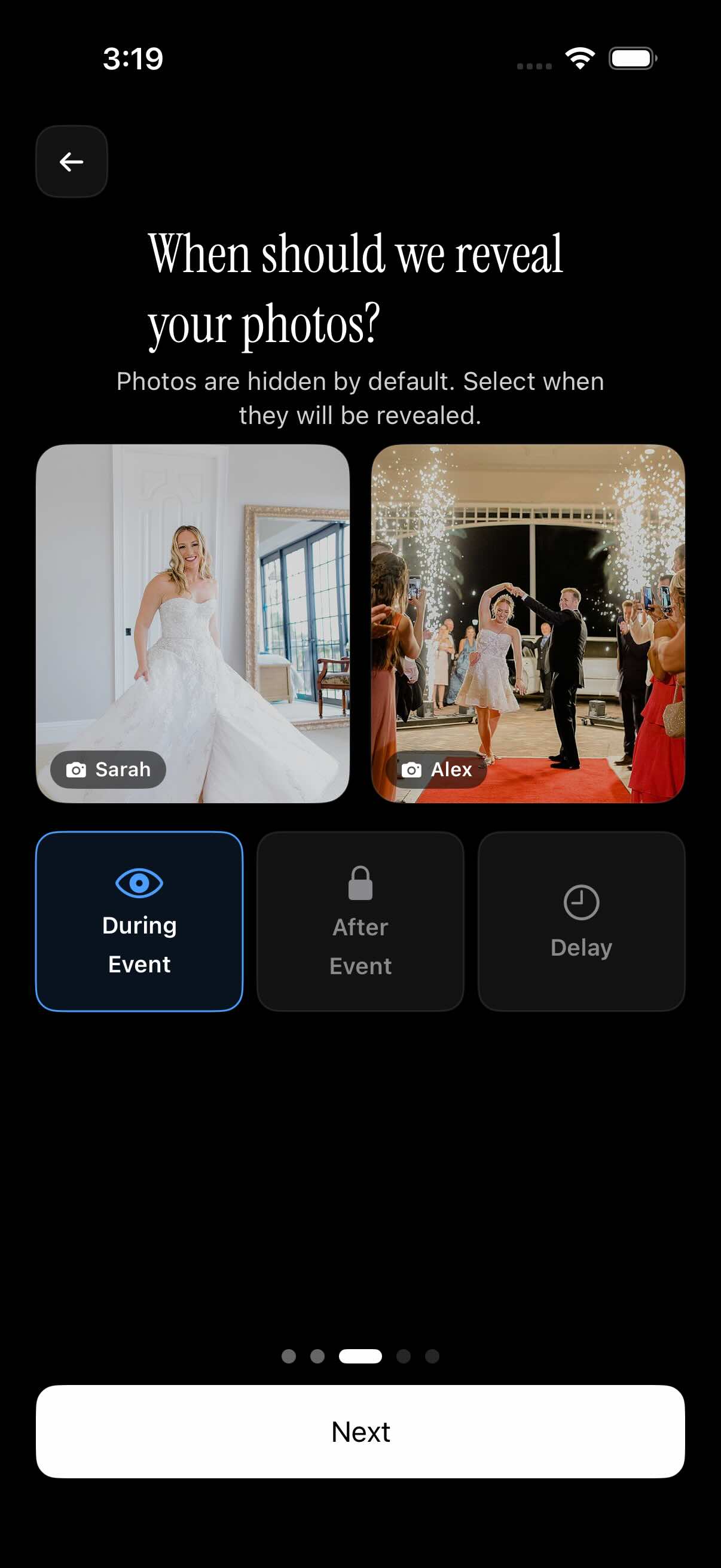
Every event has a gallery reveal setting with three options: during event, after event, or after a set delay. This is the control that determines whether Real-Time Sync is active for a given event, and the host chooses it when the event is set up.
When the host sets reveal to "during event," each guest's upload appears in the shared gallery immediately after it's added — there's no batching or end-of-event unlock. Anyone watching the shared album, whether they're on-site or following along from somewhere else, sees new photos land as guests take and upload them, rather than waiting for the event to wrap up.
Because this is a per-event setting, hosts who prefer a big-reveal moment can still choose "after event" or a delayed reveal instead — Real-Time Sync is simply what happens when "during event" is selected. See gallery reveal timing for more on how the three options compare.
Who it is for
Wedding couples
Set the gallery to reveal during the event so out-of-town relatives watching remotely see ceremony and reception photos land as guests take them — check out how couples use sync.camera for weddings.
Birthday party hosts
Guests scan the QR code at the door, and their phone photos start appearing in the shared album before the cake is even cut.
Event photographers
Use the filter-by-photographer view to track incoming shots from multiple contributors live as the shared gallery fills up during the event.
Features
During-event gallery reveal
Choose to reveal photos as they're uploaded, instead of waiting until the event ends.
QR-based joining
Guests join by scanning a QR code — no lengthy sign-up flow slowing down uploads.
Event date range control
Only photos taken between the event's start and end dates are accepted into uploads.
Filter by photographer
See who took which photo as the shared gallery fills up in real time.
Frequently asked questions
Do photos appear instantly, or is there a delay?
It depends on the gallery reveal setting the host chose. Every event supports three options — during event, after event, or after a set delay — and only the "during event" setting makes photos appear in the shared gallery right as guests upload them. If a host picked one of the other two options, uploads are still collected but the reveal is held back until the event ends or the delay passes.
How do guests start syncing their photos to the event?
Guests scan the event's QR code with their phone's camera, which takes them directly into the shared album — there's no app download or account sign-up required first. Once in, they upload photos straight into the gallery, and those uploads are then subject to whatever reveal timing the host selected.
Is there a free tier for real-time sync?
Yes. Events are free for up to 7 guests, which is enough for the reveal setting and QR-based joining to work exactly the same as on a paid plan. Paid events lift the guest cap and support unlimited photo uploads for larger gatherings. See pricing for details.
Can hosts control which photos get included in the sync'd gallery?
Yes, through the event's date range setting. Only photos taken between the event's creation date and its end date are allowed into uploads, which keeps the shared gallery limited to photos actually taken during the event rather than older shots from a guest's camera roll.