
A live event gallery is useful when everyone should see photos right away. But for weddings, surprise parties, launches, and private celebrations, instant viewing can pull guests into scrolling before the moment is finished.
Reveal modes let the host separate uploading from viewing. Guests can keep adding photos throughout the event, while the gallery stays hidden until the timing you choose.
How reveal modes work
When you create an event, choose when the gallery should become visible to guests. sync.camera supports three reveal timings: during the event, after the event ends, or after a set delay past the event end time.
The reveal setting controls gallery visibility only. It does not pause photo collection, so guests can keep contributing photos the whole time no matter which reveal mode you select.
Once the reveal condition is met, the gallery opens for every guest at the same moment. That keeps the experience simple: one shared gallery, one host-controlled reveal point, and no need to ask guests to wait before uploading.
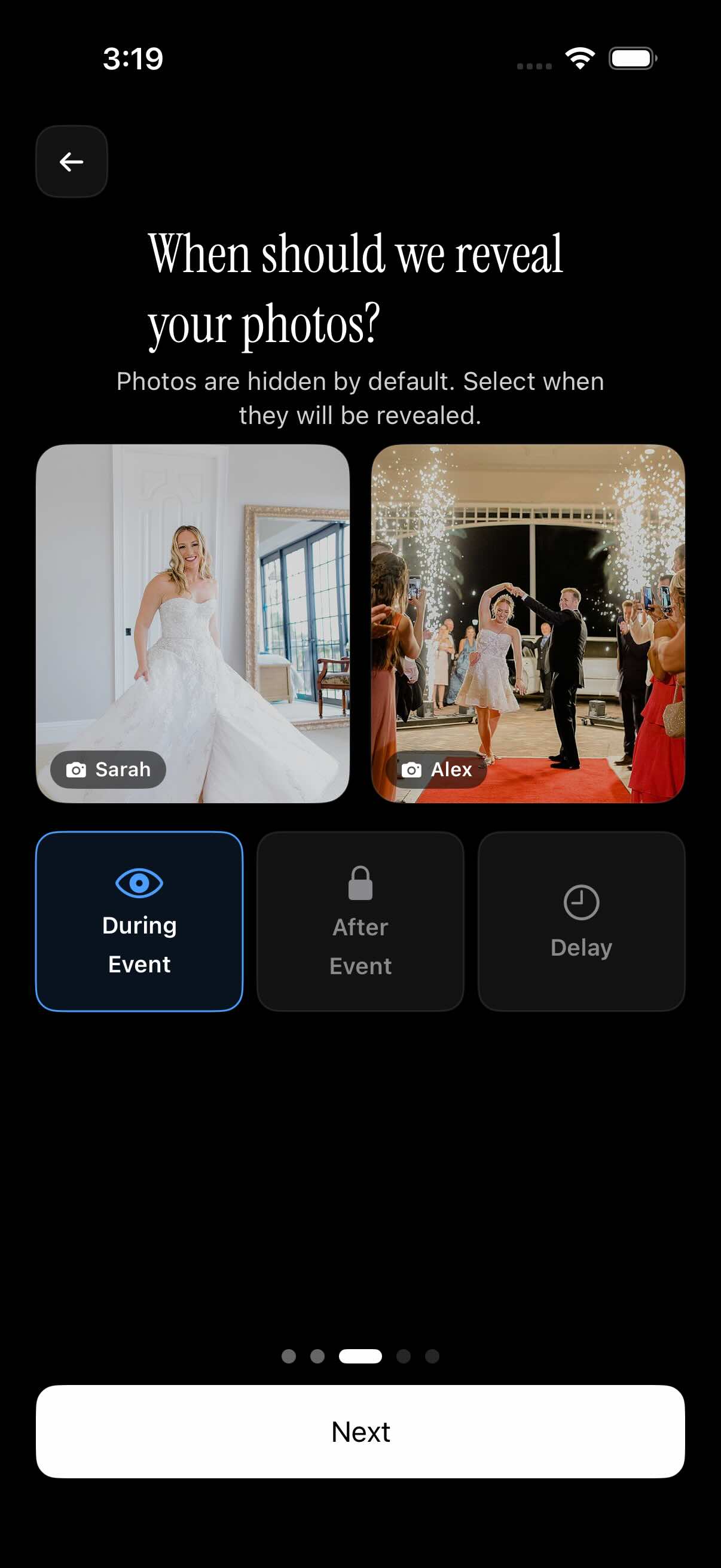
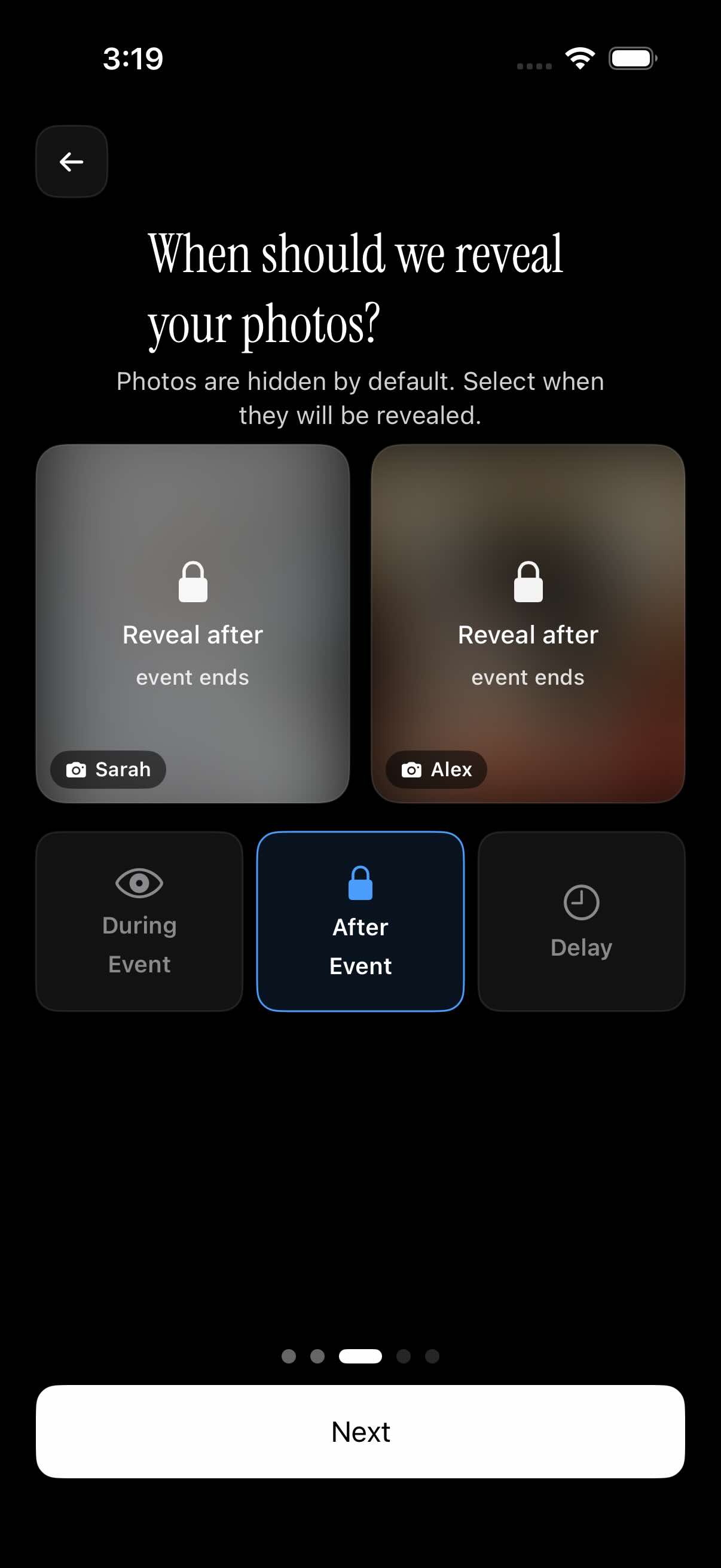
Setting the reveal timing when you create your event
Reveal mode is selected during event setup alongside the event dates and guest limit. That makes the gallery timing part of the event plan from the start, instead of something guests have to manage themselves.
The default option keeps photos hidden until the event finishes. If you want a more intentional reveal moment, the delayed option adds extra time after the event end time before the gallery opens.
After the gallery is revealed, guests can browse the shared collection and use the photographer filter to find photos from a specific contributor.
Who it is for
Wedding couples
Set the gallery to reveal after the reception ends, so guests can keep capturing the day without turning the ceremony or dinner into a live photo feed.
Surprise party hosts
Let guests upload throughout the night while the gallery stays hidden until the reveal delay passes, keeping the surprise intact.
Corporate event organizers
Keep the gallery closed during the event, then reveal it afterward so attendees browse a more complete set instead of a half-filled feed.
Features
Three reveal timings
Show photos during the event, after it ends, or after a set delay past the end time.
Uploads never pause
Reveal mode only controls when the gallery becomes viewable; guests can keep adding photos throughout.
Set at event creation
Choose the reveal timing alongside your event dates and guest limit when you set up the event.
Filter the revealed gallery
Once the gallery opens, guests can filter photos by photographer to find a specific person's shots.
Frequently asked questions
What are the three reveal mode options?
You can make the gallery visible during the event, after the event ends, or after a set delay past the event end time. When the selected condition is met, the gallery unlocks for all guests at once.
Does reveal mode stop guests from uploading photos?
No. Reveal mode only controls when guests can view the gallery. Guests can keep uploading photos throughout the event regardless of whether the gallery is visible yet.
Is there a free tier for events using reveal modes?
The current free tier supports unlimited events with up to 10 guests and 10 photos per guest. For larger events or higher upload needs, see the current pricing details before publishing final plan-specific claims.
Can I find one photographer's photos once the gallery is revealed?
Yes. After the gallery is visible, guests can filter photos by photographer, making it easier to browse the shots captured by a specific contributor.