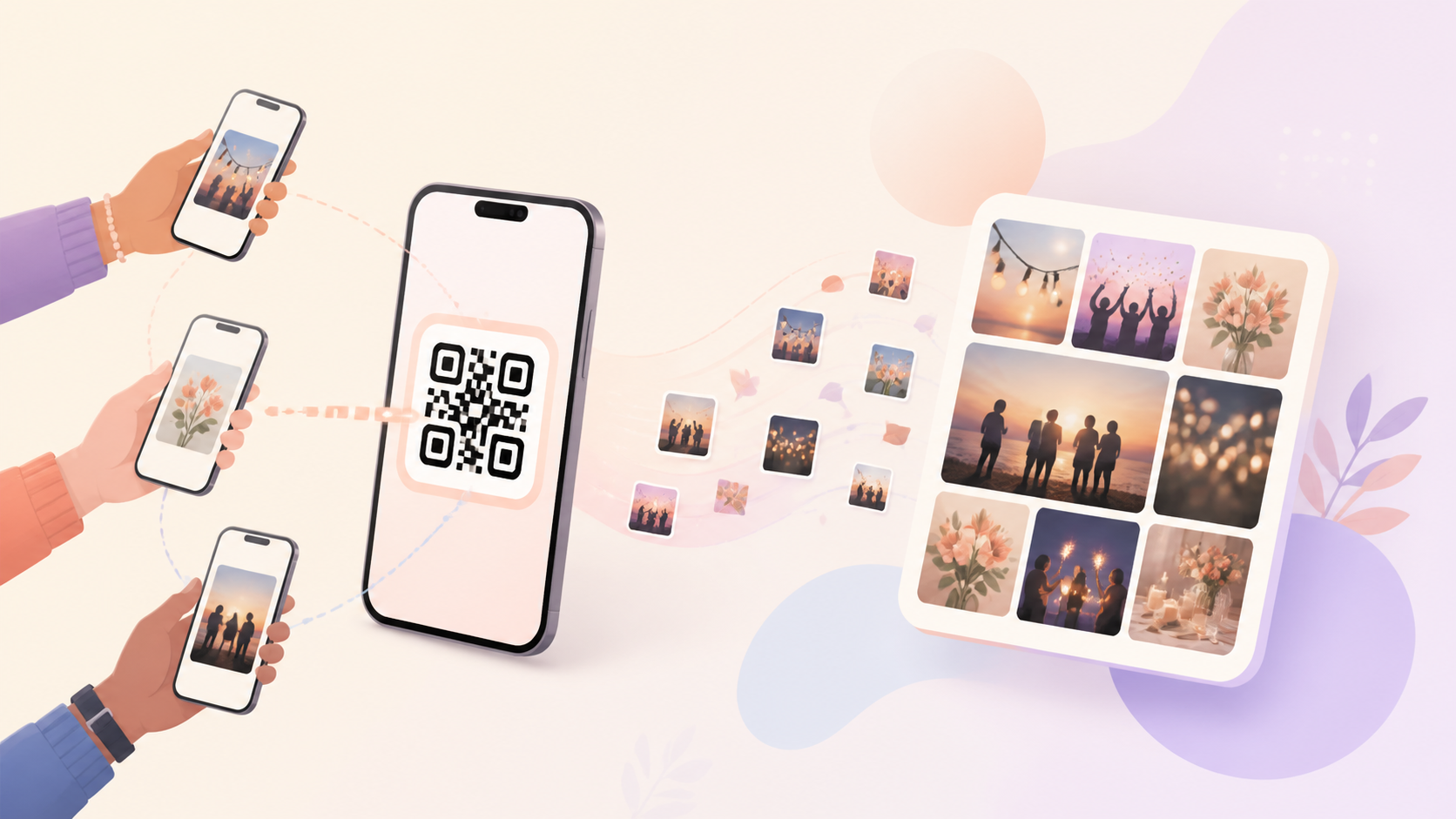
Event hosts should not have to send the same invite link one person at a time while guests are arriving, taking photos, and asking where to join. A share your photos QR code gives everyone one clear place to start: scan the event invite and join from their phone.
That makes the flow easier for weddings, birthdays, parties, family gatherings, and trips where the host needs many people in the same event photo space quickly. The QR code keeps the invitation visible, repeatable, and simple to share without relying on group chat searches or copied links.
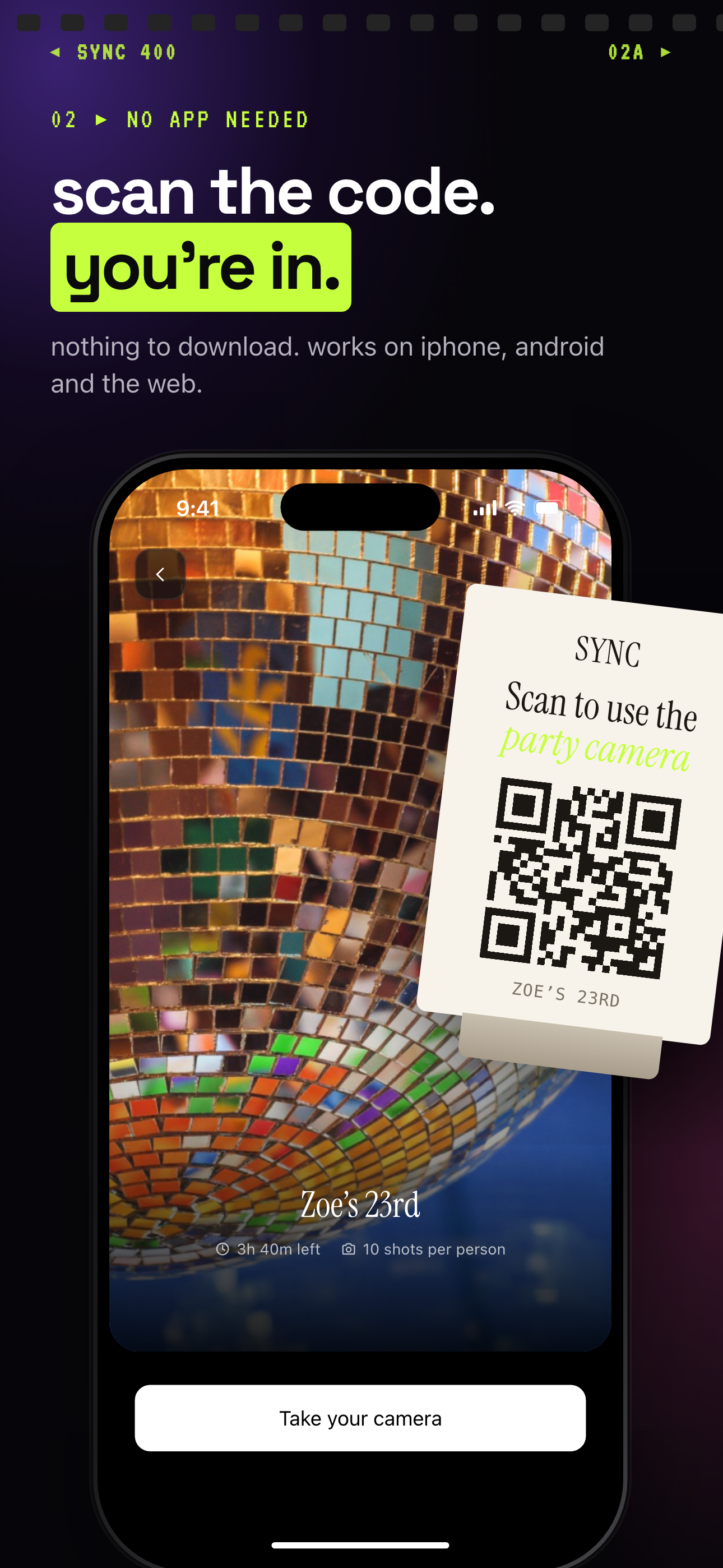
Guests scan one event QR from their own phones to join.
How share your photos QR code works
The host opens the event QR invite for the sync.camera event. This gives the host a scannable code that can be shown on a phone, displayed nearby, or placed where guests will see it.
Guests scan the QR code from their own phones. Instead of waiting for a link to be sent again, they use the visible event invite as the shared entry point.
After scanning, guests join the event from the invite. The verified flow is intentionally simple: open the QR invite, scan it, and join the same event photo space.
Use the QR invite early in the event, especially near entrances, tables, welcome signs, or group meetups, so guests can join before the main photo moments begin.

Who it is for
Wedding hosts
Place the QR code near the entrance so guests can join the event before taking photos.
Birthday families
Let relatives scan one code instead of searching through group chats for an invite link.
Travel groups
Share one QR code at the start of the trip so everyone joins the same event.
Features
Event QR invite
Hosts can invite guests by sharing a QR code for the event.
Guest scan-to-join flow
Guests can scan the event QR code and join the event from their phone.
Frequently asked questions
What is a share your photos QR code?
A share your photos QR code is an event invite QR code that guests can scan from their phone to join the same sync.camera event. It is meant to reduce invite friction when many people need access to the same event space.
Who should use a photo sharing QR code?
It is useful for events where guests need the same invite quickly, such as weddings, birthdays, parties, and trips. Hosts can make the QR code visible at the right moment instead of sending links one by one.
Do guests need a sync.camera account to join?
This detail needs product verification before publishing. The verified claim is that guests can scan the event QR code and join from their phone, but this draft should not state whether an account is or is not required.