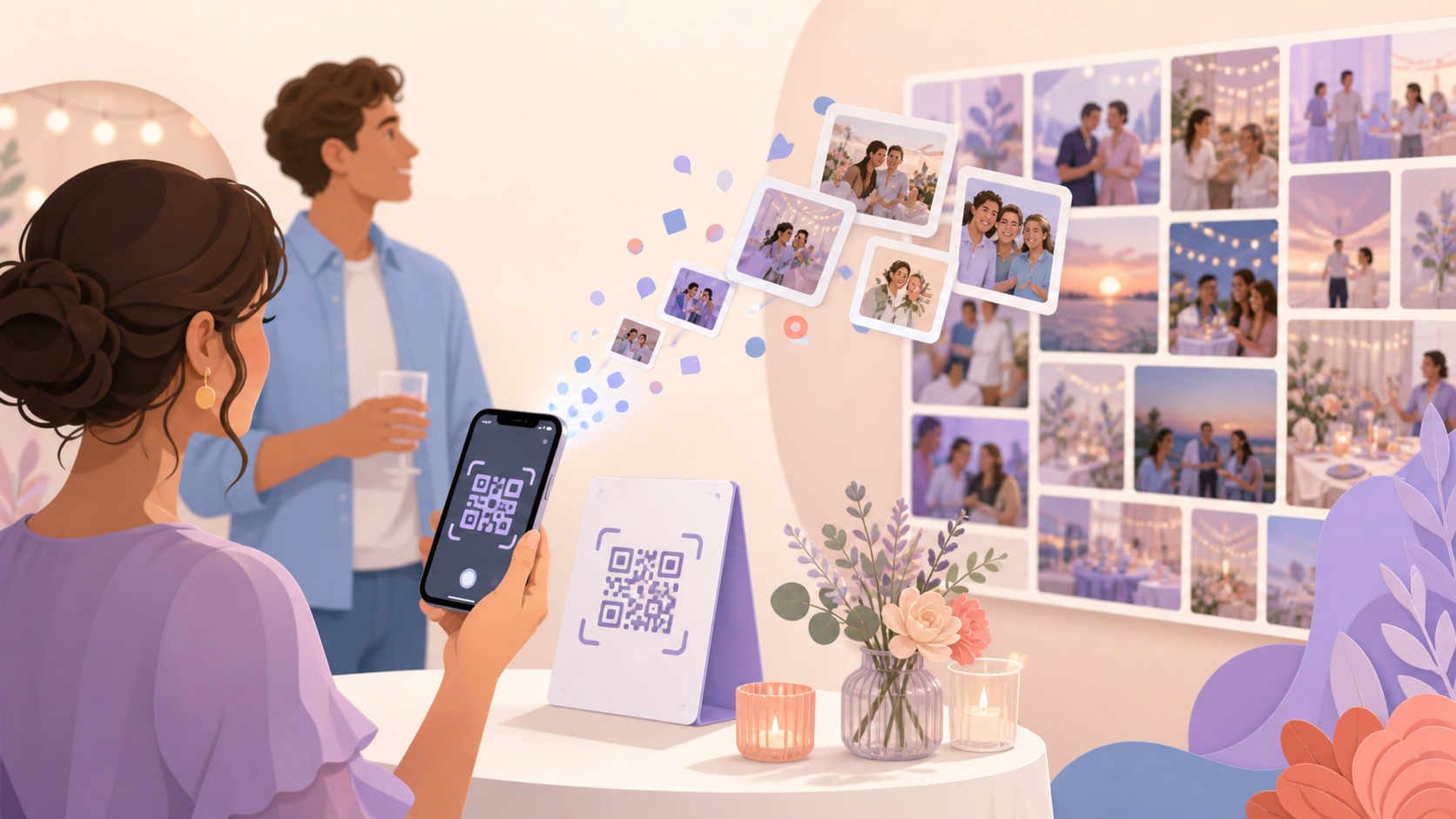
When an event is underway, guests should not have to search through old messages or ask the host where to share their photos. A sync.camera event QR code gives everyone one clear way to reach the right event photo space.
Place the code where guests will see it, then let them scan it to join the event and contribute their photos. Their contributions can become part of the shared event gallery.

Guests scan the event QR code to join, or paste the invite link or code instead.
How the share your photos with us QR code works
Start by creating an event in sync.camera. This gives the celebration or gathering its own event space for guest photos.
Next, share the event QR code where guests can easily find it. You might include it on an invitation, place it on a welcome board or table sign, or send it in a group message.
Guests scan the QR code to join the event. Once they have joined, they can contribute photos so those moments can be part of the event gallery.

Who it is for
Wedding hosts
Place the QR code on welcome signs or reception tables so guests can join the wedding event gallery during the celebration.
Birthday organizers
Share one code with friends and family so everyone can join the birthday event without sending each guest a separate link.
Community event teams
Display the QR code at a school event, meetup, or local gathering to bring guest perspectives into one shared event space.
Features
Event QR invite
Invite guests by sharing a QR code for the event.
Guest join flow
Guests scan the event QR code to join the event.
Event gallery
Photos contributed to the event can appear in its event gallery.
Frequently asked questions
What does the share your photos with us QR code do?
The QR code gives guests a direct way to join a sync.camera event. After joining, they can contribute photos that can become part of the event gallery.
Where should I put the QR code?
Put it somewhere guests will notice when they are ready to join, such as an invitation, welcome board, or table sign. You can also share the code in the event's group message.
Do guests need a sync.camera account?
The current guest join requirements should be confirmed before this page is published. Check the live sync.camera guest flow so the final answer accurately explains whether an account or any additional step is required.