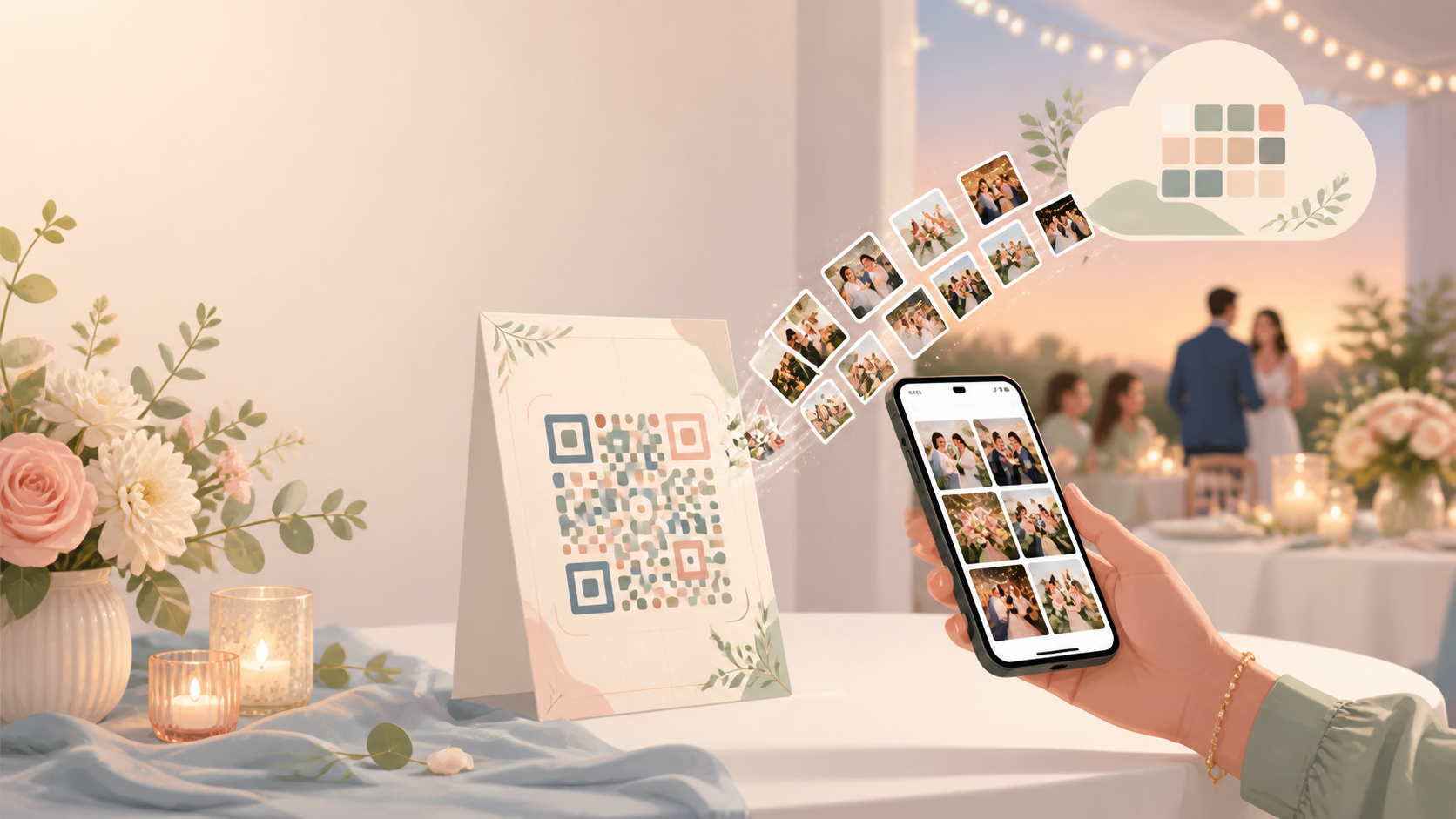
Wedding guests capture candid moments throughout the ceremony and reception, but those photos often end up scattered across private messages, group chats, and separate shared drives. Collecting them afterward can mean chasing dozens of people and links.
A sync.camera wedding event gives everyone one clear destination. Share its QR code on signage, table cards, or a welcome display so guests can scan, join, and contribute photos to the same event gallery. Unlike a patchwork of chats and folders—or a generic QR code that only redirects to another link—the QR invite is part of the wedding event flow, alongside host-controlled gallery reveal options and gallery organization by photographer.
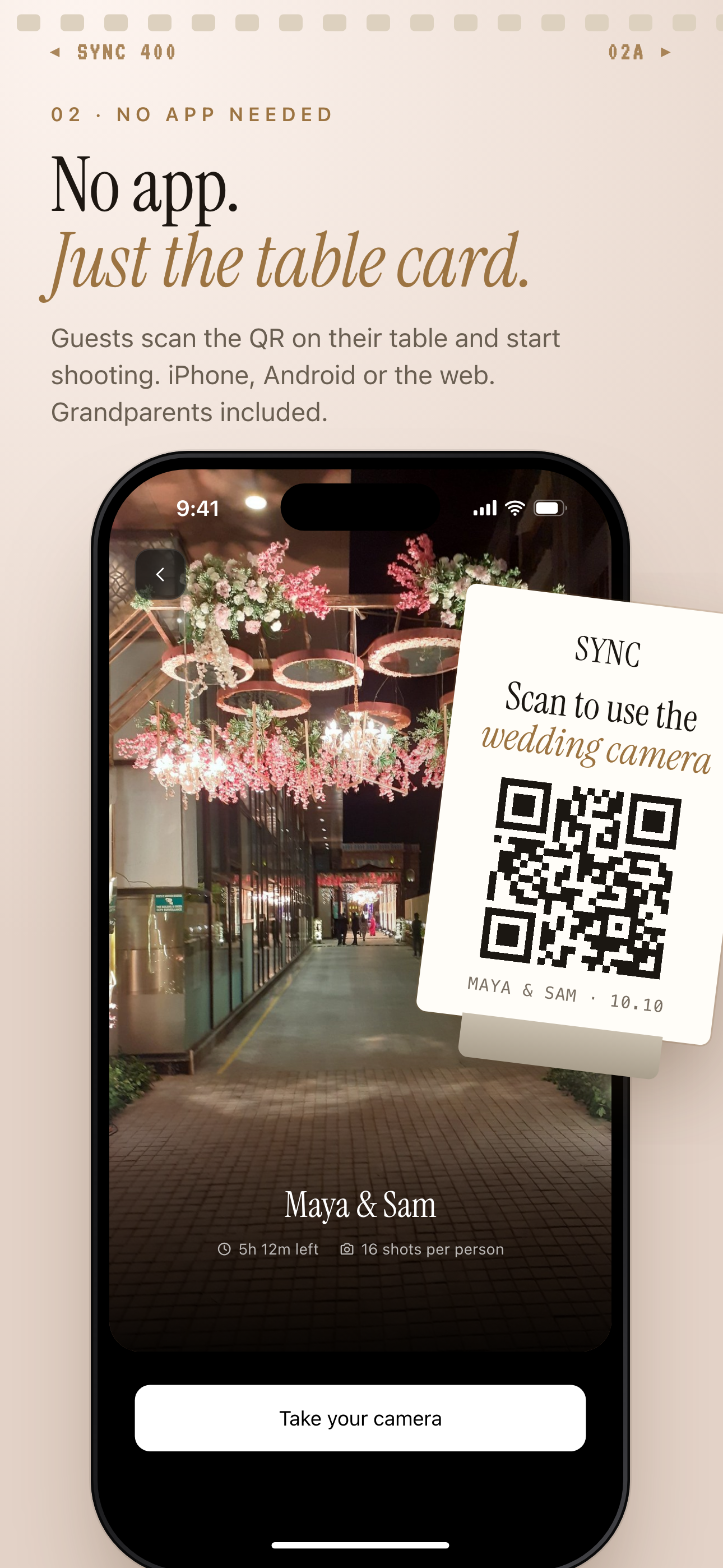
Guests scan the QR code on a wedding table card to join the event.
How the wedding photo upload QR code works
Start by creating a sync.camera event for your wedding. During setup, choose the event details and the number of guests you expect to join.
Next, share the event QR code wherever guests will see it. It can be included on wedding signage, table cards, or a welcome display, giving everyone the same straightforward route into the event.
Guests scan the QR code to join the wedding event and contribute their photos. Ceremony moments, dinner snapshots, and dance-floor candids can then come together in one shared event gallery instead of being dispersed across separate conversations.
For larger guest lists, review the current pricing options before the wedding so you can select the appropriate event setup.

What guests see after scanning
When a guest points their phone at the wedding QR code, the code provides the entry path to the corresponding sync.camera event. This keeps the invitation simple: one code directs guests to the wedding gallery they were invited to join.
After entering the event from the QR code, guests can contribute the photos they take during the wedding. Relatives and friends at different tables can use the same flow, so their ceremony, reception, and dance-floor pictures reach the shared event gallery.
The host can also control when the gallery is revealed. Photos may appear during the event, after the event, or after a selected delay; see the dedicated gallery reveal feature for more detail.

Who it is for
Wedding couples
Collect candid ceremony, reception, and dance-floor photos in one wedding event gallery instead of chasing messages after the celebration.
Wedding planners
Place one event QR code on signage, table cards, or the welcome display so guests know exactly where to join and contribute photos.
Families
Let relatives seated at different tables add their ceremony, dinner, and dance-floor photos to the same wedding event.
Features
QR code guest invite
Invite wedding guests by sharing the QR code for the event.
Guest photo uploads
Guests can join the event and upload photos to its shared gallery; paid events support unlimited guest photo uploads.
Gallery reveal options
Choose whether photos appear during the event, after it ends, or following a selected delay. Explore gallery reveal options.
Event schedule window
Tie uploads to photos taken between the event creation date and the selected event end date.
Filter by photographer
Organize the event gallery by filtering its photos by photographer. Learn about filtering by photographer.
Frequently asked questions
How do guests use a wedding photo upload QR code?
The host shares the QR code for the wedding event on a display, sign, or other guest-facing material. Guests scan the code to join that event and contribute photos to its shared gallery.
Can guests upload unlimited wedding photos?
Paid events support unlimited guest photo uploads. Check the current pricing page when choosing an event for your wedding, since this should not be assumed to apply to every plan.
Can we hide photos until after the wedding?
Yes. The host can choose to reveal the gallery during the event, after the event, or after a selected delay using the event's gallery reveal options.
How many guests can join for free?
Event setup includes selecting the number of guests, and events with up to 7 guests are free. Weddings with larger guest lists should use the current pricing page to review the available event options.