
When you host a birthday, you are busy with candles, cake, relatives, speeches, and surprise reactions. Your guests are taking photos from every corner of the celebration, but without one shared place to add them, those moments often stay scattered across phones and group chats.
What is hard right now
- Half the birthday photos stay on your guests’ phones after everyone goes home.
- You do not want grandparents or busy guests struggling with accounts, downloads, or incompatible group chats.
- You want candid photos from every corner of the party without posting private family moments publicly.
Scenarios
Kids’ birthday parties
While you handle the cake, candles, snacks, and excited kids, relatives are often the ones catching the small moments: your child running to friends, grandparents laughing from the table, or cousins gathering around the presents.
Place the event QR code near the entrance or on a party table so guests can join from their iPhone or Android browser. Their photos go into the same birthday album while you stay focused on your child and the celebration.
Milestone birthdays
At a 40th, 60th, or 80th birthday, the best photos rarely come from one person. Different tables capture reunions, speeches, old friends arriving, family reactions, and quiet moments the host never sees in real time.
With one shared event album, your guests can add what they captured without sending separate messages afterward. You get a fuller record of the birthday without spending the next week asking every relative to send their pictures.
Surprise birthday parties
For a surprise birthday, guests may photograph the setup, the hidden waiting, the arrival, and the reveal from different angles. Those reactions are hard to recreate, and they are easy to lose when every guest keeps their own version on their phone.
Use sync.camera so everyone contributes to the same private birthday album. Reveal controls let you keep the gallery closed during the surprise, then unlock the collected photos live, when the party ends, or after an additional delay.
Features that make this work
QR code and invite access
Your birthday guests can join through a QR code or invite link from a modern phone browser, so you do not have to walk people through accounts or app downloads during the party.
One shared event album
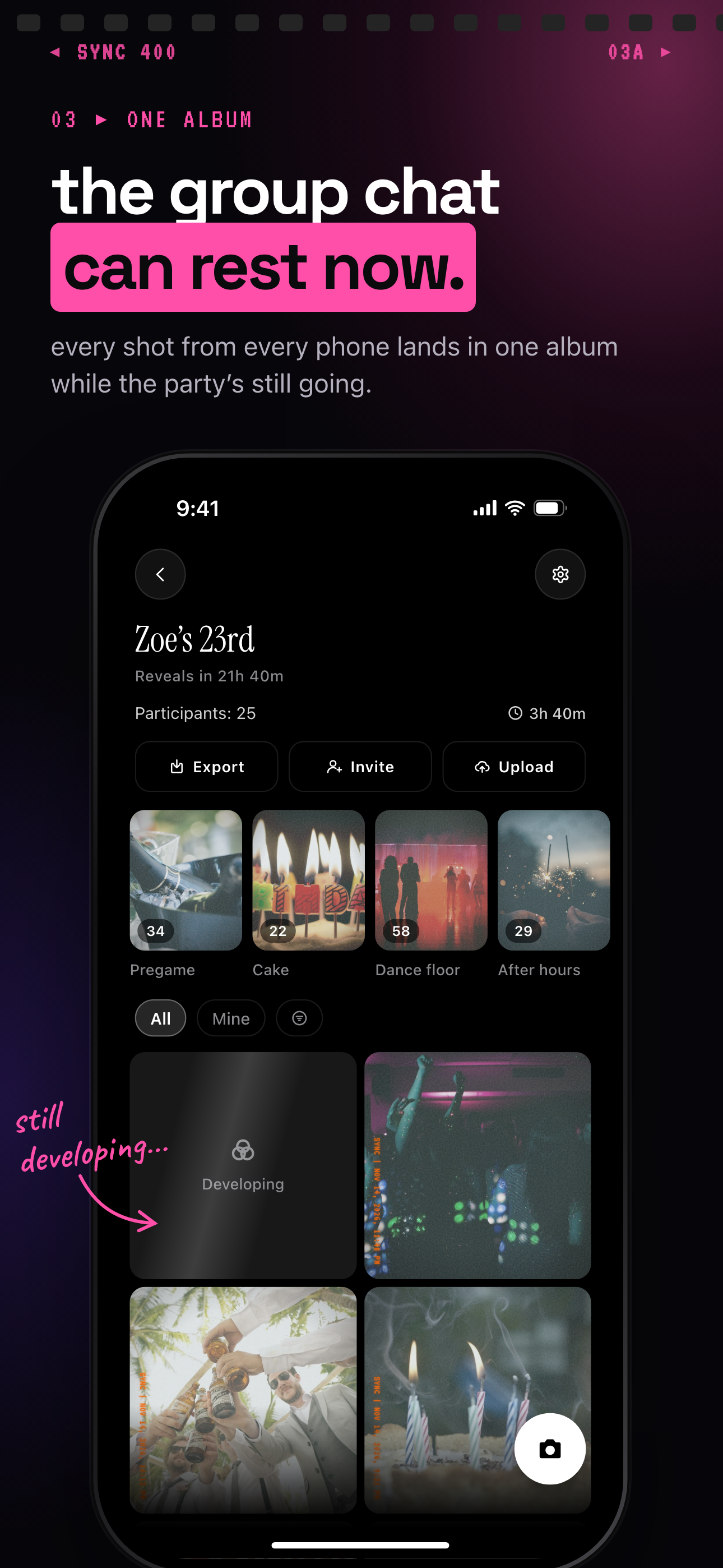
Photos from friends, grandparents, and relatives collect in one birthday album as the celebration happens, instead of spreading across separate chats and camera rolls.
Private event access and reveal controls
Your birthday photos stay scoped to the event participants, and you can choose when guests see the gallery: live, at the end, or after a delay.