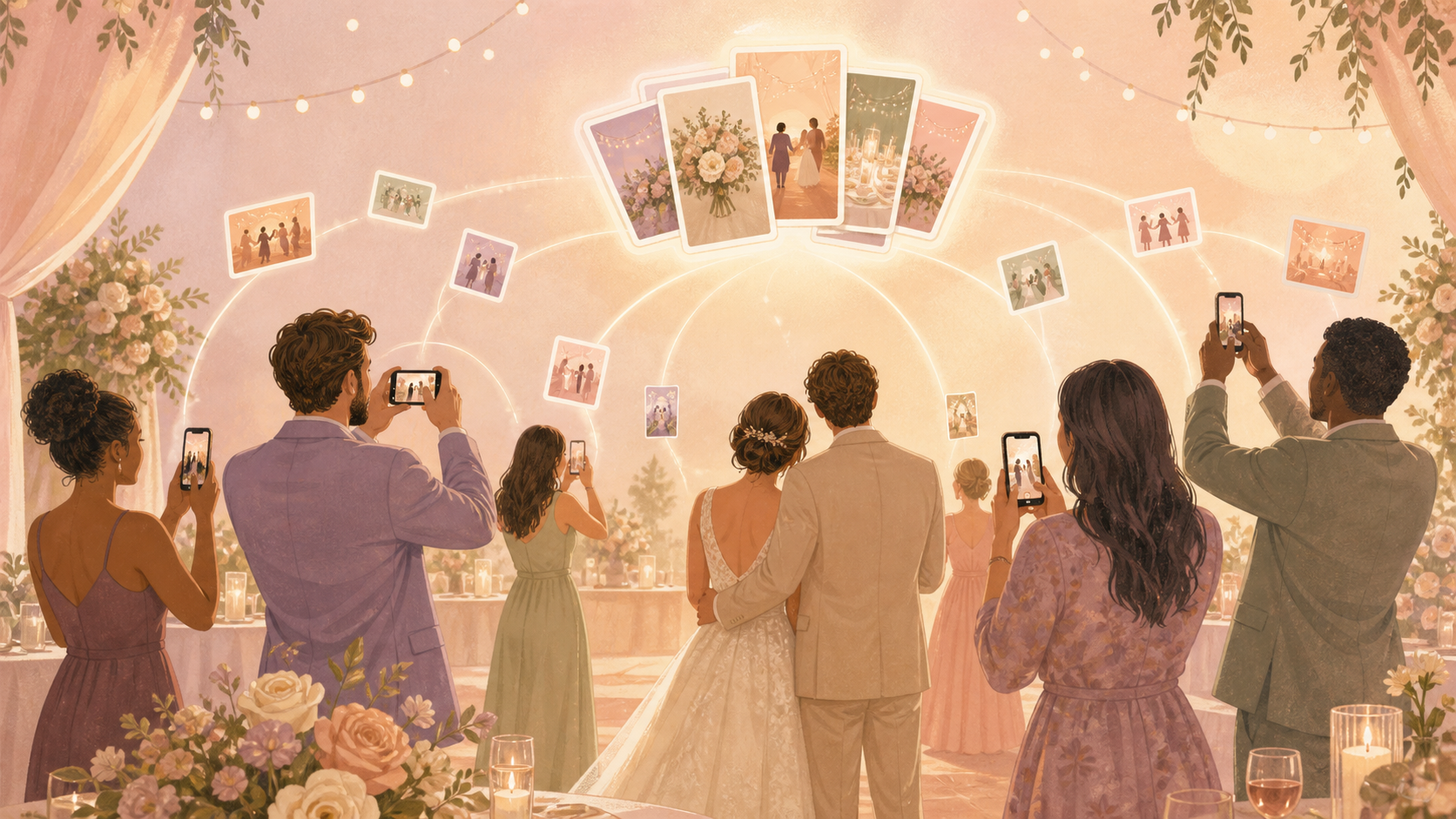
You want the full story of your wedding day, not only the professional gallery and a few photos that happen to land in scattered family texts. Sync gives your guests one private place to add the candid ceremony, reception, and after-party photos they already took, without making them create accounts or figure out a new group chat.
What is hard right now
- Your guests take meaningful candid photos, but most of them stay buried on individual phones.
- Family group chats miss people, compress images, and split your wedding album across iPhone and Android threads.
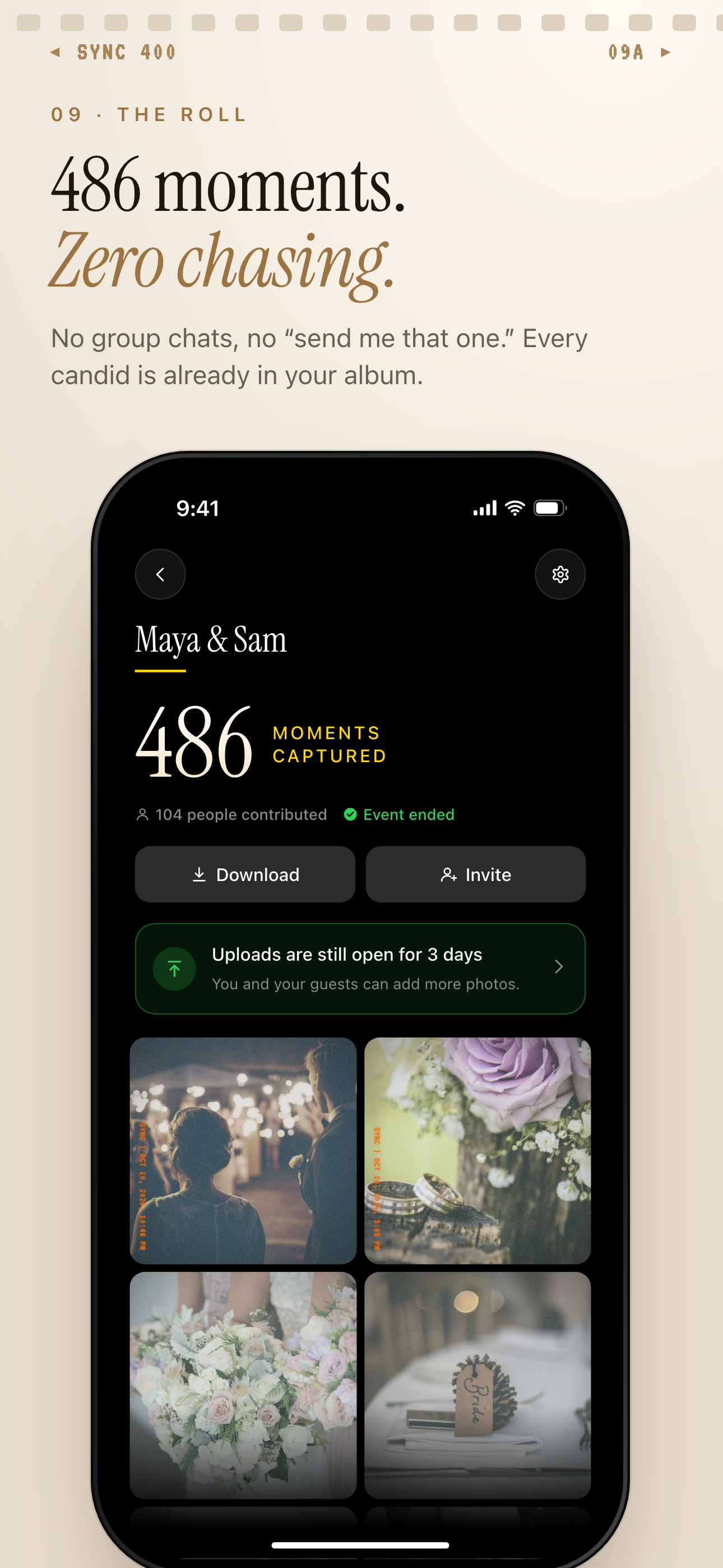
- After the honeymoon, you end up chasing guests for photos when everyone has already moved on.
Scenarios
The ceremony
A cousin in the third row catches the flower girl walking down the aisle. Your photographer may be focused on you, but that guest angle still belongs in your wedding story.
With Sync, guests can join from your wedding QR code or invite link and add the photo to the shared event album. You can choose whether photos appear live during the celebration or stay hidden until after the event.
The reception
During dinner and speeches, your friends and family are seeing different parts of the room. One table catches your grandparents laughing together, another gets the best reaction to a toast, and someone else records the first wave of people hitting the dance floor.
Instead of letting those photos scatter across texts, social posts, and individual camera rolls, Sync gathers them into one shared wedding album that stays private to your event.
The after-party
The late-night photos may come from a smaller group, but they still complete the day. You may want those memories saved with the wedding without mixing every moment into one long feed.
Moments let you separate the ceremony, reception, and after-party into their own spaces, each with its own QR code and reveal timing. Your guests still use the same simple flow, while you keep the album organized around how the day actually happened.
Features that make this work
QR code guest joining
Your guests can join from a QR code or invite link without creating an account, which helps older relatives and mixed iPhone-Android groups contribute.
One shared album
You get guest photos in one event album instead of collecting them later from individual phones, text threads, and social posts.
Reveal timing
You can show photos during the wedding or keep the gallery private until the celebration ends.
Moments
You can organize the wedding day into ceremony, reception, and after-party sections without asking guests to switch apps.