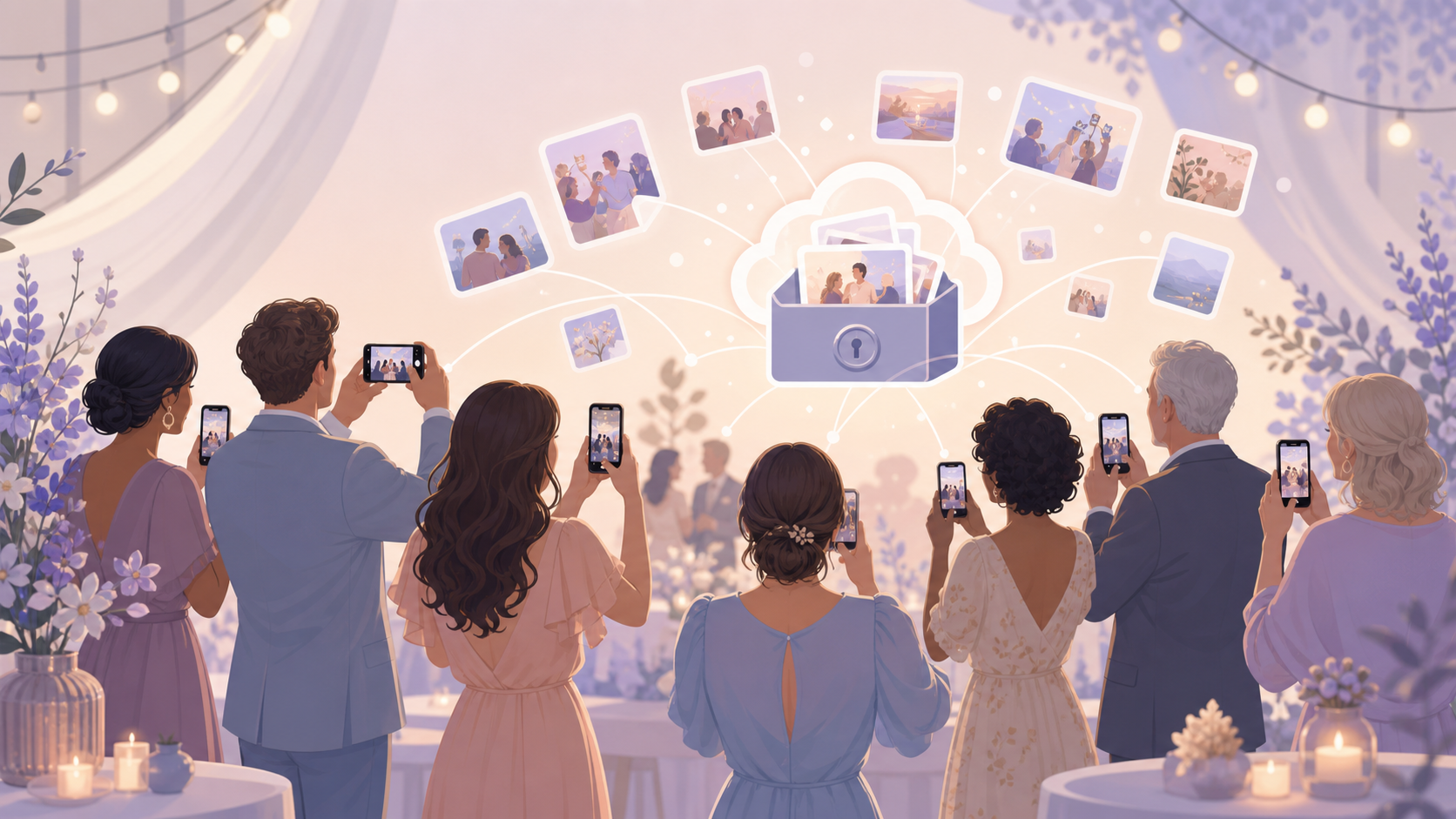
You want the full story of your event, not just the photos from your own phone. Your guests capture the side angles, candid reactions, table moments, and late-night snapshots, but those photos usually stay scattered across camera rolls, private chats, shared links, and social posts.

Hosts share one QR code or link so guests can join the event and add their photos.
What is hard right now
- I know guests took great photos, but I never actually get them.
- Some people use iPhone, some use Android, and the group chat becomes a mess.
- I do not want my event photos floating around in public albums or social feeds.
Scenarios
Birthday parties
You are lighting candles, carrying food, greeting late arrivals, and trying to stay present. Meanwhile, your guests are getting the reaction shots, the table photos, and the small moments you cannot capture yourself.
With sync.camera, everyone has one private place to add their photos during or after the party. You do not have to send reminder texts, dig through a group chat, or ask each guest to forward what they took.
Weddings and showers
Your guests see the day from places you cannot be: getting-ready rooms, cocktail tables, dance floors, and quiet conversations between family members. Those photos often matter because they feel close and personal.
sync.camera keeps guest photos organized privately for the couple, host, or planner. It gives your guests a simple destination for the event without turning the collection into a public album or social feed.
Community events
Parents, volunteers, speakers, and attendees all take photos from different corners of the event. If those photos only live in separate phones, the final collection depends on who remembers to send what afterward.
Use sync.camera when you need one event-specific place for everyone to contribute. Compared with group chats, Google Photos links, or social posting, the point is simple: the event photos stay centered around your event instead of being scattered across tools made for everyday sharing.