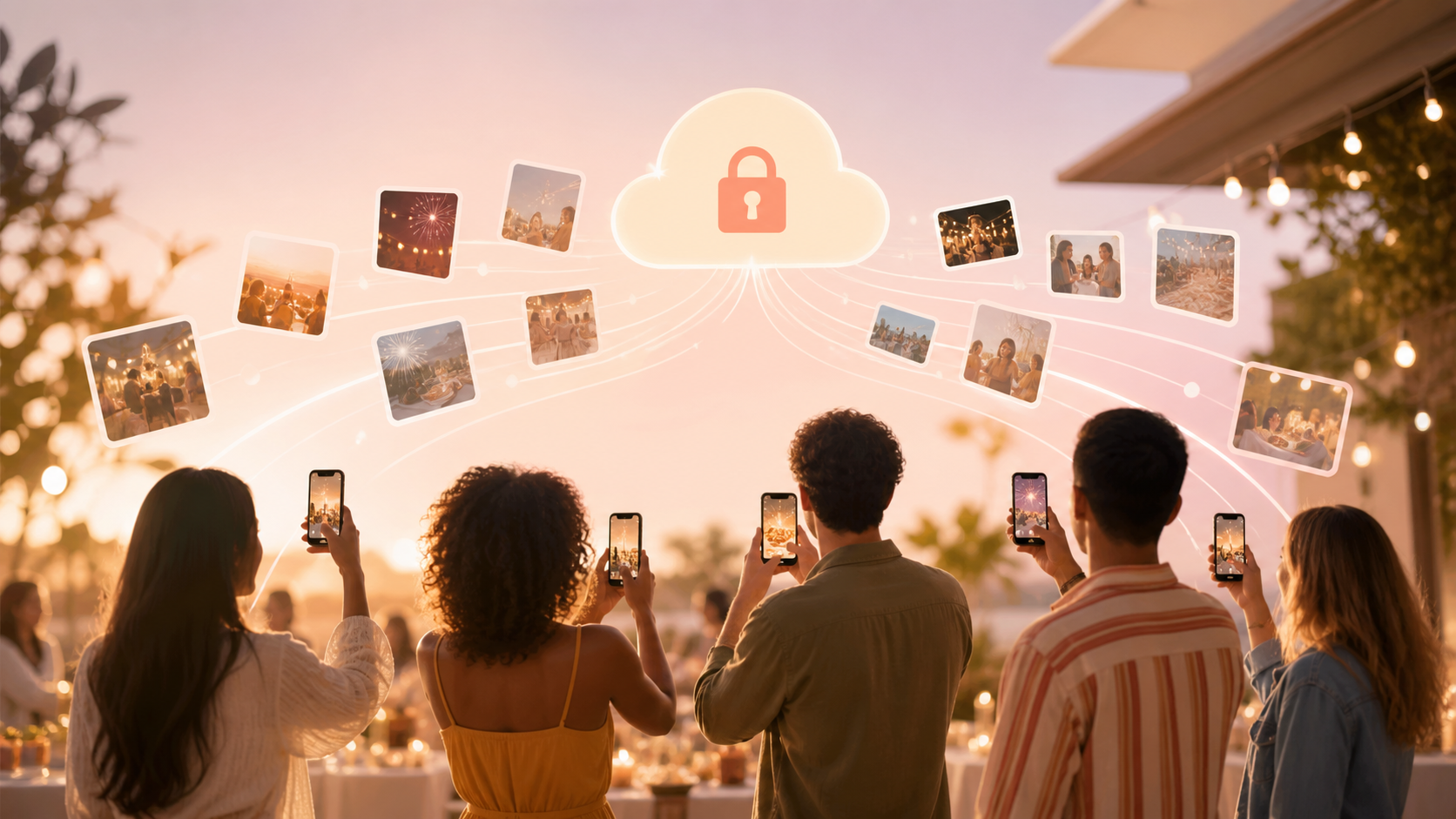
You are hosting the party, which means you are handling food, music, timing, family, friends, and the little moments that keep the room moving. Your guests are taking the candid photos from every angle, but after the party those pictures usually scatter across texts, group chats, camera rolls, AirDrop attempts, and social posts. sync.camera gives your party one simple QR code so every guest can add photos to the same private event album while the celebration is still happening.
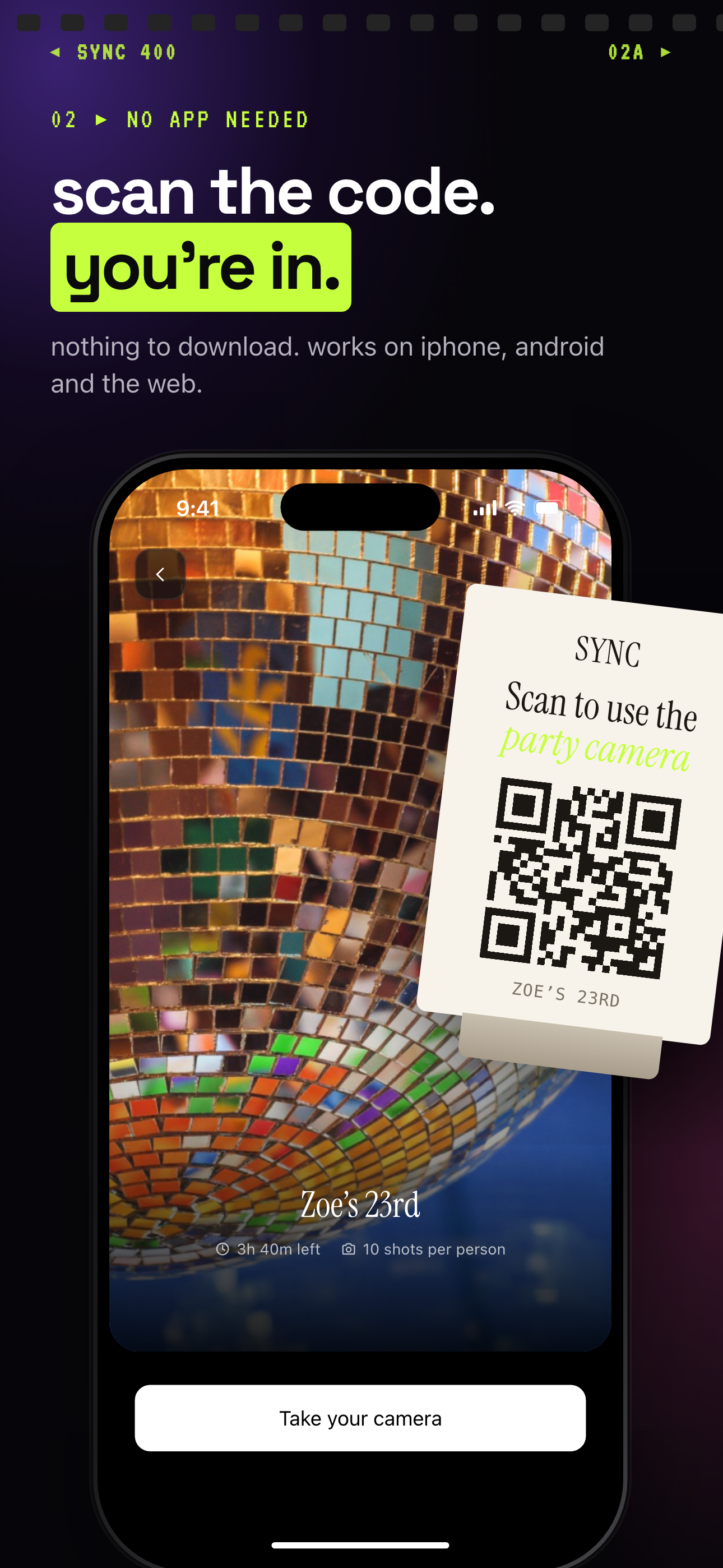
Guests scan the party QR code to join, with nothing to download, on iPhone, Android or the web.
What is hard right now
- I know guests took great pictures, but I have to ask everyone one by one afterward.
- Half the photos get trapped in different group chats, phones, or social apps.
- I want people to share party pictures without making them create an account or download something complicated.
Scenarios
Kids' birthdays
At a kids' birthday, the best photos rarely come from one person. One parent catches the cake reaction, another gets the game in the backyard, and a grandparent has the picture of your child opening the present you missed because you were handing out plates.
Put the party QR code near the gift table, on the snack counter, or in the parent group message before people arrive. Relatives and other parents can join from their phones and add pictures to the same private album without needing the same phone type, a shared group chat, or a new account.
House parties
At a house party, you are not standing still with your camera ready. You are changing the playlist, answering the door, refilling the table, checking the kitchen, and catching up with people as they arrive.
Your friends are already capturing the decorations, kitchen laughs, playlist moments, late arrivals, and group photos you did not see happen. A QR code for party pictures keeps those shots flowing into one album instead of leaving them buried in separate camera rolls or disappearing into different chat threads.
Milestone celebrations
Graduations, anniversaries, engagement parties, retirement dinners, and surprise parties all have emotional moments happening in different corners of the room. Someone sees the speech from the front table, someone else catches the hug near the door, and another guest gets the dance floor right when everyone finally relaxes.
Use one party QR code so guests can contribute as the celebration unfolds. Afterward, you can review the speech photos, table shots, hugs, decorations, and candid reactions in one private event album instead of piecing the night together from messages and public posts.
Features that make this work
QR code invite
Print it, display it, or text it before guests arrive so they can join your party album quickly during the event.
Shared event album
Guest photos collect in one party album, so you are not chasing people afterward or searching across multiple group chats.
No-account guest access
Guests can join from a modern phone browser, which keeps sharing simple for relatives, friends, and parents who just want to add pictures.
Private event sharing
Your party photos stay scoped to the event instead of being pushed into public feeds or mixed into ad-supported social platforms.