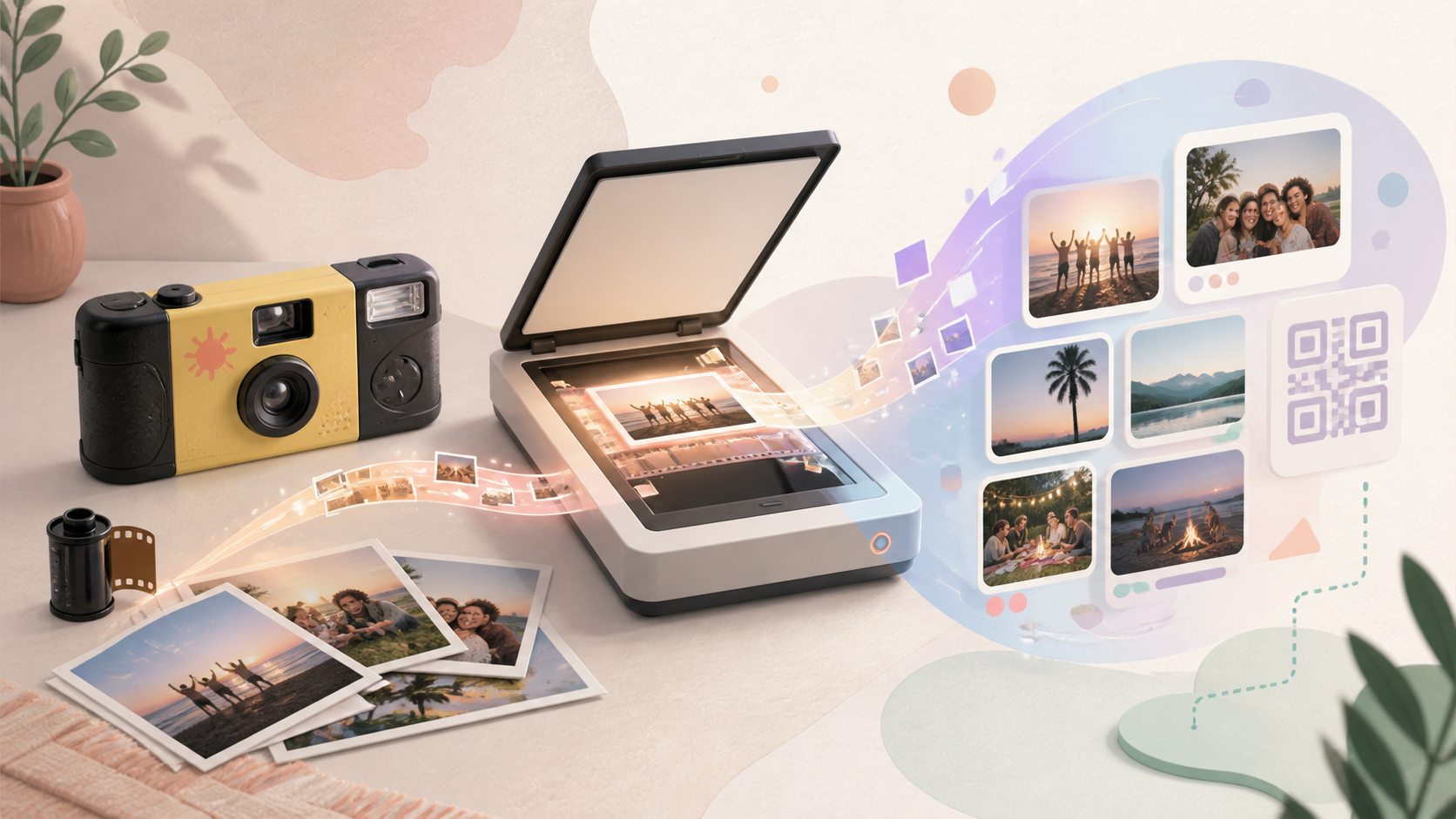
Disposable cameras are fun at weddings, trips, and family gatherings, but the photos do not become digital until the film is developed and scanned. Once a lab or photo service creates the files, the next problem is sharing them without burying everyone in group chats, scattered folders, or one-off links.
sync.camera is not a film development or disposable camera scanning service. It fits after the scans exist: hosts can use a shared event gallery and QR-based guest access so disposable-camera scans and event photo context have a clearer place to live alongside the rest of the celebration.
How disposable camera digital photo sharing works
First, take the disposable camera to a film lab or photo service that develops film. Services such as CVS Photo, Walgreens Photo, The Darkroom, and other local labs may offer processing options, but the key step is the same: the physical roll of film must be developed before digital files can exist.
When you drop off or mail in the camera, ask for digital scans as part of the processing order. The lab creates image files from the developed negatives and usually provides them through a download, disc, USB drive, or another delivery method depending on the service.
After the scans are available, decide how the group should access them. For an event, sync.camera can provide a shared gallery context and QR-based event access, which is cleaner than sending files through a long text thread or making guests hunt through separate cloud folders.
If your sharing workflow supports adding the scanned files, they can be handled like other digital event photos after processing. For related event setup, see QR code photo sharing and event galleries.
How sync.camera fits after the scans exist
sync.camera starts where the lab work ends. It does not develop film, open disposable cameras, or scan negatives, but it can help hosts give guests a clearer event destination once photos are digital.
Instead of creating a new group chat, a temporary folder, and a separate album link, hosts can point guests toward one event space. QR-based access is especially useful at weddings and parties because guests can join from the venue, revisit later, and understand which gallery belongs to that event.
This matters for disposable-camera photos because scans usually arrive after the event is over. A shared event gallery gives those delayed photos context: they belong with the wedding, trip, birthday, or reunion rather than becoming a disconnected download link.
For wedding-specific planning ideas, see disposable camera wedding ideas.

Who it is for
Wedding hosts
They place disposable cameras on reception tables, get the rolls developed after the wedding, then share the scans in the same event context guests already recognize.
Families
Someone finds an old disposable camera, has the film processed, and shares the digital memories with relatives without starting a messy message thread.
Travel groups
Friends shoot film snapshots during a trip, then collect the scans alongside the trip's other digital photos once the lab returns the files.
Features
Clear expectation setting
Disposable cameras need film development and scanning before their photos become digital files.
QR-based event access
Guests can scan an event QR and join the event when a shared sync.camera event is used.
Shared gallery context
Event photos have one recognizable place instead of being split across group chats, cloud folders, and disconnected album links.
Frequently asked questions
Can you get digital photos from a disposable camera?
Yes, but not directly from the camera. The film needs to be developed and scanned by a lab or photo service before you have digital files that can be downloaded, stored, or shared.
Does sync.camera develop or scan disposable camera film?
No verified sync.camera capability in this brief says it develops film or scans disposable cameras. This page explains what happens after a lab or photo service has already created digital scans.
Can disposable camera scans be shared with event guests?
Once the scans exist as digital files, they can be shared like other event photos. sync.camera can help with QR-based event access and shared gallery context, depending on the workflow used for those files.
Do I need the negatives to get digital photos?
Labs often scan the film during development, so you may receive digital files without handling the negatives yourself. Keeping the negatives is still useful if you ever need higher-quality rescans or replacement files later.