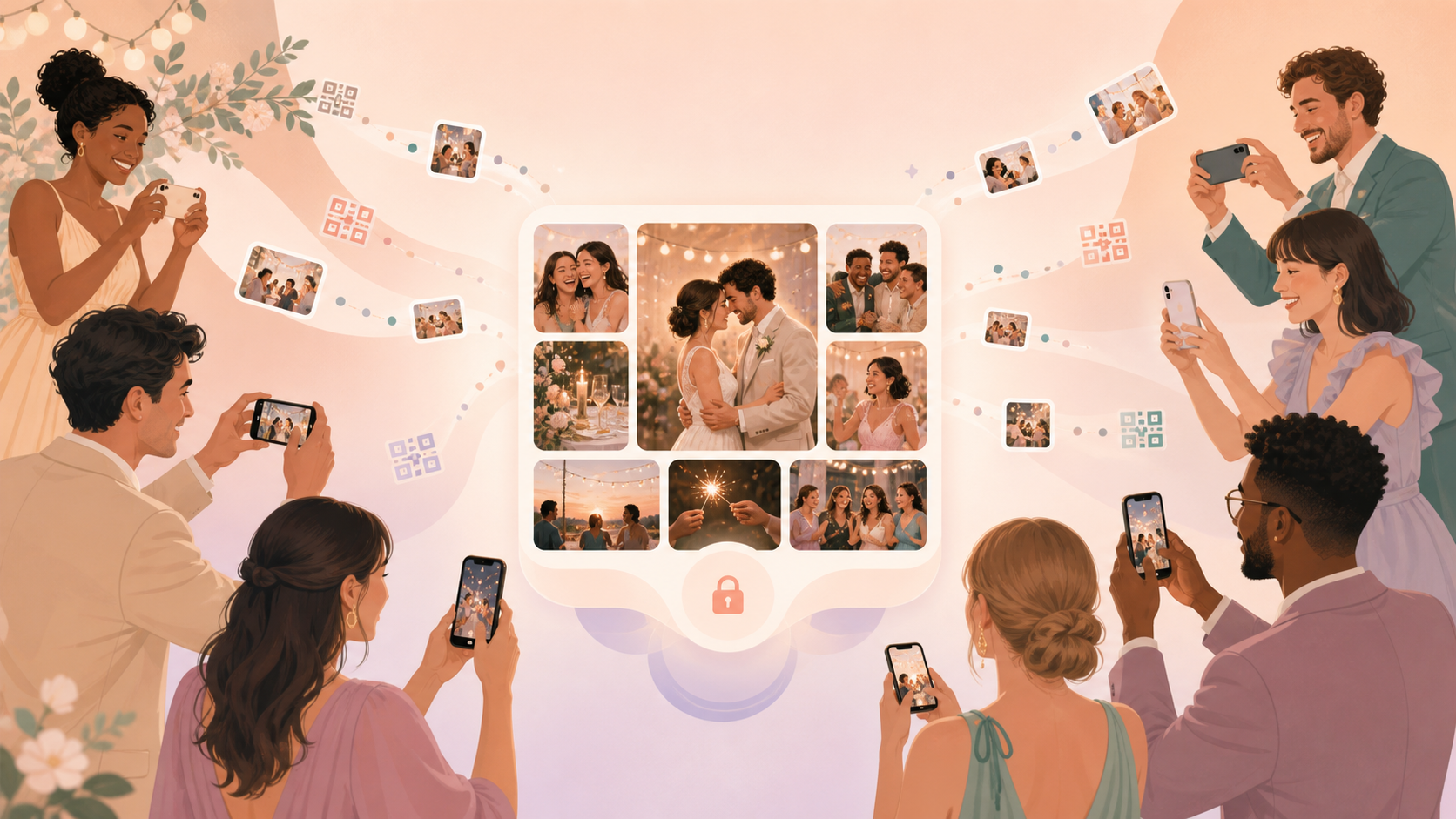
Disposable cameras are fun, but collecting the result is slow. After the event, the host still has to wait, chase people for photos, or pull images from separate phone albums and message threads.
Sync turns that same shared-camera idea into one event gallery. Guests join from a QR code or invite, add photos from their phones, and the final disposable camera result lives in a private album for the event.
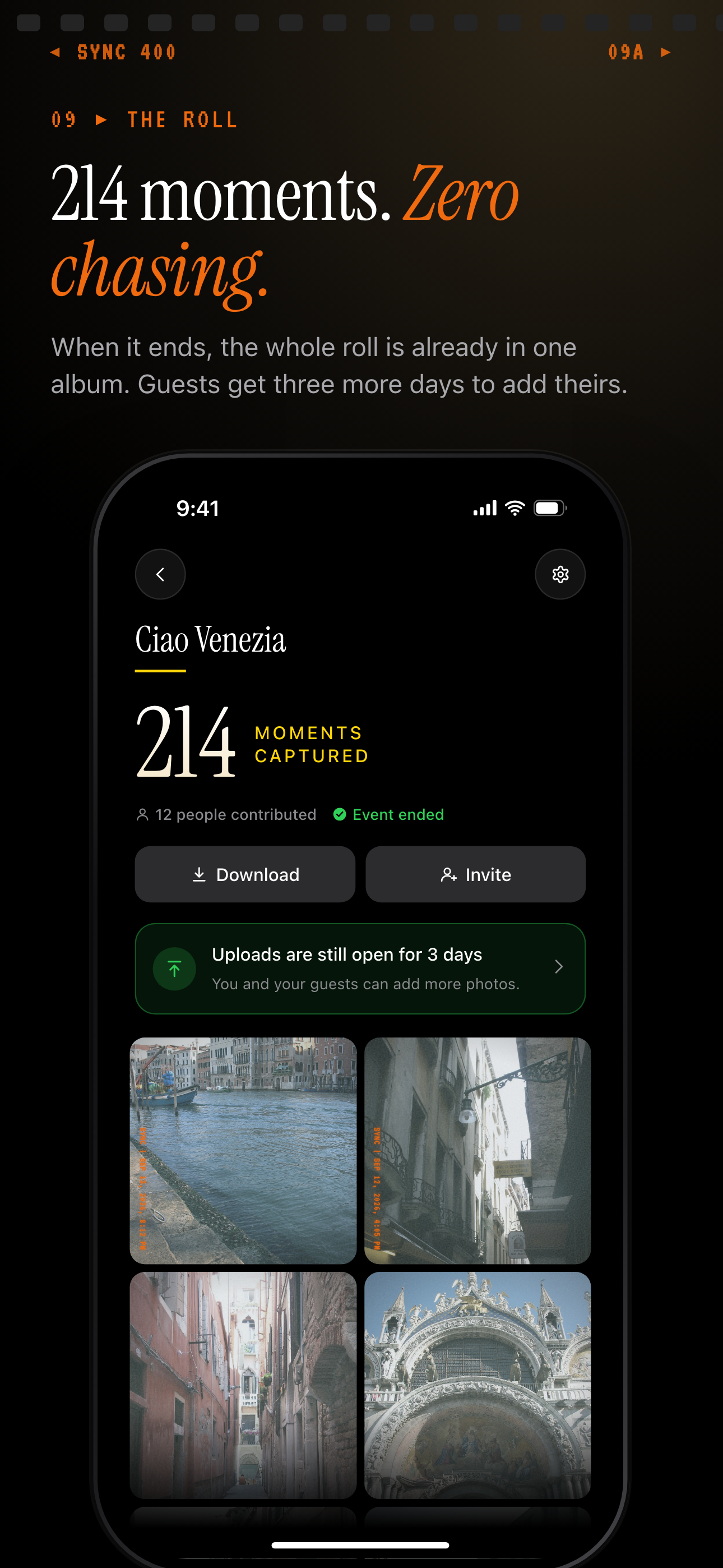
When the event ends, every guest photo is already in one album to download.
How disposable camera result works
The host starts by creating an event and setting the event schedule. That gives the group one place for the photos instead of a folder that has to be assembled later.
Next, the host shares the event QR code or invite. Guests can join without making a sync.camera account, so the flow works for people who only want to contribute photos during the event.
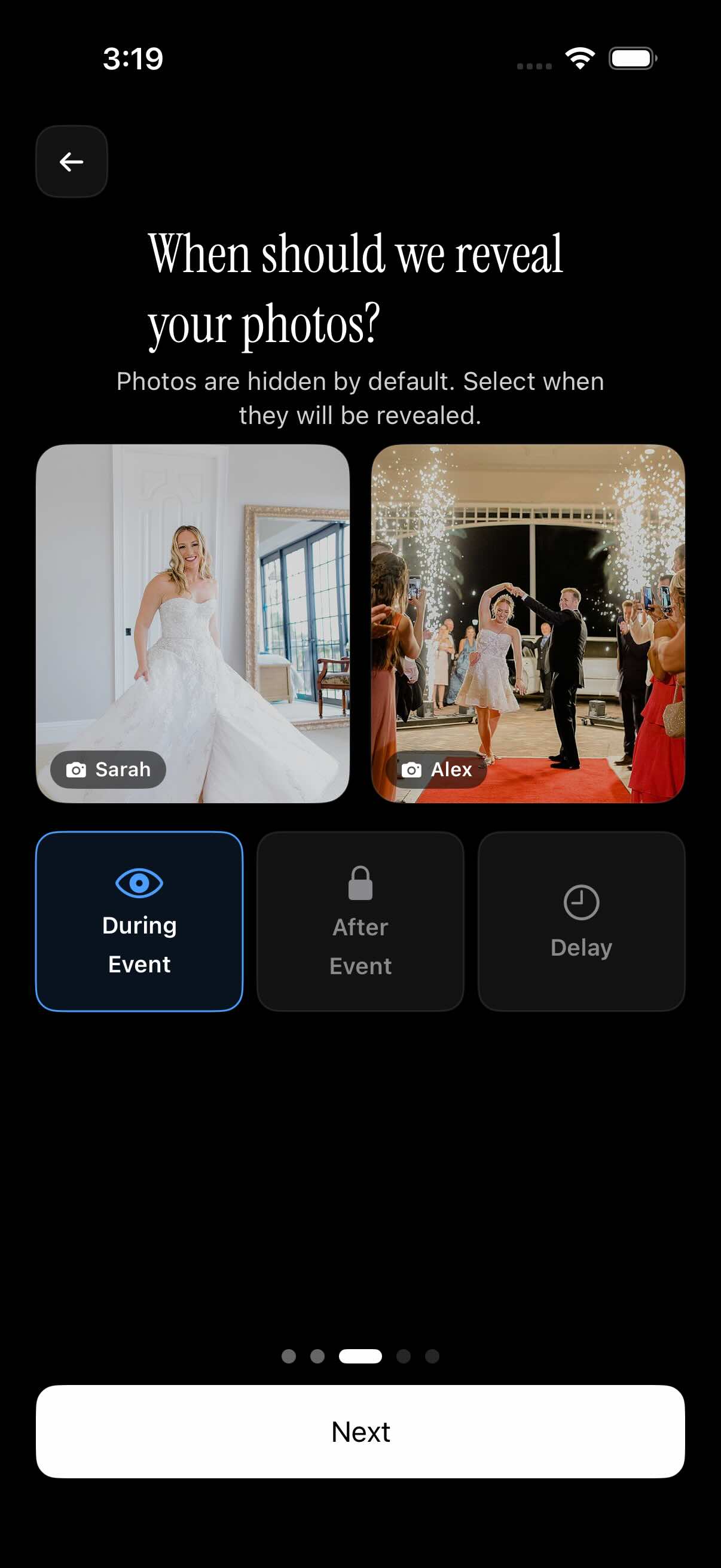
As guests take photos, they collect into one shared event gallery. The host can choose whether the gallery reveals during the event, after the event, or after a selected delay.
For related setup details, see QR code event photo sharing and gallery reveal.
What guests see
Guests see a simple joining flow from the shared QR code or invite. They do not need to start a separate album, send photos to the host, or remember where to upload them after the event.
Once inside the event, guests contribute photos to the same shared album. That keeps candid moments from the reception, party, conference, reunion, or meetup in one place.
If the host wants the result to feel more like a disposable camera reveal, the gallery can stay hidden until the selected reveal time. Guests still contribute during the event, while the final album is saved for later.

Who it is for
Wedding hosts
Collect candid reception photos from guests without chasing individual phone albums after the wedding.
Birthday planners
Let friends scan one QR code and add party photos to a single gallery during the celebration.
Conference organizers
Gather attendee photos from sessions, breaks, and social moments in one event album.
Features
QR guest joining
Guests can join an event by scanning a QR code or using an invite.
Shared event gallery
Photos from guests collect into one event gallery.
Gallery reveal timing
Choose whether photos appear during the event, after the event, or after a selected delay.
Private event access
The gallery is scoped to the event instead of being a public feed.
Frequently asked questions
What is a disposable camera result?
A disposable camera result is the final shared event gallery created from guest photos. With Sync, guests contribute from their phones and the host gets one private event album instead of scattered images from different people.
Do guests need a sync.camera account?
No. The sync.camera homepage says guests can join without an account. They can enter through a QR code or invite, which keeps the sharing flow simple for weddings, parties, and other events.
Can photos stay hidden until the event ends?
Yes. Sync supports reveal timing options, so photos can appear during the event, after the event, or after a selected delay. That lets the host choose a live gallery or a later disposable-camera-style reveal.
Is this only for weddings?
No. The same QR joining and shared gallery flow can work for birthdays, parties, conferences, reunions, and meetups. Wedding hosts may use it for reception candids, while other groups can use it for any event where many guests take photos.