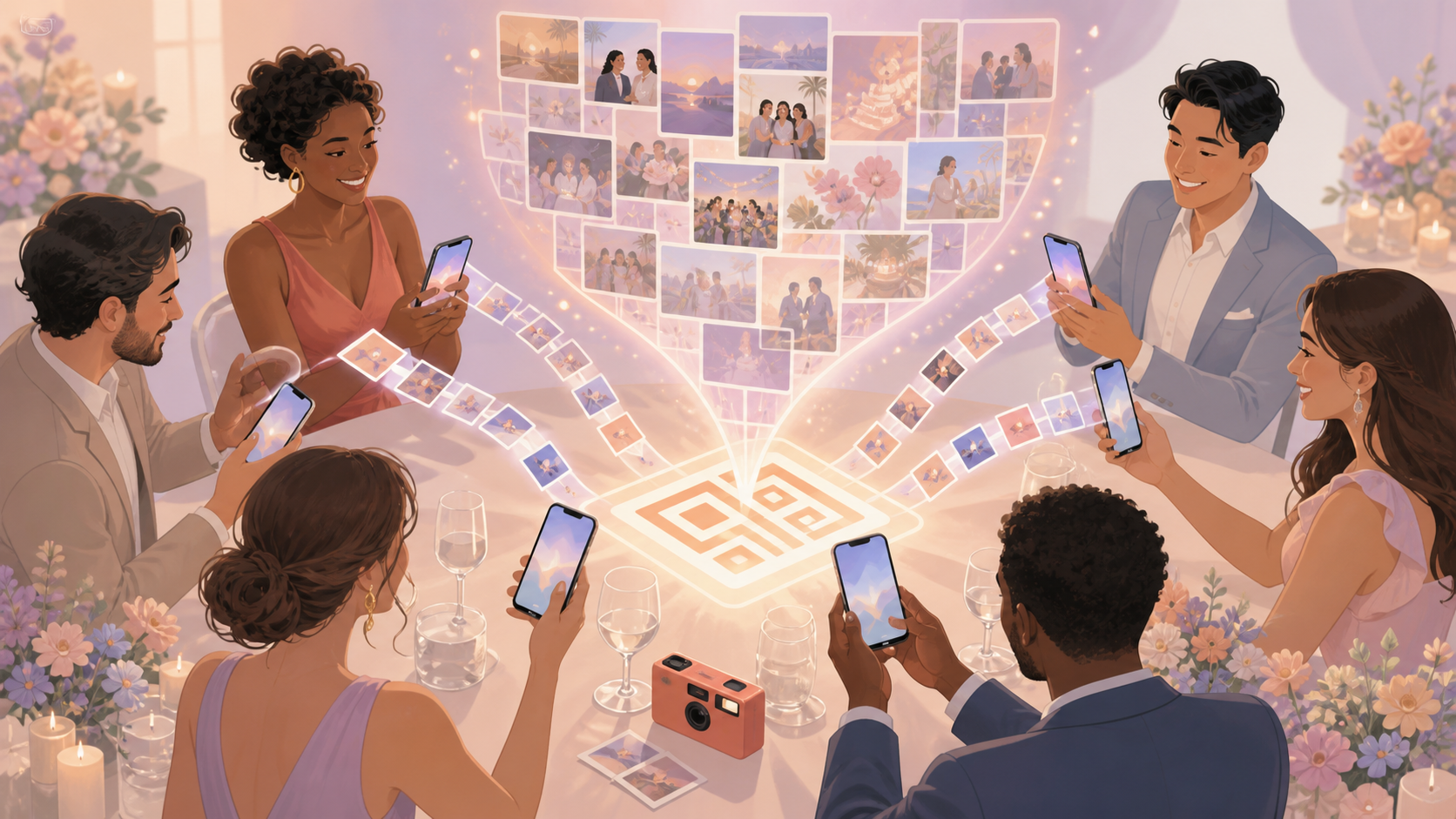
Disposable cameras are fun because they make everyone part of the story. The hard part comes later: collecting cameras, waiting for photos, sorting who took what, and deciding when everyone should see the final gallery.
sync.camera gives you a disposable-camera-style photo flow using guests' own phones. Create an event, share one QR code, let guests add photos, and choose when the gallery is revealed.
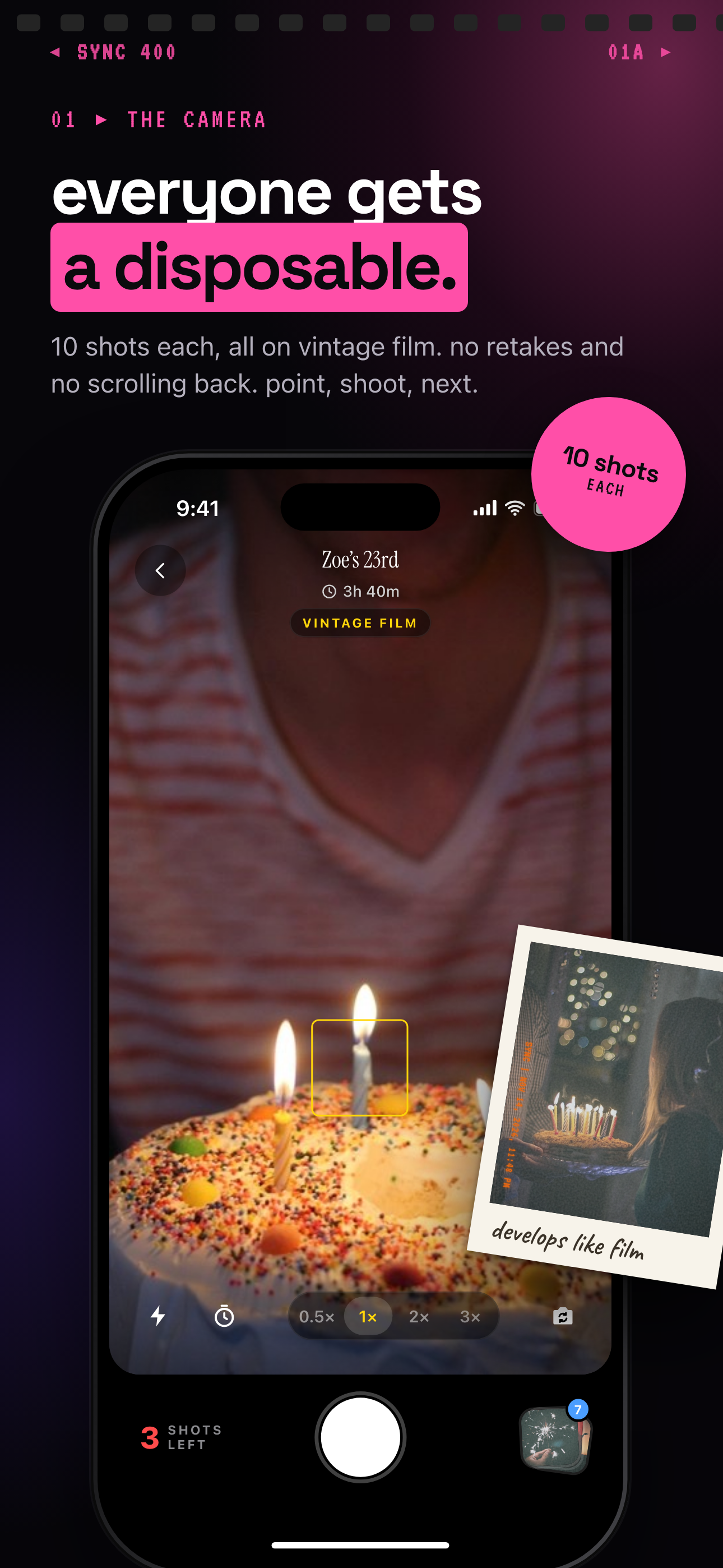
How a disposable camera that connects to phone works
The host starts by creating an event in sync.camera. That event becomes the shared place where guest photos can be collected instead of being scattered across text threads, group chats, and individual camera rolls.
Guests join by scanning the event QR code from their phones. The QR flow gives everyone a simple entry point into the same event photo experience, so the host does not need to pass around one physical camera.
Once guests have joined, photos can be uploaded for the event. Hosts can use the event schedule controls around the event creation date and selected event end date, then decide how the gallery should be revealed.
For more QR-based workflows, see QR code photo sharing and event photo gallery.

How gallery reveal controls work
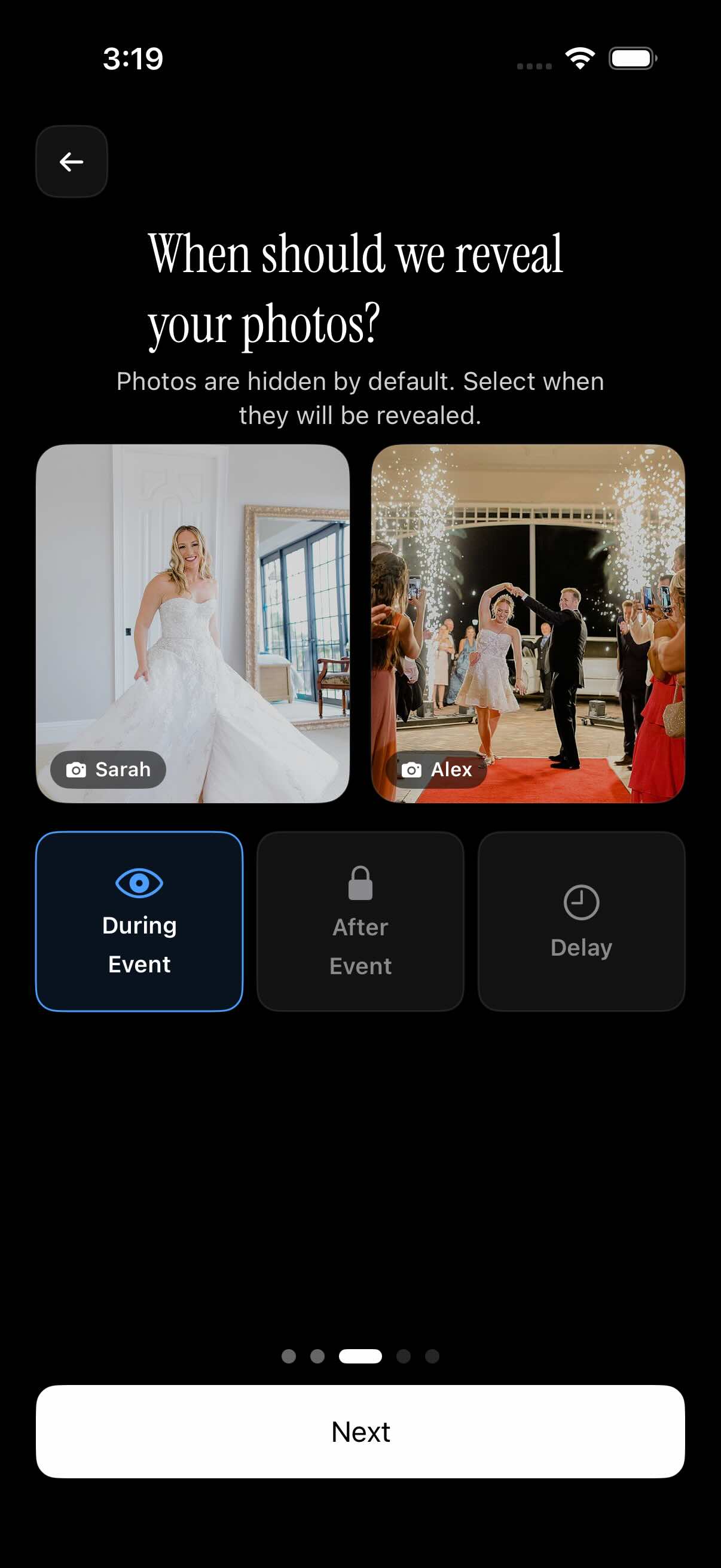
A disposable-camera-style event often works best when photos are not shown immediately. sync.camera supports reveal timing so the host can choose when the shared gallery becomes visible.
Photos can be visible during the event for a live shared-gallery feel. They can also stay hidden until after the event, which keeps the reveal closer to the traditional disposable camera experience.
Hosts can also use a selected delay after the event before photos are revealed. That makes the gallery feel intentional without requiring the host to manually collect pictures from every guest afterward.
Who it is for
Wedding hosts
Guests scan one QR code at the reception and contribute candid photos into a shared event gallery.
Birthday families
Parents collect photos from relatives without asking everyone to text pictures after the party.
Travel groups
Friends add trip photos into one event gallery instead of scattering them across separate chats.
Party organizers
Hosts create a disposable-camera-style photo flow with a delayed reveal after the event.
Features
QR event join
Guests can scan an event QR code and join the shared photo event.
Event photo uploads
Guests can upload photos to the event, with paid events supporting unlimited guest uploads.
Gallery reveal timing
Hosts can show photos during the event, after the event, or after a selected delay.
Event schedule controls
Uploads can be tied to the event creation date and selected event end date.
Filter by photographer
The event gallery can be filtered by photographer.
Frequently asked questions
Is this a real disposable camera?
No. sync.camera is a phone-based event photo experience, not a physical disposable camera. It gives hosts a disposable-camera-style shared gallery using the phones guests already bring.
How do guests join the event?
The host shares an event QR code, and guests scan it from their phones to join the event. From there, they can contribute photos to the shared event experience.
Can photos be hidden until after the event?
Yes. Hosts can choose whether photos are visible during the event, after the event, or after a selected delay. The control is focused on when the gallery is revealed.
Is there a free tier?
The documented guest count screen shows free events for up to 7 guests. Larger events or events with unlimited guest uploads may require a paid option.