
After the wedding, the birthday, the reunion, or the trip, the photos that actually captured it are scattered across dozens of guests' phones. Someone got the first-dance shot you missed. Someone else has the one candid photo of the whole family laughing at once. Chasing those down one text or one email at a time means you never really get the full set, and half the good shots quietly stay buried in someone else's camera roll.
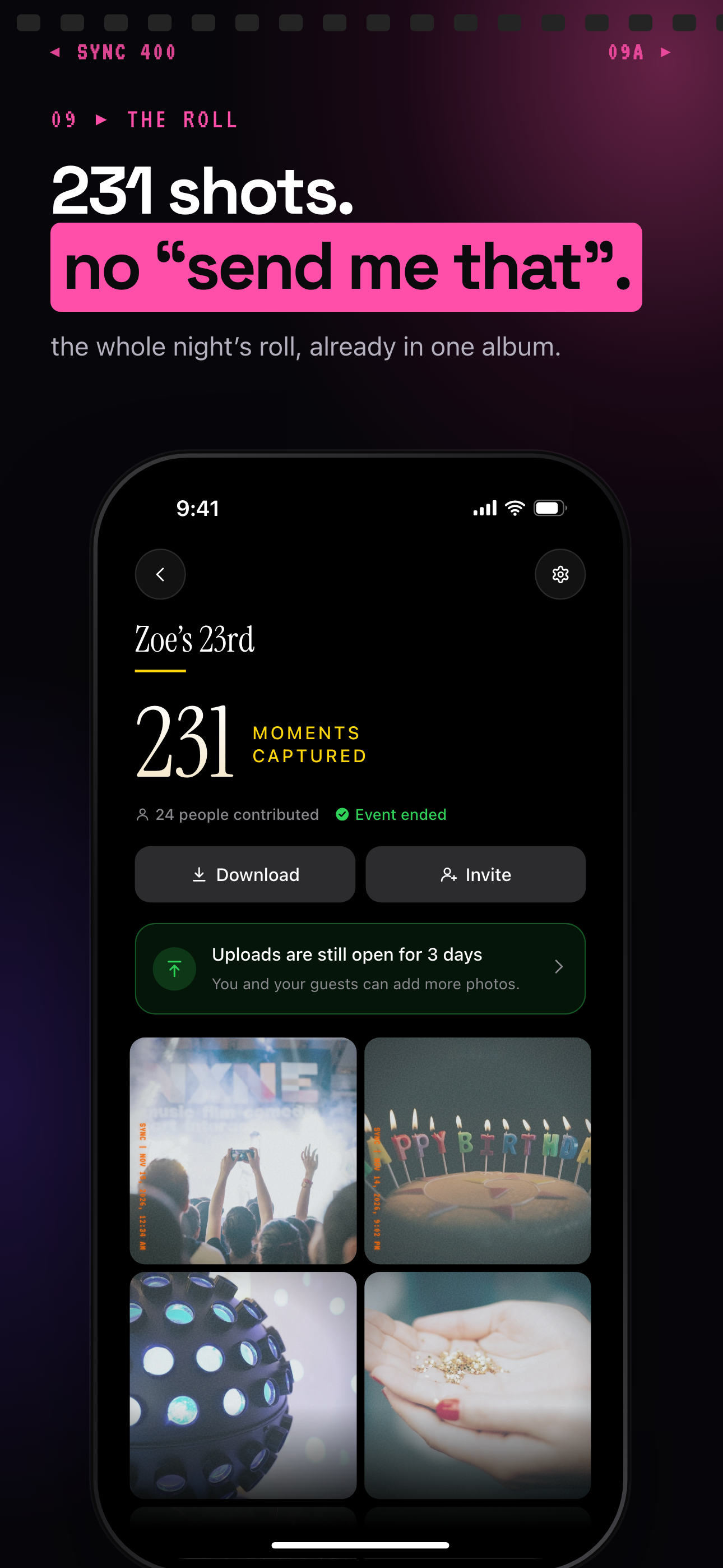
Album Downloads is built to end that chase. Once guests have added their photos to your shared event album, you don't have to message each person individually or hope they eventually send the file. You pull every guest photo in the album at once, at full resolution, so the complete collection from the event ends up in your hands rather than spread across other people's phones.
How Album Downloads works
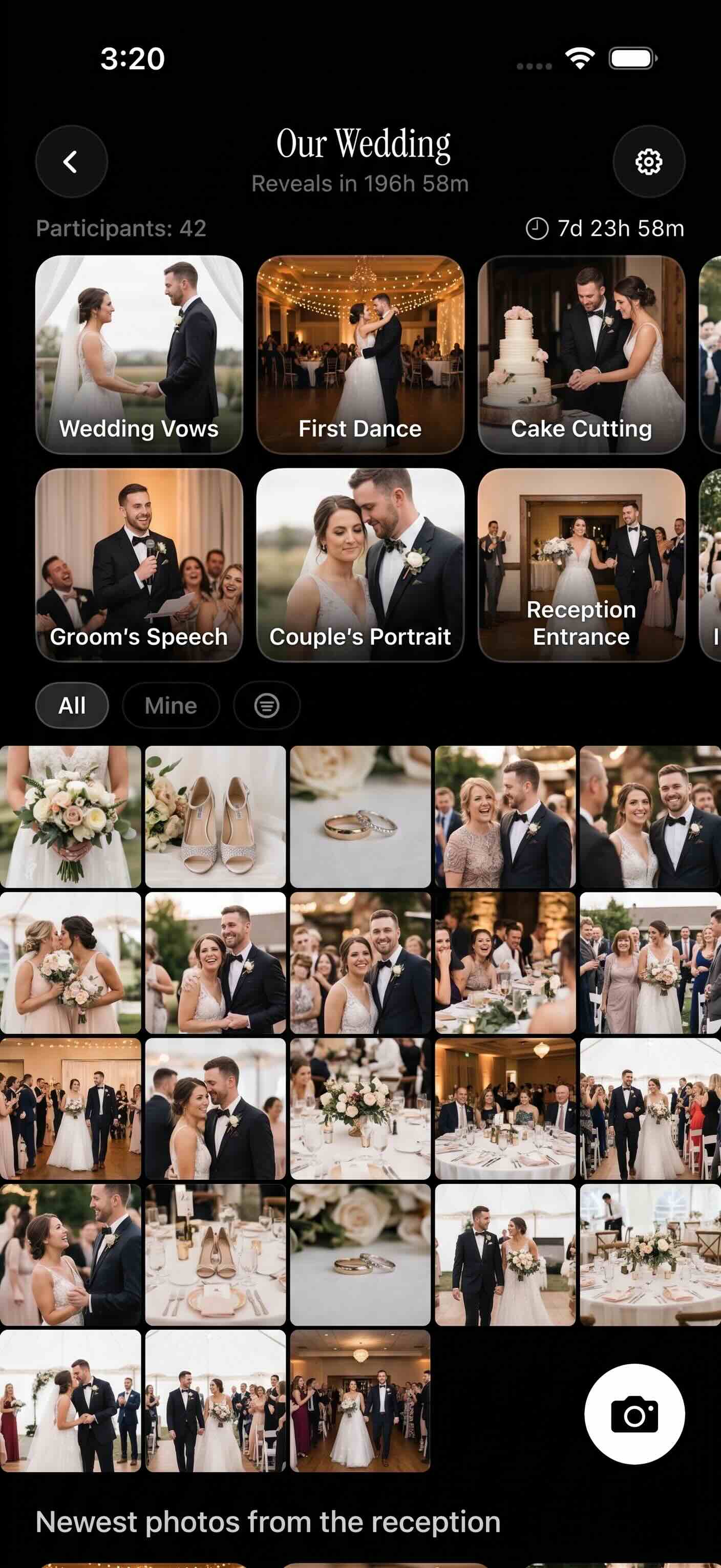
It starts with the shared event album itself. Guests join and add their own photos throughout the event, often through a simple album invite like a QR code guests can scan to get in and start uploading right away. As those photos come in, everyone can already browse them together in the shared gallery, so the album fills up with the moments different guests happened to catch.
When the event is over and you're ready to hold onto everything, that's when Album Downloads comes in. Instead of opening each guest photo one at a time and saving it individually, you use Album Downloads to pull the whole album's worth of guest photos in a single action.
Every photo comes through at full resolution, matching what guests originally added to the album. So the version you end up with isn't a shrunk-down preview or a lower-quality copy pulled off someone's phone screen. It's the complete set of guest contributions, downloaded together, in the quality it was uploaded in.
Who it is for
Wedding hosts
After the reception, dozens of guests have candid shots you weren't there to take yourself. Instead of texting each person asking them to resend photos, wedding hosts use Album Downloads to collect every guest photo from the shared album in one go.
Families
Birthdays, reunions, and holidays scatter photos across every relative's phone. Families use Album Downloads to pull all the shared album's photos together into one complete copy, instead of asking around after the fact.
Travel groups
By the end of a trip, everyone in the group has added their best shots to the shared album. Travel groups use Album Downloads to save the full trip album at once, rather than trying to collect favorites from each traveler individually.
Features
Full-resolution downloads
Keep guest photos at full resolution instead of settling for compressed copies.
One-go album export
Download the shared event album together instead of saving photos one by one.
Built for event hosts
Useful when you need a complete copy of the photos guests contributed.
Frequently asked questions
Can I download every guest photo from an event?
Yes. Album Downloads is built to pull every guest photo from a shared event album in one go, so you don't have to open and save each photo individually. It's designed for the moment right after an event, when you want the complete set of what guests contributed rather than a handful of favorites.
Are photos downloaded at full resolution?
Yes. Every guest photo you download through Album Downloads comes through at full resolution, matching what was originally added to the shared album, so you're not left with a shrunk-down or lower-quality version of the moment.
Who is Album Downloads for?
Album Downloads is for anyone who ends up responsible for a shared event album: wedding hosts collecting candid guest shots after the reception, families gathering birthday or reunion photos into one copy, and travel groups saving the full trip album once everyone has added their shots. It's for the moment you need the complete photo set, not just the photos you personally took.