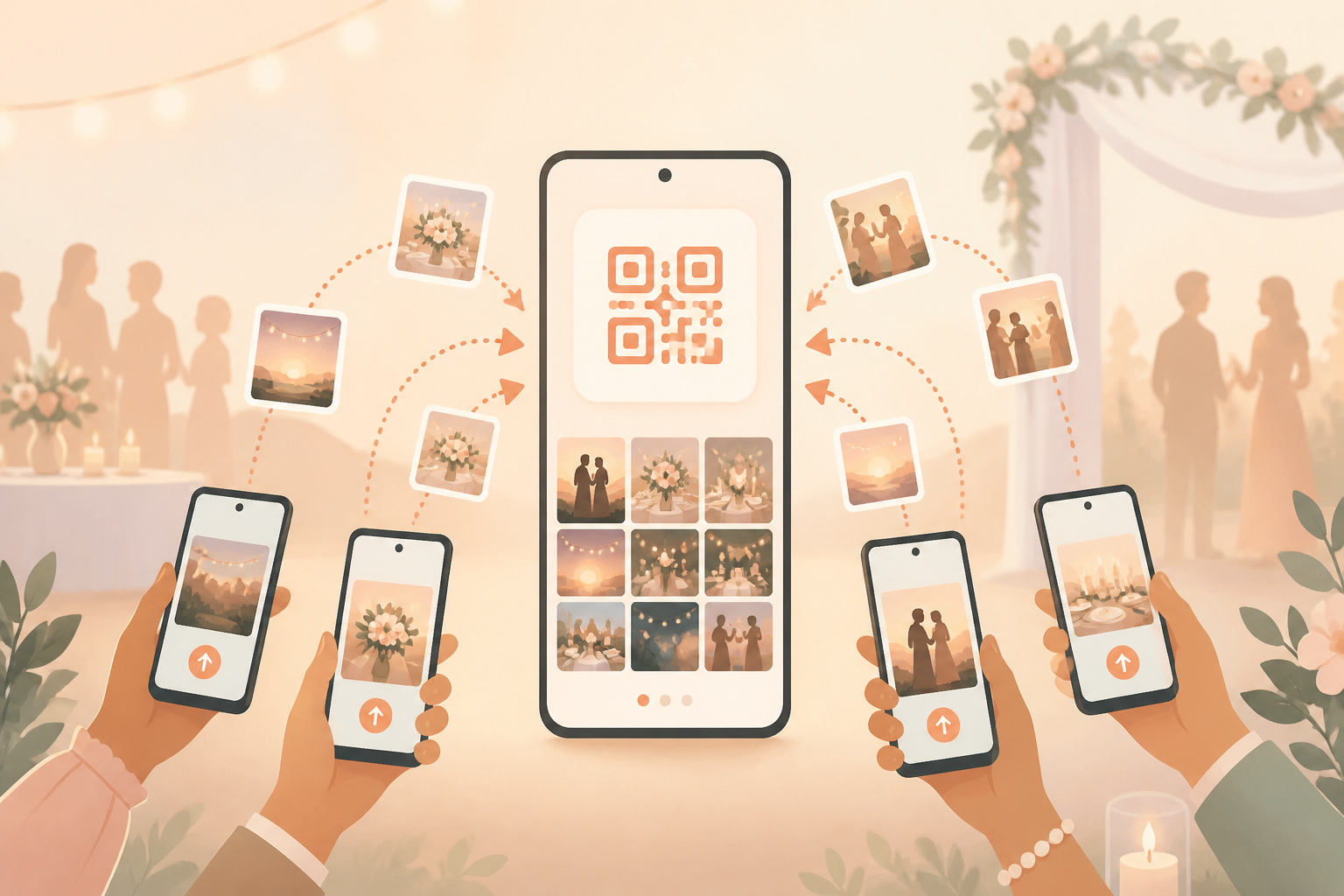
Collecting event photos should not mean starting another group chat, asking everyone to make an account, or chasing people days later. With a QR code photo setup, guests can join the right album from their phones while the event is still happening.
sync.camera gives each event one shared place for guest photos. It fits weddings, parties, reunions, and other moments where the host wants less admin and one album everyone can contribute to.
How QR code photo sharing works
First, the host creates an event in sync.camera. That event has its own QR code, so guests are joining the correct shared album instead of sending photos through scattered chats.
Guests scan the QR code from a modern phone browser, or join through an invite code or link if that is easier to share. They do not need to create a sync.camera account just to contribute photos.
As guests add photos, the event album becomes the central place for the group’s pictures. For hosts who want more control over timing, photo reveal settings can show photos during the event, after the event, or after a selected delay.
For broader event workflows, sync.camera also supports event photo sharing, photo reveal, wedding albums, and party albums.

Who it is for
Wedding hosts
Place one QR code on tables so guests can join the album and add candid photos from the ceremony, dinner, and dance floor.
Families
Use one birthday QR code so relatives can contribute photos without the host collecting them from separate message threads later.
Conference organizers
Share one event QR code so attendees can collect photos from sessions, meetups, and after-hours moments in one album.
Features
QR code invites
Guests can scan an event QR code to join the shared album.
No account required for guests
Guests can join from a modern phone browser without creating a sync.camera account.
One shared event album
Photos contributed by guests collect in one place for the event.
Reveal timing
Hosts can reveal photos during the event, after the event, or after a selected delay.
Frequently asked questions
Do guests need a sync.camera account?
No. Guests can join from a modern phone browser through the QR code or invite link without creating a sync.camera account. Installing the app can improve the camera experience, but it is not required just to join.
Can guests join with a link instead of scanning the QR code?
Yes. Guests can join from the event QR code or from an invite code or link, depending on how the host chooses to share access. That makes it easier to include people who receive the invite before the event or cannot scan the code in the moment.
Can photos be hidden until the event ends?
Yes. Hosts can choose reveal timing for the event album. Photos can be shown during the event, revealed after the event, or revealed after a selected delay.
Is it free to use?
sync.camera is free to start, so hosts can create an event and try QR code photo sharing without upfront setup friction. Larger events may need a per-event upgrade.