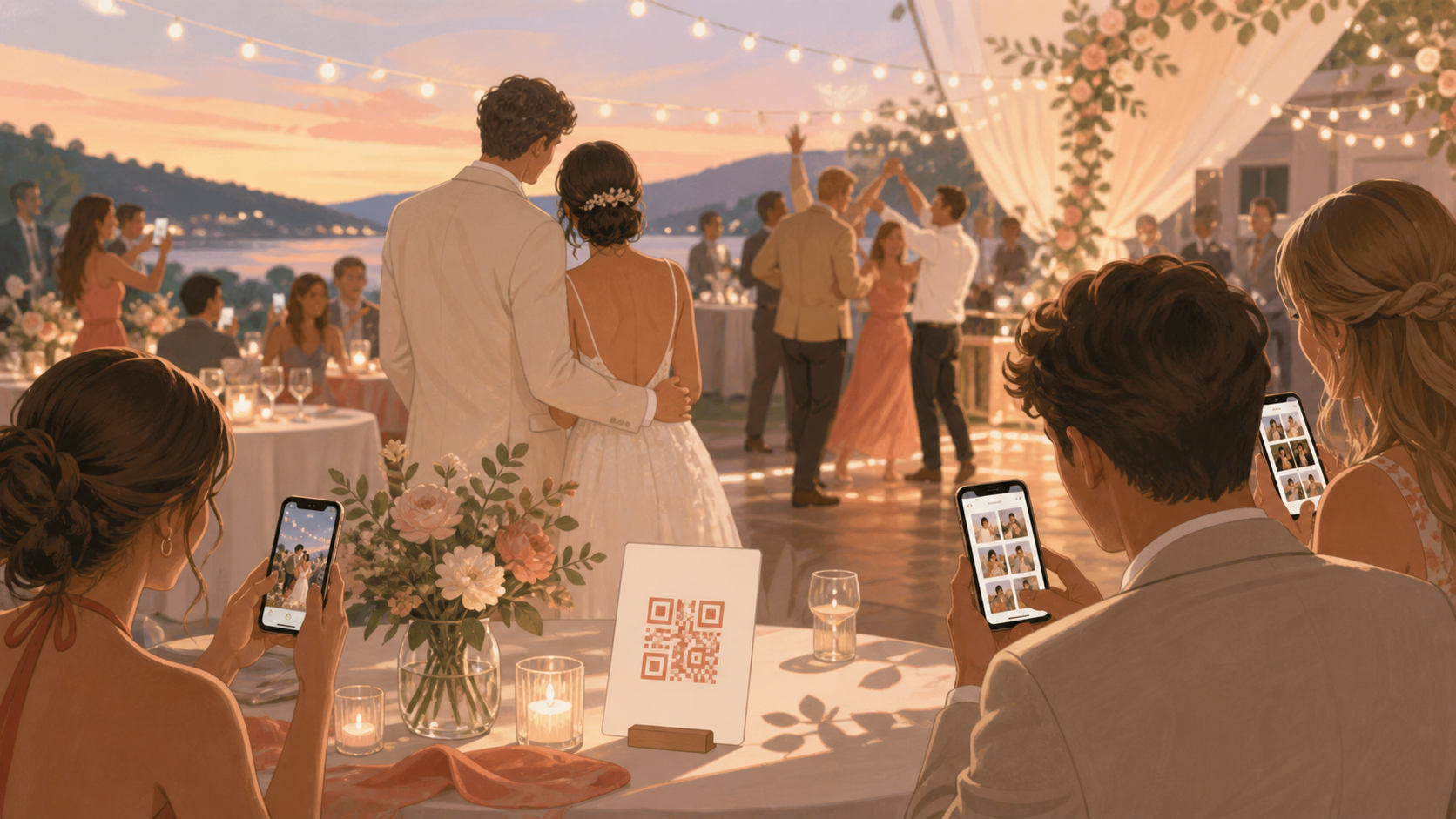
You are planning a wedding and want the photos your guests take without chasing people afterward, managing messy group chats, or asking every iPhone and Android guest to download the same app. A QR code app for wedding photos gives your guests one private place to add candid moments during the day, so your ceremony, reception, and after-party photos stay connected to your event.
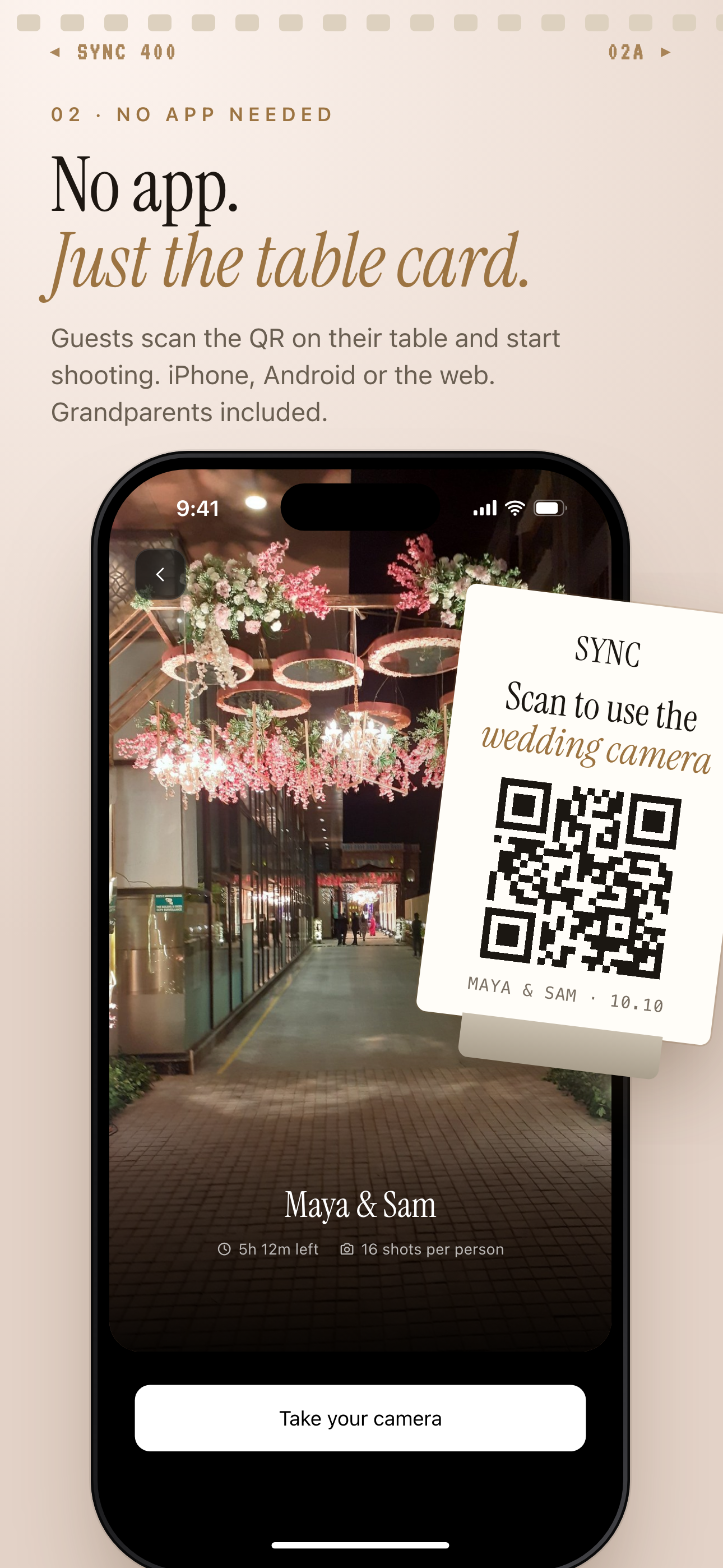
Guests scan the QR on a table card to join from iPhone, Android or the web.
What is hard right now
- We do not want to text every guest after the wedding asking for photos.
- Our guests will be on iPhone, Android, and different messaging apps.
- We want candid photos from the whole day, but not a public hashtag or open social album.
Scenarios
The ceremony
Before guests take their seats, they scan the QR code from your welcome sign, program, or ceremony card. They can add photos from arrivals, aisle moments, family hugs, and the little reactions your photographer may not be standing near.
Because the album is tied to your wedding event, guests are not guessing where to send photos later. Your uncle on Android, your college friend on iPhone, and your partner's relatives can all contribute to the same private place without account setup.
The reception
At the reception, the same QR code can sit on table cards, the seating chart, or near the guest book. Guests can add speeches, cake cutting, cocktail-hour selfies, and dance floor photos while the energy is still happening.
Instead of ending the night with separate text threads, shared cloud folders, and social app messages, you get one shared wedding album. The candid photos from each table stay easy to find without asking everyone to remember what they captured.
The after-party
If you have a smaller after-party, you can use a separate moment for the late-night photos. That keeps the pizza run, hotel lobby hangout, karaoke photos, or last-song crowd shots organized without mixing them into the ceremony view.
You still manage the wedding from one event, but the day has structure. When you look back later, you can move from ceremony to reception to after-party without digging through hundreds of unrelated uploads.
Features that make this work
QR code invites
Place one scannable code on welcome signs, programs, table cards, or after-party notes so your guests can join the wedding album quickly.
Shared event albums
Keep guest photos from different phones in one private wedding album instead of scattering them across texts, cloud links, and social apps.
No-account guest access
Make it easier for older relatives, plus-ones, and casual guests to add photos without creating an account just to share a few moments.
Moments
Separate ceremony, reception, and after-party photos while still keeping the full wedding organized under one event.