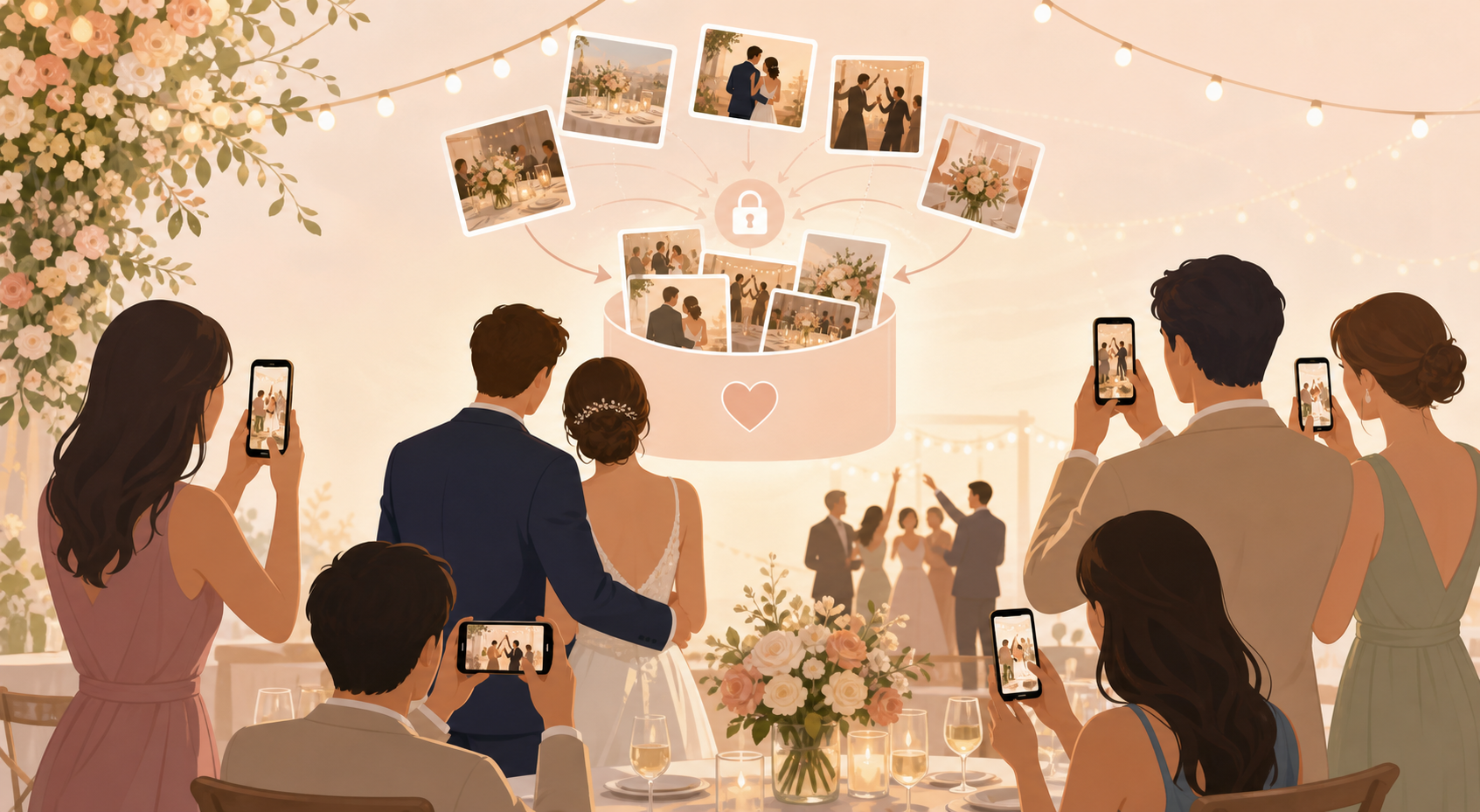
You want the real, candid view of your wedding day without spending the week after your celebration chasing photos through texts, DMs, group chats, and social posts. A QR code for wedding guests to upload photos gives every guest one simple place to contribute the moments they captured, whether they were at the ceremony, cocktail hour, reception tables, or dance floor.
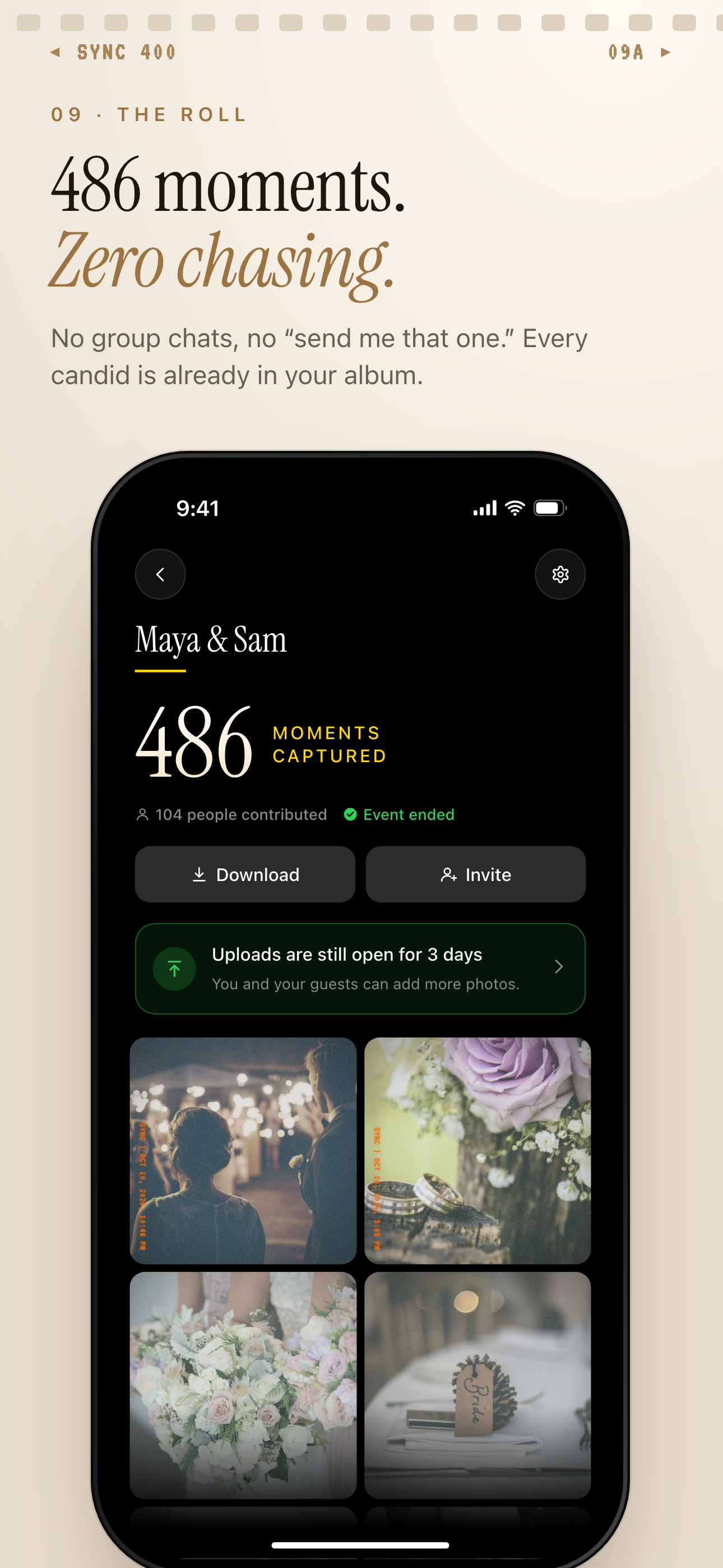
After the event, the album is ready to download and guests can still add photos for 3 more days.
What is hard right now
- We know our guests took great photos, but we do not know who has them.
- We do not want our wedding photos scattered across texts, DMs, and social media.
- We want guests to upload photos without downloading another complicated app.
Scenarios
Ceremony candids
Before the aisle walk, your cousin catches the flower girl laughing, your grandparents holding hands, or your wedding party helping with a last detail. Those photos are often the ones you would never know to ask for afterward.
Put the QR code on your ceremony program, welcome sign, or guest table so guests have a clear upload path as soon as they take the photo. Instead of the image getting buried in a camera roll, it can land in your private wedding album while the moment is still fresh.
Reception table moments
At the reception, every table sees a different version of the night. Friends take selfies, parents capture dinner toasts, and guests notice decor details you may miss while you are greeting everyone.
With sync.camera, your guests have one shared destination for those photos. After the wedding, you can review table-by-table moments without digging through individual messages or asking people to send what they remember taking.
Dance floor photos
Late-night dance floor photos are some of the most candid images from a wedding, but they are also the easiest to lose. Guests may mean to send them later, then forget once the weekend is over.
Place the QR code near the bar, DJ booth, guest book, or exit table so guests see it when they are already taking photos. A quick reminder gives them a simple way to add their best shots before they leave.
Features that make this work
QR photo uploads
Your guests get a quick, obvious way to add wedding photos without you collecting phone numbers, creating message threads, or following up with every table after the reception.
Private shared album
Your guest photos stay gathered around the wedding in one private album instead of spreading across public feeds, group texts, and personal cloud folders.