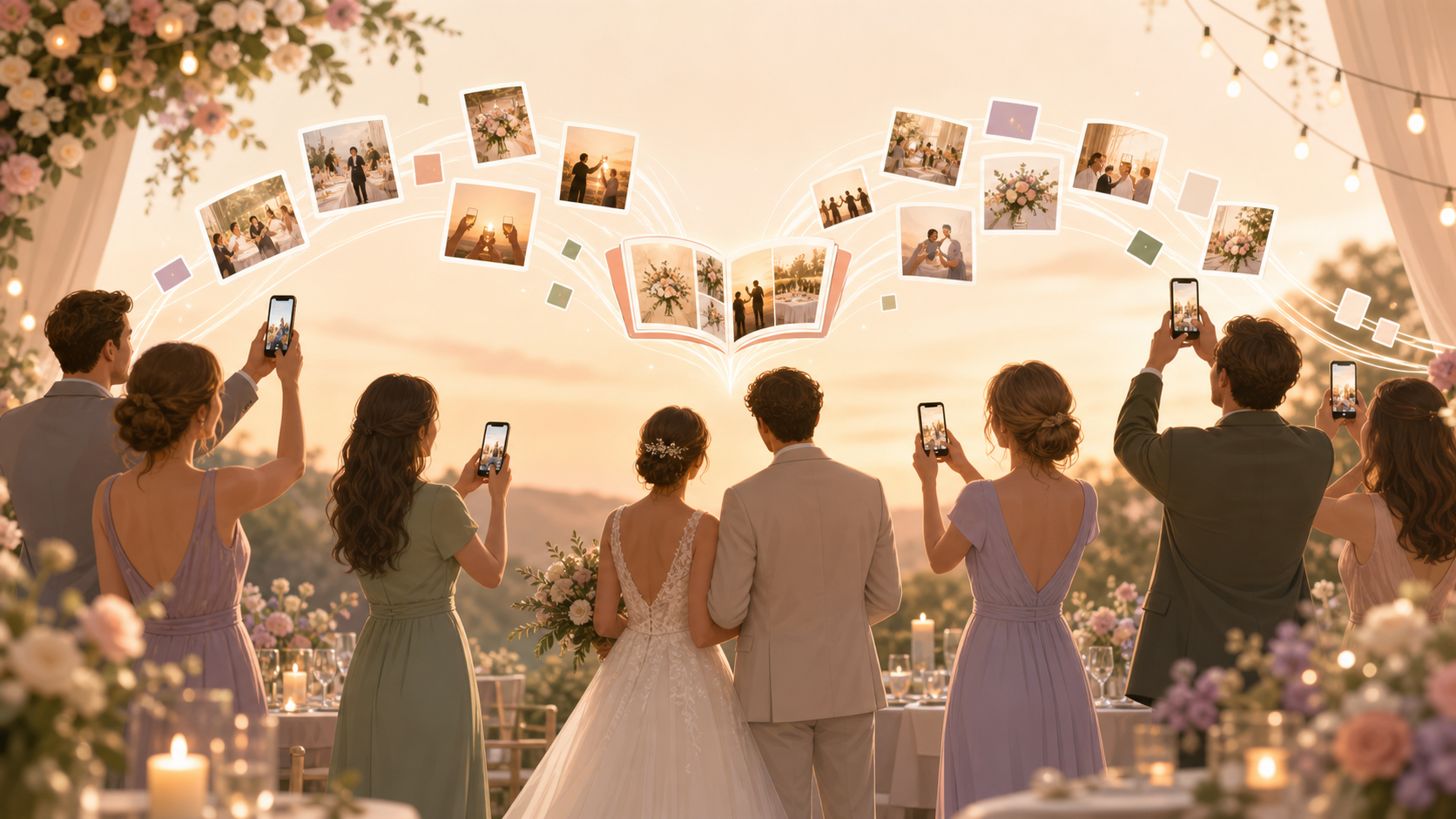
You're planning a wedding, and you already know the truth every couple eventually learns: your hired photographer captures the portraits and the big scheduled moments, but your guests end up capturing far more than that between them — the goofy toast reactions, the dance floor chaos, the quiet moment between courses. Right now those photos live scattered across guests' iPhones and Androids, buried in group chats, iCloud albums, and camera rolls most people forget to check. You want all of it in one place, without asking your guests to download an app, make an account, or remember to email you 'later.'
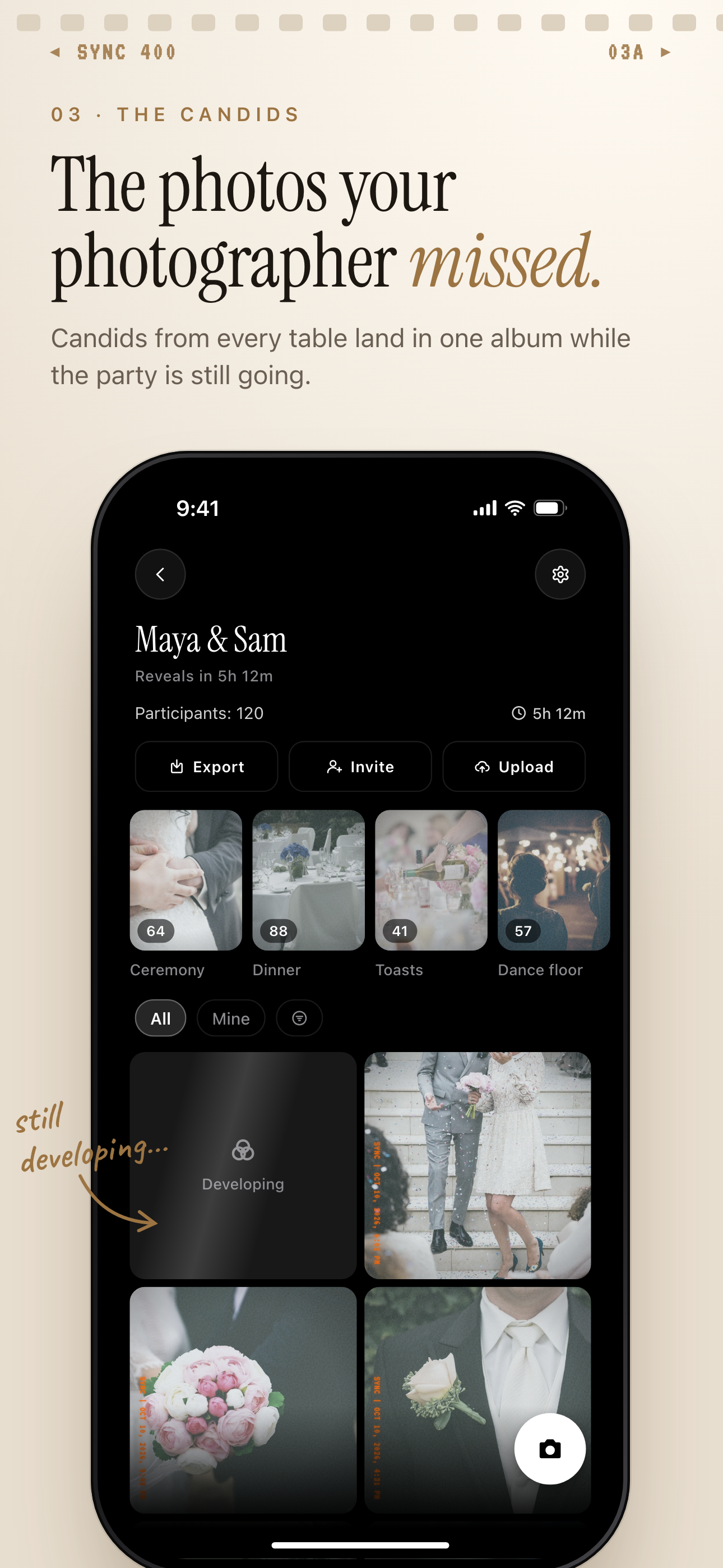
Guest candids from every table land in one shared album while the celebration is still going.
What is hard right now
- We paid a photographer for eight hours, but many of the real moments — the reactions, the laughing, the in-between stuff — only exist on our guests' phones.
- Some of our guests are on iPhone, some on Android, and everyone uses a different app — iCloud, Google Photos, WhatsApp — so we'll never see all of it.
- We don't want to build another 'wedding app' or make grandma download something new just to share three pictures.
- By the time we ask people to send photos a week later, many of them have already deleted or forgotten about them.
Scenarios
QR code table cards at the reception
At table 12, a guest notices a small QR code printed on the centerpiece card. She points her phone's camera at it — no app store, no account, nothing to type in — and it opens a page where she can upload the photos she just took of the toast.
By the time dessert is served, those photos are already sitting in your shared album, next to shots from other tables around the room. Nobody had to remember to text you, and you didn't have to ask anyone to send anything.
Every table card becomes another way for the room to add to the same growing album, without a single guest needing to know or care what app you're using.
The getting-ready hours, before the photographer clocks in
Hair and makeup start well before your hired photographer arrives. In that stretch of the morning, it's usually a cousin or a bridesmaid with her phone out, catching the candid moments — the nervous laughing, the dress going on, the first look with a parent.
Because she scanned the same QR code printed on your day-of itinerary, those photos land in your shared album automatically, right alongside everything the photographer captures later. There's no separate group chat to start, and no photos left stranded on one phone that never gets asked for.
By the time the ceremony starts, the getting-ready moments are already part of the same album as the reception photos that come after — not a separate folder someone has to remember to send you.
The week after the wedding, when everyone still has photos on their phone
Ten days out, you'd normally be piecing photos together from a WhatsApp group, a couple of iMessage threads, and whatever one guest posted to Facebook. Some of it you'd never see, because nobody thought to send it.
Instead, you just re-share your sync.camera link. Anyone who forgot to upload during the event — or took a great shot on the dance floor they didn't think to send at the time — can still add it to the same album days later.
The album keeps filling in after the wedding is over, instead of freezing the moment the reception ends.
Features that make this work
Shared Albums
Every guest's photos land in one place automatically, so you're not stitching together group chats and cloud folders after the honeymoon.
Cross-Platform Sync
Works the same whether a guest is on iPhone or Android, so you never lose a shot just because someone wasn't on the same ecosystem as the wedding party.
Why this beats a group chat or a one-off wedding app
No app for guests
Guests join from their phone's browser using the invite link or QR code — nothing to download, no account to create, even for the least tech-savvy relative.
QR code or invite code
A single QR code on your table cards or invite works for your whole guest list, so there's one link to share instead of five different apps.
One shared album, filling in as photos come in
Guests' photos flow into your shared album as they're uploaded, instead of sitting scattered across other people's phones and camera rolls.
You choose when photos show up
Reveal photos live during the event, only after it ends, or after a delay you set — so moments like the first dance can stay a surprise if you want them to.
iPhone and Android, together
Guests on either platform add to the same album, so you're not missing part of the room's photos just because someone's on a different phone than you.