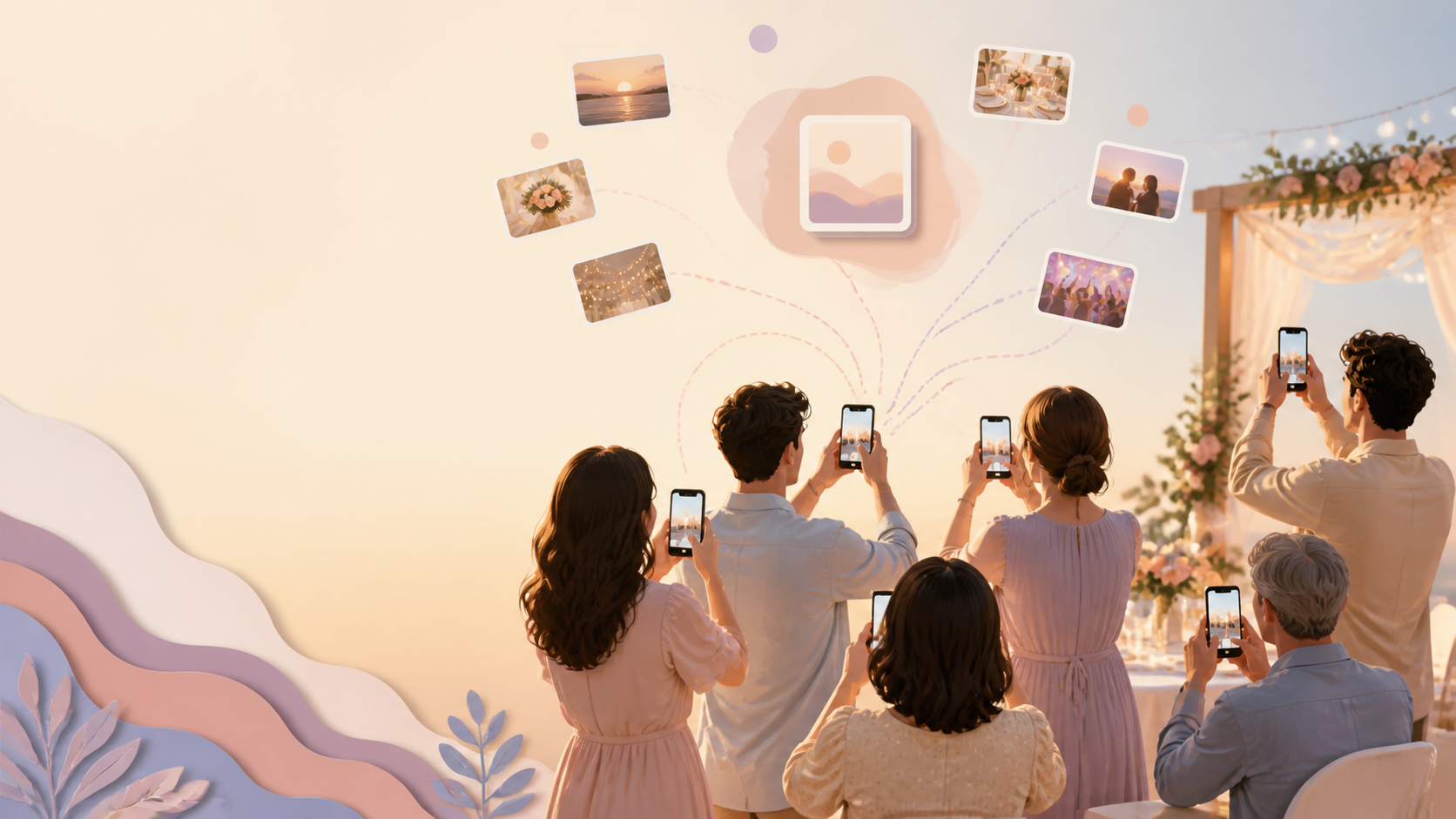
You know your event already produced the good stuff: the table laughs, the dance-floor clips, the reunion hugs, the birthday-candle moment the official camera missed. Your guests captured it on their own phones, split across iPhones and Android, and normally that means texting people afterward, scrolling through several different group chats, and still missing half of what happened. You want one private place all of it lands the same night, without asking anyone to install an app or create an account just to hand over a photo.

Guests scan the event QR code or enter the invite code to join.
What is hard right now
- I know guests took great photos, but they're buried in different group chats I have to go digging through.
- Half the room is on iPhone, half is on Android, and nothing lands in one place.
- I don't want a public album or a social feed for photos from a private event.
Scenarios
Birthday parties
The candles are lit, the room goes quiet for a second, and then every phone within ten feet comes up at once. That's the moment you actually want: the surprised face, the kid mid-laugh, the friend who caught the exact second the flame goes out, and it's scattered across a dozen phones the second the singing stops.
Put a QR code on the cake table, the invite, or a sign by the drinks, and guests join the event's shared album straight from their phone's browser, no app to install, no account to create. Whatever they shoot for the rest of the party, from the present-opening chaos to the last slice of cake, lands in the same private album as everyone else's, not in a text thread you'll have to reconstruct the next morning.
Because the album is scoped to this one event and private by default, you're not asking guests to post their photos anywhere public just to share them with you. It's a birthday party's photos, in one place, for the people who were actually there.
Weddings and receptions
You and your partner are busy the entire day, greeting guests, cutting the cake, getting pulled onto the dance floor, while your friends are quietly capturing the moments you'll want most later: the cocktail-hour candids, the table selfies between courses, the dance-floor shot right before everyone loses their voice singing along.
None of that has to wait until someone remembers to send it. A QR code on the welcome sign or table cards lets guests join your shared event album in the moment, from whatever phone they already have in hand. Their photos flow into the same private space as the ones from your wedding party, instead of scattering across a dozen different camera rolls you'd otherwise have to chase down individually.
You can also set reveal timing, so if you'd rather guests see contributions build up live, or wait and unveil the full album together after the reception, that choice is yours, not something a group chat or a public hashtag feed can offer.
Reunions and meetups
People trickle in over the course of an afternoon, form small clusters around old friends, snap a few photos, and drift off before anyone thinks to trade numbers or add each other on anything. By the time you're home, you've got maybe three photos from your own phone and a vague memory of who took the good ones.
Because guests can join from a phone browser, nobody at a reunion needs to download an app or sign up for an account just to drop a few photos into the group. A shared link or a QR code on the sign-in table is enough; anyone who stops by for even twenty minutes can add what they captured before they leave.
The result is one private album that fills in over the course of the day, built from everyone's angle instead of just yours, without you having to track down names and numbers afterward to ask people to send their photos.
Features that make this work
QR code invites
Put one QR code on a sign, table card, or invite so every guest, regardless of phone or app preference, can join your event's private album in seconds.
Shared event albums
Keep every guest's photos in one private, event-scoped album instead of collecting them from scattered group chats after the fact.
Frequently asked questions
Why not just use a group chat or a shared album app guests already have?
Group chats scatter photos across whichever app each guest happens to use, and generic shared-album apps often require guests to sign up for an account before they can add anything. sync.camera's event albums are joined with a QR code or invite link and are scoped to your one event, so everything from every guest lands in the same private place without you managing multiple threads.
Do my guests need to download an app or create an account to add photos?
No. Guests can join your event album from a phone browser and contribute without installing an app or creating an account, which matters when half the room is on iPhone and half is on Android.
Will our event photos end up on a public feed?
No. Your event album is private and scoped to your event by default, not a public social feed, so guest photos stay visible only to the people you've invited in.
Can I control when photos become visible to everyone?
Yes. sync.camera supports reveal timing, so you can choose whether contributions appear as guests add them or stay hidden until you're ready to reveal the full album.