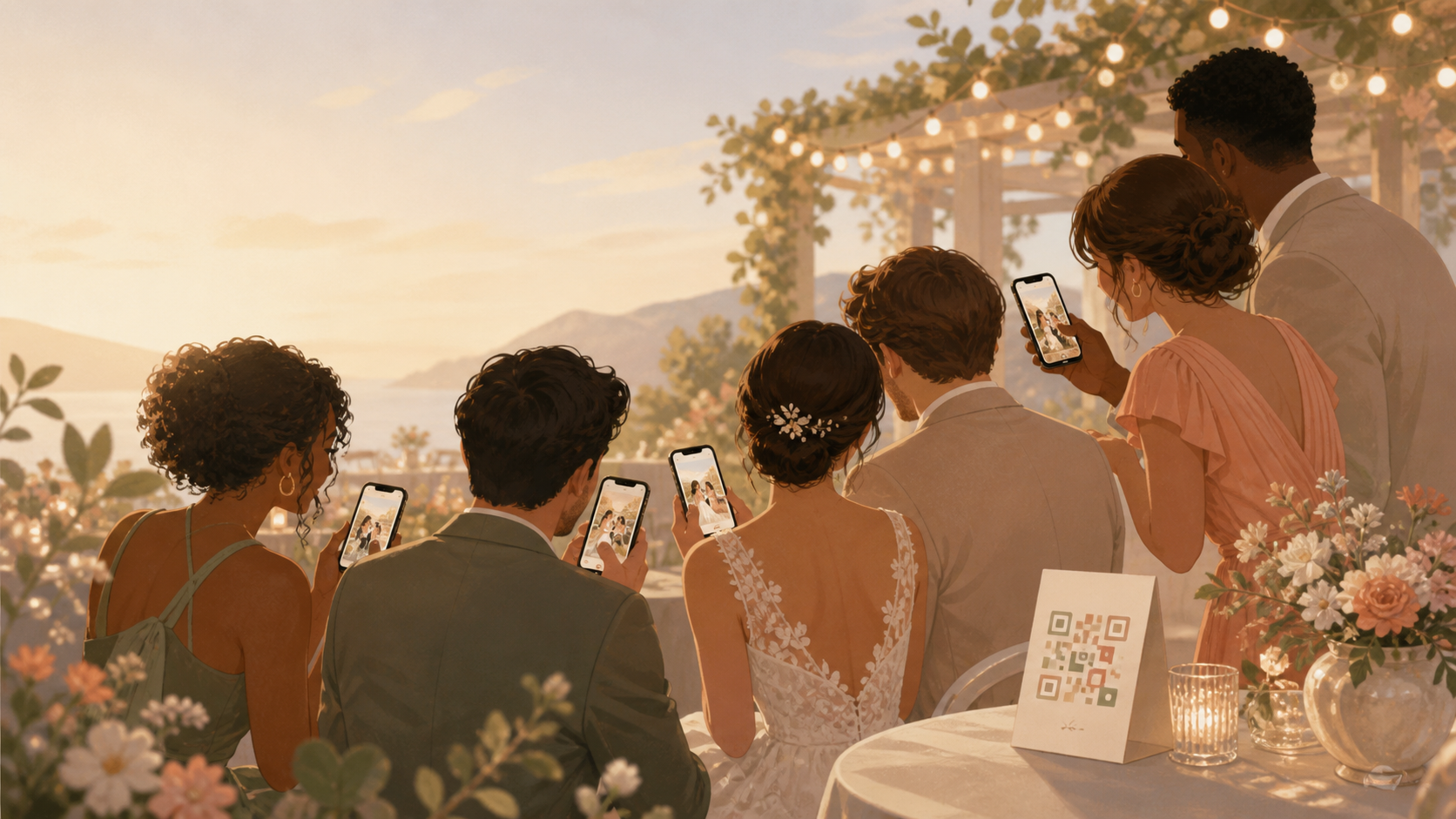
You want the candid photos from every table, dance floor corner, getting-ready room, and after-party, without spending the start of married life chasing guests through texts, shared drives, social posts, and camera rolls.
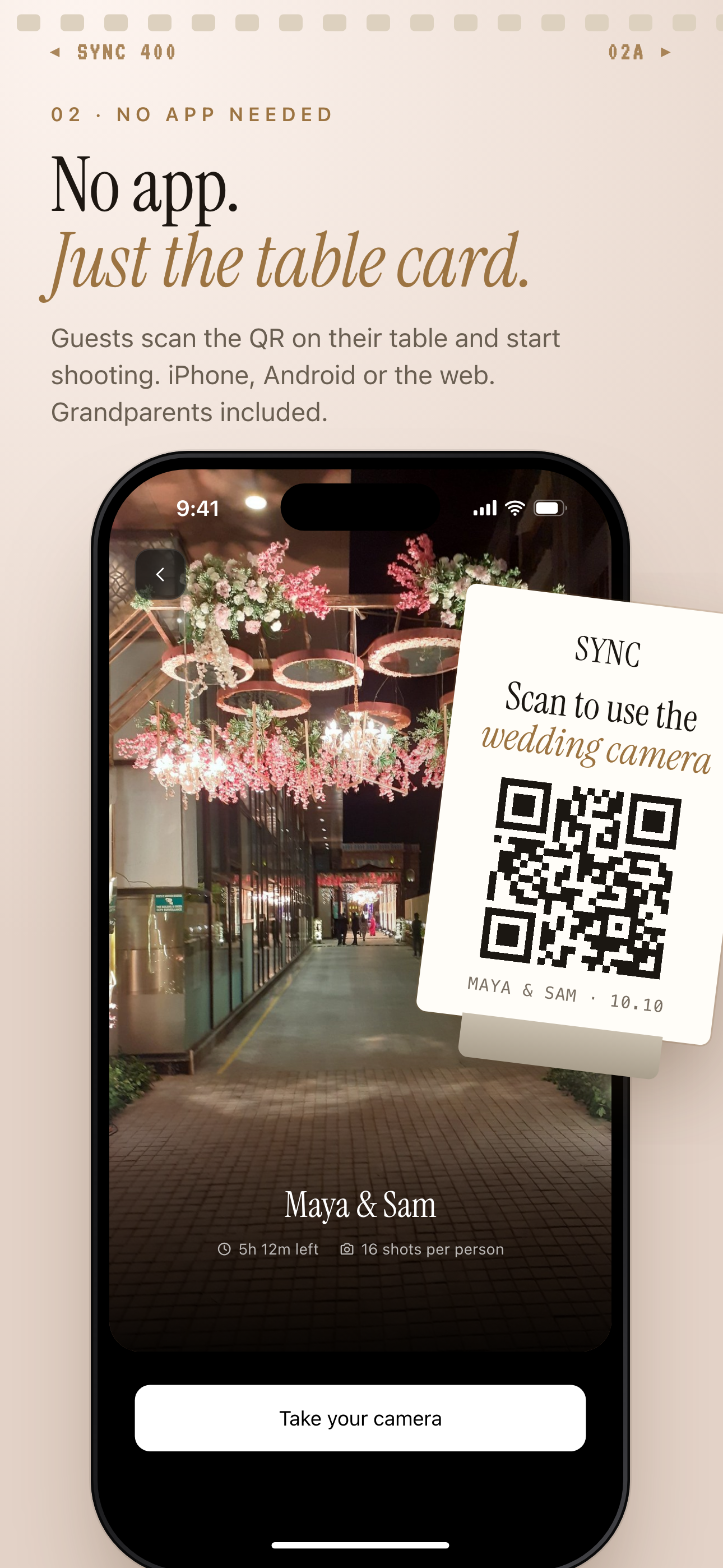
Guests scan the QR code on a table card to join the wedding album without creating an account.
What is hard right now
- You do not want to ask every guest to download an app before the wedding.
- Your photos should not end up scattered across group chats, AirDrop, Instagram stories, and phones you never see.
- You want candid guest photos, but you still want the album to feel private to your wedding.
Scenarios
Ceremony candids
Your photographer is focused on the aisle, the vows, and the official moments. Meanwhile, a cousin catches your parents reacting, a friend captures the flower girl peeking from the front row, and someone in the back gets the wide view you would otherwise miss.
With a wedding QR code, guests can scan and add those photos to your private wedding album without creating an account. The small moments do not have to disappear into individual camera rolls.
Reception tables
Each reception table has its own view of the night: place cards, dinner reactions, speeches, inside jokes, and the first wave of guests heading to the dance floor. Those are the photos couples usually have to ask for later, one text thread at a time.
Place a QR code near the table cards so your guests can add photos as the reception unfolds. Everything lands in one wedding album instead of being split across messages, social posts, and phones you may never get to check.
After-party memories
The official timeline may end before the night does. Hotel bar photos, late-night snacks, outfit changes, and after-party selfies can still belong with the wedding story without mixing every moment into one long stream.
Create a separate wedding moment for the after-party with its own QR code and reveal timing. You can keep the day organized by ceremony, reception, and late-night memories while still giving guests a simple place to contribute.
Features that make this work
QR code guest access
Your guests can join from a QR code or invite link, including from a phone browser, so you are not managing app installs or account setup during the wedding.
Private event albums
Your wedding photos stay scoped to your event, giving you a private place for guest photos instead of treating the gallery like a public social feed.
Moments
You can split the day into ceremony, reception, and after-party moments, each with its own QR code and reveal timing.