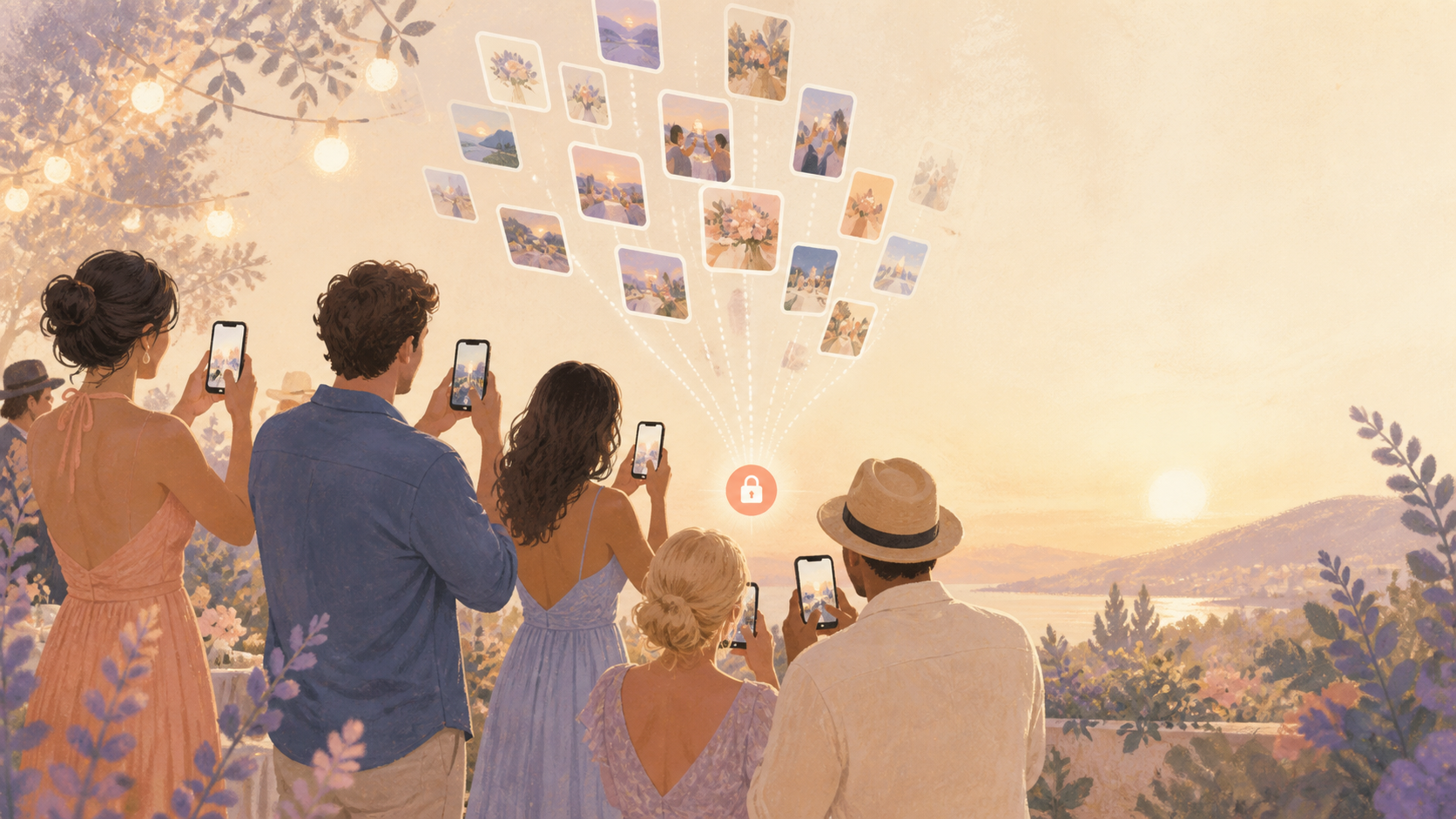
You want the photos your guests actually took: the dance floor, the table laughs, the kids running around, and the moments you missed while hosting. sync.camera gives your event one private album guests can join quickly, so you are not begging for uploads afterward or trying to piece memories together from scattered chats.

Hosts share one QR code or link so guests can join the event album.
What is hard right now
- I know guests took great photos, but I never get half of them.
- The group chat breaks down because some guests are on iPhone, some are on Android, and some are not in the chat at all.
- I want the album to stay private to this event, not scattered across social apps and public links.
Scenarios
Wedding receptions
You are greeting relatives, checking on the timeline, and trying to enjoy the night while your guests are capturing the parts you cannot see from your seat. Friends get the dance floor, cousins catch dinner-table reactions, and someone records the moment everyone starts singing.
With sync.camera, you create one event album and share it with a QR code at the entrance, on table cards, or on a screen. You can choose whether photos appear during the reception or stay hidden until after the celebration, so the album fits the mood of your wedding instead of turning into another public feed.
Birthday parties
You are cutting cake, helping kids, refilling drinks, and missing half the angles in the room. Relatives and friends are taking photos from every corner, but those pictures usually end up in separate text threads, camera rolls, or chats that not everyone can access.
sync.camera gives the party one shared album guests can join by QR code or invite code from their own phones. They do not need to be in the same group chat, use the same phone type, or create an account just to add the photos they already took.
Reunions and meetups
At reunions and casual meetups, people arrive in waves, split into smaller conversations, and leave with totally different sets of photos. The best moments are often on someone else's phone: the old friends laughing outside, the group at one table, or the quick candid right before everyone heads home.
Instead of asking every attendee to send photos later, you can keep the whole gathering scoped to one private event album. Guests add their moments as they go, and you end the day with one place to look instead of five message threads and a folder of missing memories.
Features that make this work
QR event joining
Put one QR code at the entrance, on an invite, at each table, or on a screen so guests can join the event album without being manually added.
Shared event albums
Turn every guest's camera into one private album for your event, so photos do not disappear across texts, group chats, and social posts.
Reveal modes
Choose whether guests see photos live during the event, after it ends, or after a delay, depending on the tone you want for the gathering.
Private event access
Keep event photos limited to the people connected to that event, which matters for weddings, family parties, school events, and private celebrations.