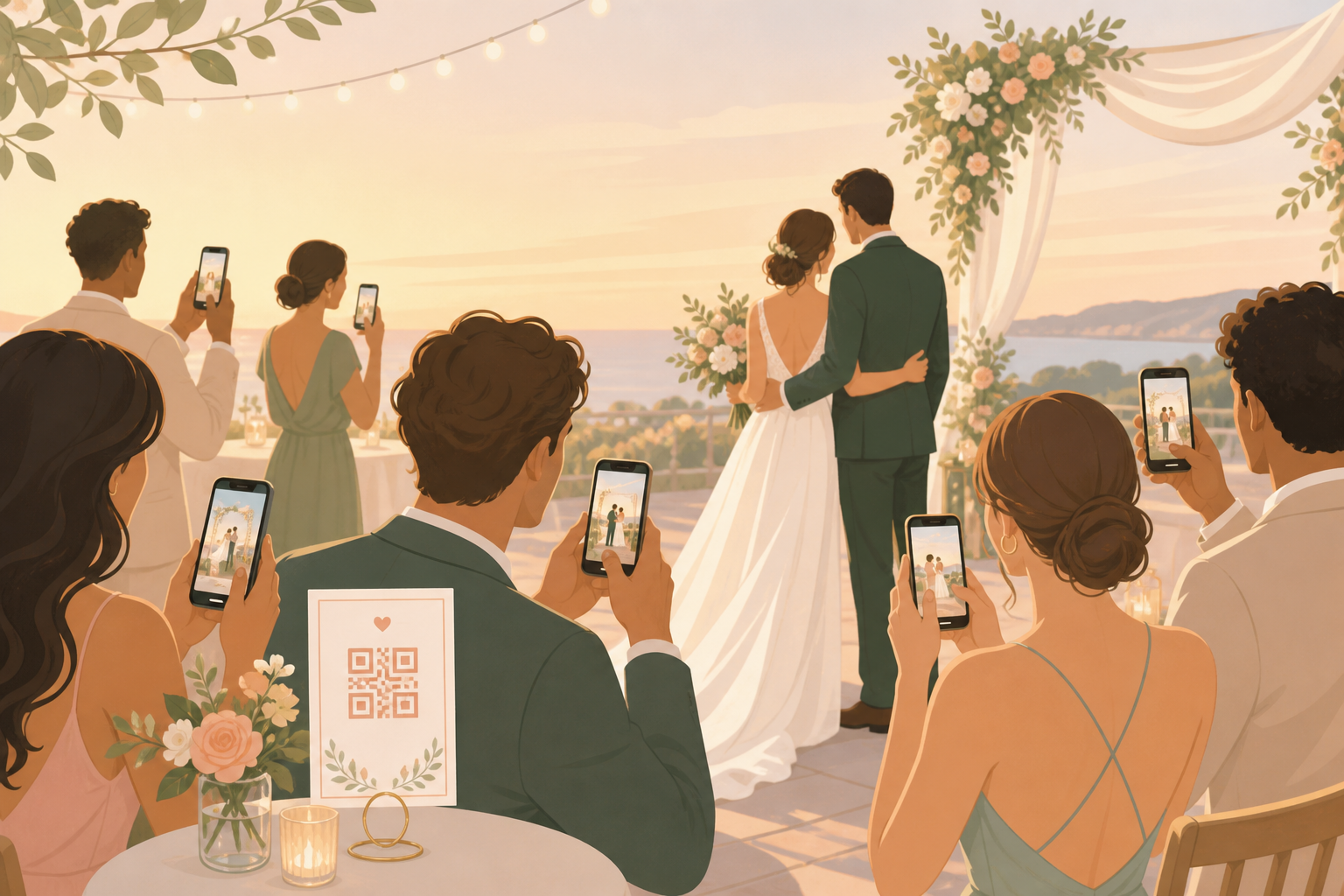
Your wedding photos should not end up scattered across texts, AirDrop, family group chats, and social posts. You need one private place for ceremony moments, reception tables, dance floor photos, and after-party candids, with a QR code simple enough for every guest to use from their phone browser.
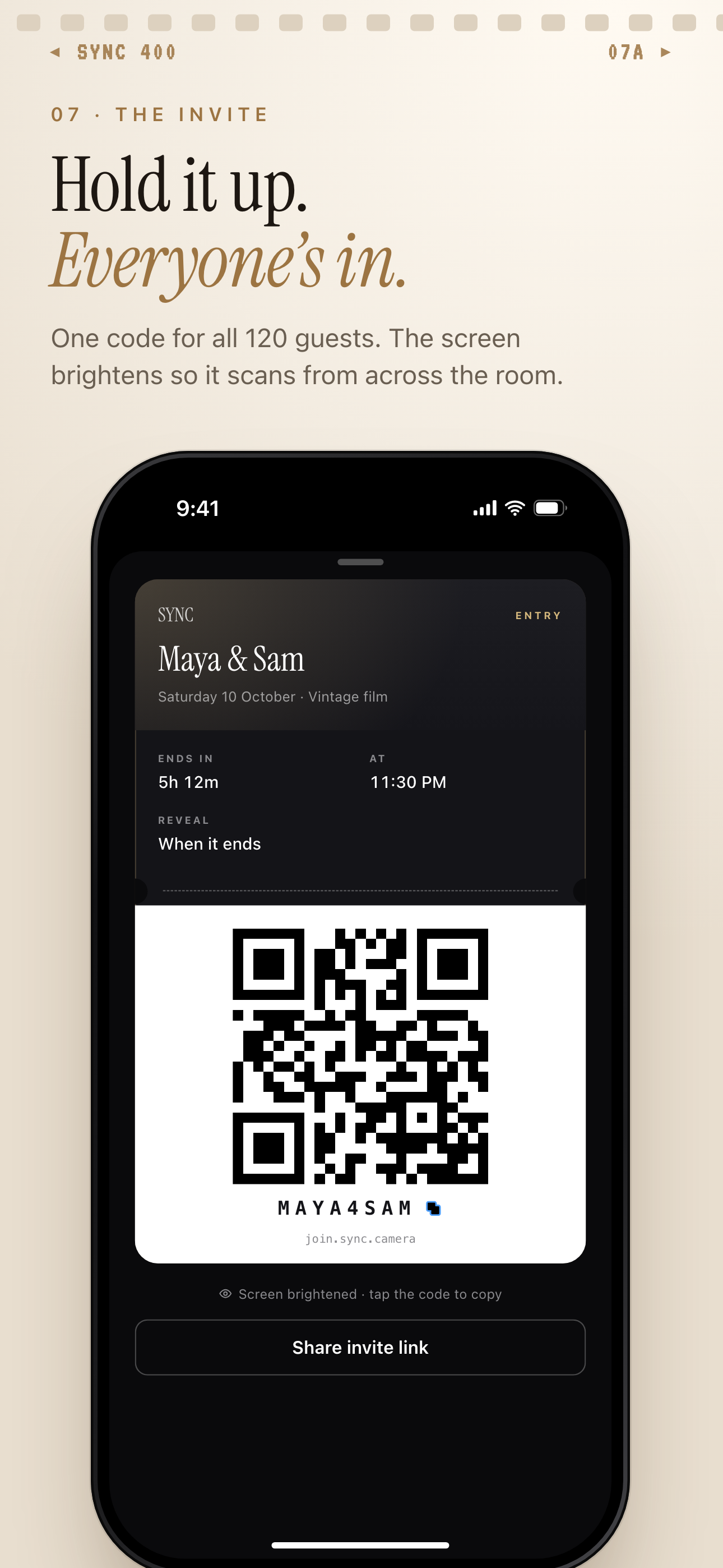
One QR code or invite code lets guests join the wedding album.
What is hard right now
- We do not want to text every guest after the wedding asking for photos.
- Our guests are split across iPhone, Android, and different family group chats.
- We want candid pictures from the day, but we do not want a public hashtag or open social album.
Scenarios
Ceremony arrivals
Before the ceremony starts, your welcome sign can point guests to one private wedding album. They scan the QR code, join from a modern phone browser, and start adding photos without creating an account.
That means early hugs, outfits, florals, family reunions, and aisle-side moments do not wait until someone remembers to text them later. The album starts filling while the day is still happening.
Reception tables
At dinner, every table becomes its own angle on the same event. One guest has an iPhone, another has Android, and someone else usually sends everything to a family chat. The QR code gives all of them the same place to add photos.
Speeches, cake cutting, table selfies, and dance floor previews land in one shared album instead of splitting across apps. You can keep the collection private to the wedding while still making it easy for guests to contribute.
After-party moments
The late-night part of the wedding often has a different feel from the ceremony. With Moments, you can separate the after-party from the main album flow and use its own QR code.
Reveal timing helps you decide when those photos become visible. Your guests do not need to switch apps, and you do not need to untangle reception photos from after-party photos later.
Features that make this work
QR code invites
Print one code on signs, table cards, or programs so your guests can join the wedding album without account setup.
Shared albums
Guest photos flow into one private event album instead of getting scattered across texts, AirDrop, and group chats.
Moments
Split your wedding into ceremony, reception, and after-party sections with separate QR codes and reveal timing.
Private events
Keep your wedding photos private to the event with access designed around your guest list and privacy-forward storage.