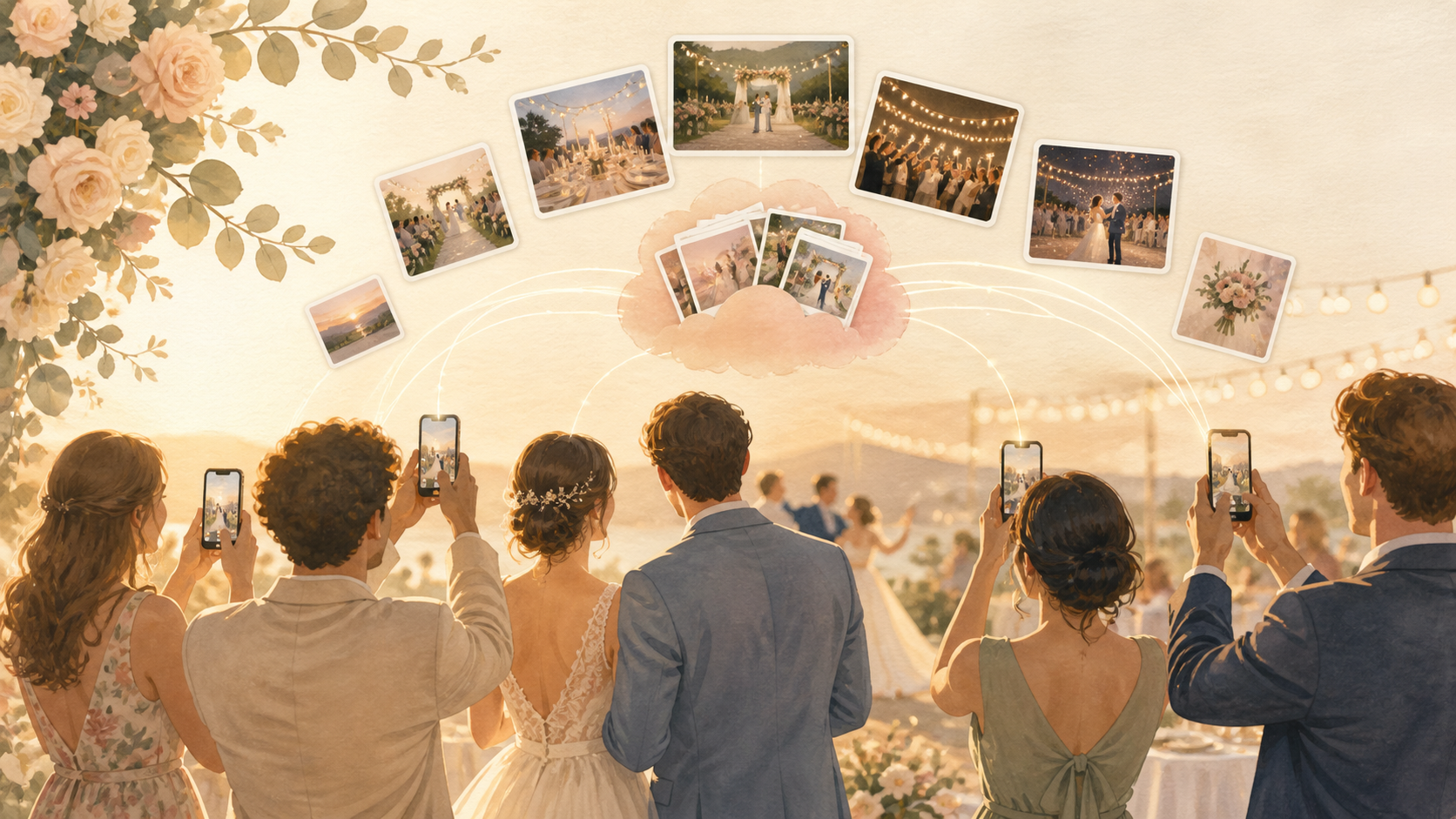
You want the candid wedding photos your photographer cannot be everywhere to catch: grandparents watching the ceremony, college friends laughing at cocktail hour, cousins packed onto the dance floor. Sync.camera gives your guests one private event album so your wedding day fills in from every angle without chasing texts, social posts, or forgotten camera rolls afterward.
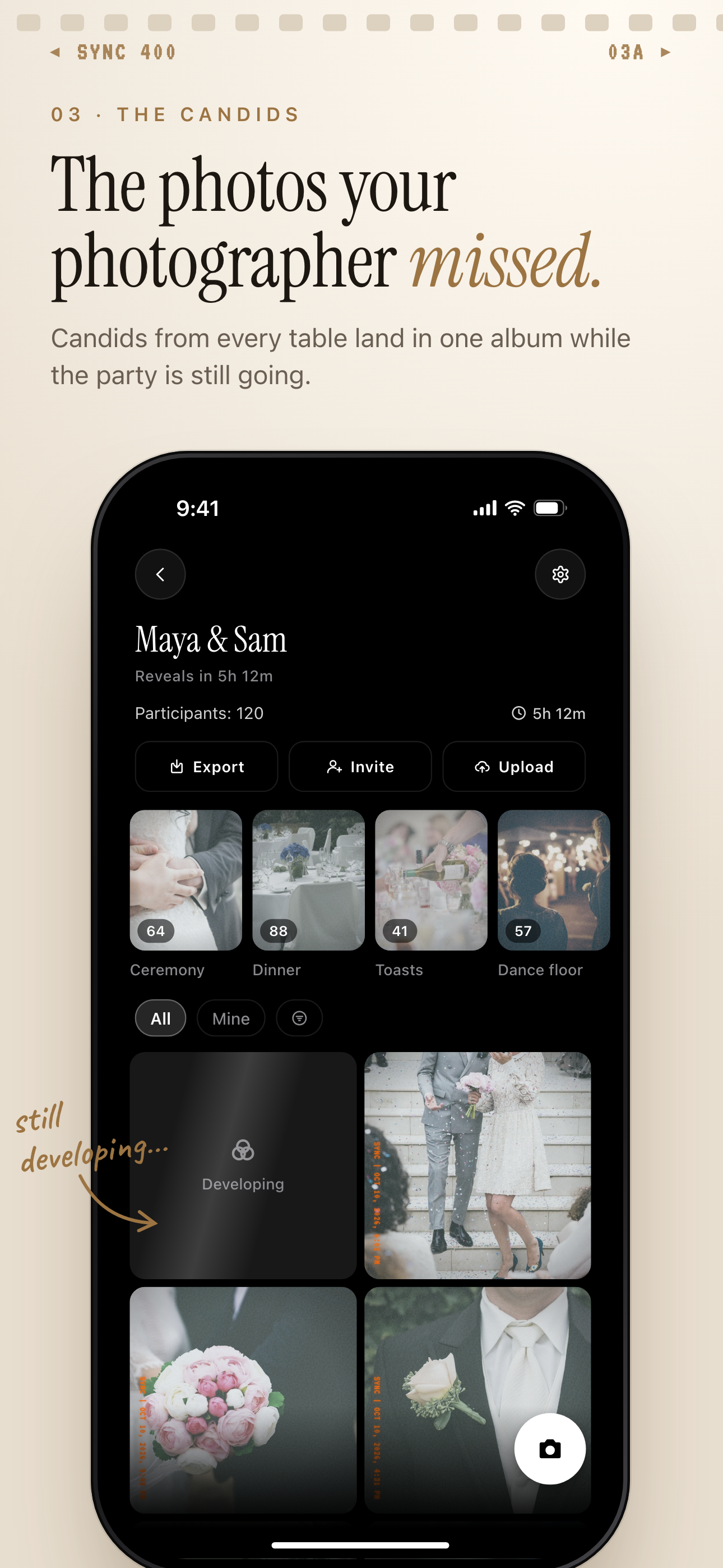
Guest candids land in one private album, grouped into moments like Ceremony and Dance floor.
What is hard right now
- We know our guests took great photos, but we do not know who has them.
- Our wedding photos are split between iPhone texts, Android messages, Instagram stories, and camera rolls.
- We want guests to share candid moments without making everyone create an account or post publicly.
Scenarios
The ceremony
Your partner is walking down the aisle, your family is tearing up, and guests are seeing reactions from rows you cannot see. A single event link or QR code gives everyone one place to add those ceremony photos as they happen.
Instead of asking later who captured what, your guest photos land in the same private wedding album. The aisle, the vows, the hugs, and the small expressions all stay connected to the day.
Cocktail hour
While you are taking portraits, your friends and family are laughing, hugging, meeting each other, and making their own memories. Those are the moments that often stay stuck on individual phones unless you give guests an easy way to share them.
With sync.camera, your guests can keep adding photos through the same private album link. They do not need to track down a shared drive later, and you do not need to piece together the hour from scattered message threads.
The reception
The reception moves fast: speeches, table photos, cake, late-night snacks, and the dance floor after the formal timeline has loosened up. Your guests are often closest to the best candid angles.
Sync.camera keeps those reception photos organized in one private wedding album instead of spread across texts after midnight. Guests can join quickly from a QR code and add what they captured without creating an account.
Features that make this work
QR code invites
Put a QR code on a table sign, welcome card, or reception screen so your guests can join the wedding album without typing a long link.
Private shared albums
Keep ceremony, cocktail hour, and reception photos together in one event album that is private to the people you invite.
No-account guest sharing
Make it easy for grandparents, plus-ones, and out-of-town guests to add photos quickly without creating another account.