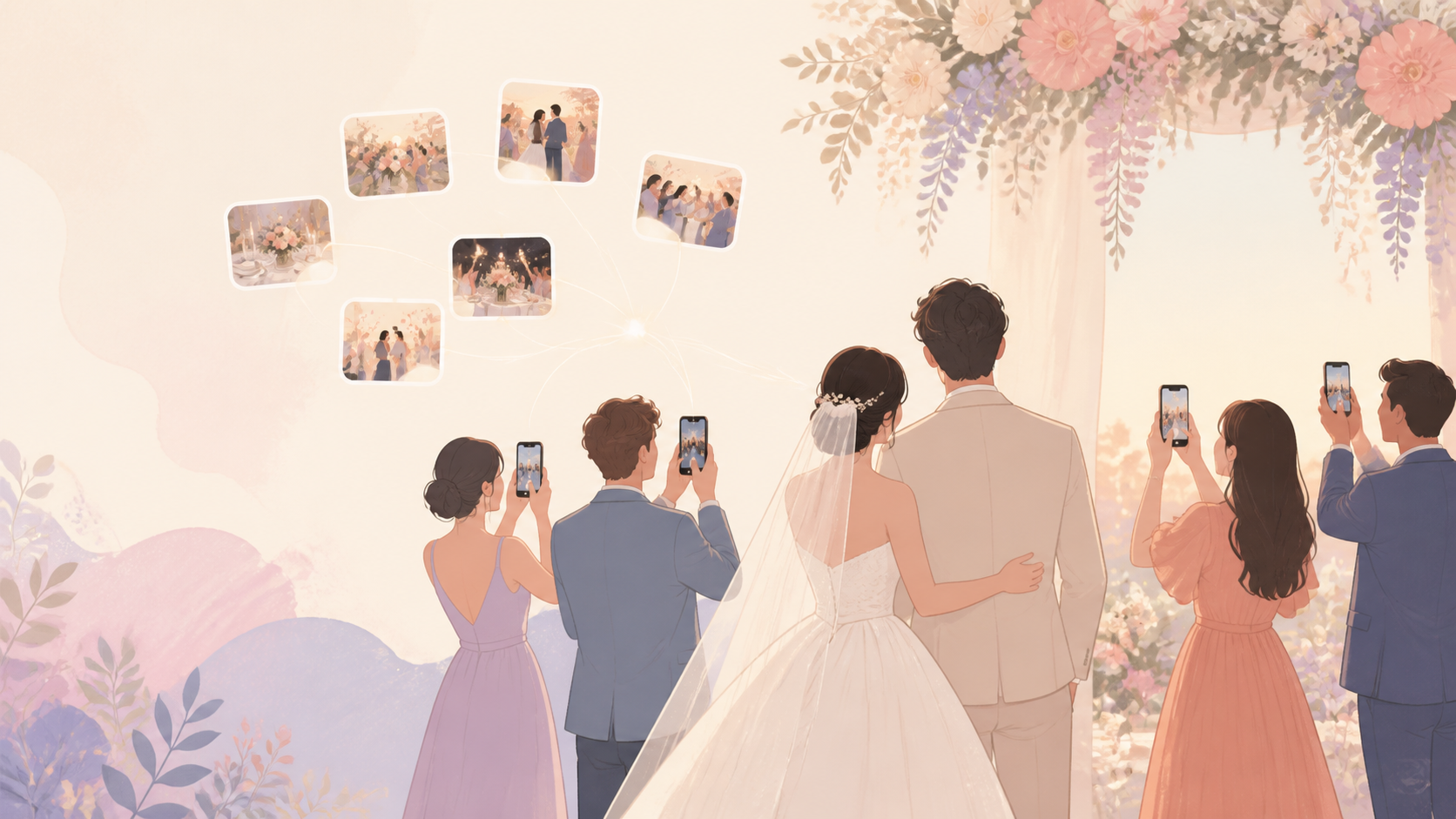
You want the full story of your wedding weekend, not just the formal portraits. sync.camera gives you one private wedding guest photo upload flow where your guests can join from iPhone or Android, add photos without creating an account, and keep ceremony, reception, after-party, and brunch moments organized in one event album.
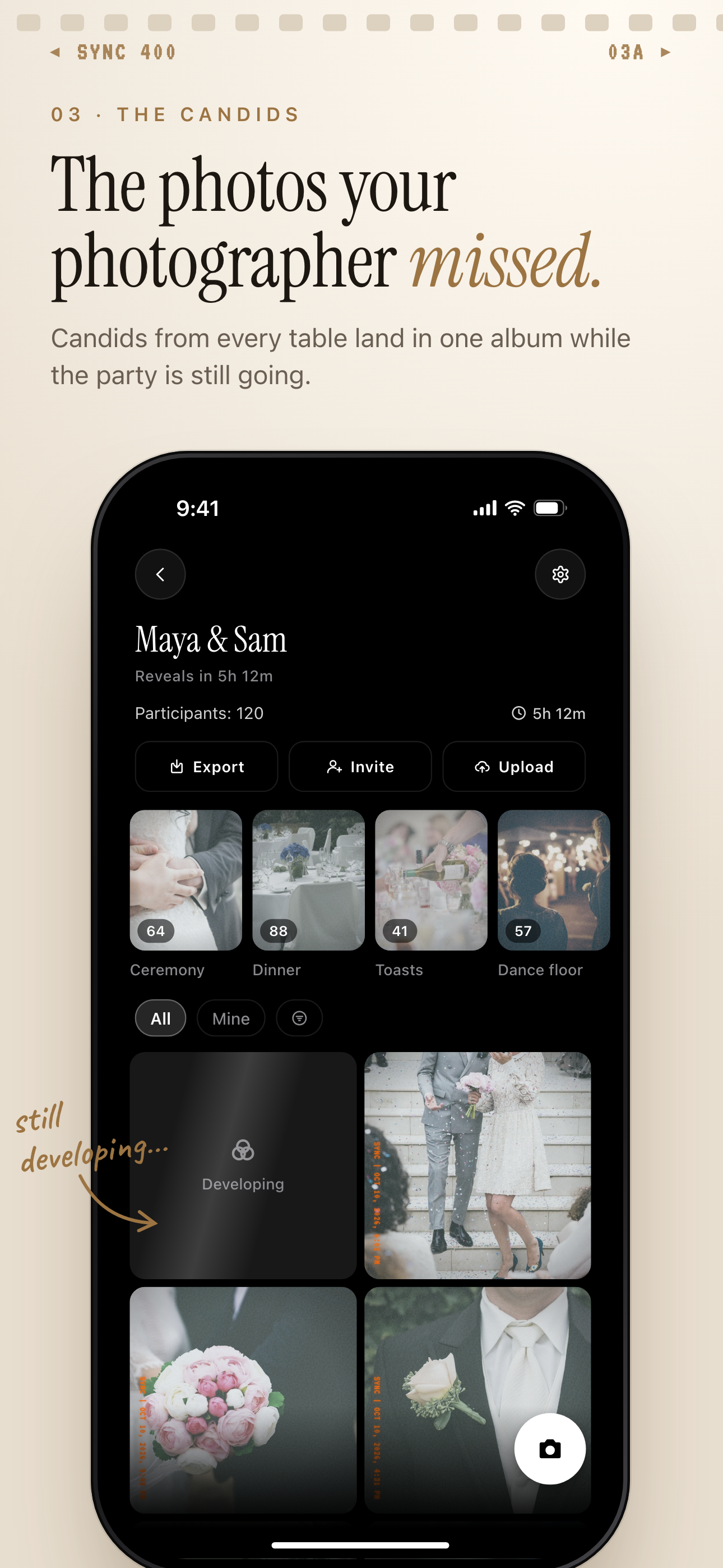
Guest candids land in one private album, grouped into moments like Ceremony and Dance floor.
What is hard right now
- Our guests will take great photos, but we will never know who has them.
- We do not want to manage a messy group chat during the wedding weekend.
- Some guests will not download another app just to send us photos.
Scenarios
Ceremony Candids
Before you see the full gallery, your guests may already have the photos you care about most: aisle reactions, family hugs, quiet hand squeezes, and the view from the back row. A ceremony QR code gives them a simple way to join the event album from their phone browser instead of texting photos to you one by one.
If you want the ceremony to stay private in the moment, you can use reveal timing so photos are not shown live right away. Guests can still capture and contribute, while you control whether the gallery reveals during the event, after the event ends, or after an additional delay.
Reception Tables
Every table sees a different version of the reception: cousins taking selfies, grandparents reacting to speeches, centerpieces before dinner, and dance floor angles your photographer cannot be everywhere to catch. Put one QR code on table cards or signage so guests can join without you collecting numbers or creating a group chat.
Photos flow into the same shared wedding album, so you are not piecing the night together from texts, DMs, and forgotten camera rolls. Guests can also join with a short invite code if they do not scan the QR code.
After-Party And Brunch
The wedding does not end when the formal timeline does. The after-party, hotel lobby, late-night snacks, and next-day brunch often hold the most relaxed photos, but those are also the moments most likely to disappear into guests' phones.
Moments let you split one event into phases like ceremony, reception, after-party, and brunch, each with its own QR code and reveal timing. Your guests stay in the same wedding event instead of switching between separate albums, while you keep each part of the weekend easy to browse later.
Features that make this work
QR Code Invites
Place one code on a sign, table card, or invite so your guests can join the wedding album without you chasing phone numbers after the reception.
No-Account Guest Joining
Relatives and friends can add photos without creating an account, which keeps the wedding guest photo upload flow simple for iPhone and Android guests.
Shared Event Album
Guest photos collect in one event-scoped album, so your wedding weekend does not get split across group chats, DMs, and individual camera rolls.
Reveal Modes
Choose whether guests see photos live, after the wedding ends, or after a delay, so the album matches the privacy and pacing you want for the day.