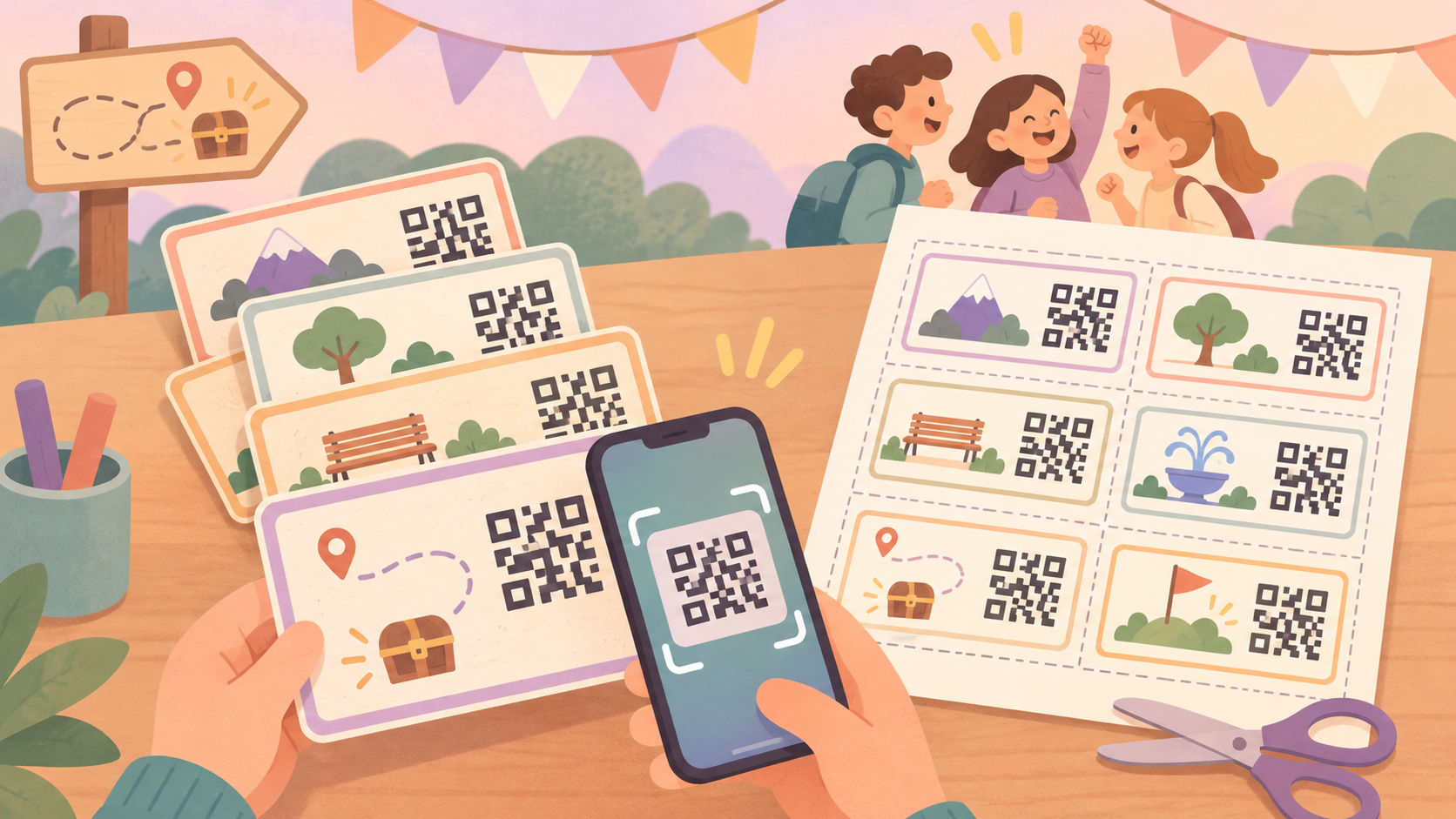
A QR code scavenger hunt hides each clue inside a QR code. Players scan a card with a phone to read the clue, and the clue leads them to the next hidden card. This free generator turns one clue per line into numbered, printable QR cards and a host key that tells you where to hide each one.
Make your QR code scavenger hunt cards
How to set up a QR code scavenger hunt
Write one clue per line
Type each clue on its own line. To note where the next card goes, add a vertical bar and the hiding spot after the clue, like Look on the wall. | Clock. Only the host key shows the answer, and the cards never print the clue.
Add a last card if you want one
Tick Add a last card and paste a link, such as your event's photo album, so the hunt ends somewhere worth scanning. Edit its caption to tell players what they'll find.
Make the cards and test one
Click Make my QR cards, check the preview, and scan one card on screen with your phone. If a phone's camera doesn't show the clue, try a free QR scanner app; see the best QR code scanners for Android.
Print and cut
Print the sheet or download the PDF on US Letter or A4, then cut along the dashed lines. Up to 10 cards print with 4 cm codes and 11 to 20 cards with 3 cm codes, all on one sheet.
Hide the cards and start the hunt
Hide each card at the answer to the clue before it (the host key lists every spot), give card 1 to the players, and start the hunt.
Scavenger hunt with QR codes: clue ideas
Mix a few kinds of clue so every card feels different:
- Riddles for kids: a short rhyme plus one hint word, such as "I'm cold inside and full of treats, open my door for something sweet. Hint: kitchen."
- Trivia that points to the next spot: ask a question whose answer is the hiding place, like "What has four legs but never walks?" for a table.
- Photo tasks: turn some cards into challenges, such as "take a team photo with something blue". For a whole hunt of photo challenges, try the photo scavenger hunt tool.
- Link clues: a code can open a short video or a map pin instead of text. Players then need data or Wi-Fi, while plain-text clues work offline.
- Themed sets: match the clues to the occasion with the birthday, Christmas, bachelorette, team building and wedding scavenger hunt tools.
- Two teams: make a second sheet with the same clues in a different order, so the teams don't follow each other. Each sheet comes with its own host key.
Make the last card your event's shared album
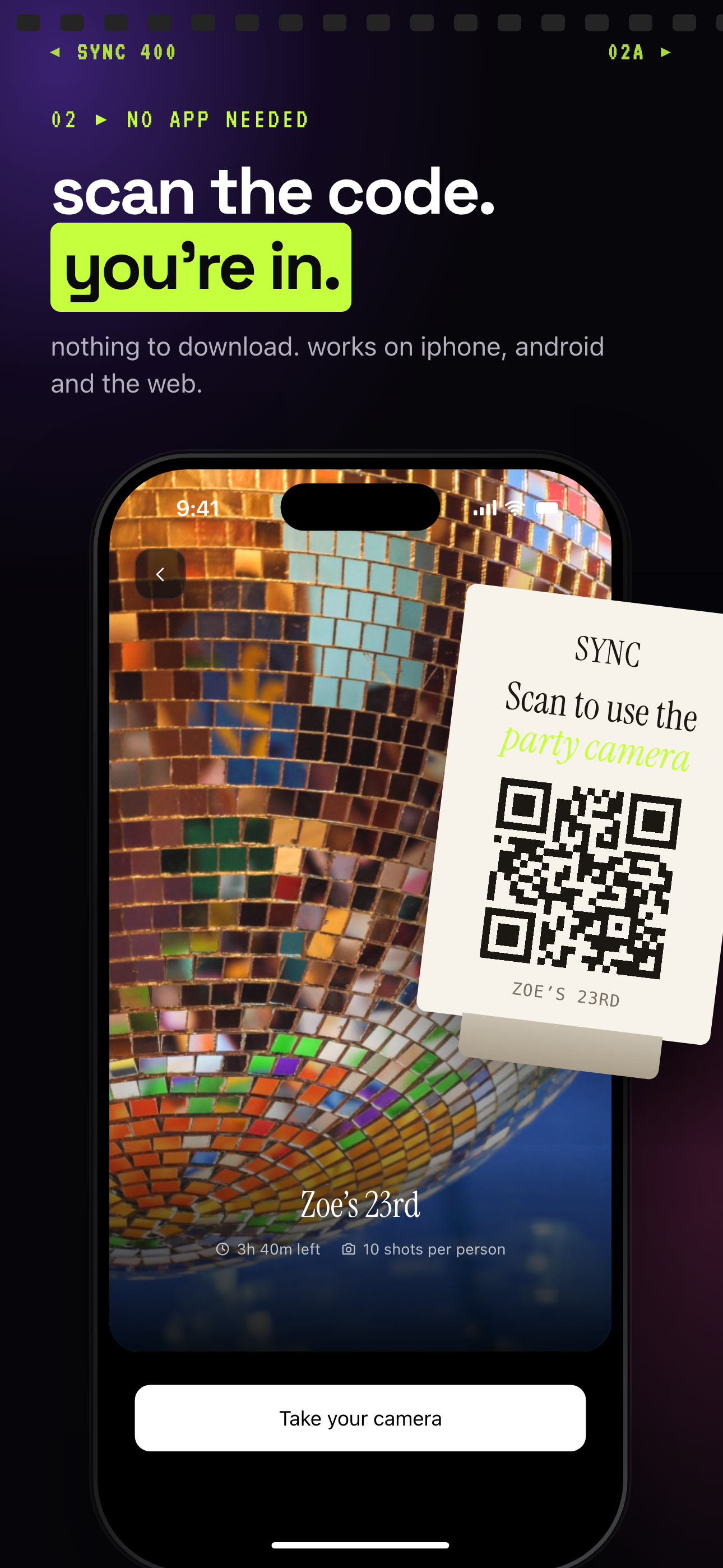
The last card can open any link you paste, so point it at the album your players will fill. With sync.camera, a host creates an event, names it and picks an end time, then pastes the event's invite link into the tool's last card. When players scan it, the hunt finishes with everyone joining one shared album.
- Guests join from a QR code or an eight-character invite. No account required. See how QR code invites work.
- Any modern phone browser can join from the invite link; the iOS or Android app is optional and adds better camera controls and push notifications for new photos.
- Reveal modes can show photos live during the event, or unlock the gallery when the event ends.
- Moments split an event into stages, such as ceremony, reception and after-party, each with its own QR code. Read more about using a QR code for events.
Free to start. Upgrade per event. The free tier covers up to 7 guest uploaders per event, and no credit card is needed. SYNC PRO is a one-time purchase, not a subscription, that expands the guest and photo limits for a single event.
Frequently asked questions
How do you make a QR code scavenger hunt?
Write the clues, turn each one into a QR code card, then hide card 2 at the answer to clue 1, card 3 at the answer to clue 2, and so on. Give card 1 to the players to start. This tool makes the cards and the host key in one click.
What should the QR codes say?
Usually the clue itself, kept short: this tool allows up to 150 characters per clue. A code can also hold a link, such as a video or a photo album, but players then need a data or Wi-Fi connection to open it.
Do players need an app to scan the QR codes?
Most phone cameras scan QR codes. Some show plain text straight away; others need a free QR scanner app. Test one card on every phone that will play before you hide them.
Do these QR codes need internet or expire?
No. A text clue is stored inside the code itself, so it works offline and never expires. A link only works while the page it points to is online.
How big should I print QR codes for a scavenger hunt?
At least 2 cm wide, black on white, with the white border left around the code. This tool prints 4 cm codes for up to 10 cards and 3 cm codes for 11 to 20. Avoid glossy covers that can glare.
How many clues should a QR scavenger hunt have?
10 is a good start for a home or party hunt, and this tool fits up to 20 cards on one sheet. Fewer, harder clues suit adults; more, easier clues suit kids.
Are my clues uploaded anywhere?
No. The codes are made in your browser, and the clue text is not sent or saved anywhere. Reloading the page clears it.