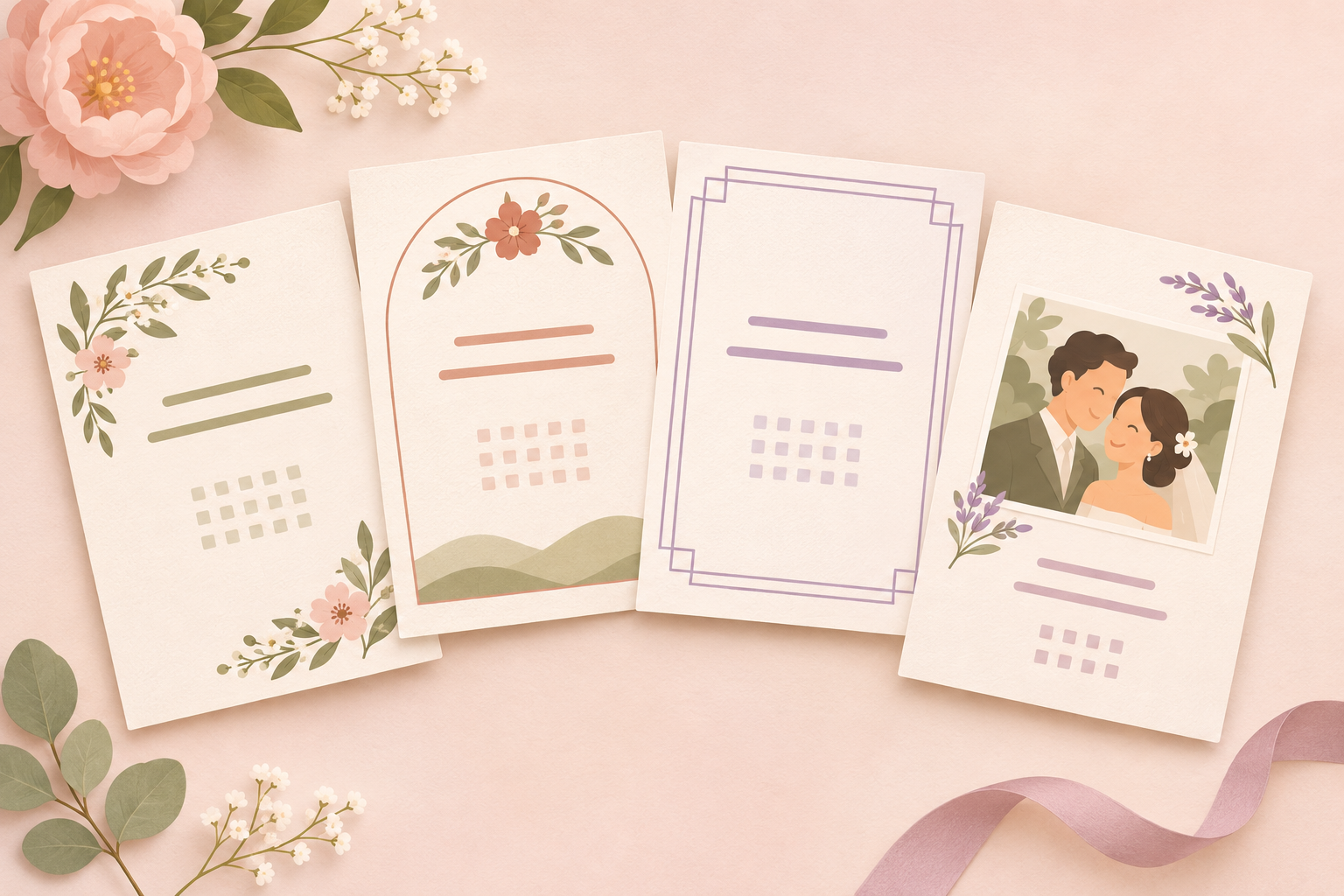
A save the date is a short card sent months before an event so guests can block the date, usually before the formal invitation. These free save the date templates let you fill in your names, date and city, add a photo if you want, and print a 5x7 card or download it as a PDF. Everything happens in your browser: nothing is uploaded and nothing is saved.
Make your save the date card
How to make a save the date card
Pick a design and a colour
Choose Classic, Modern, Garden or Photo, then one of four colour palettes: Ink, Sage, Blush or Navy.
Type your details
Add your names, the date, the city, and an optional closing line or website. Each line is fitted to the card automatically, so nothing wraps or runs off the edge.
Add a photo if you want one
Choose a JPG, PNG or WebP. It is fitted into the frame automatically and centred, and it never leaves your browser.
Make it, then print or download
Click Make my save the date, then print at home or download the 5x7 PDF for a print shop. If you are still mapping out the months ahead, our month-by-month wedding planning checklist shows where save the dates usually fit.
What to write on a save the date
- Keep it to the essentials: your names, the date, the city or region, and a line such as "Formal invitation to follow".
- Leave the details for later: the venue, times and RSVP belong on the formal invitation.
- Casual wording: "Save our date!" with "Invite to follow" as the closing line.
- Formal wording: "Save the Date" with "Formal invitation to follow".
- Not a wedding? Change the closing line and it works for an engagement party, a vow renewal or a milestone birthday.
- Photo tips: an engagement shot, a landscape of the city, or no photo at all for a clean typographic card.
From the save the date to the day itself
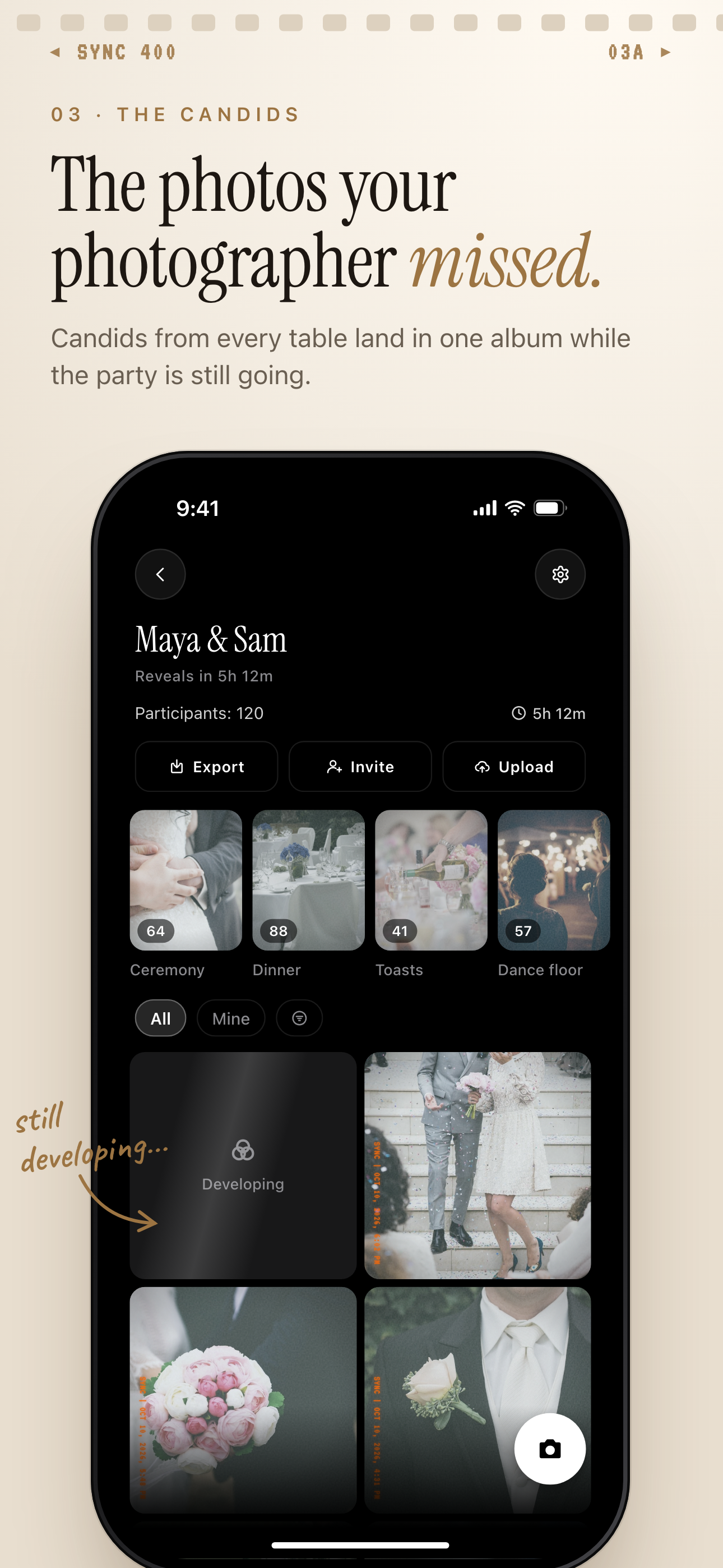
The save the date gets your guests there. On the day, SYNC gives them one shared album for the photos they take. Guests join from a QR code or an eight-character invite, with no account required. You choose when photos appear: during the event, after the event, or after an additional delay. SYNC is free to start with up to 7 guest uploaders per event, and no credit card is needed. For a bigger event, SYNC PRO is a one-time purchase that you buy per event, not a subscription. Read more about collecting wedding photos from guests or see the shared photo album for weddings.
Frequently asked questions
When should you send save the dates?
A common guideline is about 6 to 8 months before the event. Many couples send them earlier for a destination wedding or a holiday-weekend date. It is general etiquette, not a rule.
What do you put on a save the date?
Your names, the date, the city or region, and a note that a formal invitation will follow. The full venue, times and RSVP details belong on the invitation.
What size is a save the date card?
5x7 inches is the most common size and fits a standard A7 envelope. This tool makes 5x7 cards. Many people also send 4x6 postcards.
Is my photo uploaded anywhere?
No. Your browser reads the photo to draw the card, and it is never sent to a server. Nothing is saved, so reloading the page clears it.
Can I send it digitally instead of printing?
Yes. Download the PDF and attach it to an email or a message, or print it for mailing.
Can I crop or move my photo?
The photo is centred and fitted into a fixed frame automatically. There are no crop or zoom controls, so a photo with the subject near the middle works best.