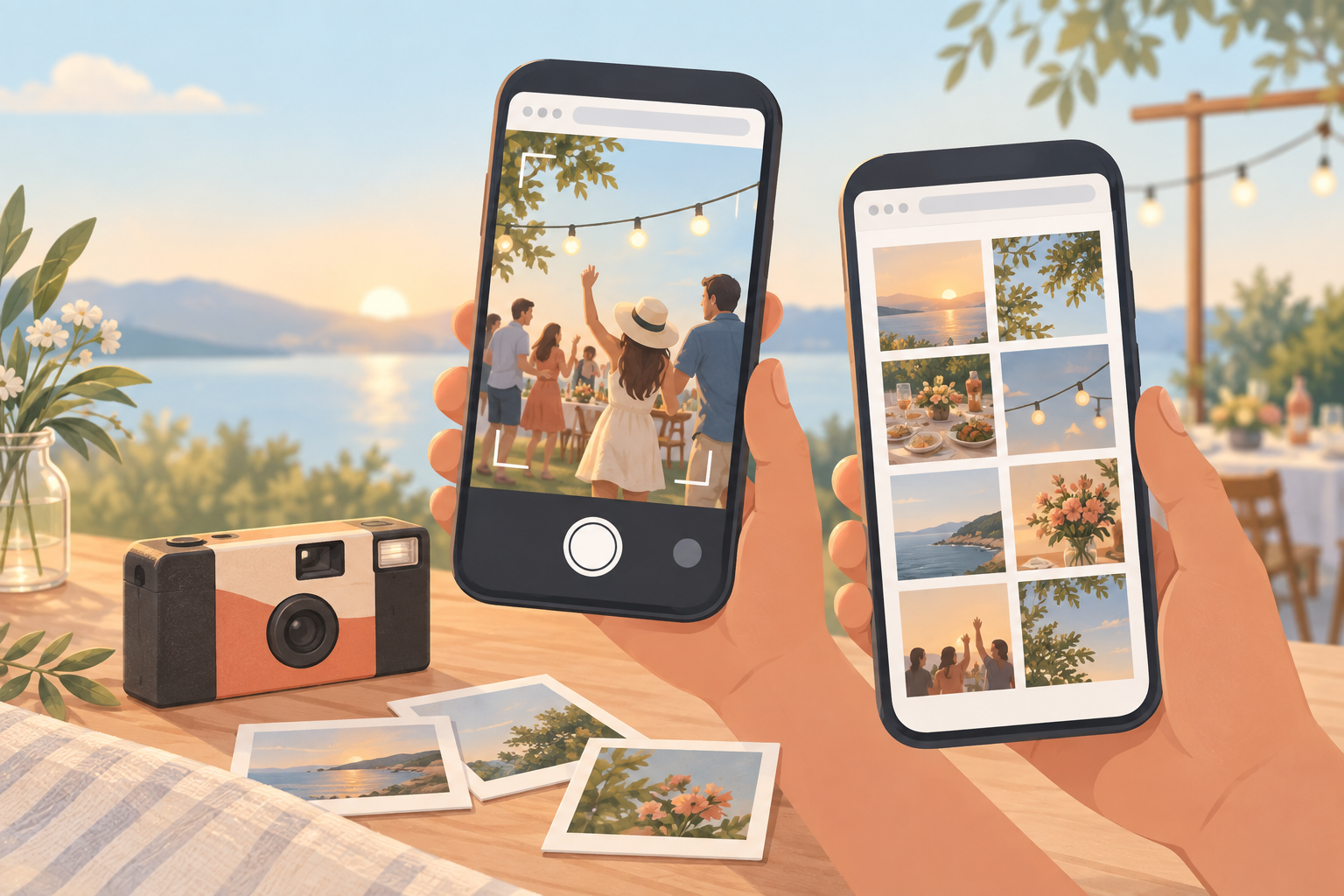
Passing around a single disposable camera at a wedding or birthday means most guests never get a turn with it, and a shared album that requires everyone to install an app dies before it starts — plenty of guests won't download anything for a one-off event. An online disposable camera fixes both problems by moving the whole guest experience into the browser people already have open on their phone.
With sync.camera's online disposable camera, a guest taps an invite link or scans a QR code and is shooting straight into the shared album within seconds — no account, no download, no signup form. See QR code invites for how that link gets to guests in the first place.
How guests join and shoot
A guest gets the event's invite link or QR code from the host — texted ahead of time, printed on a table card, or shown on a screen at the door. Opening it in their phone's regular browser is all it takes; there's no app store detour and no signup form standing between them and their first shot. From that browser session, guests shoot new photos or upload existing ones directly, and each one lands straight in the shared event album alongside everyone else's. Because the whole flow lives in an ordinary browser, it works the same way whether a guest is on an iPhone, an Android phone, or a phone they're only half-familiar with — common at a wedding full of relatives and friends. Read more about how photos land in the album on the guest upload page.

How hosts set it up
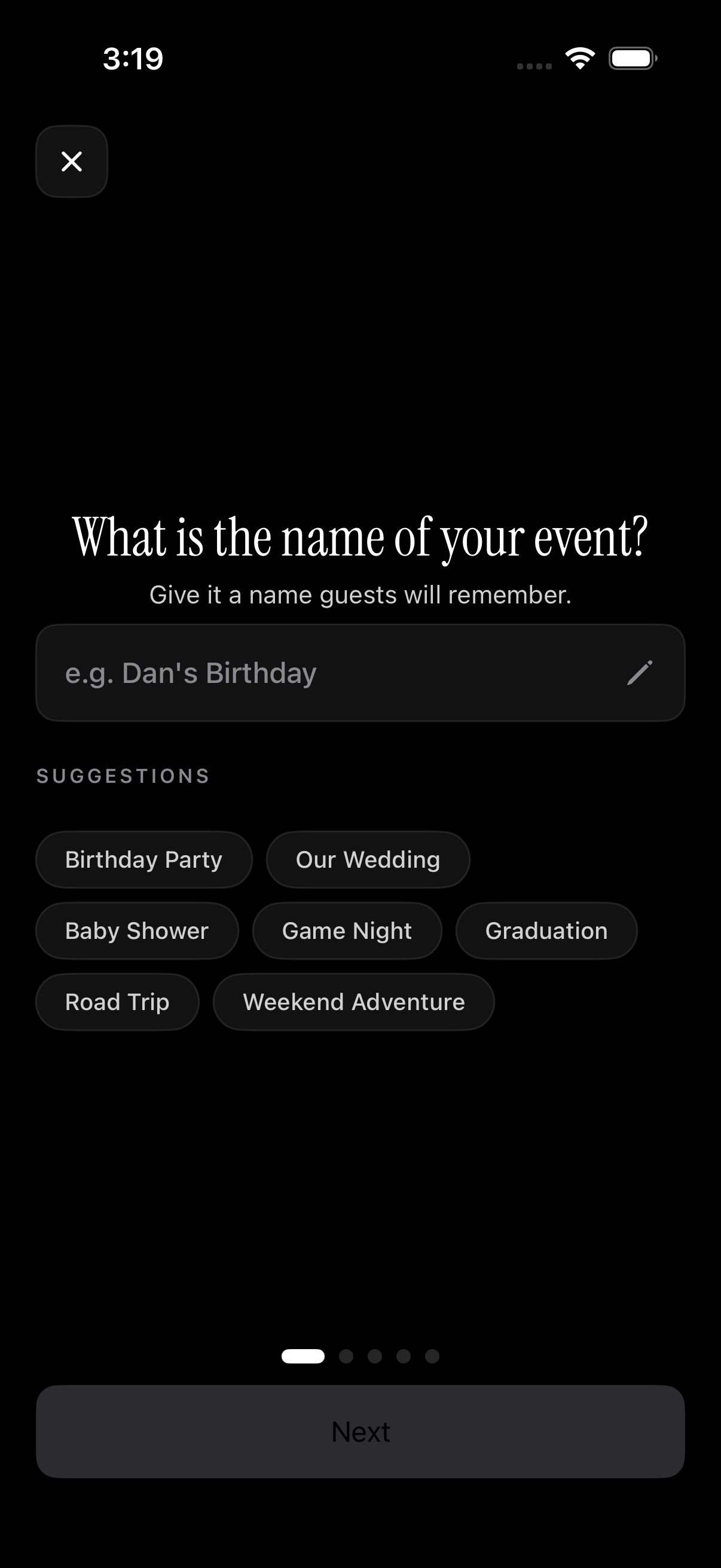
Hosts start by creating the event and setting a shooting time window — the start and end time that defines when photos actually count. Anything shot before the window opens or after it closes doesn't make it into the album, which keeps a wedding's shared gallery from filling up with test shots taken days earlier or stray photos from an unrelated event later on. Next, the host picks a reveal mode: photos can appear live as guests shoot them, unlock all at once right after the event ends, or stay hidden until a custom delay has passed — a way to recreate the wait for prints from a real disposable camera. See reveal timing for how the three modes compare. Once the window and reveal mode are set, the host shares the QR code or invite link and guests start contributing right away.
Who it is for
Wedding guests
Guests scan the reception's QR code and shoot candid photos right from their phone's browser, no app or signup required.
Small birthday parties
Hosts with 7 or fewer guests run the whole shared album for free, with everyone joining from a single link.
Hosts who want a surprise reveal
Hosts pick a delayed reveal so photos stay hidden until after the event, recreating the wait for disposable-camera prints.
Features
Browser-based guest access
Guests join and shoot from any modern phone browser via the invite link or QR code — nothing to install, no account to create.
Event time-window uploads
Only photos taken between the event's scheduled start and end time are accepted, keeping the album on-topic.
Reveal timing controls
Hosts choose whether the gallery shows live, unlocks right after the event, or opens after a custom delay.
Filter by photographer
Guests can browse the full shared album or filter it down to shots from one specific contributor.
Frequently asked questions
Do guests need to download an app to use the online disposable camera?
No. Guests join through the invite link or by scanning the host's QR code, and the entire experience — shooting and uploading photos — happens in their phone's regular browser. There's no app to install and no account to create before they can start contributing.
Is there a free tier?
Yes. Events with up to 7 guest contributors are free to run in full. Larger events need a one-time paid upgrade rather than an ongoing subscription, so hosts pay once for the event instead of signing up for a recurring plan.
When do guests get to see the photos?
That depends on the reveal mode the host chooses for the event. Photos can show up live as guests take them, unlock all at once right after the event ends, or stay hidden until a custom delay the host set has passed — see reveal timing for more on how each mode works.
What happens to photos taken outside the event's time window?
They aren't accepted into the shared album. Only photos taken between the event's scheduled start and end time count, which keeps the gallery focused on the actual event instead of filling up with unrelated shots taken before or after it.
Can I see just the photos one specific guest took?
Yes. The shared album includes a filter that lets you browse photos from one specific contributor instead of the entire event feed, so you can pull up just what a particular friend or family member captured.