After a wedding, a birthday or a group trip, the best photos are rarely in one place. They sit in a dozen camera rolls and half a dozen group chats, and you end up sending 'can you send me that one?' messages for weeks.
Sync cameras fix that at the source. With sync.camera, every guest's phone shoots into the same shared event album. Guests scan a QR code, shoot, and you get one album instead of a dozen camera rolls to chase.
How sync cameras work: create, share, shoot
It starts with the host. You create an event, name it and pick an end time. That is the whole setup: one event, one album.
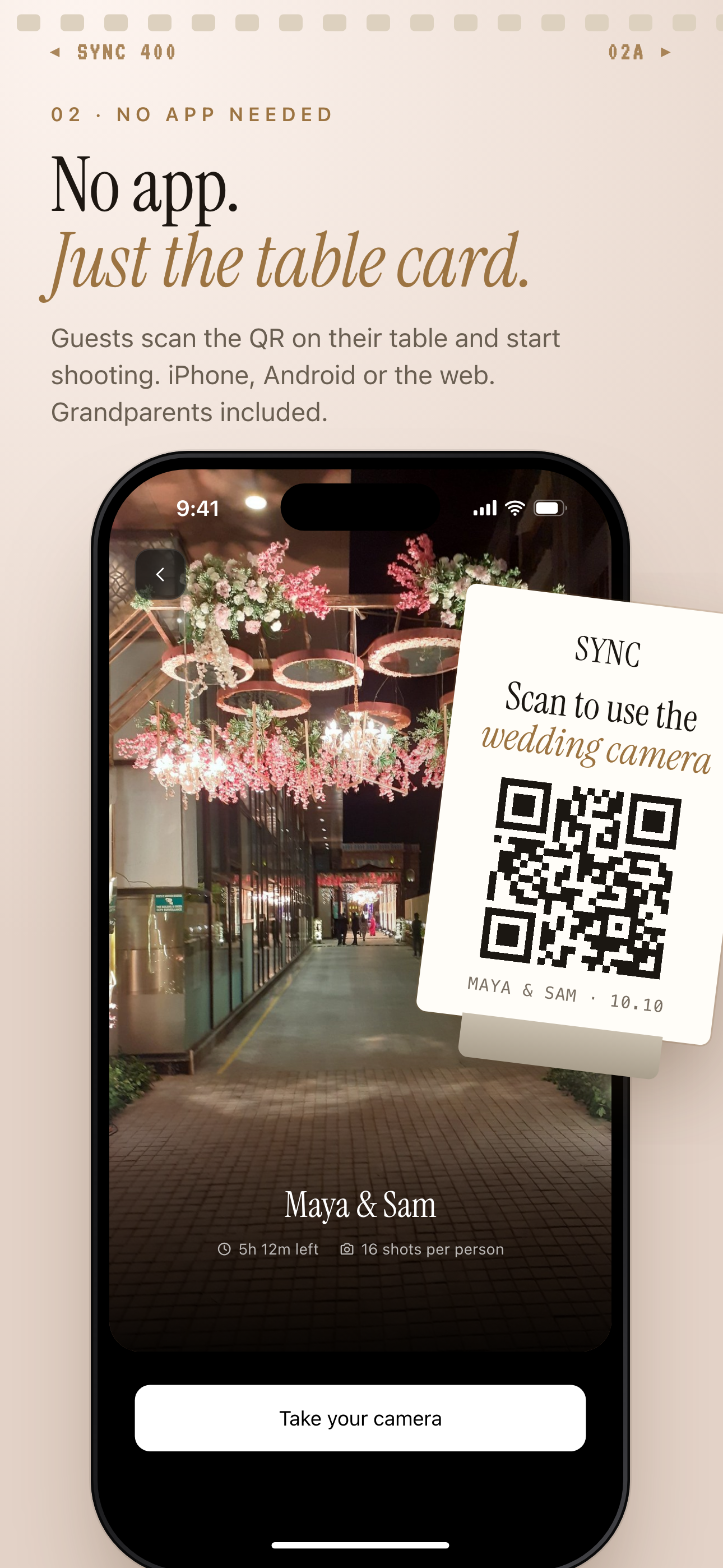
Next, you share the event. Guests join from a QR code or an eight-character invite, and no account is required. Any modern phone browser works through the invite link, so nobody has to install anything before they can take part. See QR code invites for more on joining.
Then everyone shoots into the same event album. Installing the iOS or Android app is optional. It adds better camera controls and push notifications for new photos, but guests who prefer to stay in the browser can still contribute.
Choose when the photos are revealed
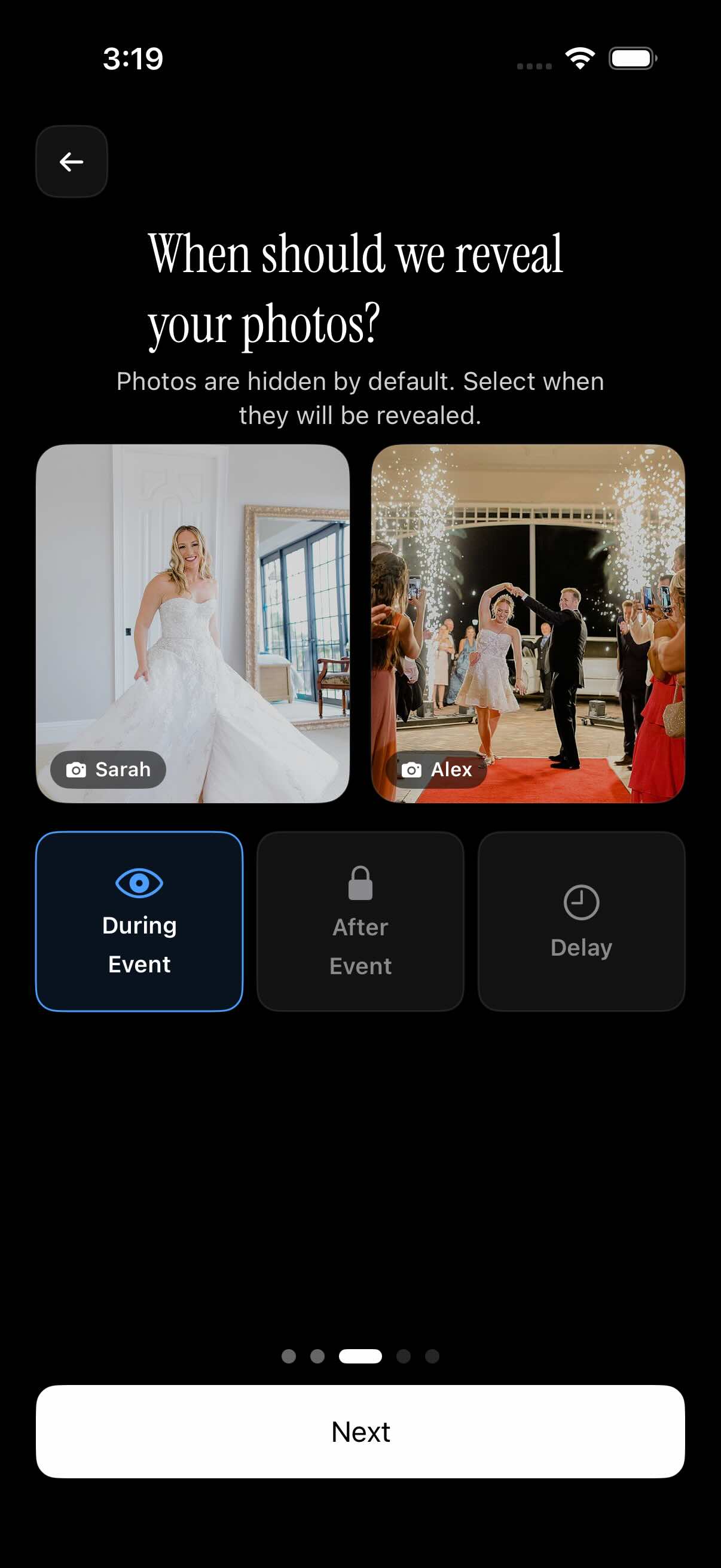
The host decides when guests get to see the photos, with three reveal modes. During the event, guests see photos live as they are taken. After the event, the gallery unlocks when the event ends. With an additional delay, the gallery unlocks a set number of hours after the event ends.
That choice changes the feel of the night. Live reveal turns the album into a running feed of the party. A reveal after the event keeps the photos a surprise, which suits a wedding where you want to open the gallery together afterward. A delay gives everyone time to get home before the photos appear. You can read more about reveal modes.
Split the day into moments, then find any photographer's shots
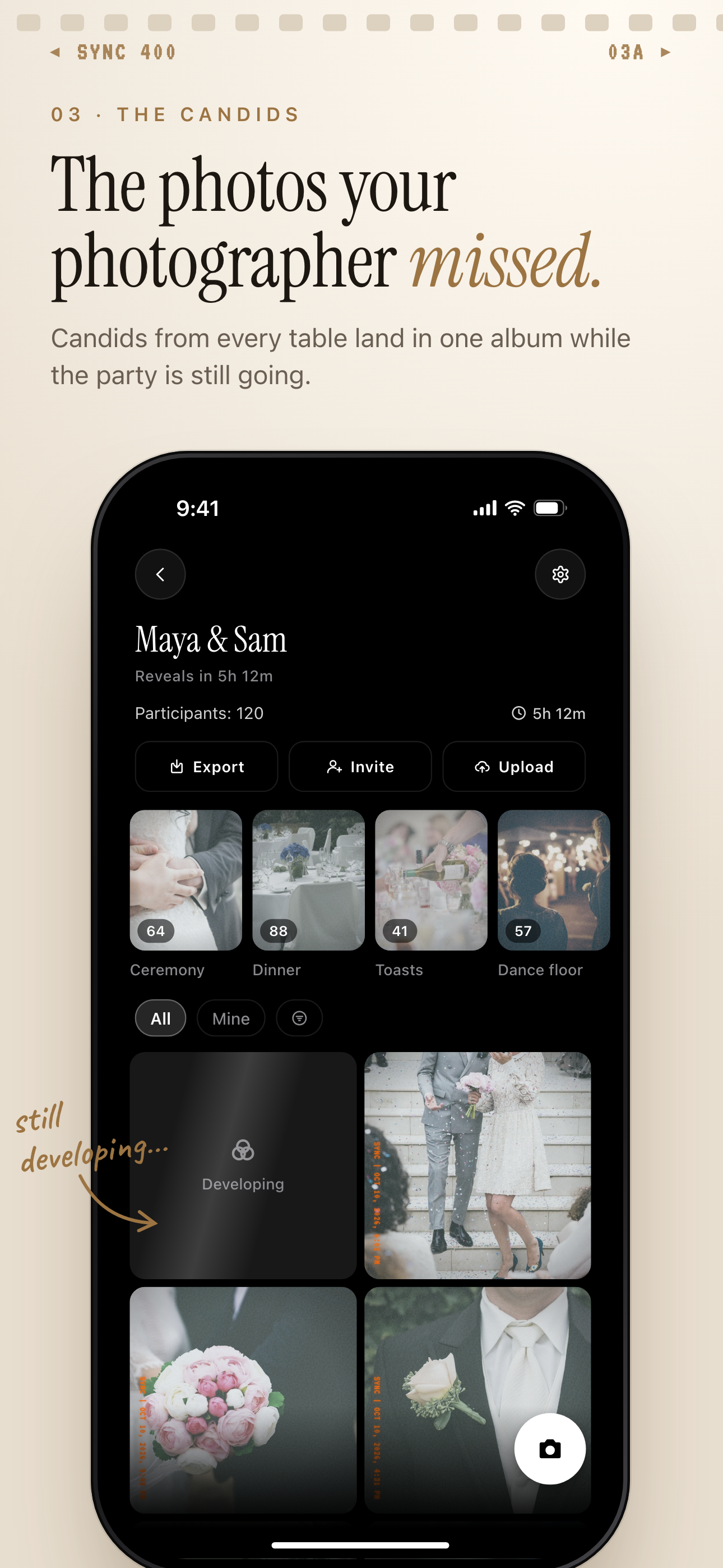
Long events have stages. Moments let you split an event into parts such as the ceremony, reception and after-party. Each moment gets its own QR code and its own reveal timing, and guests move between them without switching apps.
Once the photos are in, filter by photographer to narrow the album to one contributor's shots. That is handy when you want to see what a particular friend or colleague captured. When you are done, pick the photos you want to keep and export your favorites.
Who it is for
Wedding couples
A QR code on each table lets guests add their candids to one album, and the gallery unlocks when the event ends so the photos are a surprise.
Birthday hosts
Friends scan the invite at the party and everyone's shots end up in one place, with no 'send me that' messages afterward.
Travel groups
Everyone on the trip joins from the invite link and contributes to one album, with moments for each part of the trip.
Corporate event organizers
Attendees join by QR code with no account, and the organizer can filter by photographer to find a colleague's shots.
Features
QR code or invite join
Guests join from a QR code or an eight-character invite. No account required.
Works in a phone browser
Guests can join from any modern phone browser; the iOS and Android app is optional.
Three reveal modes
Show photos during the event, after it ends, or a set number of hours after it ends.
Moments
Split an event into stages, each with its own QR code and reveal timing.
Filter by photographer
Narrow the album to one contributor's shots.
Export your favorites
Pick the photos you want to keep and export them.
Privacy-forward
No selling of photos or data, no ads, no cross-app tracking. Photos are encrypted in transit and stored in event-scoped buckets with per-event row-level security.
Frequently asked questions
Do guests need an account or the app to join?
No account is required. Guests join from a QR code or an eight-character invite, and any modern phone browser works. The iOS or Android app is optional and adds better camera controls and push notifications for new photos.
Is there a free tier?
Yes. Free events support up to 7 guest uploaders. SYNC PRO is a one-time purchase, not a subscription, that expands the guest and photo limits for a single event, so you only upgrade again when you create a larger event.
When can guests see the photos?
The host picks one of three reveal modes: during the event, after the event ends, or a set number of hours after it ends. Pick live reveal for a running feed, or hold the gallery back to keep the photos a surprise.
Can I split a long event into parts?
Yes, with Moments. Each stage, such as the ceremony, reception or after-party, gets its own QR code and reveal timing, and guests move between them without switching apps.
Does sync.camera sell my photos or track me?
It does not sell photos or data, shows no ads and does no cross-app tracking. It does use pseudonymous product analytics, a crash reporter and Firebase Cloud Messaging for Android push. Deleting an account removes the profile, owned events and their photos within 30 days.