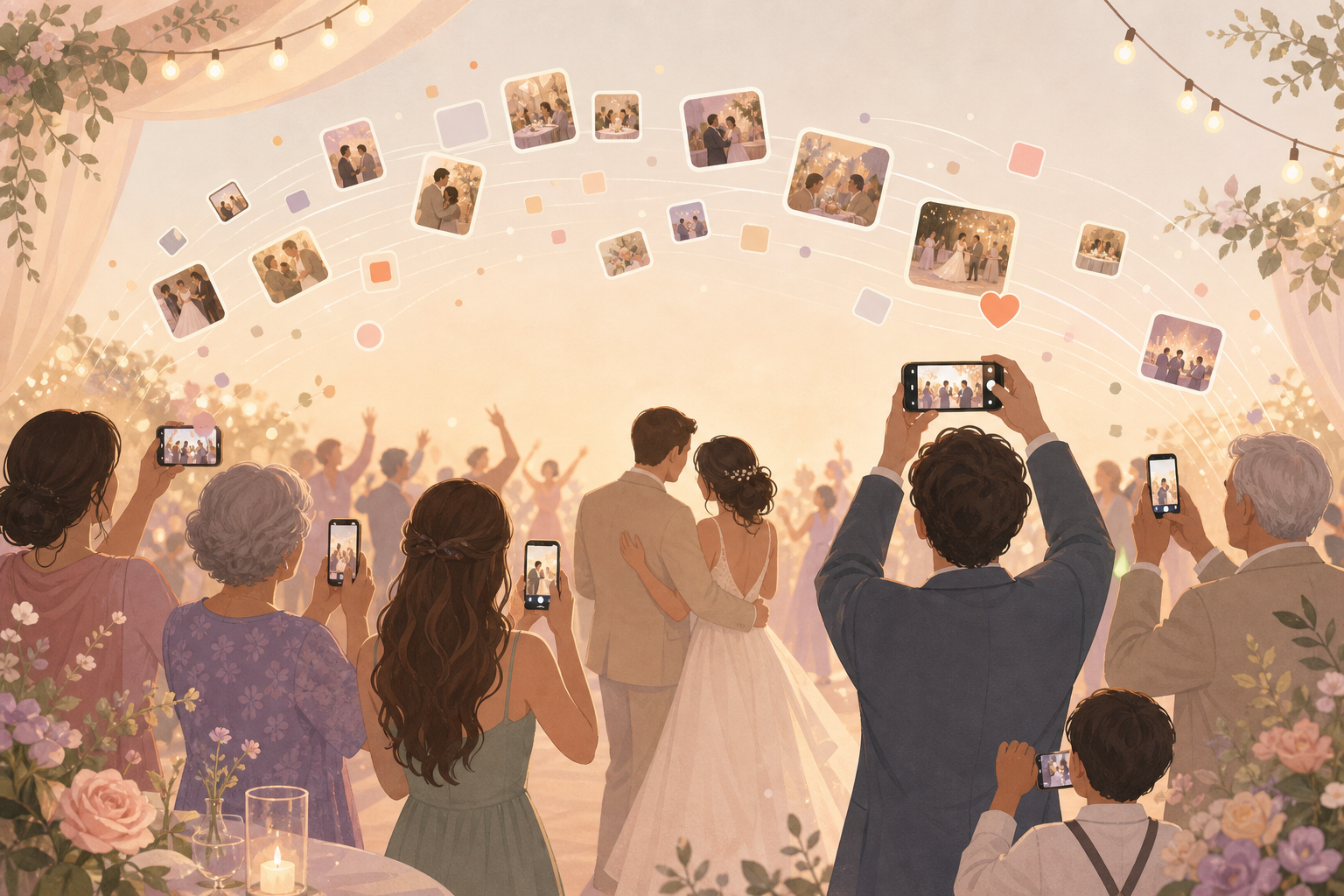
You want to help capture the wedding day, but you do not want another account, another group chat, or a task to remember after the last song. sync.camera gives you one simple place to join from the invite, take photos during the ceremony and reception, and send those memories straight into the couple's shared wedding album.
What is hard right now
- I took great photos at the reception, but I forgot to send them after the wedding.
- The couple made a group chat, but half the guests are not in it or do not want the notifications.
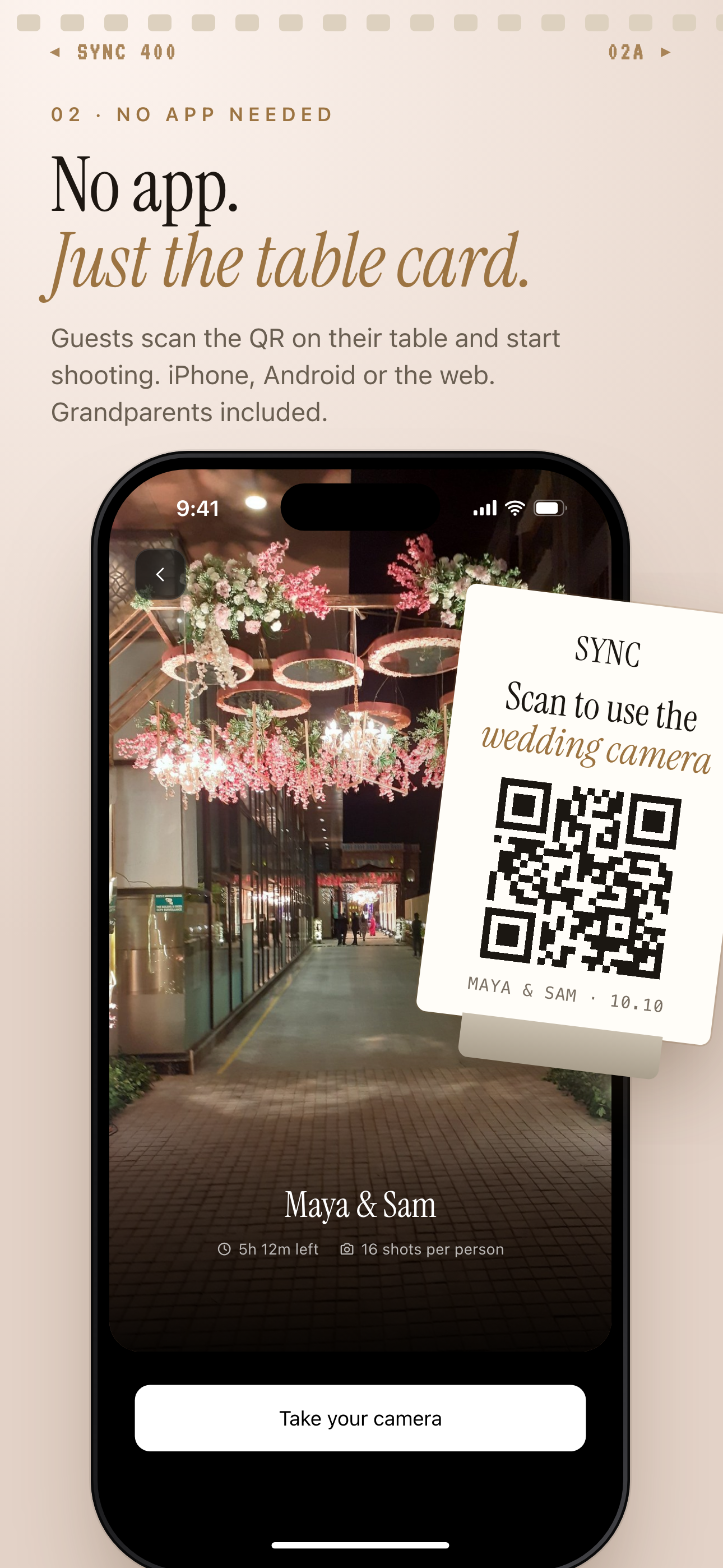
- I do not want to create an account just to add a few wedding photos.
Scenarios
Ceremony arrivals
You arrive, scan the QR code, and join the wedding album before the ceremony begins. There is no account setup to slow you down while people are hugging, fixing flowers, greeting family, and finding their seats.
Those early photos matter. The couple gets the outfits, aisle moments, and little arrival details that happen before the photographer can be everywhere at once.
Reception tables
At dinner, every table sees a different version of the reception. You might catch your friend's reaction during a speech, a grandparent laughing across the room, or the flowers and place cards before the plates are cleared.
Instead of those photos staying in twelve separate camera rolls, they flow into one shared wedding album. The couple can look back later without chasing links, texts, or group chat threads.
Dance floor and after-party
As the night gets louder, you can keep adding photos from the dance floor, the late-night snacks, and the after-party. The best guest photos are often the quick ones that happen between the planned moments.
Moments can separate ceremony, reception, and after-party photos, so the couple can review the day in order. You just keep capturing what you see while sync.camera keeps the memories organized for them.
Features that make this work
QR code invites
You can join from a code or invite link at the venue, without searching app stores or asking the couple what to do.
Live shared album
Your photos go into the same wedding album as everyone else's, so the couple does not need to collect them one message at a time.
Reveal modes
You can add photos during the wedding while the couple controls whether guests see the album live or after the celebration.
Private event access
Wedding photos stay scoped to the event, giving guests a private place to contribute without turning the album into a public feed.