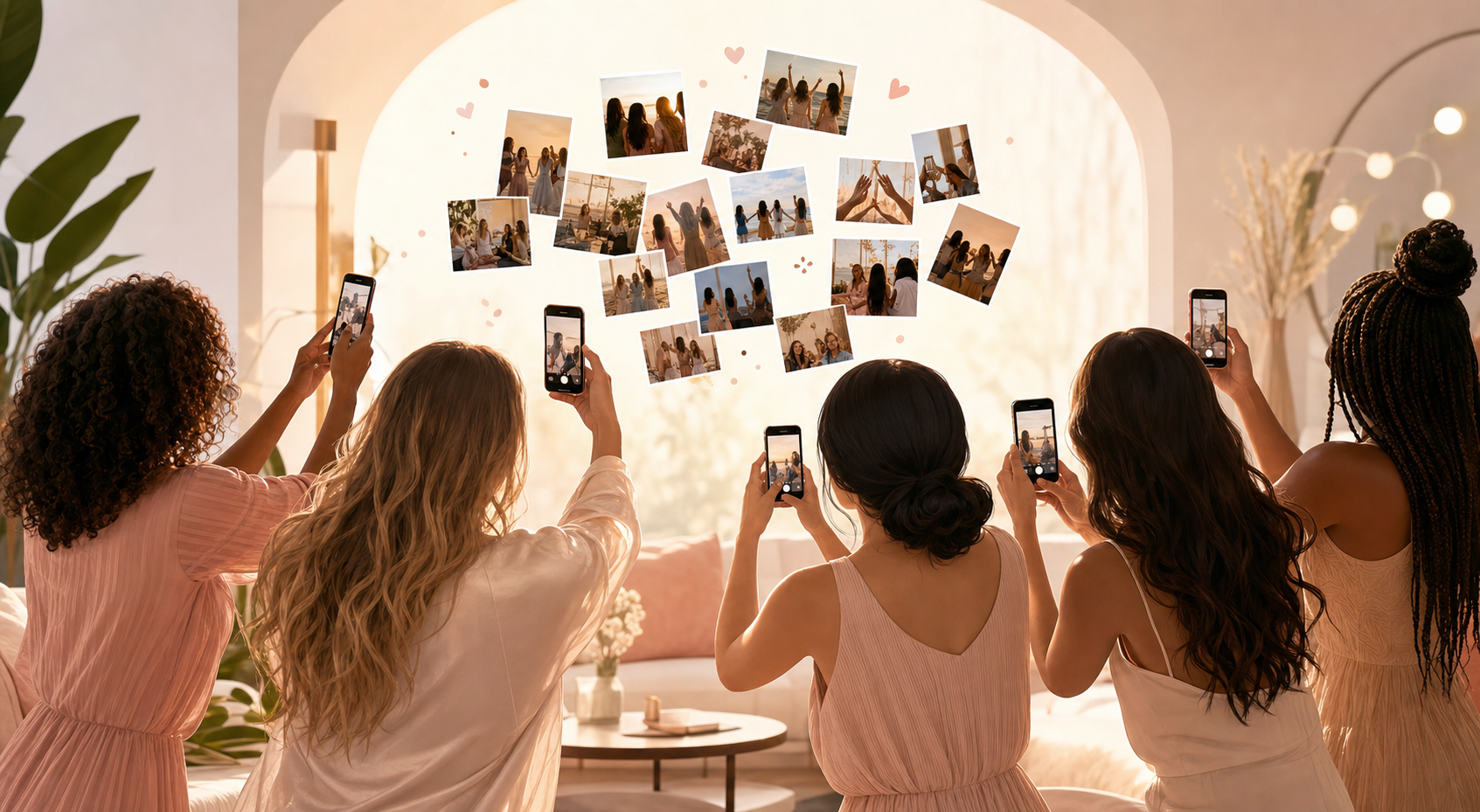
You're planning — or living through — a bachelorette weekend. Maybe it's a winery in the hills, a beach house with 11 people sharing two bathrooms, a neon-lit dance floor that doesn't close until 2 AM, or all three back to back. Between the matching outfits, the surprise itinerary, and the four different phone types in your group, someone always ends up with the best shots and never sends them. Two weeks later, the bride still hasn't seen the candid on the dance floor that made her ugly-cry laugh. SYNC exists to fix exactly that: one private shared album where every guest's photos land automatically, the moment they're taken — no app install, no account, no nagging required.
What is hard right now
- Megan has the best photos from the rooftop dinner but she's on Android and the iMessage thread drops her files to 240p — those shots are basically gone.
- The bride asked everyone to 'just send me your photos' in the group chat and now she's drowning in 200 separate DMs and still missing the ceremony-morning getting-ready shots that Aunt Dana took.
- Half the party doesn't want to create yet another account just to drop photos somewhere — so they never do, and the memories stay locked on their camera roll.
Scenarios
The night out: photos from 8 phones, one place
It's 11 PM. Everyone is dancing. Six different people are snapping photos.
One guest uploads to Instagram Stories — gone in 24 hours. Two text photos to the group chat — compressed to thumbnail quality. The rest forget entirely by the time they're in the Uber home.
Here's the alternative: the MOH opens a SYNC event before the first drink. She shares a QR code link. Every guest who taps it can shoot and upload directly — no install, no login, no friction. By the time the Uber arrives, the bride already has 140 photos in a single private album, full resolution, waiting for her.
The weekend trip: multiple days, multiple venues
Bachelorette weekend spans three days: brunch Saturday, spa Sunday, winery Monday. Different guests come and go at different venues. Group chats multiply.
With SYNC, the album stays open the whole trip. Guests who joined on day one keep uploading on day three without re-scanning a QR code or getting re-added to anything. The bride sees the full weekend as a single, chronological feed — not scattered across three different group chats and two Dropbox links that expired.
When her college roommate shows up just for Sunday brunch and takes 30 photos at the spa, those land in the same album as Friday night's dinner shots. One weekend, one place.
After the party: the bride actually gets every photo
Two weeks post-bachelorette, someone in the group chat says 'I still have photos I never sent.' It happens every time.
With SYNC, the album link stays live as long as you want. Guests can keep adding shots — from their camera roll, from their phone's recycle bin, from wherever they finally found them. The bride isn't locked out of her own memories the moment the weekend ends.
When she's ready to save everything, she downloads the full album to her camera roll in one tap: full resolution, every photo, sorted by the moment it was taken. Not a ZIP file. Not a Dropbox folder. Her photos, on her phone, the way she actually wants them.
Features that make this work
Guest camera — no install needed
Your bridesmaids and college friends are not downloading another app for a three-day trip. SYNC's guest camera runs in the browser — they tap the link, point, shoot, and their photo is in the shared album. Done.
Private shared album
The bachelorette album is for the group, not the internet. SYNC keeps it private by default — only guests with your link can see or add photos. No public feed, no algorithm, no strangers stumbling in.
Real-time photo wall
If your venue has a TV or a projector, throw the SYNC photo wall up and watch the night's photos appear in real time as guests shoot them. Instant highlight reel, zero DJ coordination required.
Full-resolution downloads
The bride deserves real photos, not group-chat JPEGs compressed to nothing. SYNC stores and delivers every photo at full resolution so you're not handing her a folder of 240p thumbnails she can't even print.